
Description
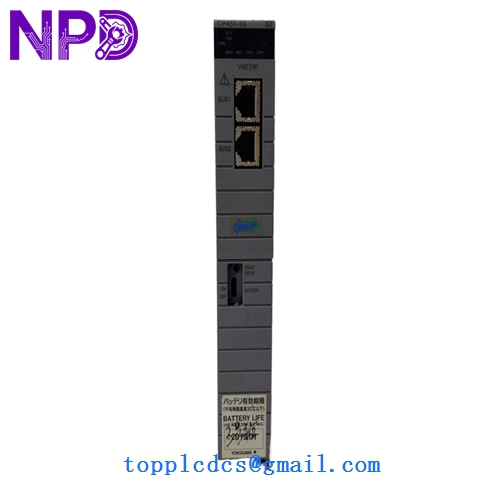
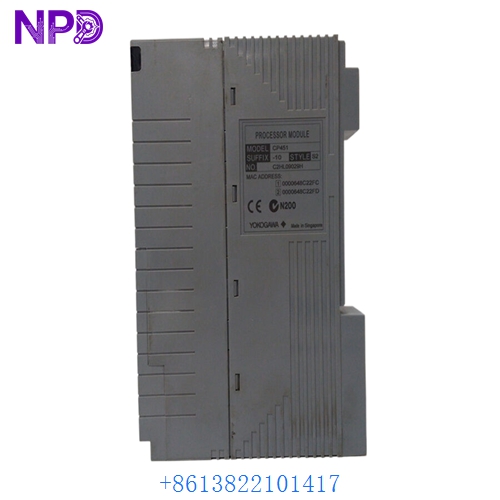
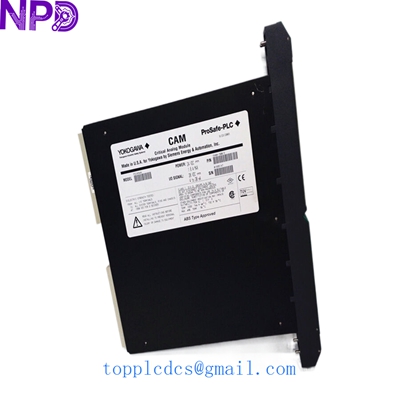
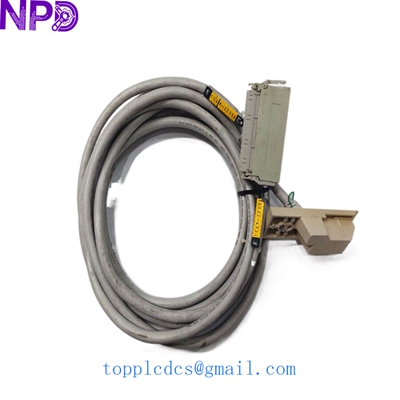
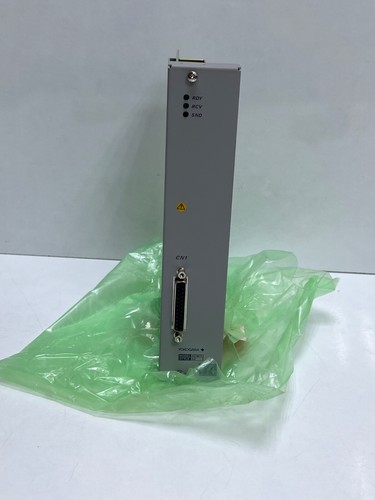
The Yokogawa ACM11-S2 is an advanced communication module designed specifically for Yokogawa distributed control systems (DCS) and programmable controller architectures, such as the CENTUM and FA-M3 series. It functions as a specialized networking and data-routing interface, enabling seamless communication, high-speed data exchange, and robust protocol handling between controllers, field devices, and supervisory networks. Engineered for rigorous industrial process environments, it ensures reliable data transmission and high system availability.
📊 Product Datasheet
| Parameter | Value |
|---|---|
| Brand | Yokogawa |
| Model / Suffix | ACM11-S2 |
| Series | CENTUM / FA-M3 Communication Series |
| Product Name | Communication Interface Module |
| Origin | Japan / Global Manufacturing |
| Product Status | Active / Industrial Automation Spare Part |
| Interface Type | Serial / Network Communication Port (Model Dependent) |
| Mounting Type | Base Unit / Rack Slot Mounting Form Factor |
| Weight | Approx. 0.3 kg – 0.4 kg |
| Country of Origin | Japan (JP) |
| Power Rating | Low Voltage DC Backplane Powered |
🛠️ Operation Standards and Usage Methods
🔸 Handling Precautions: Ensure that the node unit or controller rack housing the module is completely de-energized and locked out before handling or installing the ACM11-S2. Wear a certified anti-static wrist strap at all times to protect internal microelectronic components from electrostatic discharge (ESD).
🔸 Installation Procedure: Align the communication module carefully with the designated guide rails of the base unit slot. Push it evenly and firmly until the backplane edge connectors engage completely, then tighten any front retaining screws or locking levers.
🔸 Startup and Verification: Energize the system power supply and observe the front-panel status LED indicators. Verify that the module initializes successfully, establishes communication links, and shows no active hardware fault codes via the engineering workstation software.
🚨 Emergency Shutdown Procedures
🔺 Primary Power Isolation: In the event of an electrical short circuit, smoke emission, or critical system fault, immediately open the main input circuit breakers feeding the cabinet to cut off incoming power.
🔺 Maintenance Isolation: When replacing or servicing the communication module, ensure the local rack power is isolated or follow vendor-approved redundancy procedures to prevent unexpected network disruptions.
🔺 Post-Incident Inspection: Allow all internal components to cool and discharge completely before inspecting terminal blocks, communication ports, or internal circuitry for physical or thermal damage.
🔍 Troubleshooting and Common Issues
⚠️ Issue 1: Communication Link Failure / Error LED Active Troubleshooting Method: Verify that all external communication cables connected to the module are securely plugged in, properly shielded, and free from physical damage. Check configuration settings via the engineering workstation software.
⚠️ Issue 2: Module Unresponsive / Not Recognized by Controller Troubleshooting Method: Confirm that the ACM11-S2 module is pushed completely home and securely seated in its base unit slot. Check local DC power rails to ensure operating voltages remain within specified tolerances.
⚙️ Routine Maintenance and Care
🔹 Periodic Visual Inspection: Conduct routine monthly inspections of the control cabinet to check for dust accumulation, secure terminal screw tightness, and proper cable strain relief.
🔹 Environmental Management: Ensure that the control room or electrical enclosure maintains stable ambient operating temperatures and non-condensing humidity levels to maximize component lifespan.
🔹 Network Cable Audits: Periodically inspect communication cables and connectors during scheduled maintenance windows to ensure long-term signal integrity.
💡 Frequently Asked Questions Q&A
❓ Q1: What is the primary function of the ACM11-S2 module? 💬 A1: It serves as a specialized communication interface card designed to route data and handle network protocols between Yokogawa control hardware and external devices or sub-systems.
❓ Q2: Can this module be hot-swapped while the system is powered? 💬 A2: Hot-swapping capabilities depend on the specific backplane configuration and system architecture; always verify redundancy and follow plant safety guidelines before removing or inserting modules.
❓ Q3: How should spare communication modules be stored? 💬 A3: Store spare units in their original anti-static packaging inside a clean, dry, climate-controlled environment free from corrosive gases, high humidity, and severe mechanical vibrations.