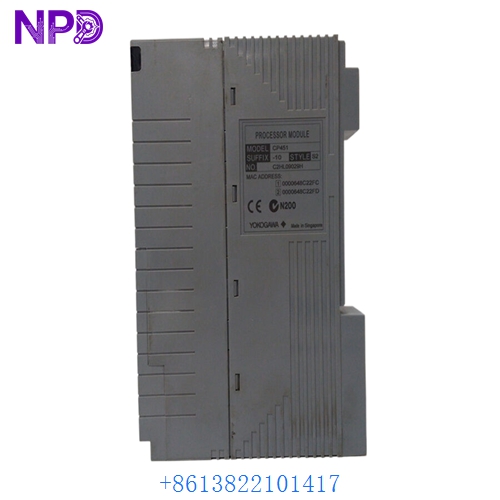
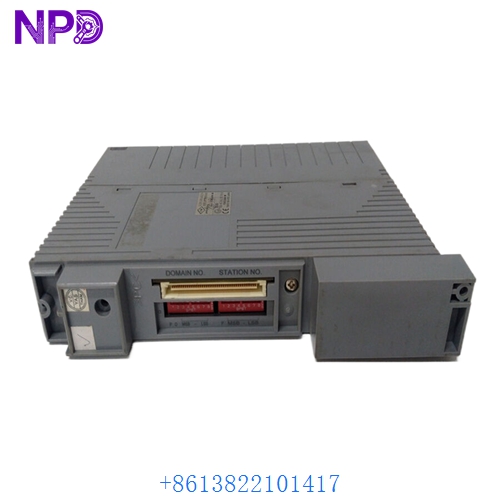

Description
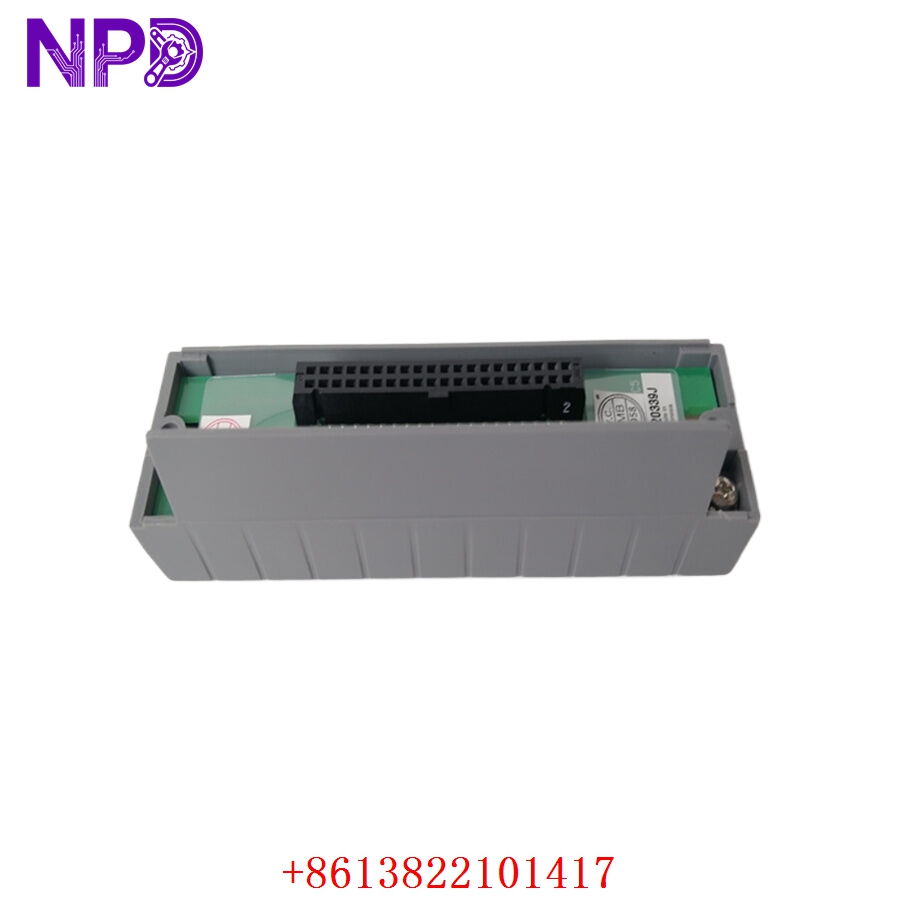
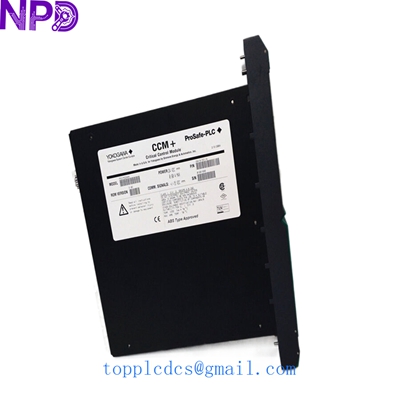
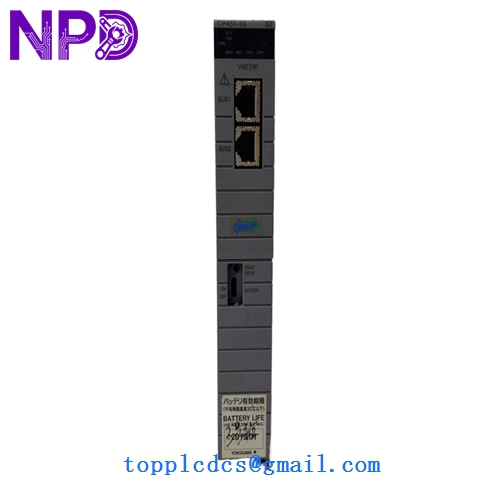
- Model: CP451-10
- Brand: Yokogawa (Japan)
- Series: CENTUM VP / CENTUM CS 3000 R3
- Core Function: Main processor module for Field Control Stations (FCS)
- Condition: New Surplus (Original original, zero backplane wear, non-refurbished)
- Type: Processor Module (Single or Duplex configuration)
- Key Specs: Vnet/IP or VL net compatible | Real-time control execution
- Processing Speed: High-speed dedicated industrial CPU for millisecond-level control loops
- Memory: ECC (Error Correcting Code) RAM for high-reliability data processing
- Redundancy: Supports dual-redundant (Duplex) configuration for 99.9999% availability
- Communication: Interfaces with ESB Bus and I/O modules via backplane
- Diagnostics: Self-diagnostic functions for CPU, memory, and internal bus status
- Maintenance: Supports “Hot-Swap” in redundant pairs
- Heat Dissipation: Fanless design for high reliability in industrial cabinets
- System Compatibility: Works with AFS, AFG, ANB, and ANT units
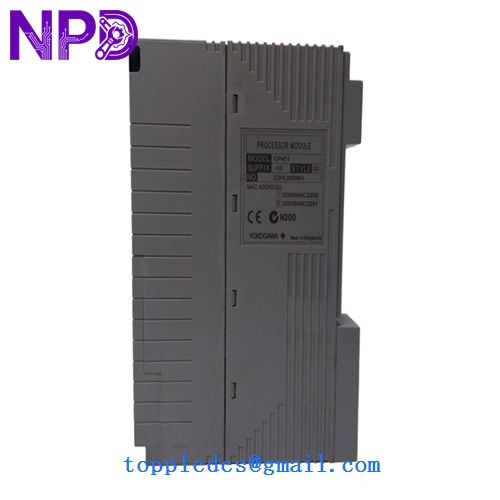
YOKOGAWA CP451-10
Installation & Configuration Guide
Phase 1: Pre-Installation (15 Minutes)
⚠️ Safety Protocol:
- This is the “brain” of your control system. If the station is non-redundant, removing this module will stop all control logic and could lead to a plant-wide trip.
- Confirm the system is in a “Redundant” state if performing a hot-swap. Check the “Ready” and “Active” LEDs on the partner module.
- Verify the “Style” code (e.g., S1, S2) matches your existing hardware to ensure backplane compatibility.
Phase 2: Removal (5 Minutes)
- Loosen the top and bottom captive screws on the CP451-10.
- If in a redundant pair, ensure the unit to be replaced is in “Standby” (not “Active”).
- Pull the module straight out using the integrated handles. Pro Tip: Inspect the backplane connector for dust; use a vacuum rather than compressed air to avoid pushing debris deeper into the rack.
Phase 3: Installing the New CP451-10 (15 Minutes)
- Physical Keying: Ensure the module aligns with the card guides.
- Insertion: Slide the module in until the backplane connectors seat firmly.
- Locking: Secure the screws. The “Ready” LED should flash during initialization and then stay solid green.
Phase 4: Sync & Validation (20 Minutes)
- Redundancy Sync: If part of a pair, the module will automatically begin “Equalization.” During this time, it copies the control database from the active module.
- HIS Check: From the Human Interface Station (HIS), open the “System Status Display.”
- Verification: Confirm the new CP451-10 status shows “Standby (Ready)” and that no “Database Mismatch” alarms are present.
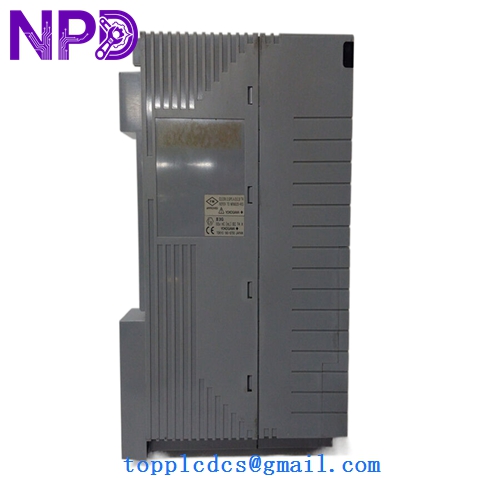
YOKOGAWA CP451-10
Customer Cases & Industry Applications
Case 1: Oil Refinery Control Station Recovery A major refinery in Southeast Asia experienced a “Processor Fault” on one leg of a duplexed CP451-10 pair. While the plant remained running on the redundant module, they were in a “Critical Single Point of Failure” state. Yokogawa’s local office quoted a 10-week delivery for a new unit. We shipped a New Surplus CP451-10 via next-day air. The maintenance team performed a hot-swap, and the system re-equalized in 15 minutes, restoring full safety redundancy.
Case 2: Chemical Plant Migration Support A chemical plant was migrating from CS 3000 to CENTUM VP. They needed additional CP451-10 modules to build out their test-bench environment to verify logic before the live cut-over. Buying New Surplus allowed them to build a full-scale test rack at 50% of the cost of new equipment, ensuring a flawless migration without risking their capital budget.
YOKOGAWA CP451-10
Frequently Asked Questions (FAQ)
Q: What is the difference between CP451-10 and CP451-11? A: In my experience, the suffix (10 vs 11) usually refers to specific hardware revisions or bundled software licenses. The CP451-10 is the standard workhorse for CENTUM systems. Always check your specific Style Code (e.g., S1) on the side label to ensure a 1:1 match.
Q: Can I hot-swap this module? A: Yes, if and only if you have a duplex (redundant) setup and the partner module is currently “Active” and “Healthy.” If you only have one processor in the rack, pulling it will shut down the entire Field Control Station.
Q: Does it come with the System Software loaded? A: The module contains the firmware, but the “Application Logic” (your plant’s specific control code) resides in the project database. Once installed, the active processor or the HIS will “Download” or “Equalize” the logic to the new module.
Q: How do you handle the “Internal Battery” on surplus stock? A: Most Yokogawa processors use a lithium battery to retain memory during power-off. For all New Surplus CP451-10 units, we test the battery voltage. If it is below 3.0V, we replace it with a fresh, high-quality industrial cell before shipping to ensure your logic is safe during any future power outages.
Q: Is it compatible with both Vnet and Vnet/IP? A: The CP451-10 is primarily designed for Vnet/VL net backplanes. If you are on the newer Vnet/IP architecture, you may need to verify your Bus Interface Module (BIM) compatibility. If you send us your rack model number, we can confirm the fit for you.