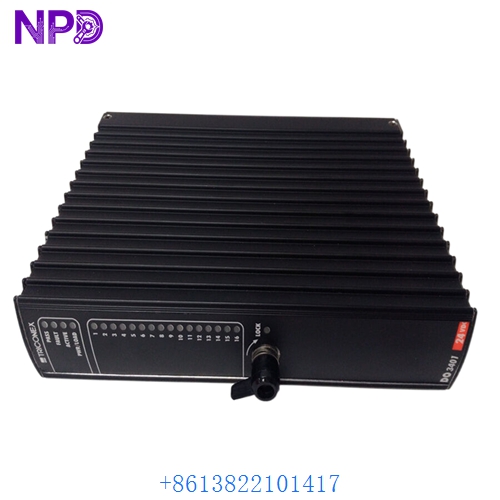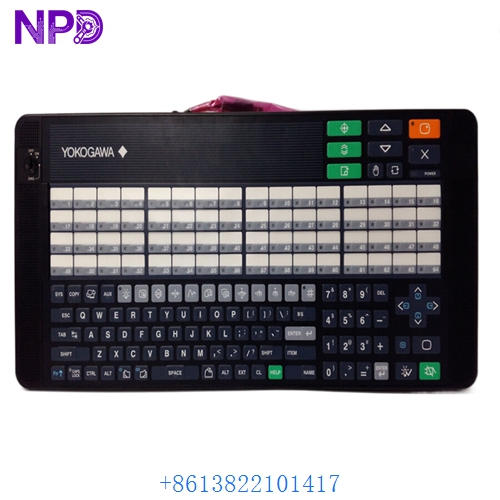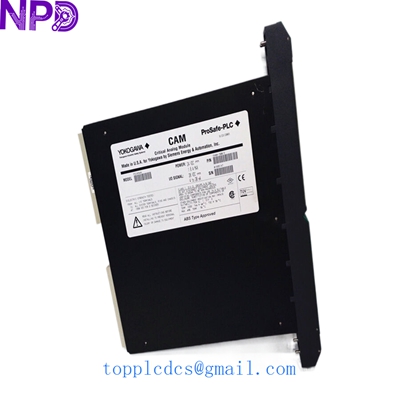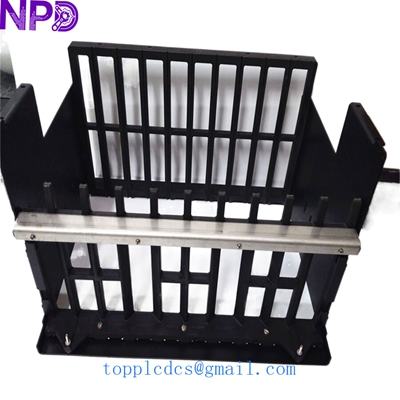

Description
Product Specifications & Datasheet
- Brand: Yokogawa
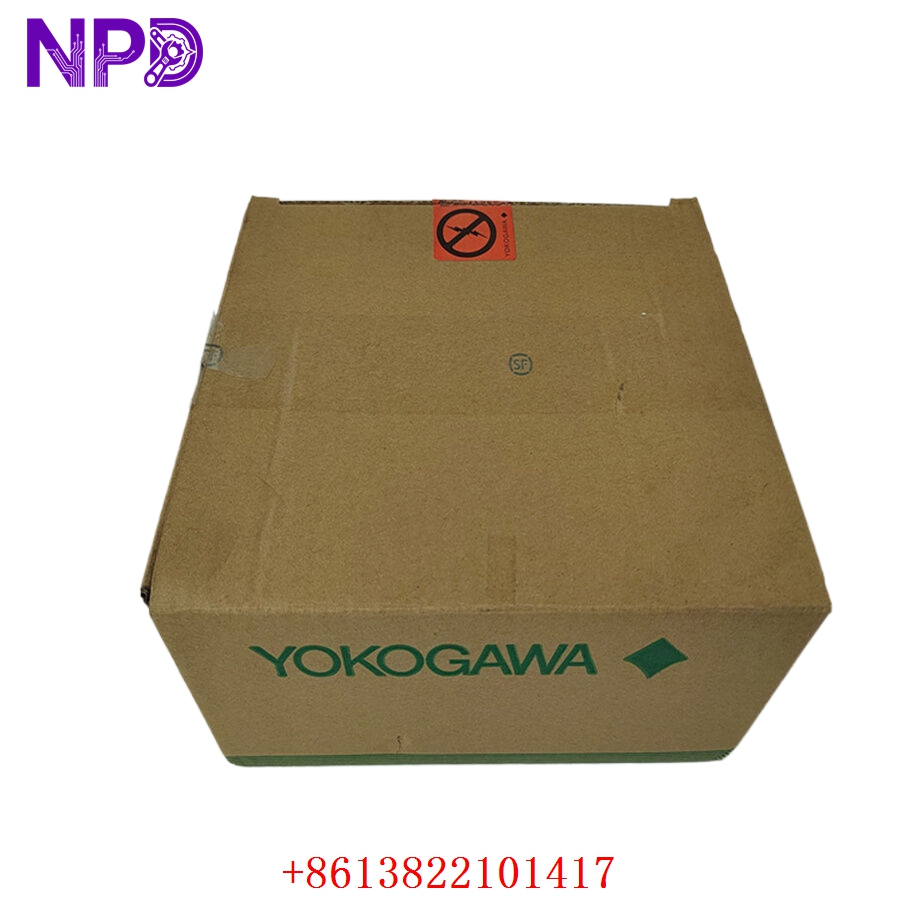
- Model: ANB10D-410 /CU2T (Style S1)
- Series: CENTUM VP / CENTUM CS 3000 Distributed Control System (DCS) Series
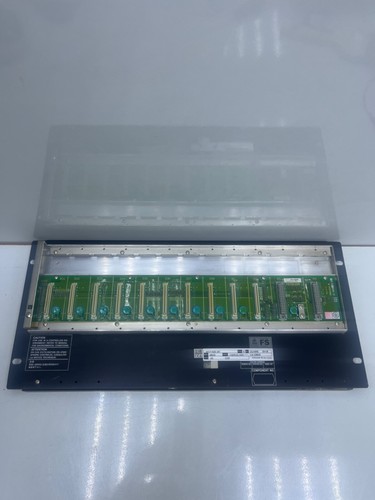
- Product Name: Node Unit / ESB Bus Node Unit (For 19-inch Rack Mounting)
- Place of Origin: Japan
- Lifecycle Status: Active / Industrial Control System Spare Part
- Dimensions: Standard 19-inch Rack-Mount Enclosure (approx. 483 mm x 132 mm x 450 mm)
- Weight: Approx. 7.50 kg (varies depending on installed I/O cards)
- Origin Country: Japan
- Power Input: Dual-redundant power supply inputs (100-120V AC / 220-240V AC or 24V DC depending on power module selection)
- Bus Communication: ESB (Enterprise Standard Bus) duplex communication interface via /CU2T interface adapters
Operating Procedures & Usage Guidelines
- Pre-Installation Inspection: Ensure that main power feeds to the node rack and upstream master control units are switched off, locked out, and tagged out prior to installation or servicing.
- Rack Mounting: Secure the ANB10D node unit firmly into the 19-inch instrument cabinet or system rack using appropriate mounting hardware and screws.
- Wiring & Termination: Connect dual redundant power supply lines, ESB bus optical/coaxial communication cables, and internal grounding straps securely to their designated rear terminals.
- System Startup: Energize the cabinet power feeds, switch on the node power modules, and check the front-panel status indicators to verify proper bus communication and node initialization.
Emergency Shutdown Operation
- Main Power Interruption: Open the primary circuit breakers feeding the control cabinet to immediately de-energize the node unit and all connected field loops during critical plant emergencies.
- System Fail-Safe State: Ensure that associated I/O modules safely drive field final elements (such as control valves and motor starters) to their configured pre-determined fail-safe states upon loss of node communication or power.
Troubleshooting & Common Issues
- Node Communication Error (ESB Bus Fault): Verify that the ESB bus cables connected to the /CU2T interface ports are securely seated, undamaged, and free of signal degradation.
- Power Supply Failure: Check the input voltage at the node power modules and inspect input fuses or external cabinet breakers if the unit fails to power on.
- Module Bus Timeout: Ensure all inserted I/O and processor cards are firmly pushed into their backplane slots and that the node address switch settings are correctly configured.
Routine Maintenance & Care
- Filter & Fan Inspection: Periodically inspect cabinet cooling fans and clean or replace air filters to ensure proper airflow and prevent thermal stress inside the node enclosure.
- Terminal & Cable Checks: Check all power screw terminals, ground connections, and communication plugs regularly to ensure industrial vibration has not loosened them.
- Diagnostic Review: Routinely review system error logs via the CENTUM engineering station to monitor node health and detect early signs of hardware degradation.
Frequently Asked Questions (Q&A)
- Q: What is the primary function of the Yokogawa ANB10D-410 node unit?
- A: It serves as a mounting chassis and communication hub for I/O modules and node processors, linking remote field data back to the central CENTUM DCS controller via the ESB bus.
- Q: What does the ‘/CU2T’ designation signify?
- A: It indicates the specific communication interface and terminal configuration option tailored for robust duplex ESB bus cabling.
- Q: Can I hot-swap I/O modules inside this node unit?
- A: Yes, CENTUM VP node units support hot-swapping of compatible I/O cards and power modules when configured for redundant operation, though care must be taken to follow system safety procedures.