Description
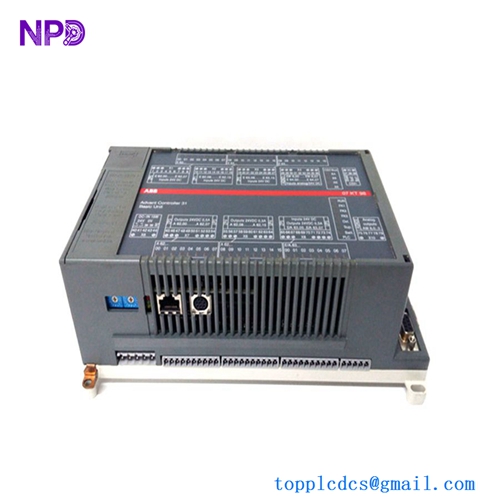
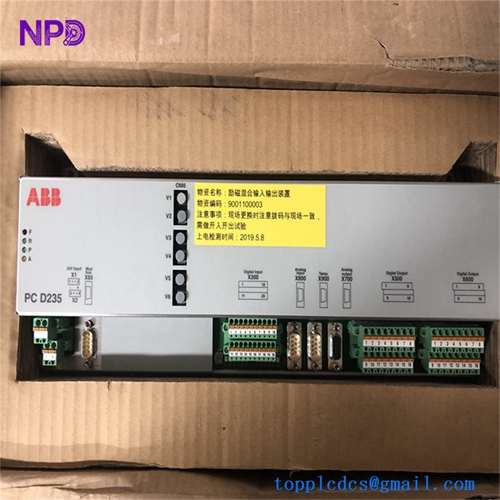
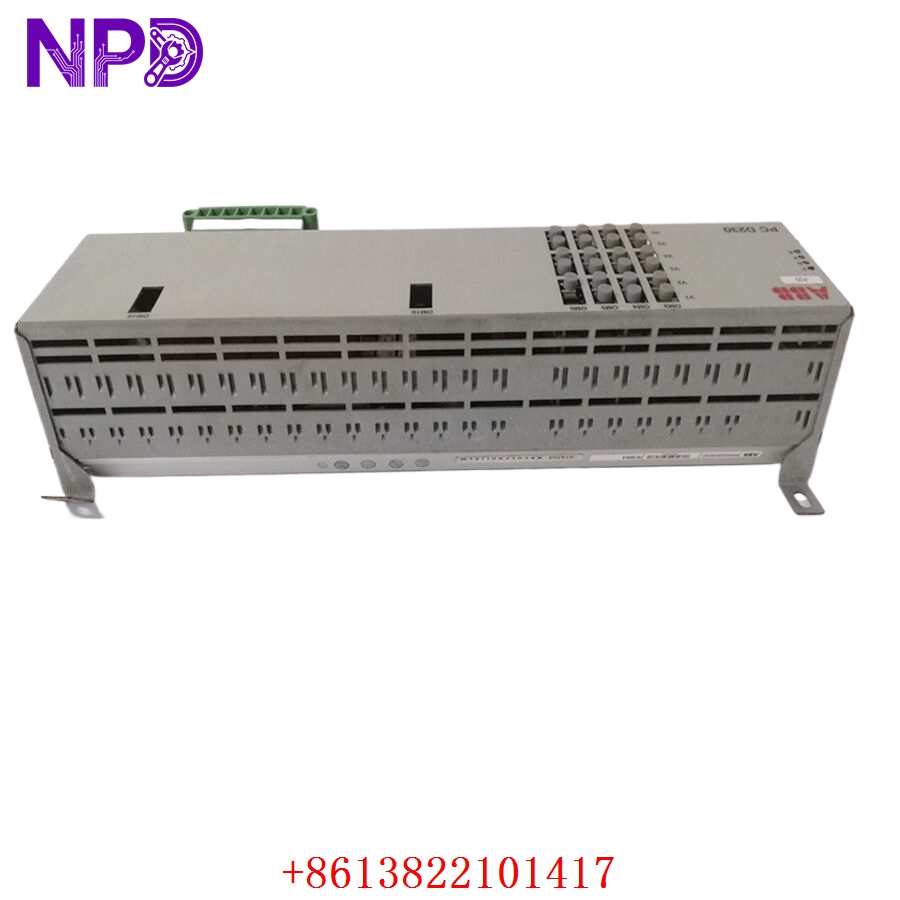
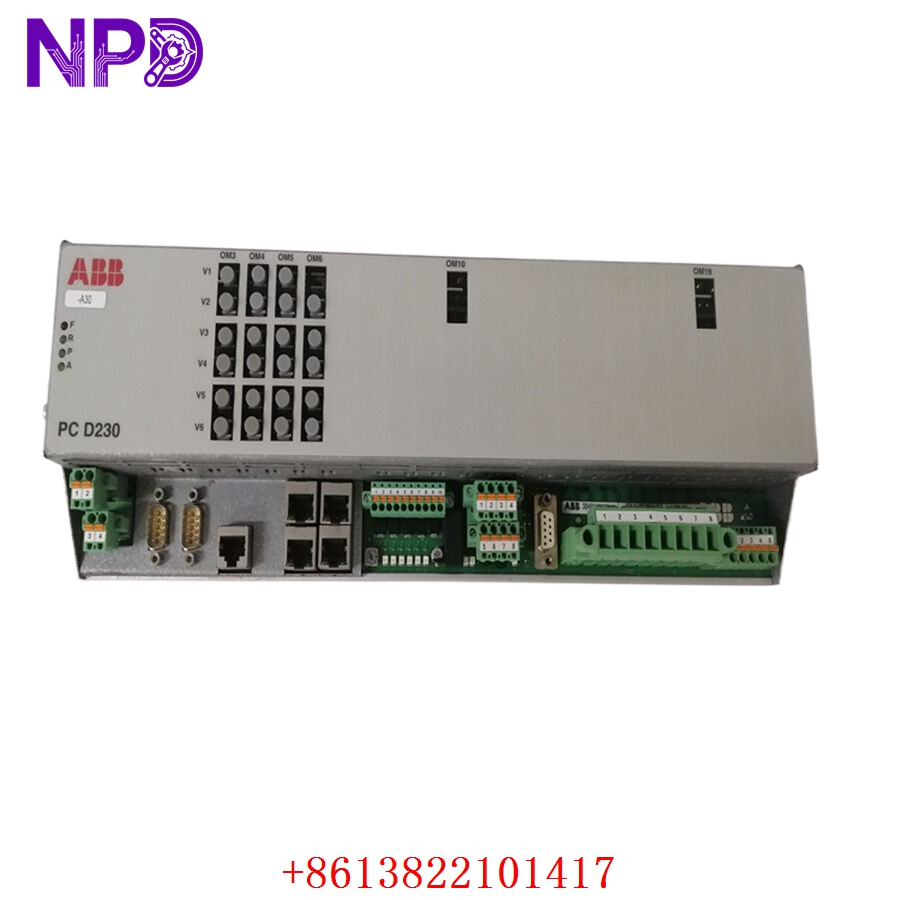
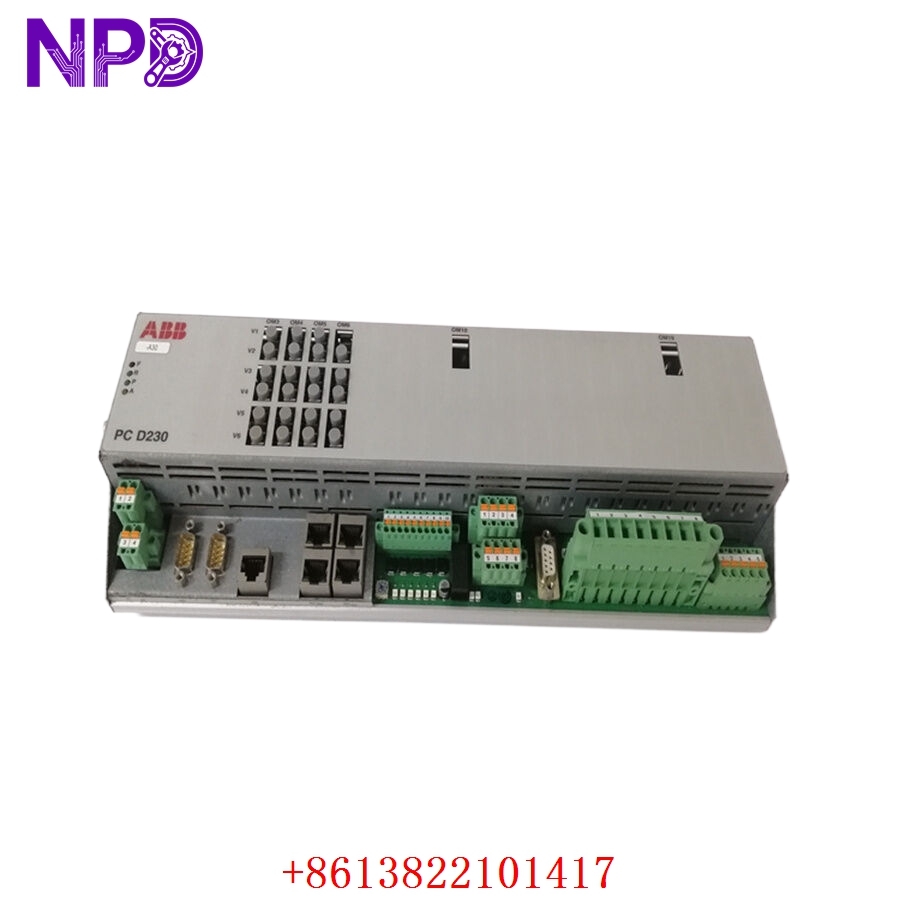
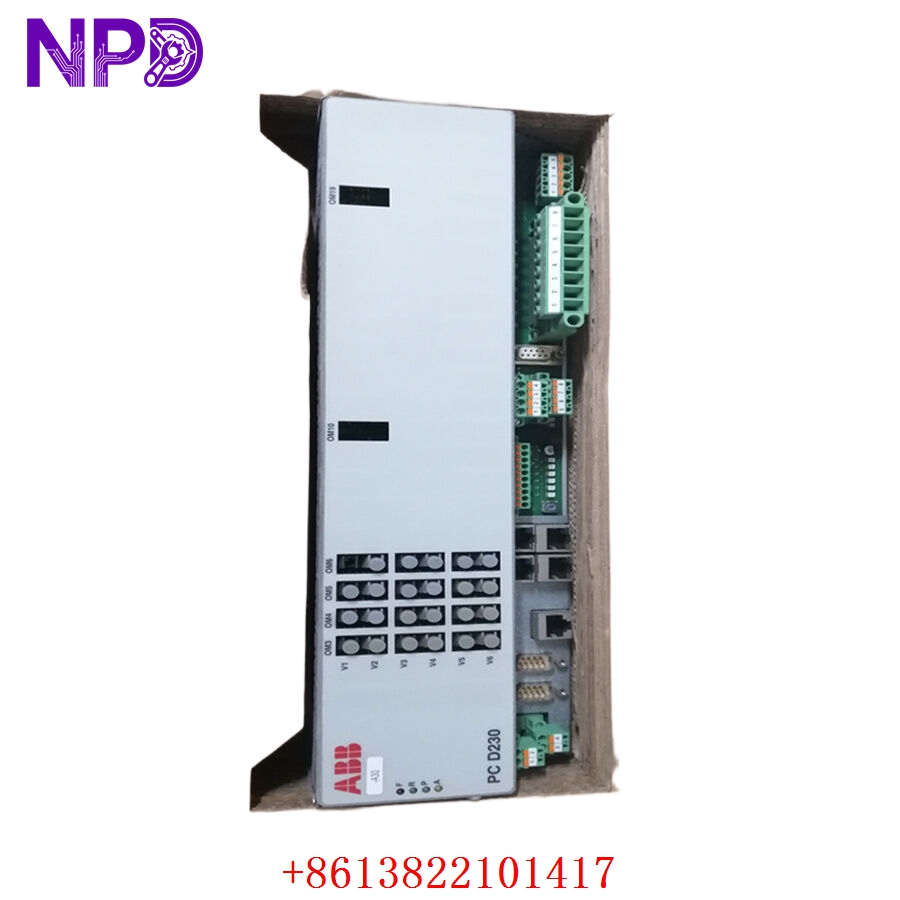
- Model: 3BHE022291R0101 (PCD230A)
- Brand: ABB
- Series: PCD230A Controller Series
- Core Function: Advanced process control and logic processing for industrial DCS
- Product Type: Controller Module
- Key Specs: High-speed processing, robust I/O handling, integrated fieldbus support
- Processor Type: High-performance RISC architecture
- I/O Capability: High-density local and remote I/O support
- Communication Protocols: Integrated Ethernet, Profibus/Modbus support
- Operating Temperature: 0°C to 55°C
- Power Requirement: 24 V DC (standard industrial supply)
- Mounting: Module rack-mounted
- Diagnostic LEDs: RUN, ERR, DIAG, COM (Status monitoring)
- Isolation: Galvanic isolation on communication ports
- MTBF: > 75,000 hours
- Firmware Version: Supports latest standard firmware for PCD230A family
4. Installation & Configuration Guide
Phase 1: Preparation (15 Minutes)
⚠️ Safety First: Before initiating the swap, ensure the process is in a safe state. Switch the control system to “Manual” or “Hold” mode to prevent unintended actuation.
- Essential Tools: Flat-head screwdriver, antistatic wrist strap, laptop with ABB control engineering software, and an Ethernet crossover cable.
- Backup: Perform an “Upload” of the current project and configuration files from the existing module. Record all DIP switch and jumper settings (take a high-resolution photo).
Phase 2: Deployment (20 Minutes)
- Physical Swap: Loosen the retaining screws and gently pull the module from the chassis. Insert the new 3BHE022291R0101 module, ensuring the backplane connectors align perfectly.
- Configuration Transfer: Once seated and secured, power up the rack. If the system does not auto-configure, use the engineering software to download the previously backed-up project file to the new module.
- Address Setting: Ensure the node address (if applicable via hardware switch) matches the old module exactly to prevent network conflicts.
Phase 3: Testing & Validation (15 Minutes)
- Self-Check: Observe the status LEDs. “RUN” should be steady green. “ERR” or “DIAG” should be off.
- I/O Verification: Check the status of a few known I/O points via the HMI to ensure real-time data flow is accurate.
- Final Log: Document the serial number of the new module in your site maintenance register for future traceability.
5. Customer Cases
Case 1: Emergency DCS Controller Recovery A paper mill faced a critical failure of their PCD230A controller during a major production run. With the mill operating 24/7, every hour of downtime was costly. They contacted us and verified the 3BHE022291R0101 was in our stock. We processed the shipment within 3 hours. Upon arrival, the mill engineers replaced the module and restored the project configuration in less than 30 minutes, saving the facility from a multi-day production backlog.
Case 2: Proactive System Maintenance A water treatment plant planning a 5-year system upgrade realized their existing controllers were becoming difficult to source. To avoid a catastrophic failure, they purchased two PCD230A units as part of a strategic spare parts program. Months later, when one controller showed signs of communication instability, they replaced it immediately with the new unit. This “insurance” policy saved them from an emergency procurement situation and guaranteed their water supply operations continued without interruption.
6. Frequently Asked Questions (FAQ)
Q1: Is this module compatible with older ABB controller generations? A: The PCD230A is highly specific. Please verify your backplane and existing firmware revision. While the module is a direct replacement for 3BHE022291R0101, verify if your specific system architecture requires a particular boot-loader version.
Q2: How do I know if the module is genuinely new and not refurbished? A: We provide the original manufacturer’s packaging/labeling photos and our internal quality test report. We do not sell “used” or “repaired” electronics. Our “New Surplus” status means these items were sourced from audited, original equipment inventories. We encourage you to run the module through your own diagnostic tests upon receipt.
Q3: Can I “hot-swap” this module? A: Unless your specific rack/chassis is explicitly rated for hot-swapping under your current power configuration, we strongly advise against it. Always follow the standard “Power-Off” procedure to protect the backplane pins from electrical arcing.
Q4: What if I have trouble loading my project file? A: First, verify the communication cable and your engineering software driver. If the software cannot “see” the module, double-check the IP/Node address configuration. If the error persists, contact our support team; we can help walk you through the diagnostic steps.
Q5: What is the benefit of the 12-month warranty? A: It provides you with a full year of protection against any internal hardware defects. We want to be your “emergency partner,” not just a one-time supplier. If anything goes wrong, we replace the unit immediately, ensuring your operation remains stable.