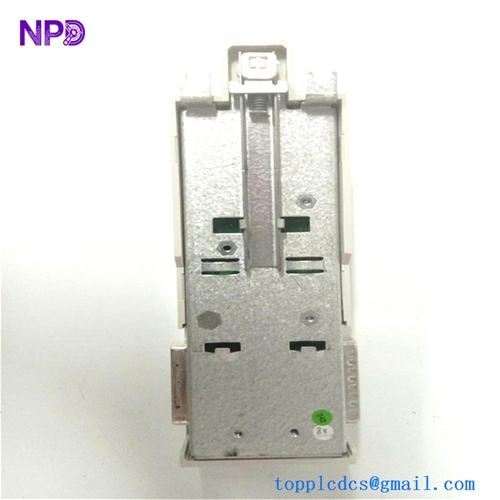
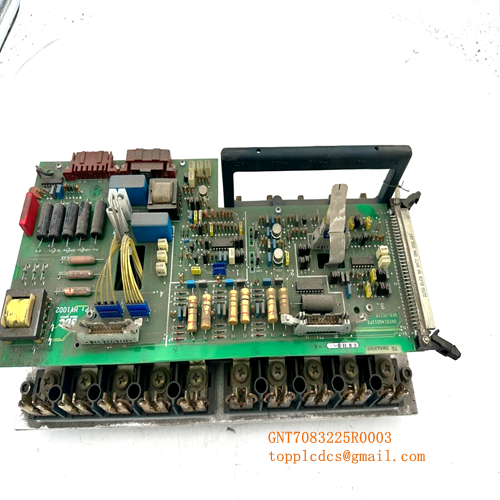
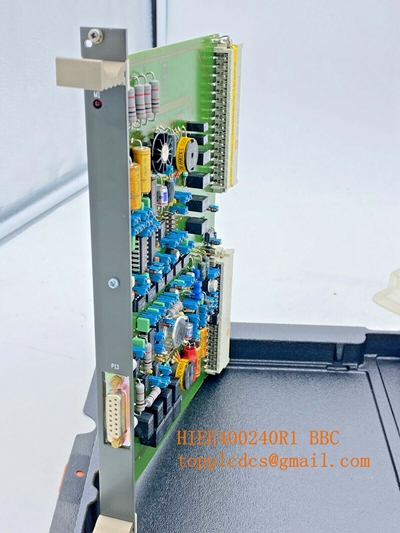
Description
- Model: ABB 3BSE013252R1 (CI830)
- Brand: ABB (Process Automation)
- Series: AC800M Controller Series
- Core Function: Acts as a Profibus DP Master, allowing the controller to communicate with field devices like drives, sensors, and remote I/O.
- Product Type: Communication Interface Module
- Key Specs: Supports PROFIBUS DP-V0 and DP-V1, isolated communication, RS-485 interface
- Network Interface: Profibus DP (Master)
- Connector Type: 9-pin D-sub (female)
- Communication Speed: Up to 12 Mbps (auto-detect)
- Electrical Isolation: Galvanic isolation provided
- Max Connected Devices: Up to 125 slaves per master
- Operating Temperature: 0°C to +55°C
- Power Consumption: 24 V DC (supplied by the I/O base)
- Configuration: Managed via ABB Control Builder software
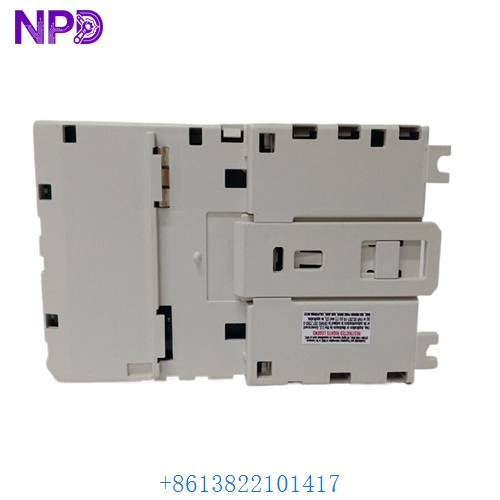
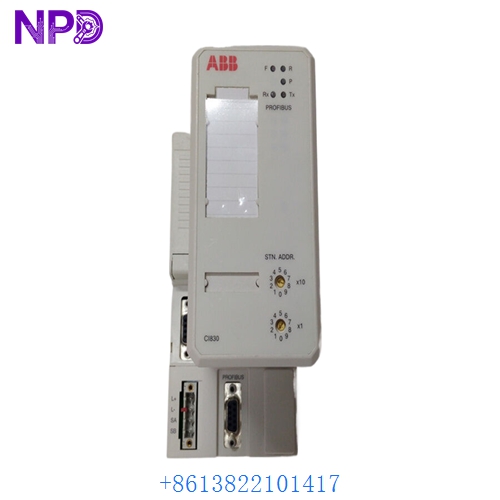
ABB CI830 3BSE013252R1
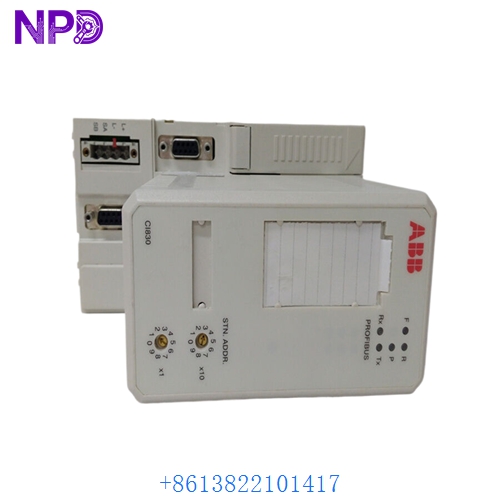
ABB CI830 3BSE013252R1
Application Scenarios & Engineering Pain Points
The CI830 is frequently used to integrate third-party field devices—such as VFDs (Variable Frequency Drives) or intelligent sensors—into an ABB AC800M DCS environment. The most common technical challenge isn’t the module itself, but the Profibus bus termination. In long-distance industrial cabling, improper termination at the ends of the Profibus line leads to “reflection noise,” causing the controller to report intermittent communication faults that are notoriously difficult to track down.
Typical Application Scenarios:
- Chemical Processing – Motor Control Centers (MCC) Communicates with intelligent MCCs for remote start/stop and energy monitoring.
- Water Treatment – Field Instrumentation Integrates flow meters and analytical sensors onto a single Profibus backbone.
- Power Generation – Boiler Control Connects remote pneumatic or hydraulic positioners to the main process controller.
Case Study: Eliminating Intermittent Network Faults A waste-to-energy plant struggled for weeks with an AC800M controller dropping its connection to a bank of Profibus-enabled drives. The faults happened randomly, often when the plant shifted between day and night cycles. Our analysis revealed that the “end-of-line” Profibus connector’s terminator switch had been toggled “Off” during maintenance, causing massive signal reflections. Simply enabling the terminator on the last CI830 segment and checking the shield grounding resolved the issue instantly.
Troubleshooting Quick Reference
If the “Run” or “Comm” LED on your CI830 is showing fault states, use this guide to identify the source of the drop-out.
| Failure Symptom | Possible Cause | Quick Check Method | Recommended Action |
|---|---|---|---|
| “ERR” LED Red | Profibus Bus Fault | Check if DP slaves are offline | Verify cable integrity and termination |
| No Communication | Wrong Baud Rate | Compare module settings with GSD | Re-download controller configuration |
| Intermittent Drops | Electromagnetic Noise | Inspect cable routing near high voltage | Separate comm cables from power lines |
| Config/Download Error | GSD file mismatch | Check device GSD version in builder | Import correct GSD for slave device |
Engineer’s Note: ❗ Crucial Advice: Always use genuine Profibus-rated purple cable. People sometimes substitute it with standard RS-485 or CAT5 cable to save money, which is a major mistake. Profibus cable has specific impedance characteristics (150Ω) that standard cables do not match. If your CI830 is reporting CRC errors, check the cable spec first.