Description
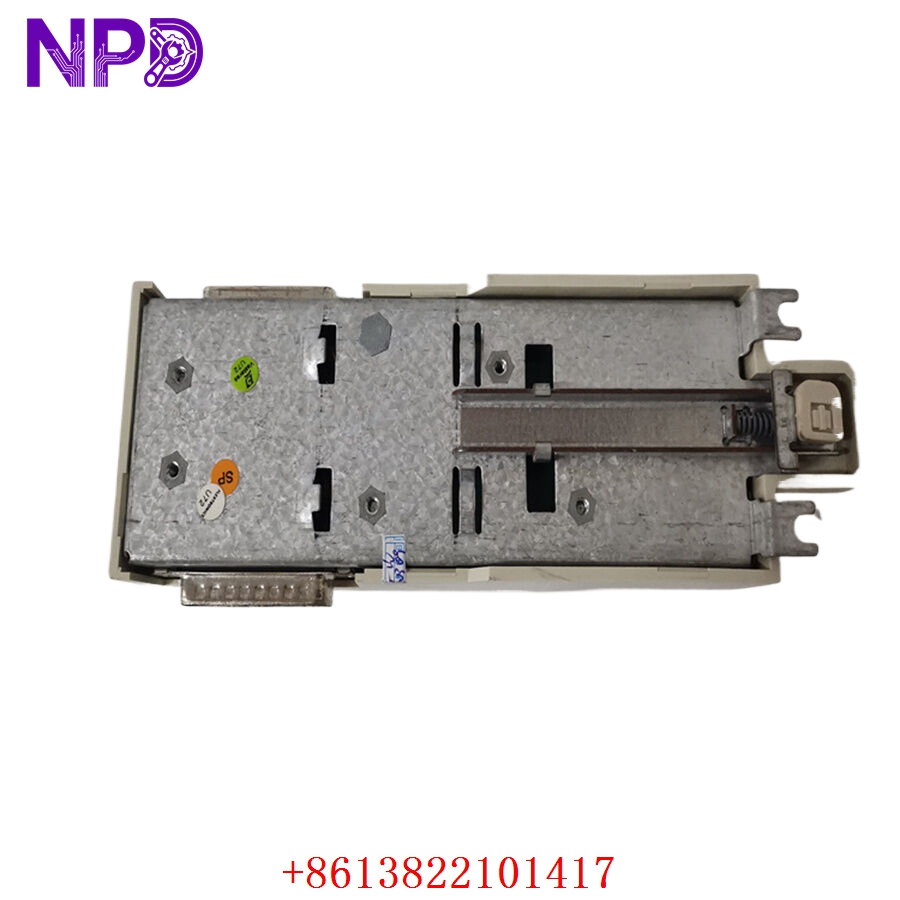
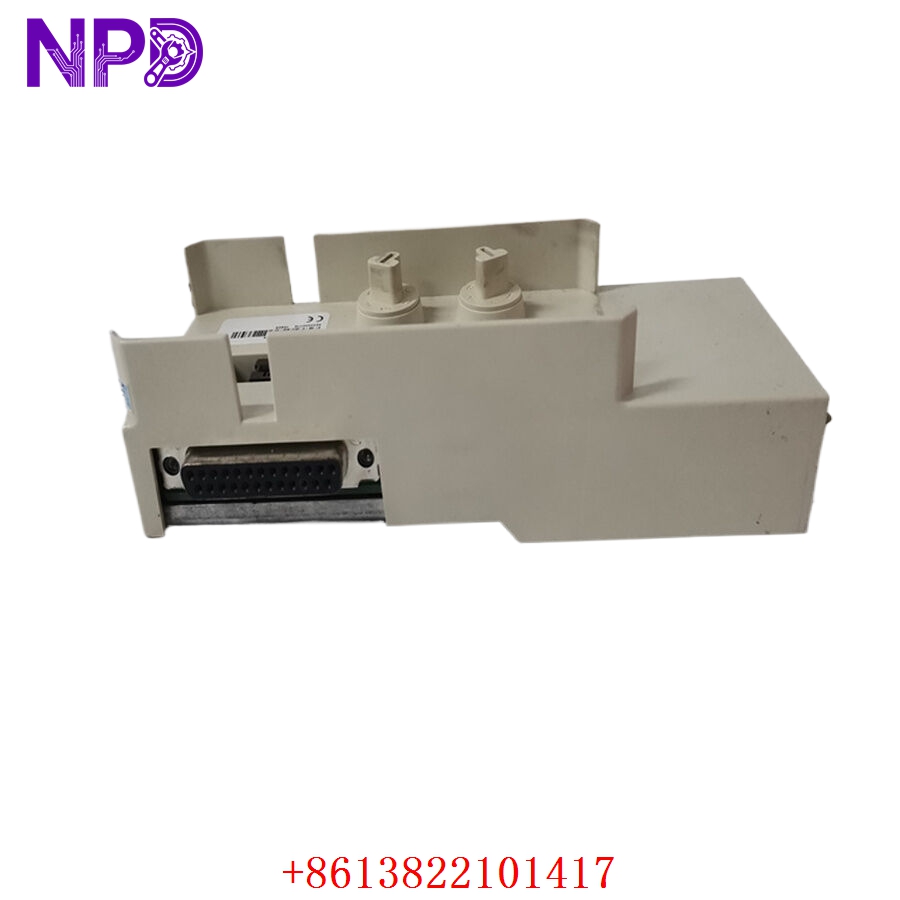
- Model: ABB 3BSE018198R1 TP858
- Brand: ABB
- Series: AC800M / System 800xA
- Core Function: Provides mounting and communication interface connectivity
- Product Type: Communication Module Baseplate
- Key Specs: Supports CI858 modules, dual Ethernet interface, DIN rail mounting
The TP858 is used as the physical and electrical interface base for ABB communication interface modules inside AC800M and System 800xA architectures. In many facilities, this component stays installed for years without attention… until communication instability suddenly appears.
Typical deployment environments include:
- Refining and petrochemical DCS cabinets
- Power generation control rooms
- Marine automation systems
- Water treatment SCADA infrastructure
- Pulp and paper production lines
From an inventory management perspective, this is a classic “small component, high operational impact” spare part.
A failed communication baseplate can trigger:
- Controller redundancy alarms
- Network instability
- Intermittent communication drops
- Remote I/O interruptions
- Unexpected process slowdowns
In my experience, engineers often replace the communication processor first, only to discover later that worn backplane contacts or damaged Ethernet interfaces on the TP858 caused the problem.
For spare inventory strategy:
- Critical process plants should maintain 1–2 tested spare units
- Multi-site operations benefit from centralized buffer stock
- Slow-moving facilities may reduce carrying cost through shared inventory pools
Because AC800M systems remain heavily installed worldwide, many operators now adopt a last-time-buy approach for mature communication accessories before market availability tightens further.
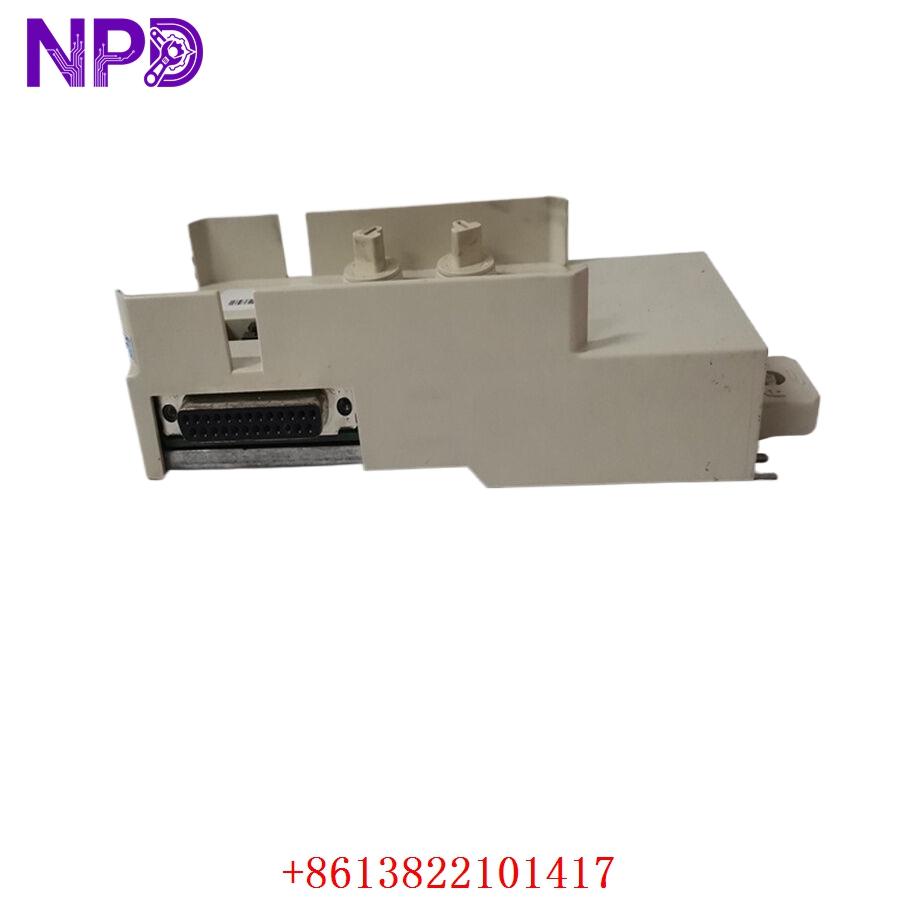
Key Technical Specifications
- Product ID: 3BSE018198R1
- ABB Type Designation: TP858
- Product Type: Communication Interface Baseplate
- Compatible Module: CI858 communication interface module
- Compatible Systems: ABB AC800M and System 800xA
- Communication Ports: Dual Ethernet RJ45 connectors
- Mounting Method: DIN rail mounting
- Power Supply: 24 V DC
- Operating Current: Approximately 150–200 mA
- Backplane Interface: Integrated module connector interface
- Mechanical Coding: Prevents incorrect module insertion
- Operating Temperature: -20 °C to +60 °C
- Storage Temperature: -40 °C to +70 °C
- Humidity Range: 5–95% non-condensing
- Dimensions: Approximately 160 mm × 60 mm × 45 mm
- Weight: Approximately 0.5 kg
- Protection Rating: IP20
- Application Area: Industrial Ethernet communication integration
Technical details compiled from industrial automation references and ABB surplus inventory sources.
Installation & Configuration Guide
Pre-Installation Preparation (Estimated Time: 10 Minutes)
⚠️ Safety First
- Inform production personnel about maintenance activities
- Confirm communication interruption tolerance
- Switch the process to a safe operational condition
- Isolate cabinet power when required
- Wait at least 5 minutes for capacitor discharge
Required Tools:
- Anti-static wrist strap
- PH1 screwdriver
- Fluke 115 multimeter
- Ethernet cable tester
- Label markers
- Mobile phone for configuration photos
Before removal:
- Photograph existing cabinet layout
- Record Ethernet cable positions
- Save controller network settings
- Document communication topology
- Verify redundancy configuration
Honestly, documentation matters more than people expect here. Losing port mapping information during replacement creates unnecessary troubleshooting later.
Removing the Existing Module (Estimated Time: 5 Minutes)
- Disconnect Ethernet cables carefully
- Label each cable before removal
- Remove the attached CI858 communication module
- Release DIN rail retention clip
- Pull the TP858 vertically outward