
Description
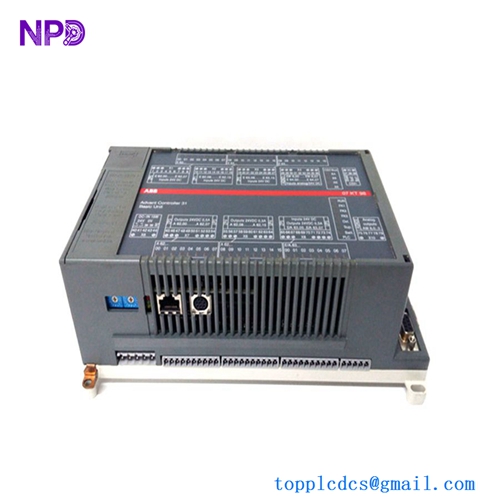
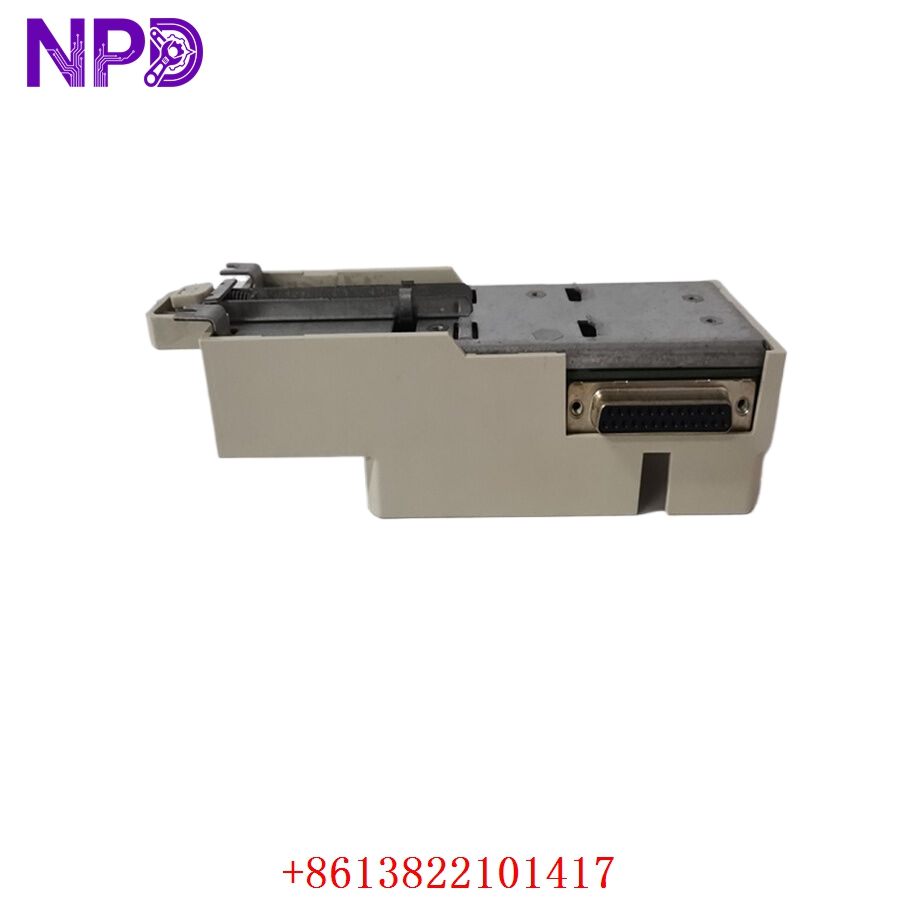
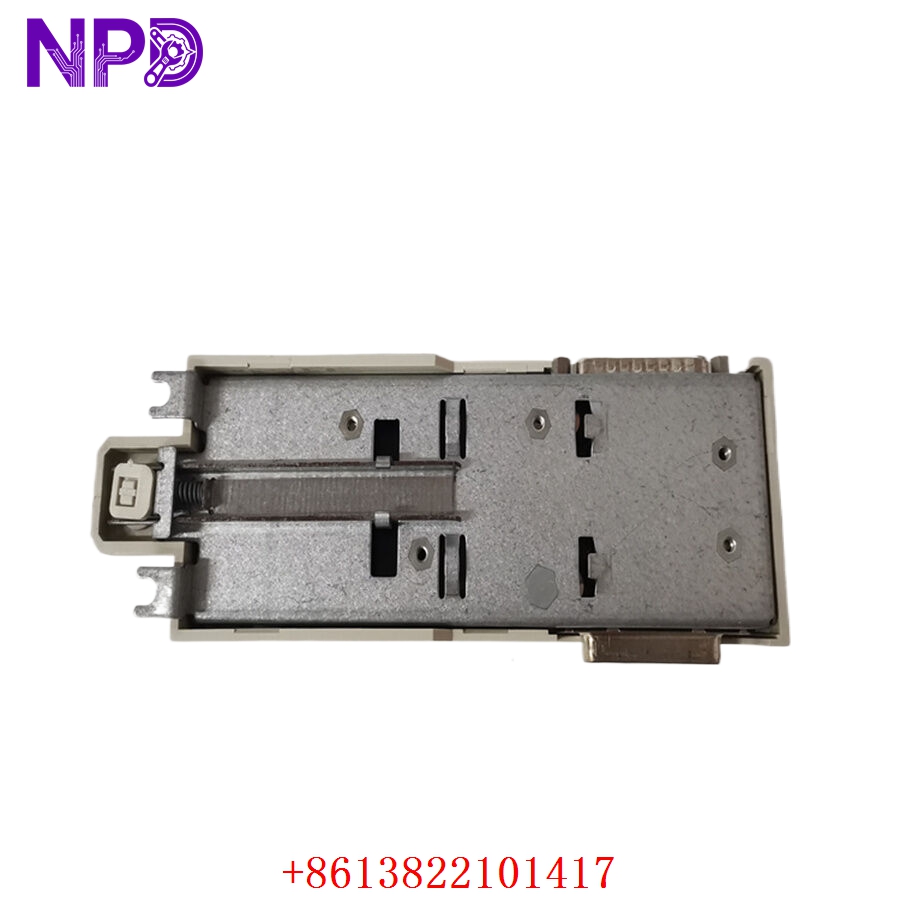
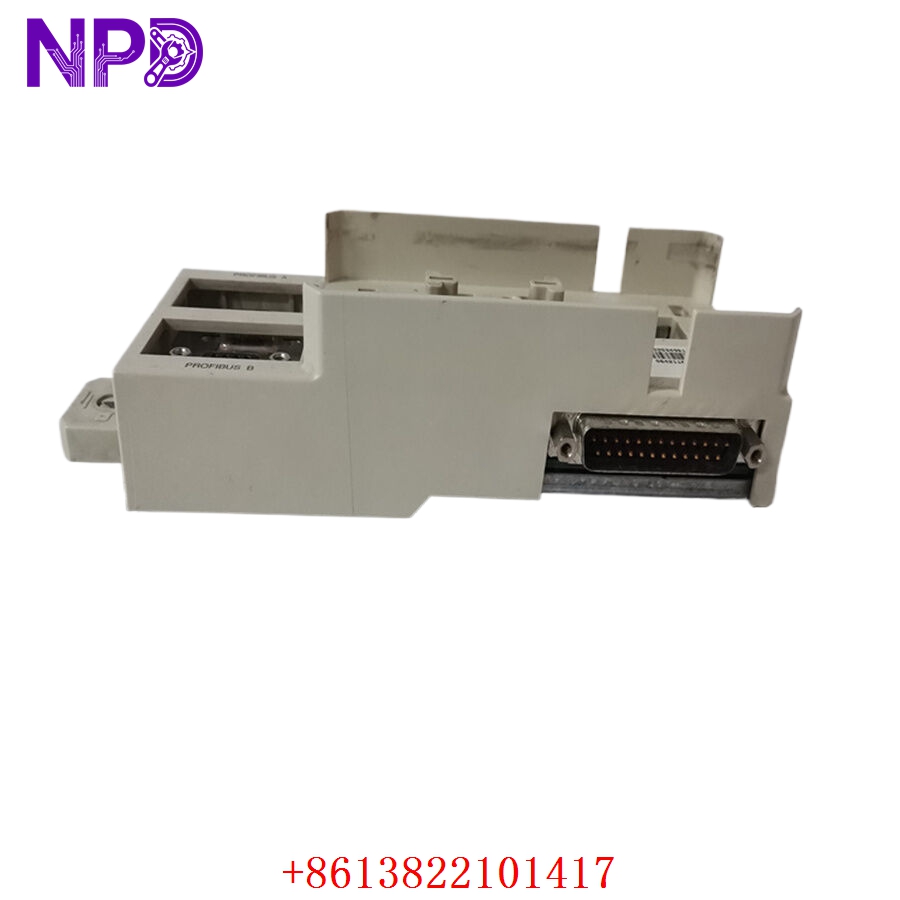
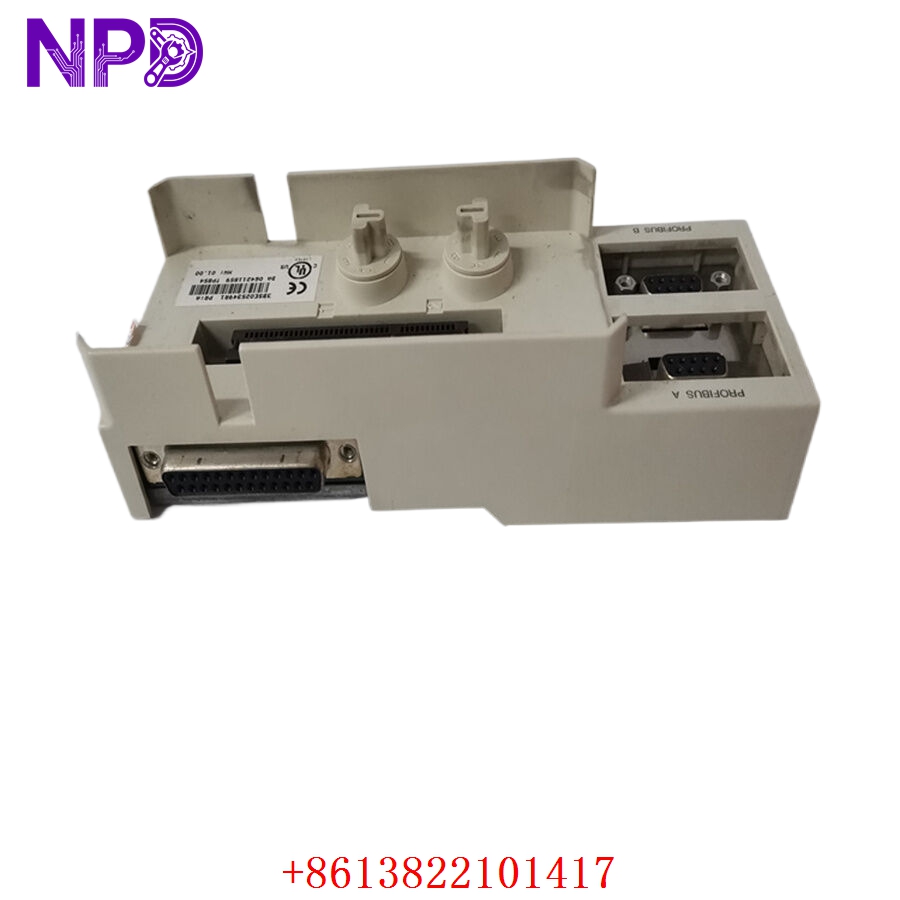
- Model: ABB 3BSE025349R1 (TP854)
- Brand: ABB (Process Automation)
- Series: S800 I/O System
- Core Function: Compact I/O base for mounting and connecting S800 I/O modules to the field wiring
- Product Type: I/O Termination Base
- Key Specs: Compact design, supports hot-swapping of I/O modules, integrated bus connection
- Module Compatibility: Designed for S800 I/O modules
- Termination: Screw or spring-loaded terminals (model-specific)
- Bus Interface: Integrated connector for ModuleBus (internal communication)
- Mounting: DIN Rail (35 mm)
- Operating Temperature: -40°C to +70°C (ruggedized performance)
- Protection Class: IP20
- Hot-Swap Capability: Supports replacing I/O modules while the system is powered
- Diagnostics: Integrated visual indicators for I/O module status (via mounted module)
Application Scenarios & Engineering Pain Points
The TP854 base is the physical foundation of the S800 I/O architecture. The most common engineering challenge occurs during cabinet design—improper cable management leading to terminal block tension. If the field wires are too short or rigid, they exert mechanical leverage on the 3BSE025349R1 base, which can lead to intermittent contact issues on the internal ModuleBus pins over long-term operation.
Typical Application Scenarios:
- Oil & Gas – Process Control Skids Used for high-density I/O marshalling where space is limited and rugged reliability is required.
- Water/Wastewater – Pump Station Control Provides stable signal termination for analog and digital instrumentation in remote cabinet locations.
- Power Generation – Boiler/Turbine Auxiliaries Supports robust signal distribution for temperature and pressure sensors throughout the plant.
Case Study: Field Wiring Optimization A chemical processing plant reported “ModuleBus Communication Faults” across a section of their S800 I/O rack. Upon inspection, we found the field cabling was improperly secured, putting stress on the TP854 bases. By re-routing the cabling with proper stress-relief bars and tightening the module mounting clips, the intermittent faults disappeared. This simple mechanical correction saved the client from having to replace several perfectly functional I/O modules.
Troubleshooting Quick Reference
When an I/O module stops communicating, the issue is almost always at the connection point between the module and the TP854 base.
| Failure Symptom | Possible Cause | Quick Check Method | Recommended Action |
|---|---|---|---|
| “ModuleBus Fault” | Poor Base Contact | Unseat/Reseat module; check pins | Clean ModuleBus connector pins |
| Intermittent I/O Data | Terminal Tension | Verify field wire torque | Secure cable stress-relief/trays |
| Module Not Detected | Base Bus Connector Damaged | Inspect TP854 internal connector | Replace TP854 base unit |
| Signal Noise | Grounding/Shielding Fault | Check shield termination at base | Ensure 360° shield contact |
Engineer’s Note: ❗ Crucial Advice: Always use a torque screwdriver for the terminal screws on the 3BSE025349R1. Over-torquing can crack the terminal housing, while under-torquing leads to oxidation and high-resistance joints. Also, when performing a hot-swap, ensure you wait 5 seconds after removing the module before inserting the new one to allow the ModuleBus to correctly register the state change.