Description
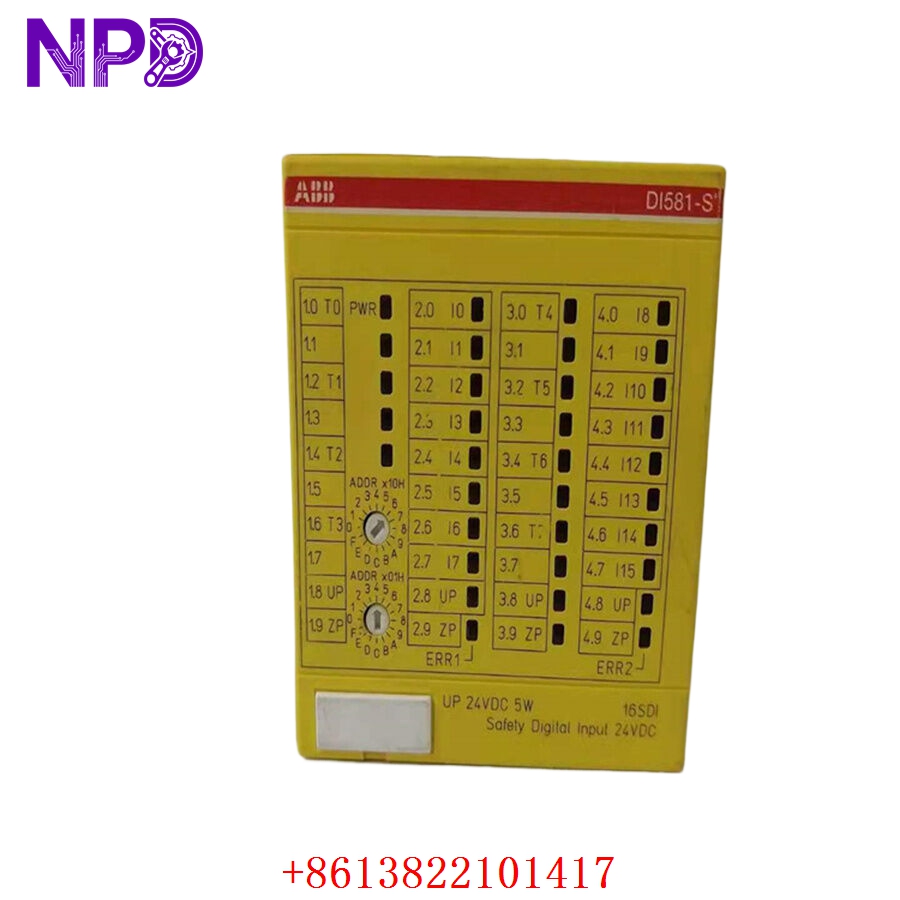
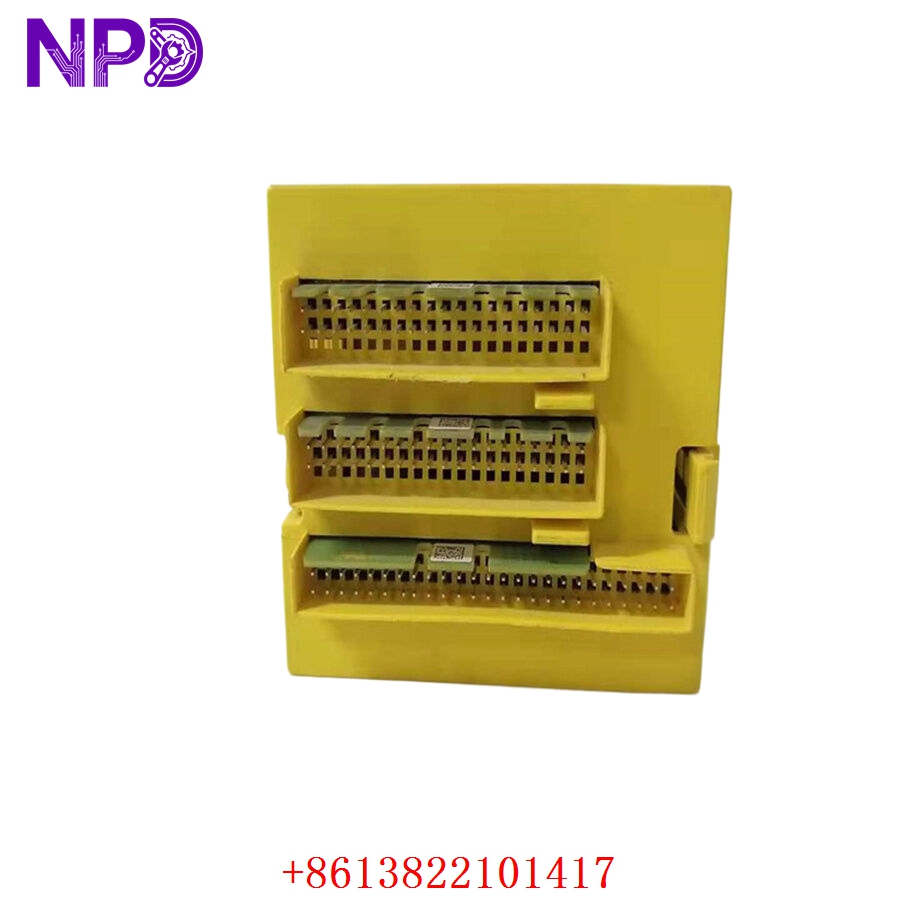
- Model: ABB DI581-S B1 (1SAP284000R0001)
- Brand: ABB (Automation & Power)
- Series: AC500-S Safety PLC System
- Core Function: Monitors safety-related digital inputs (e.g., E-stops, safety light curtains)
- Product Type: Safety Digital Input Module (Safety I/O)
- Key Specs: 16 digital inputs, 24 V DC, SIL3 / PL e certified
- Safety Rating: SIL3 (IEC 61508), PL e (ISO 13849-1)
- Input Channels: 16 channels, 24 V DC
- Input Type: Sink input (Type 1/2/3 according to IEC 61131-2)
- Configuration: 1-channel or 2-channel mode (for redundancy)
- Input Delay: Configurable via safety software (1 ms to 20 ms)
- Diagnostics: Integrated channel-specific diagnostics
- Safety Protocol: PROFIsafe over PROFINET
- Mounting: Terminal base unit (TU582-S) required
Application Scenarios & Engineering Pain Points
The DI581-S B1 is a critical component in high-risk machinery control. Because it operates in a safety-rated (SIL3) environment, the biggest hurdle isn’t just swapping the hardware—it’s the validation and re-commissioning. A common pain point for maintenance teams is replacing a module and failing to correctly update the safety checksum (CRC) in the Safety PLC, which triggers a permanent stop.
Typical Application Scenarios:
- Robotic Cell Safety Monitoring dual-channel E-stops and safety gates to ensure safe stop category 0/1.
- Press Machine Control Handling multi-channel light curtain signals to prevent operator access during press stroke.
- Material Handling – Automated Vehicles Managing safety sensors on AGVs (Automated Guided Vehicles) to prevent collisions.
Case Study: Quick Recovery in an Assembly Line During a scheduled safety audit at a client’s facility, a DI581-S B1 module reported a channel-specific diagnostic error that could not be cleared via firmware reset. This threatened to halt the entire assembly line. We provided a replacement unit within 24 hours. Because the site engineer had followed our advice to keep a backup of the safety project (including the exact CRC value), they successfully performed a “Module Swap & Checksum Verify” in under 30 minutes, keeping the machine compliant with safety regulations without calling an external integrator.
Troubleshooting Quick Reference
Safety modules are designed to be “fail-safe,” meaning they will stop the system if they detect even a minor wiring discrepancy.
| Failure Symptom | Possible Cause | Quick Check Method | Recommended Action |
|---|---|---|---|
| “SF” LED (Red) | Safety Fault | Check Safety PLC diagnostic buffer | Clear fault in PLC; re-download safety code |
| I/O Not Responding | Wiring Mismatch | Check 24 V DC supply to inputs | Verify channel configuration vs. wiring |
| Module Not Identified | Bus Error / CRC Mismatch | Check PROFIsafe address | Re-assign safe address; verify project checksum |
| Erroneous Tripping | External Interference | Check for cable shielding issues | Verify dual-channel synchronicity |
Engineer’s Note: ❗ Crucial Advice: Never bypass safety inputs. When installing the 1SAP284000R0001, ensure the terminal base (TU582-S) is mechanically locked. A loose connection at the base will cause intermittent safety trips that are incredibly hard to trace. Also, remember that the safety logic resides in the Safety PLC; if you replace the module, the new hardware will automatically assume the identity of the old one once the safety address is correctly set via the DIP switches on the module.