Description
- Model: ABB PP826 (3BSE042244R1)
- Brand: ABB (Process Automation)
- Series: Panel 800 (High-Performance HMI)
- Core Function: Provides a graphical user interface for operators to monitor and control process variables in industrial applications.
- Product Type: Operator Panel (Touchscreen HMI)
- Key Specs: 7-inch TFT color display, high-resolution, Ethernet/USB communication, robust IP65-rated front panel
- Display Size: 7.0-inch TFT LCD color display
- Resolution: WVGA (800 x 480 pixels)
- Touch Interface: Resistive touchscreen (suitable for industrial gloves)
- Communication Ports: Ethernet (RJ45), USB host/client, Serial (RS232/422/485)
- Ingress Protection: IP65 (front panel), IP20 (rear)
- Power Supply: 24 V DC
- Software Environment: Compatible with Panel Builder / ABB 800xA integration
- Mounting: Panel-mount with integrated gasket seal
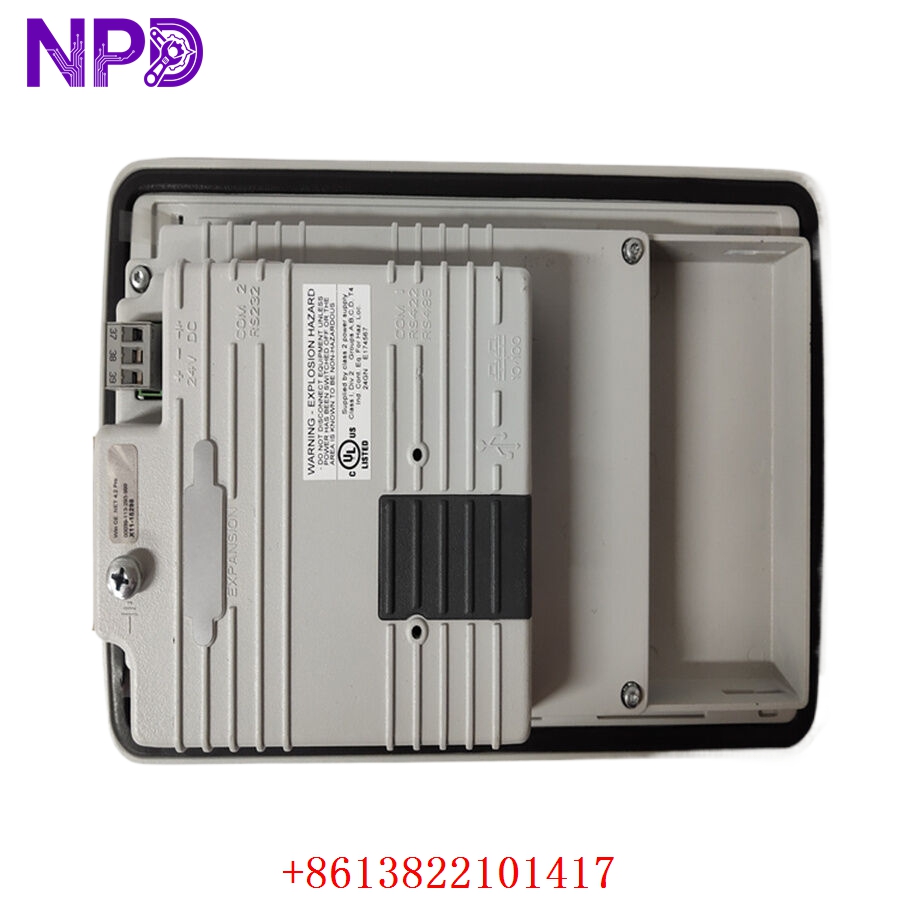
ABB PP826 3BSE042244R1
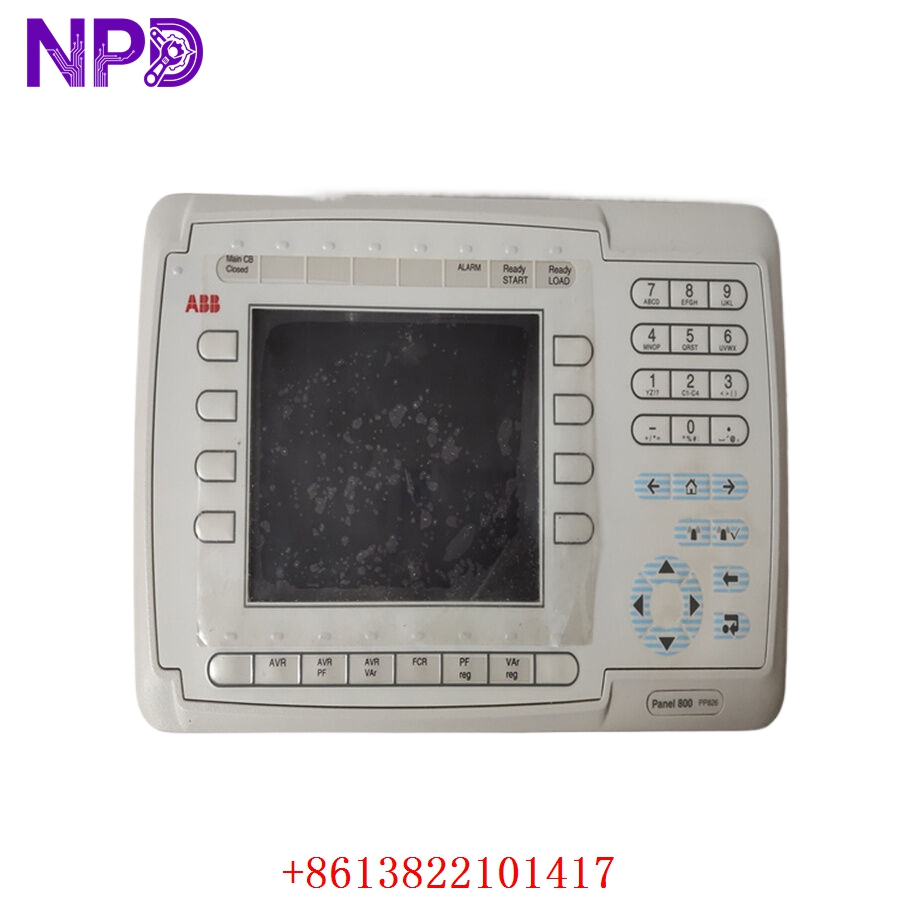
ABB PP826 3BSE042244R1
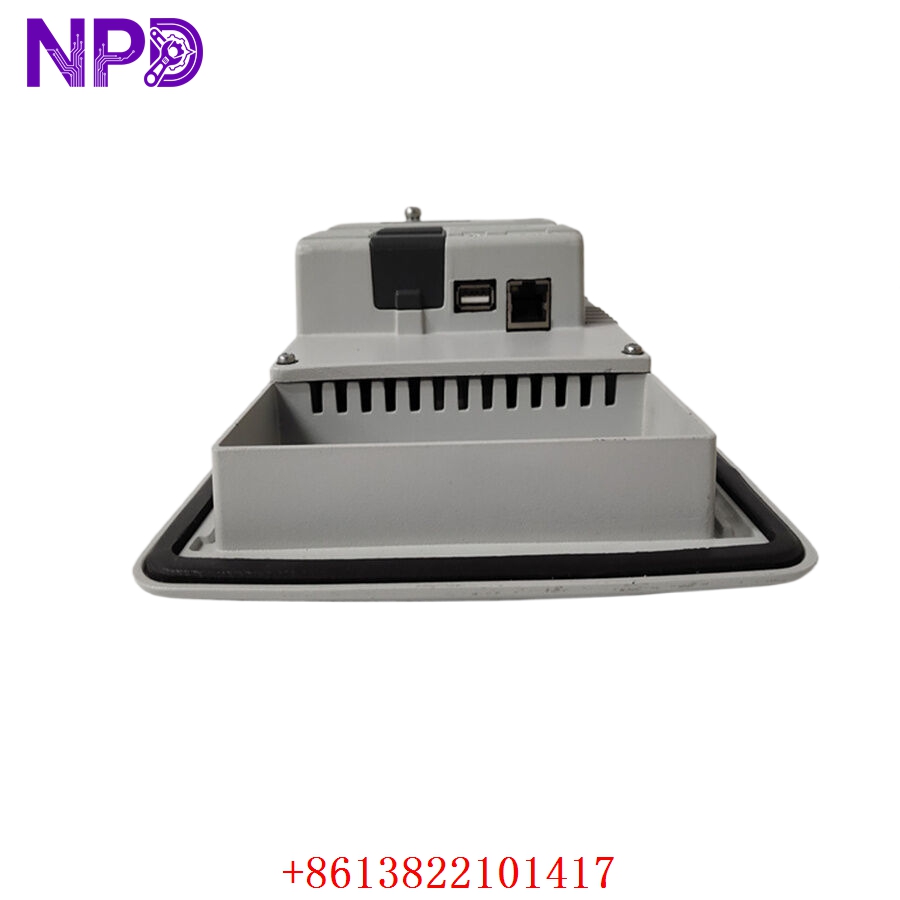
ABB PP826 3BSE042244R1
Application Scenarios & Engineering Pain Points
The PP826 serves as the primary visual interface in many control systems. The most common engineering challenge involves “Touchscreen Calibration and Overlay Wear.” In harsh industrial environments, the resistive touch membrane can eventually become unresponsive or lose calibration due to UV exposure or chemical residue. Replacing the HMI is straightforward, but transferring the project file requires an exact match of the Panel Builder software version to ensure the Runtime environment remains compatible.
Typical Application Scenarios:
- Manufacturing – Machine Control Displays real-time KPIs, alarm management, and setpoint adjustment for packaging or assembly lines.
- Water Treatment – Pump Monitoring Provides graphical flow diagrams and level visualization for wastewater lift stations.
- Food & Beverage – Batch Processing Offers clean, readable interfaces for recipe management and sequence initiation.
Case Study: Fast-Track HMI Restoration A bottling plant suffered a cracked screen on their PP826 unit, which prevented operators from acknowledging critical alarms. Because the HMI is an “open” device, the plant didn’t have a backup unit ready. We supplied a tested unit, and by utilizing the customer’s existing HMI backup file on a USB drive, they were able to restore the Runtime project in under 15 minutes. This prevented a complete production shutdown during a high-volume shift.
Troubleshooting Quick Reference
Don’t assume the internal logic is failed if the touchscreen becomes unresponsive; usually, it is a peripheral or software driver issue.
| Failure Symptom | Possible Cause | Quick Check Method | Recommended Action |
|---|---|---|---|
| No Backlight | LCD Driver Failure | Verify 24 V DC power stability | Check power supply connector |
| Touch Unresponsive | Calibration Drift | Attempt “Touch Calibration” menu | If persistent, replace HMI front unit |
| Comm Timeout | IP/Network Conflict | Ping HMI IP from laptop | Re-verify Ethernet network settings |
| Project Not Loading | Runtime Corrupt | Verify memory card/USB integrity | Re-upload Runtime via Panel Builder |
Engineer’s Note: ❗ Crucial Advice: Always keep a backup of the HMI project file (.pbp or similar) on a secure, offline server. If the PP826 fails, you cannot extract the compiled Runtime project back to source code. Without that original source file, you will be forced to rebuild the entire HMI graphical interface from scratch.