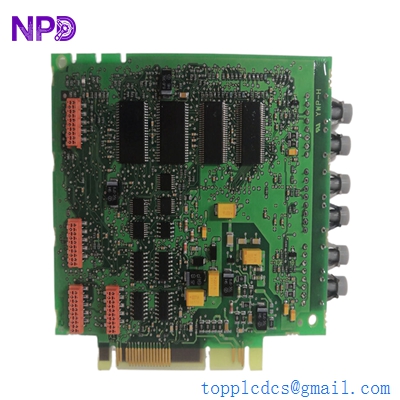
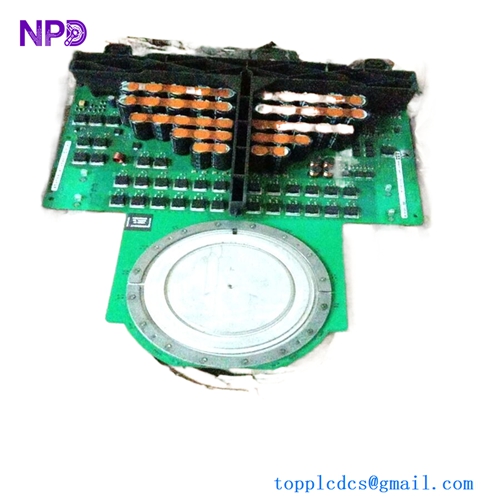
Description
- Model: PP835A (3BSE042234R2)
- Brand: ABB (Sweden)
- Series: Panel 800 Series (Evolution of the Process Panel range)
- Core Function: High-resolution operator interface for local monitoring and control
- Product Type: HMI (Human Machine Interface) Touchscreen
- Key Specs: 6.5-inch TFT Color Display VGA 640×480 24V DC Power
- Display: 6.5″ TFT-LCD color display (64,000 colors)
- Resolution: 640 x 480 pixels (VGA)
- Touch Technology: Analog Resistive
- Processor: Intel XScale (high-speed processing for graphic transitions)
- Memory: 64 MB Flash 64 MB RAM
- Interfaces:
- 1 x 10/100 Base-T Ethernet (RJ45)
- 2 x Serial Ports (RS232/RS422/RS485)
- 1 x USB 1.1 Host
- Protection: IP65 / NEMA 4 (Front panel when mounted)
- Operating Voltage: 24 V DC (18…32 V DC)
- Configuration Software: Panel Builder 800
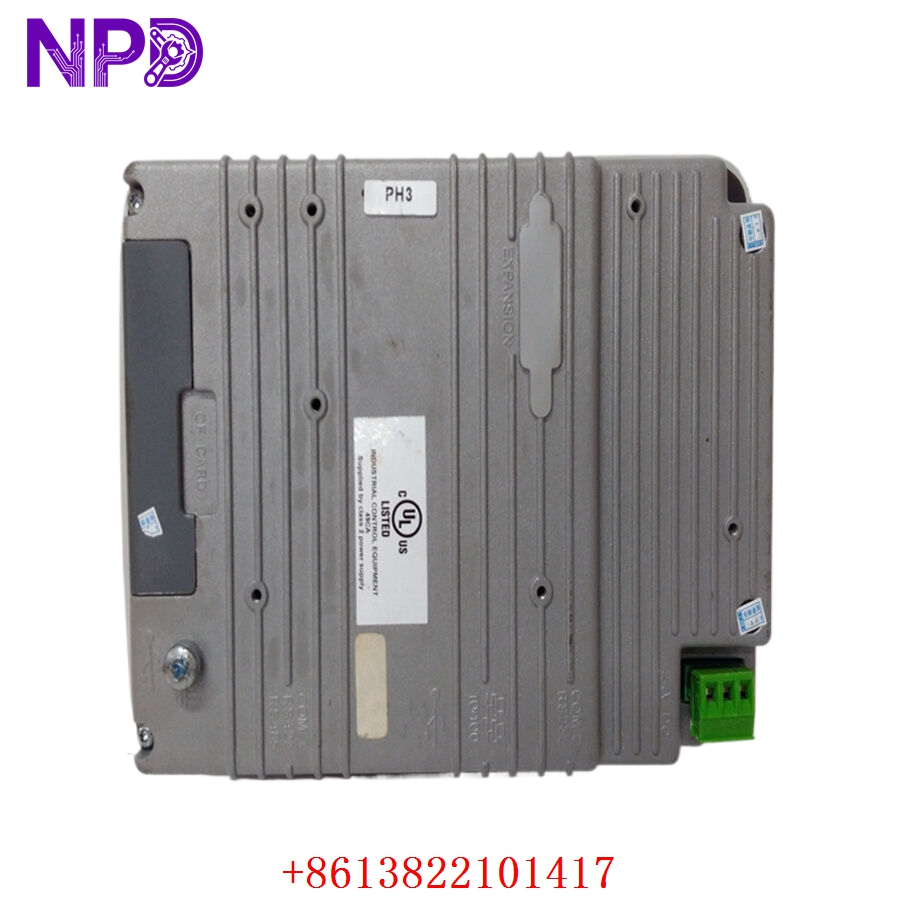
ABB PP835A 3BSE042234R2
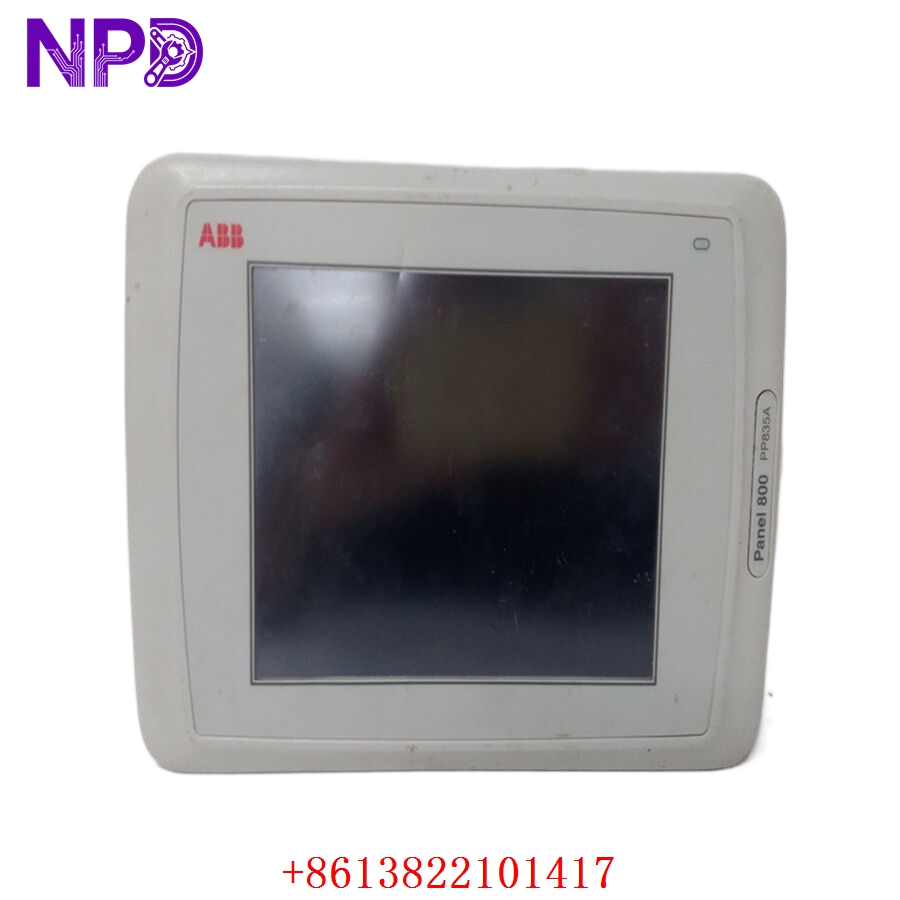
ABB PP835A 3BSE042234R2
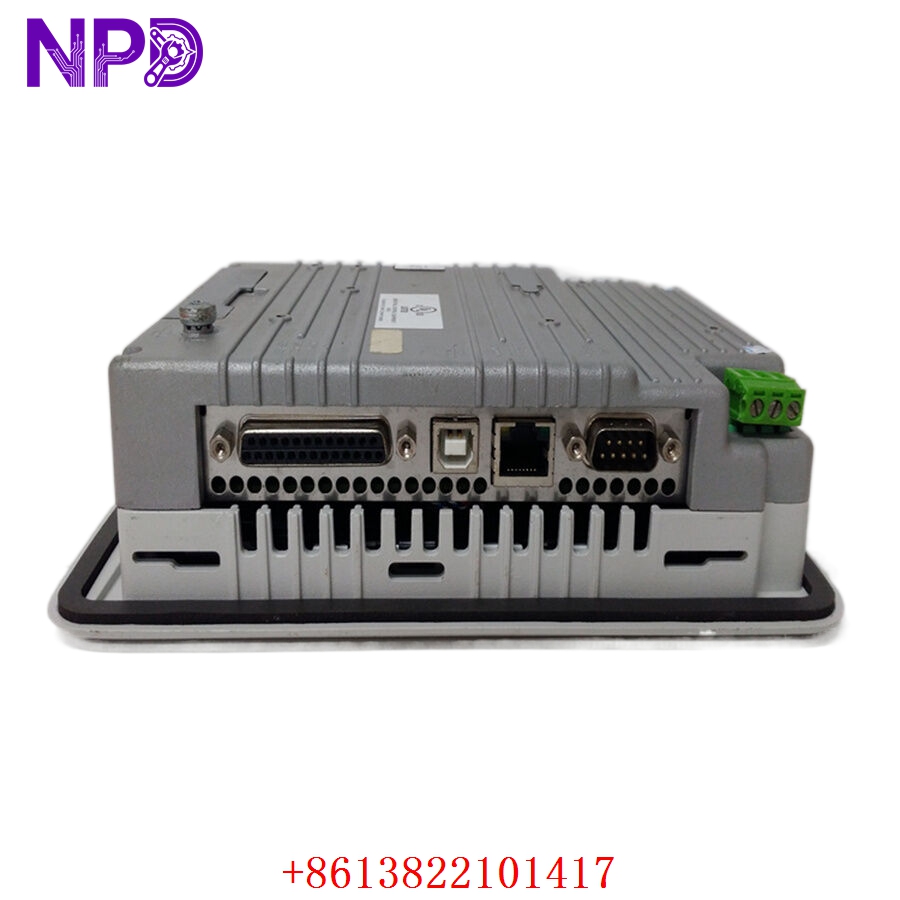
ABB PP835A 3BSE042234R2
Application Scenarios & Pain Points
In an ABB 800xA or AC800M environment, the PP835A is often the primary window for the operator on the factory floor. While the main DCS manages the logic, this panel handles the local start/stop commands, setpoint adjustments, and alarm visualizations. The most common pain point with the PP835A is “touch fatigue” or backlight failure. Because these are often installed in harsh environments, the resistive touch membrane can crack or lose calibration over years of use. When the panel goes dark or becomes unresponsive, the operator is literally “flying blind,” which is a major safety risk in chemical or power applications.
Typical Application Scenarios:
- ABB 800xA System Integration
Serving as a local HMI node for an AC800M controller via Ethernet (MMS protocol).
- Oil & Gas – Skid Control
Monitoring local parameters for compressor skids or chemical injection packages.
- Marine & Offshore
Used in engine room monitoring systems due to its robust build and high-contrast display.
- Water & Wastewater
Local control for pump stations and filtration units, often communicating via Modbus RTU.
Case Study: The “Unresponsive” Slurry Pump
Background:
A mining facility in Western Australia used a PP835A to control a critical slurry pump line. The panel had been in service for 8 years in a dusty, high-vibration environment.
The Problem:
The touch membrane developed a “dead zone” right over the “Emergency Stop Reset” button. The operators could see the alarm, but they couldn’t clear it to restart the pumps. The plant was losing $12,000 per hour in throughput.
The Solution:
We provided a replacement 3BSE042234R2 from our tested inventory. Before shipping, we calibrated the touch screen and verified the Ethernet communication link.
The Result:
The maintenance team performed a “Backup & Restore” using the Panel Builder 800 software. The new panel was installed and fully operational within 24 hours of the initial failure, preventing a multi-day shutdown.
SOP Quality Transparency
HMIs are more than just electronics; they are optical and mechanical devices. We test them accordingly.
- Optical & Touch Audit:
We inspect the screen for “dead pixels” or backlight dimming. We perform a “matrix touch test,” ensuring every square centimeter of the screen responds accurately to pressure. We also check the front gasket for any dry-rot or cracks that could compromise the IP65 rating.
- Communication Port Stress Test:
- Ethernet: We ping the panel and perform a high-speed data transfer to verify the RJ45 port stability.
- Serial (COM1/COM2): We test RS232 and RS485 modes to ensure the transceivers are not blown (common in sites with poor grounding).
- USB Port: We verify the panel recognizes a standard USB drive for project uploads.
- Burn-in Test:
The panel is powered on for 24 hours at 40°C. We monitor for “ghost touches” (where the screen triggers itself) which usually indicates a failing touch controller.
- Firmware Verification:
We record the loaded firmware version. If you need a specific version to match your Panel Builder 800 project, we can assist with the update/downgrade process.
- Packaging:
The screen is covered with a protective film, wrapped in heavy-duty ESD bubble wrap, and shipped in a double-walled box to prevent pressure damage to the LCD.
Technical “Pitfall” Guide
Replacing an ABB Panel 800 module is usually a software-heavy task. Here is where most engineers get stuck.
- The “Software Version” Mismatch ❗
The PP835A is configured using Panel Builder 800. If your project was built in an older version (e.g., V5.0) and you try to download it to a panel with newer firmware (V6.0+), the download might fail or certain scripts might break.
The Fix: Always check the firmware version on the panel’s system menu (usually accessible by holding a finger on the screen during power-up). Match your software version or perform a “System Loader” update.
- The “Backup” Trap:
Many engineers assume they can pull the project off the old panel. You cannot always upload the source code from the panel if the “Enable Upload” option wasn’t checked during the original download.
The Fix: Ensure you have the original
*.pbaor*.pbpproject file before you swap the hardware. - 24V Power Ripple ❗
The PP835A is sensitive to power noise. If your 24V DC supply also powers large contactors or motors without proper snubbers, the panel might “freeze” or reboot.
The Fix: Use a dedicated, filtered 24V supply for the HMI. If you see the screen flickering, your power supply capacitors are likely failing.
- Resistive Screen Care:
Never use sharp objects (like screwdrivers) on the touch screen. It is a resistive membrane, not glass.
The Fix: Once installed, consider adding a clear protective overlay if the environment is particularly greasy or abrasive.
Troubleshooting Quick Reference
| Symptom | Possible Cause | Relevance | Quick Check | Recommendation |
| Screen is Black (Power LED On) | Backlight Failure | ✅ High | Shine a flashlight at an angle; can you see text? | Replace Panel / Backlight. |
| Touch is Off-Center | Calibration Drift | ✅ High | Enter System Menu and run “Calibrate.” | Recalibrate touch matrix. |
| “No Comm” with PLC | IP Address / Protocol | ⚠️ Med | Ping the panel IP from a laptop. | Check IP settings and cable. |
| Panel Reboots Randomly | Low Voltage / Heat | ✅ High | Measure 24V at the terminal; check cabinet fans. | Improve cooling or PSU. |
| “Invalid Project” Error | Firmware Mismatch | ✅ High | Check Panel Builder version vs. Firmware. | Update firmware or recompile project. |
Pro Tip: If the panel is unresponsive, try connecting a standard USB mouse. If the mouse cursor moves and works, the electronics are fine, and only the touch membrane is broken. This can get you through a shift until the replacement arrives!