
Description
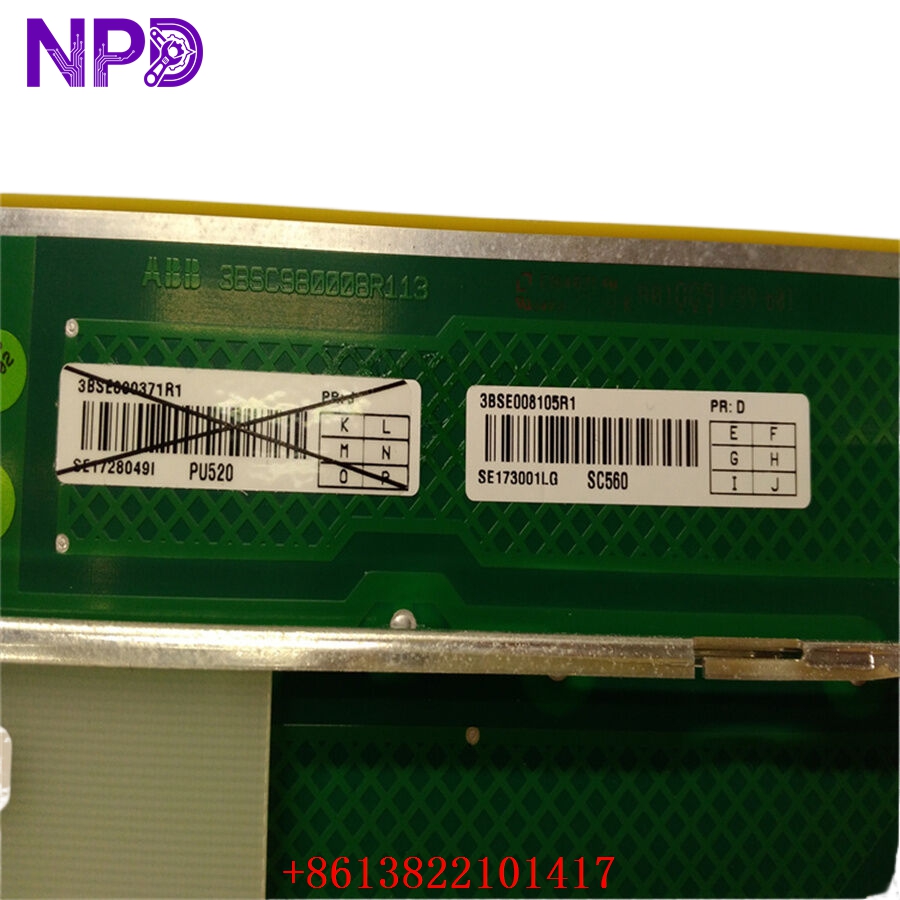
- Model: SC560
- Part Number: 3BSE008105R1
- Brand: ABB (Sweden)
- Series: Advant OCS (Open Control System) / MasterPiece 200
- Core Function: A carrier board designed to hold and interface various communication or specialized submodules.
- Product Type: Submodule Carrier (Base Board)
- Key Specs: Dual slots for submodules High-speed backplane interface Advant Controller compatible
- Compatibility: Specifically designed for the MasterPiece 200/1 and Advant Controller 410/450 racks.
- Capacity: Holds up to two submodules (e.g., CI520, CI522, or other communication interfaces).
- Backplane Interface: Connects to the standard Advant Controller sub-rack backplane.
- Power Supply: Powered via the rack backplane (typically +5V and +/- 15V rails).
- Physical Format: Standard Advant OCS 6U board format.
- LED Indicators: Status LEDs for carrier health and submodule activity.
- Configuration: Passive routing of address, data, and control lines from the backplane to the submodule sockets.
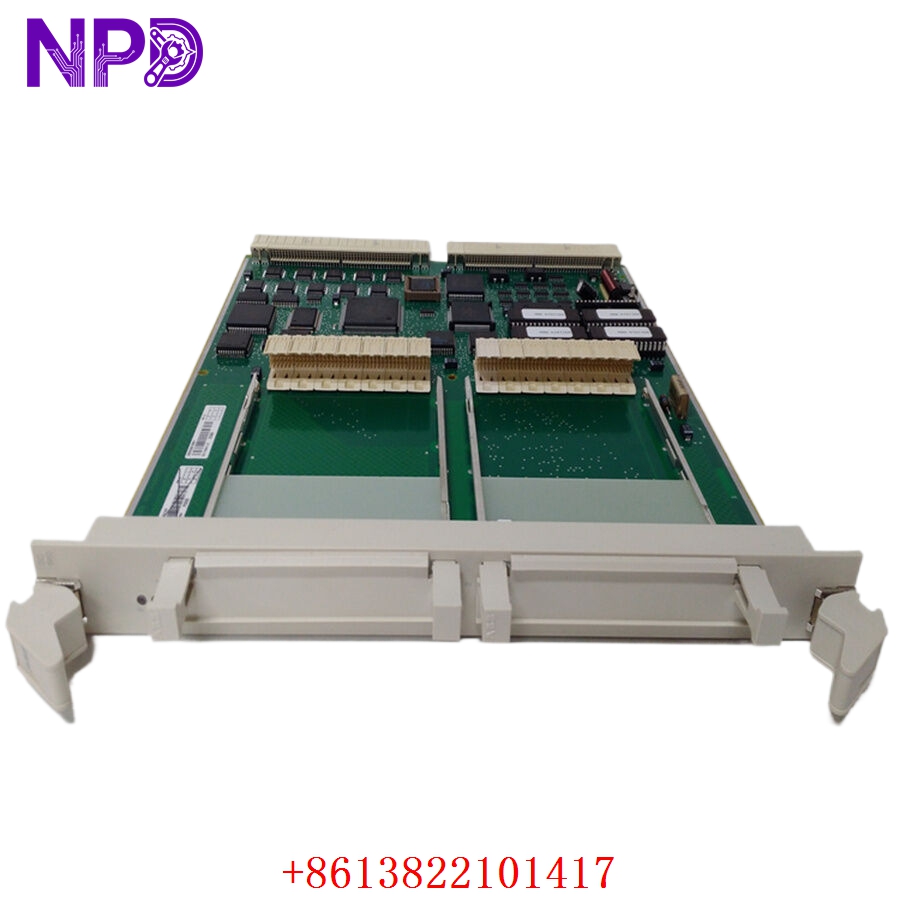
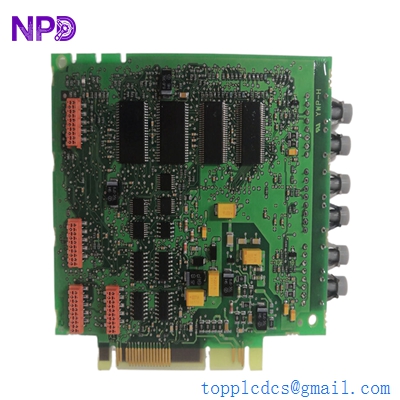
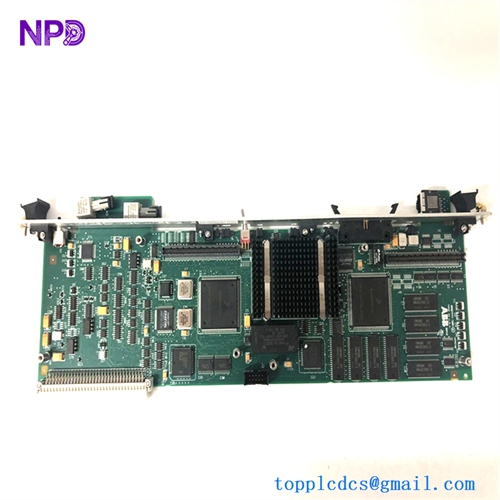
ABB SC560 3BSE008105R1
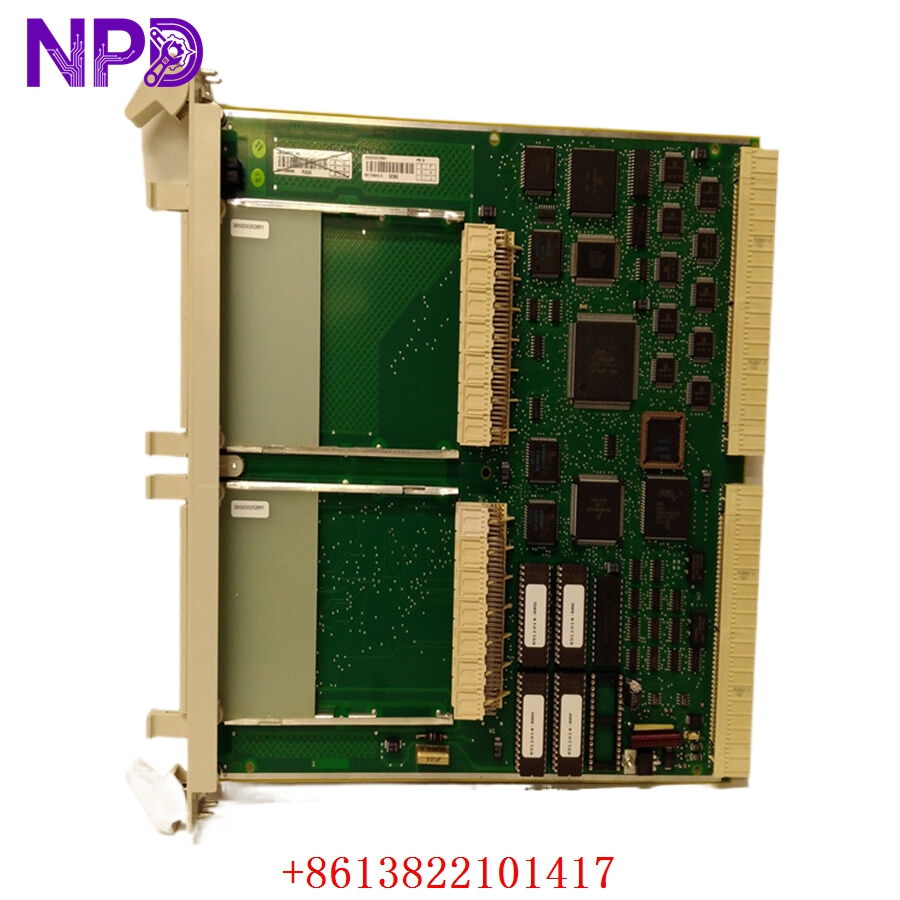
ABB SC560 3BSE008105R1
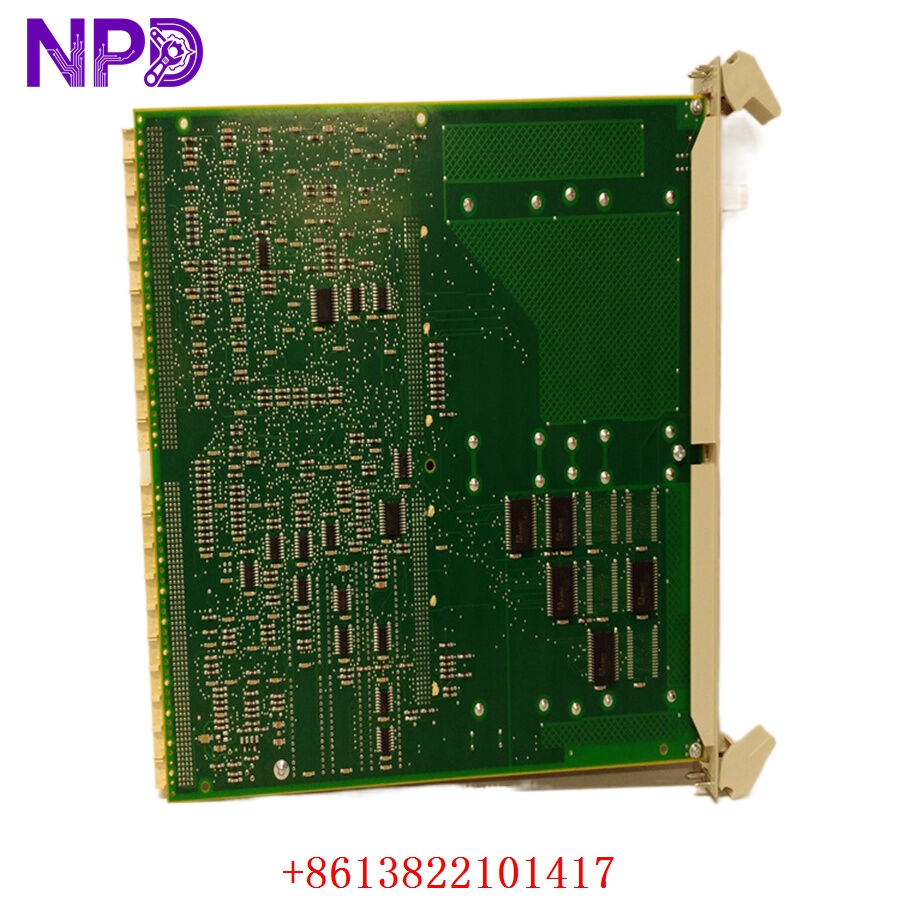
ABB SC560 3BSE008105R1
Application Scenarios & Pain Points
The SC560 acts as the “bridge” between the main processor of an Advant Controller and the specialized communication modules that talk to the rest of the plant. It is widely used in legacy paper mills, chemical plants, and power stations that still rely on the Advant OCS platform. The biggest pain point with the SC560 is its “silent failure” mode. Because it is a carrier board, engineers often mistake a faulty carrier for a faulty submodule (like a CI522). If the socket pins on the SC560 are oxidized or the bus-arbitration logic on the carrier fails, the controller loses its communication link, which can lead to a complete system lockup or “Bus Error” on the CPU.
Typical Application Scenarios:
- MasterPiece 200/1 Communication Expansion
Providing the physical interface for CI-series modules to allow the PLC to talk to S800 I/O or other controllers.
- Advant Controller 450 Retrofits
Used in racks where additional communication channels (like MasterBus 300) are required for plant-wide networking.
- Pulp & Paper – Process Control
Hosting the interfaces that manage high-speed section drives and quality control sensors.
- Metals Industry – Rolling Mill Control
Supporting real-time data exchange modules in deterministic VME-based environments.
Case Study: The “Intermittent” MasterBus Link
Background:
A pulp mill in Northern Finland was experiencing intermittent communication drops between their AC450 controller and the operator station. The system would report a “CI module failure,” but swapping the CI522 module only fixed the problem for a few days.
The Problem:
The issue wasn’t the communication module itself; it was the SC560 carrier board. Years of vibration and thermal cycling had caused “fretting corrosion” on the submodule socket pins of the 3BSE008105R1 carrier.
The Solution:
We provided a fully refurbished and gold-pin-cleaned SC560. We verified the signal continuity on our Advant test rack before shipping.
The Result:
Once the carrier was replaced, the communication errors disappeared entirely. The mill avoided a $50,000 project to replace the entire rack, extending the life of their existing control system.
SOP Quality Transparency
Since the SC560 is a carrier, testing requires a fully populated environment to ensure every trace is functional.
- Connector Pin Audit:
We perform a 100% visual inspection of the backplane 96-pin DIN connector and the internal submodule sockets. We check for bent, pushed-back, or oxidized pins.
- Full-Load Rack Test:
We seat the SC560 in an Advant Controller sub-rack and populate it with two known-good submodules.
- Bus Continuity: We verify that the CPU can address both submodules without timing errors.
- Signal Integrity: We use a logic analyzer to check for clean square waves on the address/data lines, ensuring no capacitive “rounding” is occurring due to aged PCB traces.
- Power Rail Stability: We verify that the +5V and +/-15V rails are distributed correctly to the submodule sockets.
- Thermal Cycle Test:
The board is tested while being heated to 50°C to ensure that “cold solder joints” (common in boards of this age) do not cause intermittent disconnects.
- Packaging:
The SC560 is placed in a heavy-duty silver ESD bag and shipped in a custom “book-style” foam box to ensure the 96-pin connector is never under physical stress during transit.
Technical “Pitfall” Guide
The SC560 is a passive-active hybrid board. Here is how to avoid common installation mistakes.
- Submodule Seating ❗
The submodules that plug into the SC560 are held by small connectors. If the submodule isn’t pressed down perfectly even, some pins will make contact while others won’t.
The Fix: Always tighten the submodule mounting screws fully. If you don’t, the module can “vibrate loose” over time, causing a system crash.
- The “Duplicate Address” Trap:
The address of the submodules is often determined by the slot position on the SC560 and jumpers on the backplane.
The Fix: If you are moving submodules to a new SC560, double-check your rack configuration in the Advant software (AMPL). Ensure the “Position” matches your project settings.
- Backplane Connector Damage ❗
The 96-pin connector on the back of the 3BSE008105R1 is very fragile. If the rack guides are slightly out of alignment, you can bend a pin during insertion.
The Fix: Never force the board. If you feel resistance, pull it out and check the alignment. A bent pin on the backplane can short out the entire 5V rail for the whole rack.
- Cleaning the “Gold Fingers”:
If you are reusing old submodules, clean their connectors with isopropyl alcohol before plugging them into the SC560.
The Fix: Dirty submodule pins are the #1 cause of “Carrier Fault” alarms.
Troubleshooting Quick Reference
| Symptom | Possible Cause | Relevance | Quick Check | Recommendation |
| “Carrier Fault” in DCS | Poor Seating / Pin Oxidation | ✅ High | Pull the board and check for bent pins. | Clean pins and reseat. |
| Submodule 1 Works, 2 Fails | Failed Socket / Trace | ✅ High | Swap the submodules between slots. | If failure stays with slot, Replace SC560. |
| Backplane Bus Error | Short Circuit on Carrier | ⚠️ Med | Measure resistance across 5V and GND. | Replace SC560; check backplane. |
| Intermittent Comm Drops | Cold Solder Joint | ✅ High | Gently tap the module while running. | Replace with tested SC560. |
| No Power to Submodules | Backplane Fuse / Connector | ❌ Low | Check rack power LEDs. | Check rack power supply. |
Pro Tip: If you’re getting a “Communication Error” and you’ve already swapped the submodule, look at the SC560. These carrier boards often fail before the modules they hold because they handle the physical stress of the rack interface. Having one spare SC560 can save you from a lot of “ghost” troubleshooting!