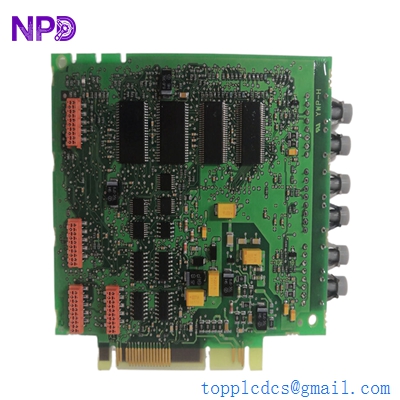
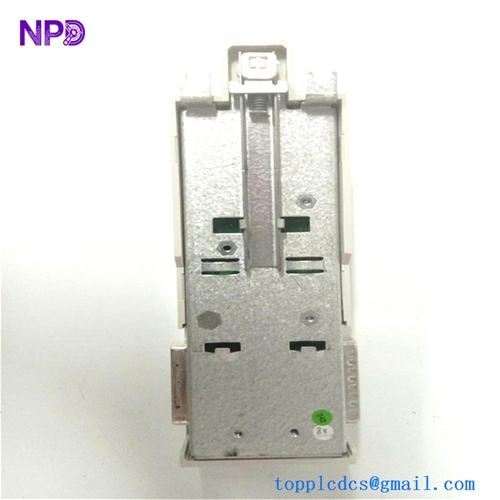
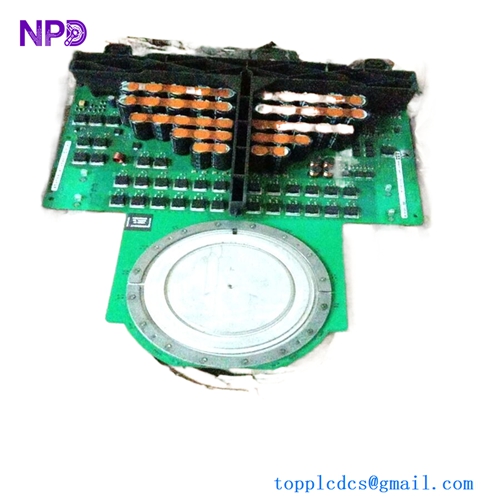
Description
- Model Number: TC520
- Material / P/N Code: 3BSE001449R1
- Brand: ABB (Asea Brown Boveri)
- Series: Advant OCS / Advant Fieldbus 100 (AF100)
- Core Function: Functions as a bus modem for the AF100 fieldbus network. It bridges the controller/interface cards (like the CI534 or CI570) to the physical twisted-pair cable media of the AF100 network.
- Condition: Brand New Surplus / Original Factory Sealed Packaging
- Product Type: AF100 Fieldbus Modem
- Key Specs: Industrial-grade AF100 signal conditioning, high-noise immunity, modular mounting interface.
- Network Compatibility: Designed specifically for Advant Fieldbus 100 (AF100) networks.
- Signal Transmission: Converts logic-level signals from interface modules into high-integrity, differential-pair signals capable of traveling across the fieldbus trunk.
- Physical Connection:
- Module Side: Multi-pin connector for linking directly to communication interface cards.
- Field Side: Terminals/Connectors for connection to the AF100 shielded twisted-pair bus cable.
- Environment: Built for harsh industrial cabinet conditions; immune to significant electromagnetic interference (EMI).
- Status Monitoring: Features LED indicators for network traffic and modem status, facilitating rapid fault location in large bus topologies.
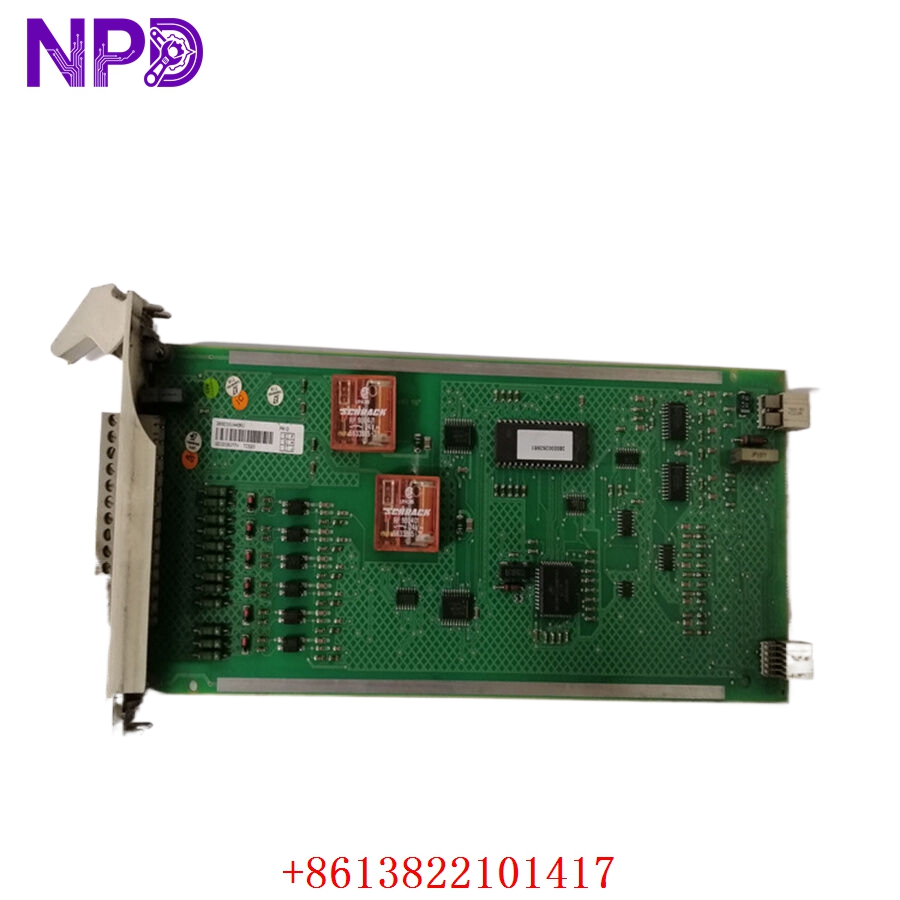
ABB TC520 3BSE001449R1
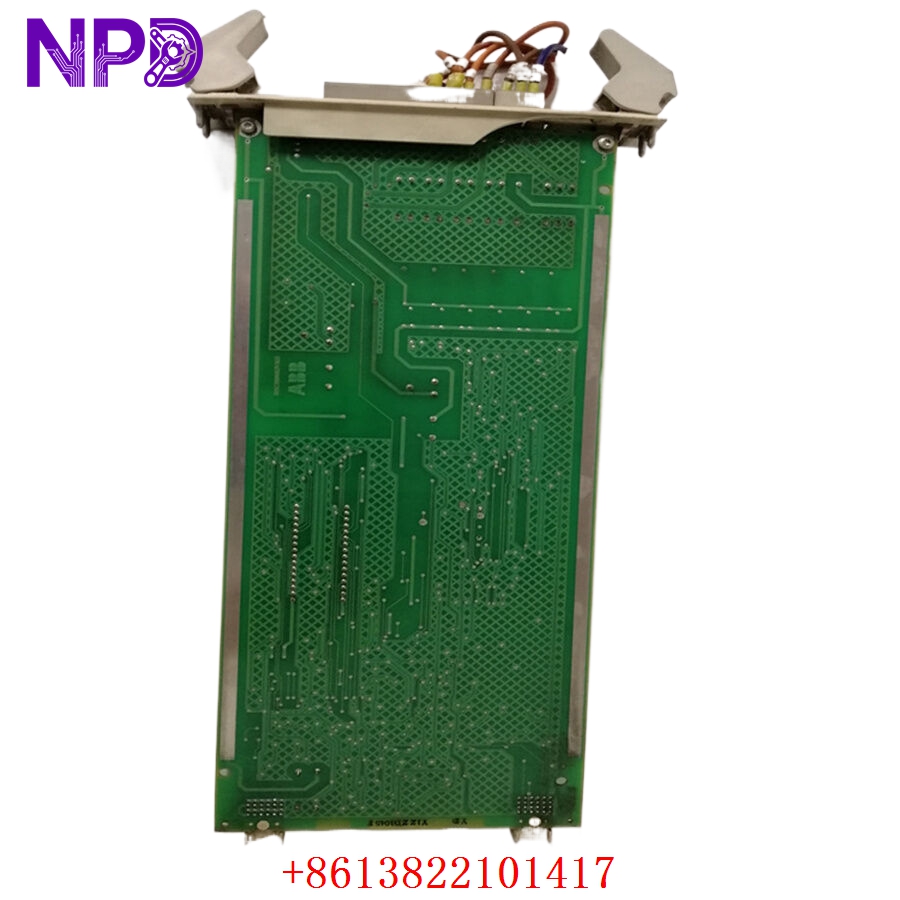
ABB TC520 3BSE001449R1
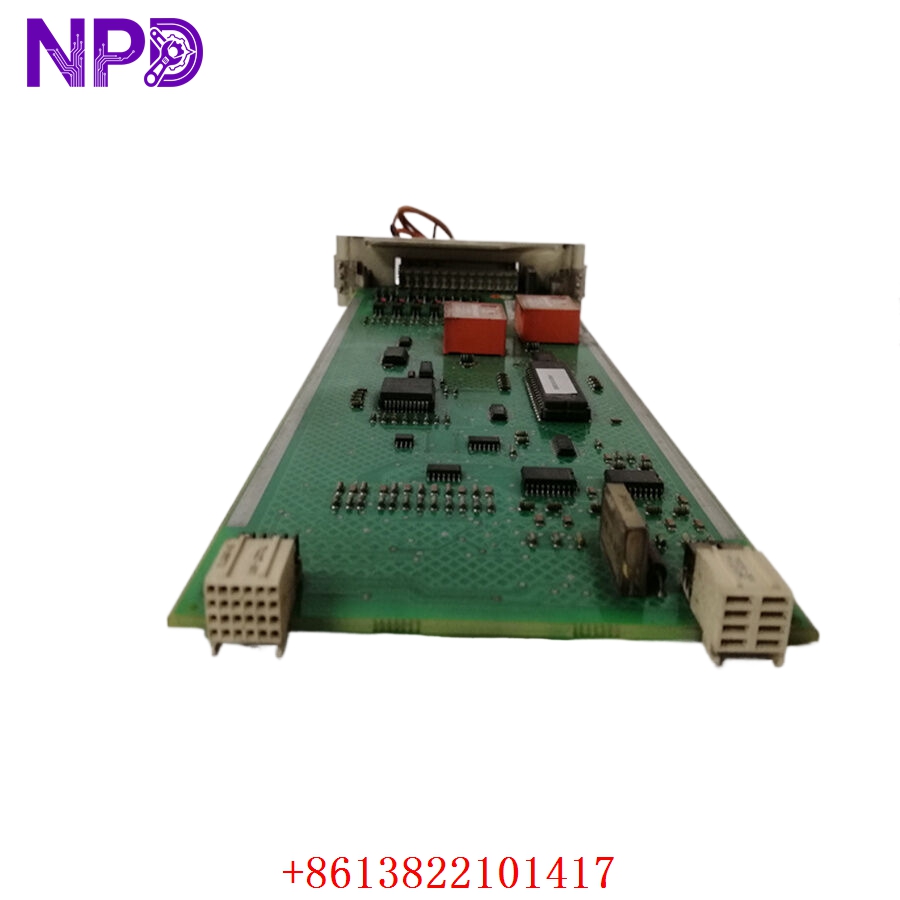
ABB TC520 3BSE001449R1
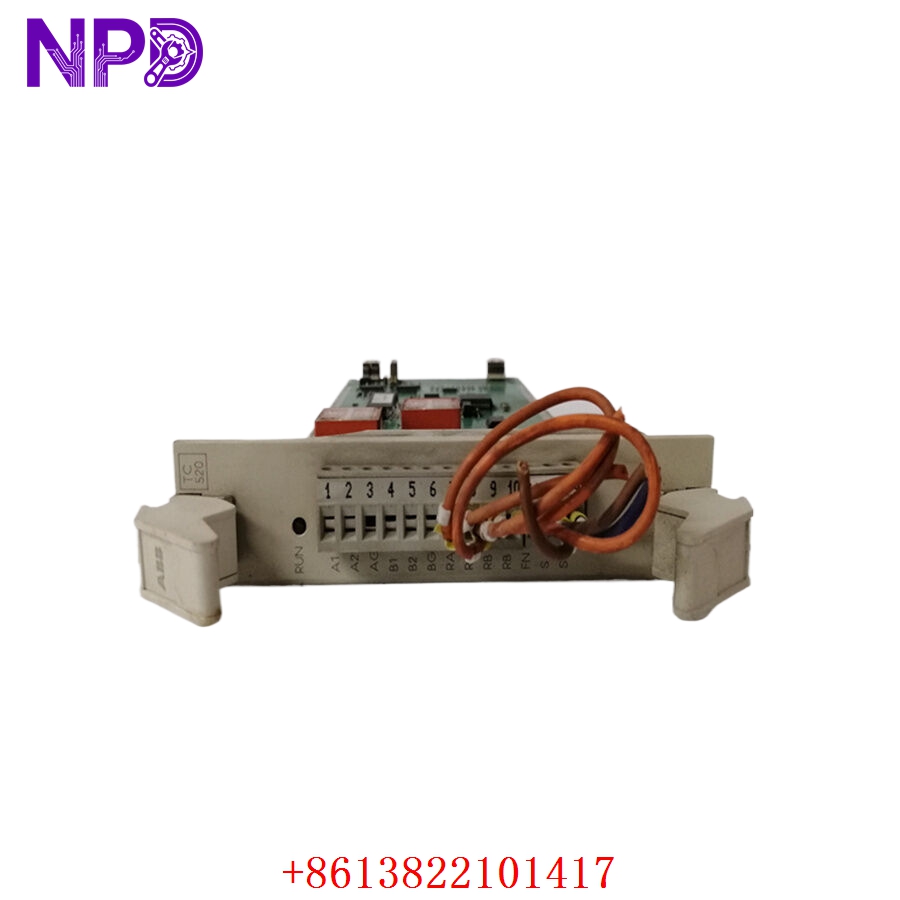
ABB TC520 3BSE001449R1
Engineering Pain Points & Maintenance
The TC520 3BSE001449R1 is a critical “physical layer” component. Because it manages the direct electrical interface between the controller and the fieldbus cable, it is often the first component to fail during power surges or grounding faults on the plant floor.
- Surge Damage: A lightning strike or high-voltage transient on the AF100 fieldbus cable will typically “fry” the modem’s input stage before it can reach the interface card.
- Cable Impedance Mismatch: Improper cable stripping or loose connections at the modem terminals create signal reflections, resulting in intermittent AF100 bus errors.
- Oxidation of Connectors: In acidic or high-humidity environments, the modem-to-interface connector can develop oxidation, leading to “network flickering” (random data packet loss).
Standard Operating Procedure (SOP) Quality Transparency
Our lab validates the integrity of every TC520 before it leaves our facility:
[Physical Housing & Terminal Check] ➔ [Backplane Connector Audit] ➔ [Bus Signal Integrity Bench Run] ➔ [ESD Safe Packaging] - Physical Housing Check: Verifying the modem casing is free of cracks or thermal damage.
- Backplane Connector Audit: Inspecting pins for perfect alignment and gold plating integrity.
- Bus Signal Integrity Bench Run: Testing the unit with a live AF100 network loop to ensure signal rise-time, voltage levels, and packet throughput meet ABB factory tolerances.
- ESD Safe Packaging: Sealing the verified unit in an anti-static, moisture-barrier bag to ensure long-term shelf-life readiness.
Installation & Mitigation Tips
- Cable Routing: Keep AF100 bus cables away from high-power motor cables or variable frequency drive (VFD) output cables. Inductive coupling from these sources can overwhelm the TC520’s noise-rejection logic.
- Termination: Ensure that the AF100 trunk is correctly terminated with 120-ohm resistors at both ends. An un-terminated bus will cause standing waves, leading to constant communication errors at the modem level.
- Grounding: The shield of the AF100 bus cable must be grounded according to the system design—typically at one point to avoid ground loops that can induce current into the modem’s signal circuits.
Troubleshooting Quick Reference
| Symptom | Probable Cause | Action |
| No “Net” or “Bus” LED Activity | Total modem failure or loss of power from the backplane. | Reseat the modem; check for loose cable connections; if no LED activity, replace the modem. |
| Erratic Network Packet Errors | Cable degradation or loose fieldbus terminals. | Check bus cable for crimps; verify terminal connections; ensure proper termination resistors are installed. |
| “Modem Error” on HMI | Corroded internal connector or internal modem chip failure. | Swap the modem with a known good unit to determine if the fault follows the modem or remains at the node location. |
Need immediate engineering assistance? If you are experiencing a persistent AF100 bus fault, please share the network diagram of your segment; our technical team can help you identify if the issue is likely a modem failure or a cabling infrastructure problem.