Description
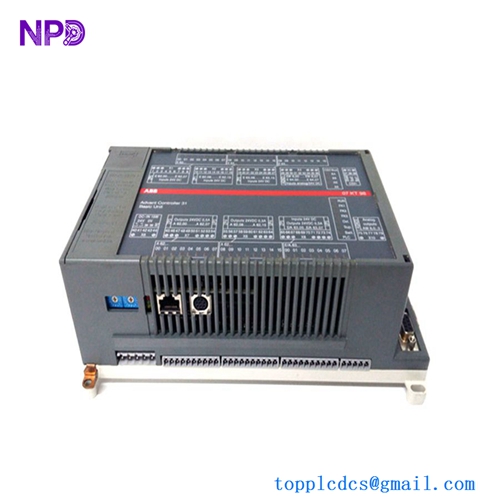
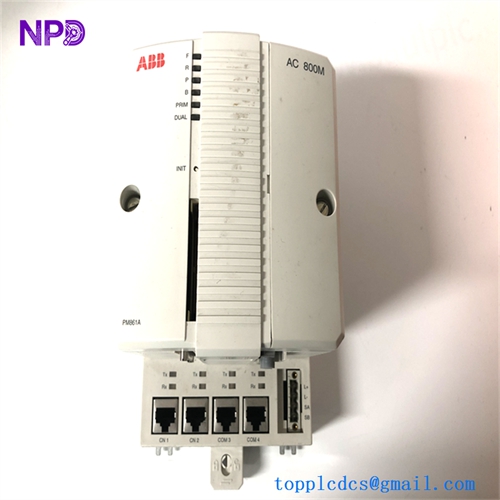
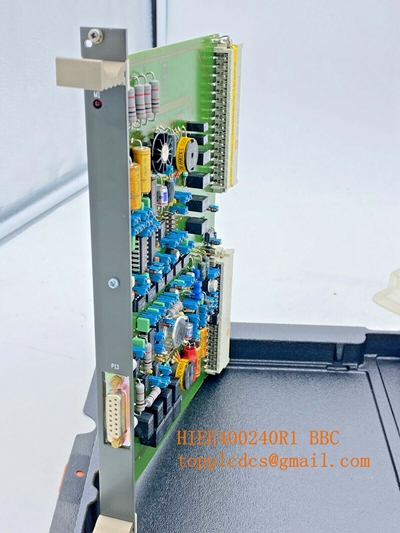
Model: TP858 (3BSE018138R1)
· Brand: ABB
· Series: S800 I/O System
· Core Function: ⚙️ Provides field signal termination and modular connectivity for S800 I/O modules
· Product Type: 📟 Terminal Unit (TU)
· Key Specs: 🛠️ Modular terminal block design, integrated signal filtering, DIN rail mounting
- Module Type: Terminal Unit (TU) / Baseplate
- Compatibility: Specifically designed for S800 I/O modules
- Wiring Interface: Modular screw terminals for secure field device connectivity
- Integration: Acts as the physical base for mounting and connecting I/O modules to the field bus
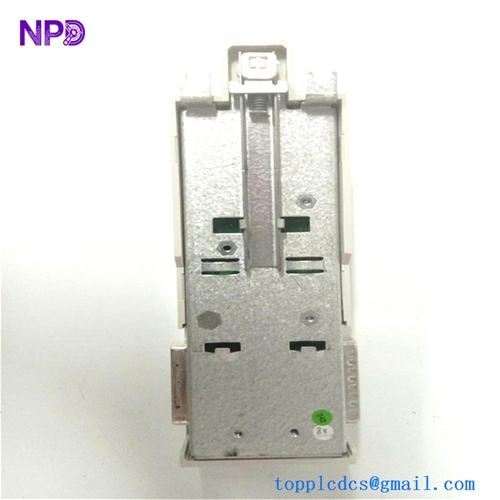
- Mounting: Standard DIN rail mounting for quick cabinet installation
- Protection: Provides physical protection and signal routing for field signals
- Environment: Conformal coated for rugged industrial environments
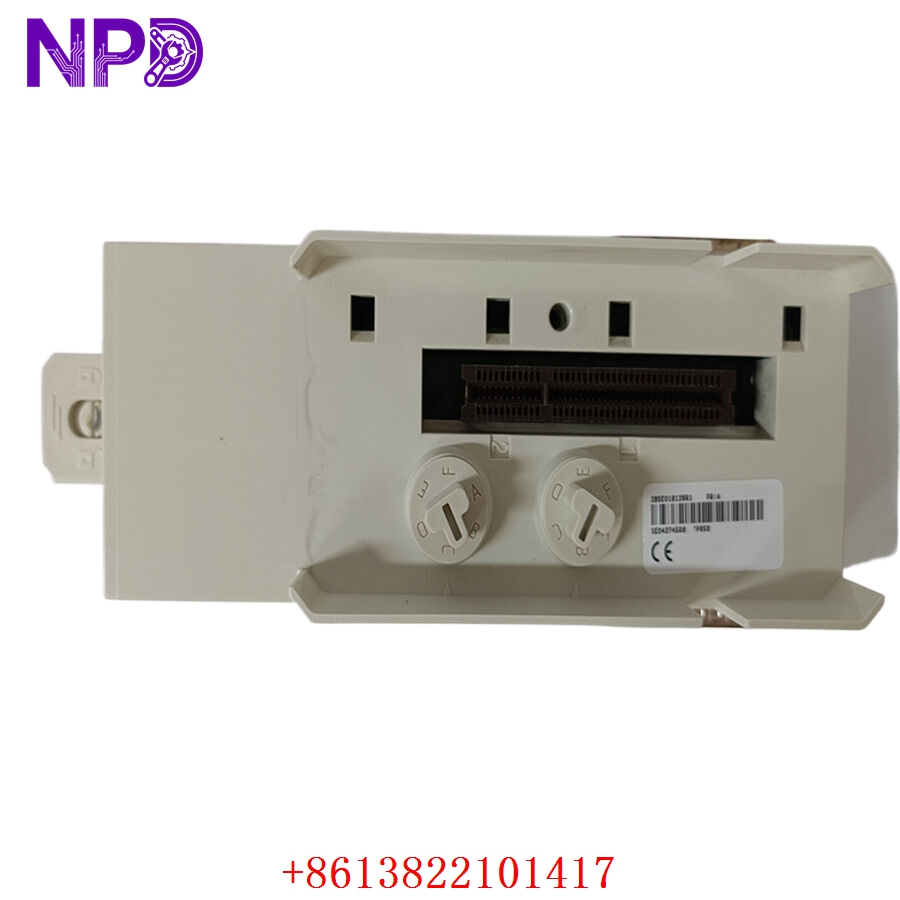
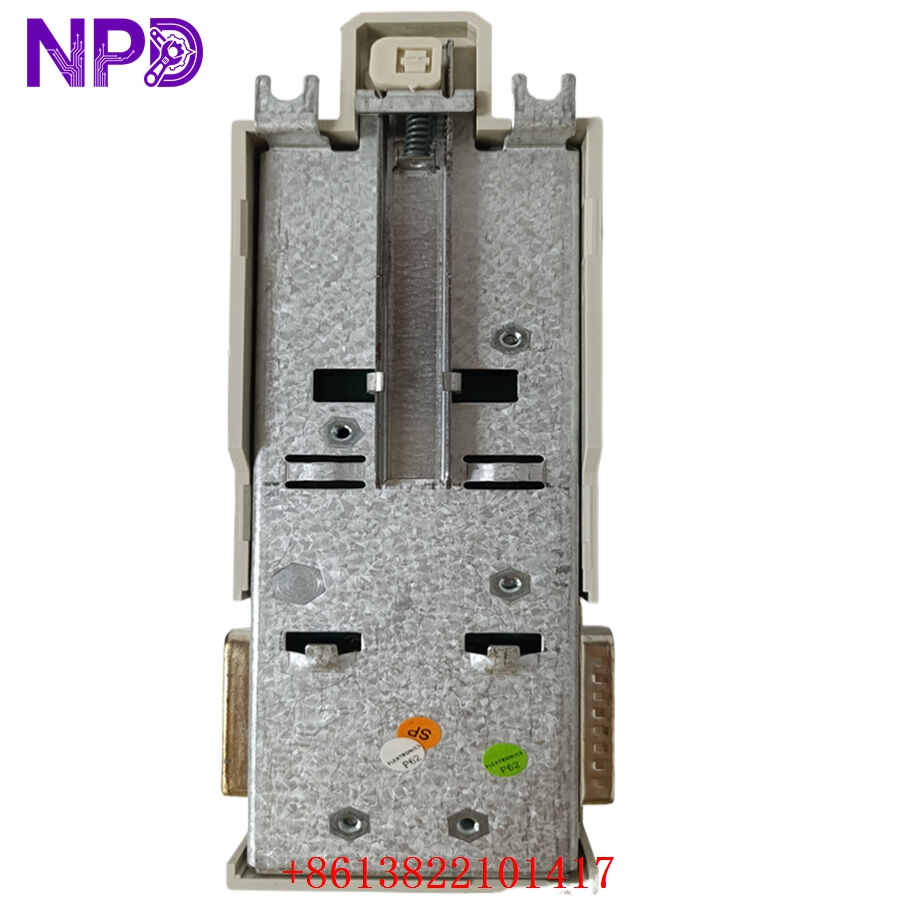
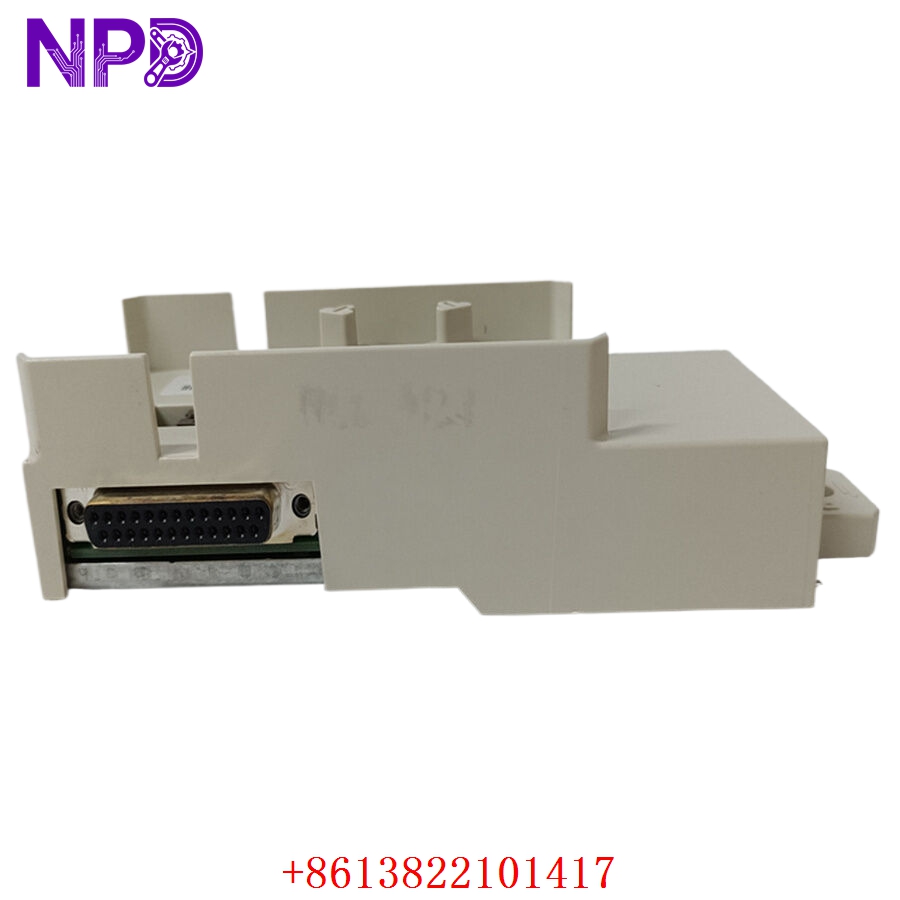
Application Scenarios & Engineering Insights
The TP858 is a foundational piece of the ABB S800 I/O architecture. It is not an “active” electronic module; rather, it serves as the physical foundation (the “base”) into which the active I/O modules plug. Because it is a passive interface, it rarely “fails” electronically. However, the most frequent issue is mechanical wear on the backplane connector pins. If you repeatedly swap I/O modules, the gold plating on these pins can wear away, leading to intermittent “Module Communication” faults.
Typical Use Cases:
- Chemical/Petrochemical – Process Control
Providing the physical termination points for sensors and actuators in high-availability DCS configurations.
- Power Generation – Turbine I/O
Serving as the base for modular I/O racks in critical turbine monitoring environments.
- Water Treatment – Remote I/O Islands
Enabling modular expansion of field I/O in dispersed plant architectures.
Troubleshooting Pro-Tip:
If an I/O module is reporting communication errors, do not replace the terminal unit immediately. Check the locking mechanism of the I/O module—S800 modules must be firmly clicked into the TP858 base. Also, inspect the TP858 pins for any signs of “pitting” or blackening. If the pins look dull or oxidized, cleaning them with a contact cleaner can often solve communication issues without needing to replace the entire board.
Compatible Replacement Models
| Original Model | Replacement | Compatibility | Difference |
| TP858 | TP858 | ✅ Direct | Identical hardware revision |
| TP858 | TP857 / 859 | ⚠️ Limited | Differing terminal arrangements; check wiring |
| TP858 | Modern MTU | ❌ Modification | Requires I/O module change; not compatible |
Note: Since the TP858 has specific mechanical dimensions and pin layouts meant for specific S800 I/O modules, you must replace it with the exact TP858 model number to ensure the I/O module will fit physically.
Troubleshooting Quick Reference
| Symptom | Probable Cause | Action |
| “Module Comm Fault” | Poor pin contact | Clean pins; ensure module is firmly locked in |
| Intermittent Loop Signal | Loose screw terminal | Check and tighten all field wiring connections |
| Module Won’t Power Up | Backplane bus issue | Verify 24 V DC power to the terminal base |
| Physical Damage | Excessive vibration | Ensure DIN rail clips are tight; use vibration mounts |
Safety Warning: While the TP858 is passive, it carries the active 24 V DC loop power. Always ensure the local I/O segment power is off before attempting to clean pins or re-seat the terminal block, as accidental contact can short the power supply and trip the entire I/O cabinet.