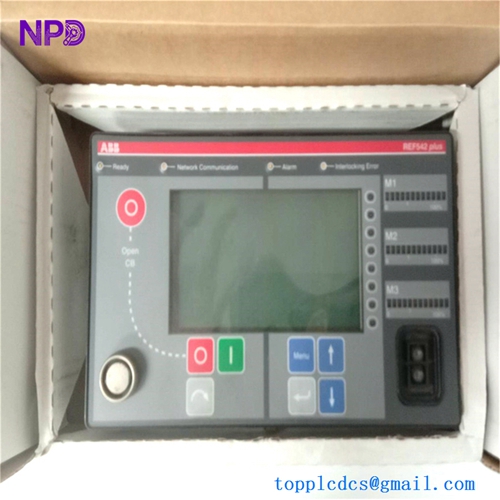
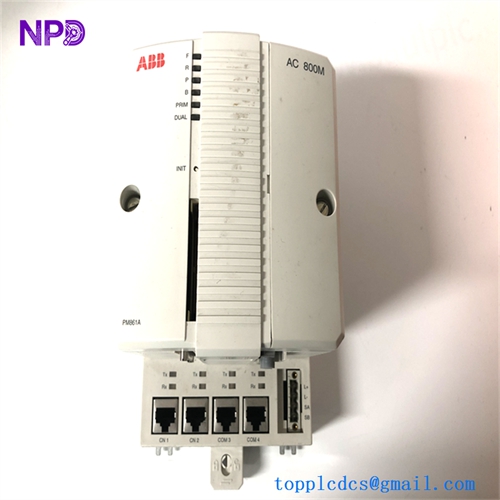
Description
- Model: ABB TP867 (3BSE043664R1)
- Brand: ABB (Sweden/Switzerland)
- Series: AC 800M Control System
- Core Function: Horizontal baseplate for mounting PM867 and PM891 CPUs
- Product Type: Controller Baseplate
- Key Specs: 2x RJ45 Ethernet ports 24V DC Redundant Power DIN Rail Mount
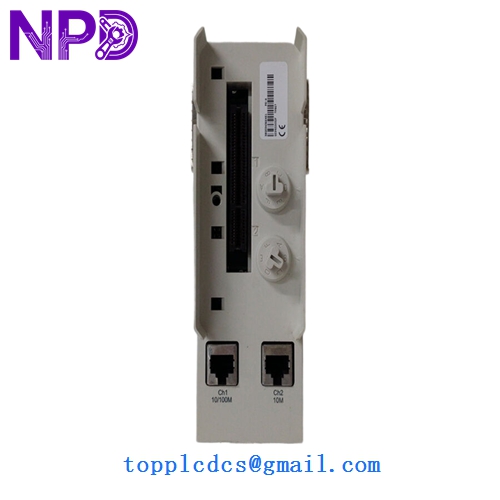
ABB TP867 3BSE043664R1
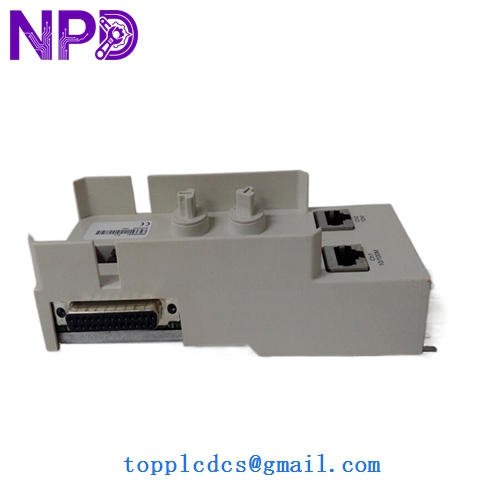
ABB TP867 3BSE043664R1
Key Technical Specifications
- Compatibility: Specifically designed for PM867 and PM891 Controller Modules
- Ethernet Interfaces: 2x 10/100 Mbps RJ45 ports (CN1, CN2)
- Redundancy Support: Dual power supply inputs for high-availability setups
- CEX-Bus Interface: Supports connection to CEX-Bus for I/O expansion
- Module Keying: Mechanical keying prevents insertion of incorrect modules
- Mounting Style: Horizontal 35 mm DIN rail mounting
- Electrical Isolation: Reinforced insulation to ground
- Operating Temp: 5°C to 55°C (41°F to 131°F)
- Power Input: 24 V DC (19.2 – 30 V DC range)
- Status Indicators: LED indicators for Power and Network link
Installation & Configuration Guide
Phase 1: Preparation (Pre-Installation)
Estimated time: 10 minutes
⚠️ Safety Protocol:
- Power Down: Never install or remove a baseplate while the 24V DC power supply is active.
- ESD Protection: Use a grounded wrist strap. The backplane pins are sensitive to static discharge.
- Space Check: Ensure there is at least 10mm of clearance between the TP867 and adjacent modules for cooling.
Required Items:
- 35 mm DIN rail (standard TS35).
- Screwdriver for power terminal connections.
- RJ45 Cat5e/Cat6 cables for network integration.
Phase 2: Mounting & Wiring
Estimated time: 15 minutes
Step 1: Rail Attachment Hook the top of the TP867 onto the DIN rail and push the bottom until the locking tab clicks. Ensure the baseplate is level to avoid stress on the CEX-bus connectors.
Step 2: Redundant Power Connection Connect your 24V DC supplies to the “L+” and “L-” terminals. I always recommend using two independent power sources to take full advantage of the internal redundancy of the AC 800M system.
Step 3: Network Cabling Connect CN1 and CN2 to your Control Network switches. If you are using a redundant network, CN1 usually serves the primary network and CN2 the secondary.
Phase 4: Module Insertion & Commissioning
Estimated time: 10 minutes
- Verify Keying: Check that the mechanical code pins match your PM867/PM891 CPU.
- Insertion: Align the CPU module with the TP867 guide pins and press firmly.
- Power Up: Turn on the 24V DC supply. The power LEDs on the baseplate should glow solid green.
- Verification: In ABB Control Builder, verify that the module hardware status is “Healthy” and that Ethernet link communication is established on both ports.
Customer Cases & Industry Applications
Case 1: Power Plant Control Upgrade A thermal power plant in Vietnam was upgrading its turbine control system from older AC 800M controllers to the high-performance PM867. They needed ten TP867 baseplates to facilitate the migration. By sourcing New Surplus from our stock, the plant saved 25% compared to the direct factory price and avoided a 12-week lead time, allowing the upgrade to be completed during a scheduled 7-day maintenance window.
Case 2: Steel Mill Network Failure A steel mill’s DCS system suffered a partial network blackout when a lightning strike damaged the Ethernet ports on several baseplates. The TP867 units were the bottleneck for the repair. We dispatched three units via international express, arriving on-site in 48 hours. The maintenance team swapped the baseplates and re-mounted the existing CPUs, restoring communication to the rolling mill and preventing further production losses.
Frequently Asked Questions (FAQ)
Q: Can I use the TP867 with a PM866 controller? A: No. The TP867 is specifically designed for the PM867 and PM891 modules. For a PM866, you should use the TP853 or TP830 baseplate depending on your configuration. Using the wrong baseplate can result in mechanical interference or pins not aligning correctly.
Q: Is this baseplate “hot-swappable”? A: No. While the AC 800M system supports many hot-swap features for I/O, the TP867 baseplate is the foundation for the CPU. Removing the baseplate requires disconnecting power and network, which will shut down the entire controller.
Q: Why does the 3BSE043664R1 cost more than some other baseplates? A: This specific model includes the integrated high-speed Ethernet ports and the specialized bus-routing required for the PM867/PM891 series. It is a more complex piece of hardware than a simple I/O baseplate, acting as the primary communication hub for the processor.
Q: Is this a used or “pulled” part? A: Absolutely not. This is New Surplus. It has never been installed in a cabinet or exposed to an industrial environment. We understand that in DCS systems, a “pulled” baseplate with bent pins or weakened connectors is a massive reliability risk. We only supply zero-hour, authentic ABB hardware.
Q: Does it include the plastic cover for unused ports? A: Yes, our units typically ship in the original box with the factory-provided covers for the CEX-bus and network ports. This prevents dust and debris from entering the connectors before commission.