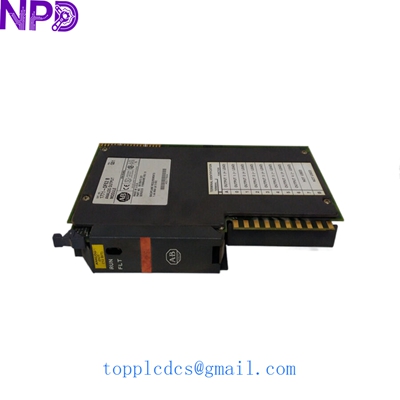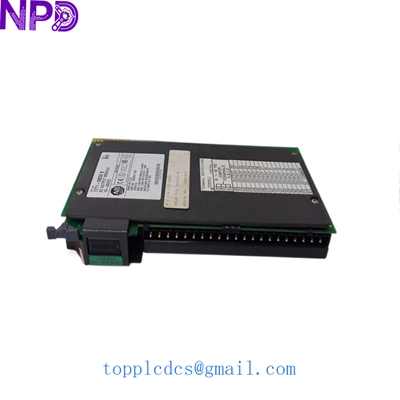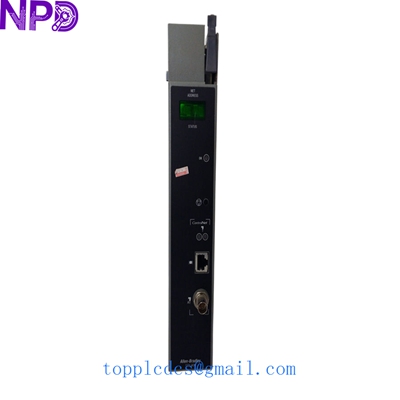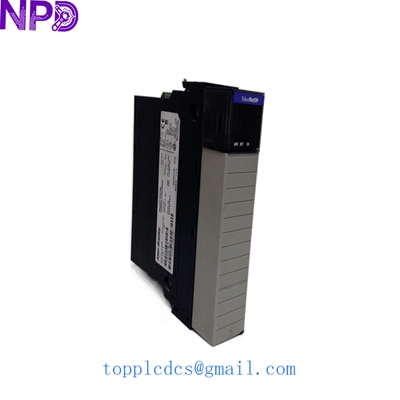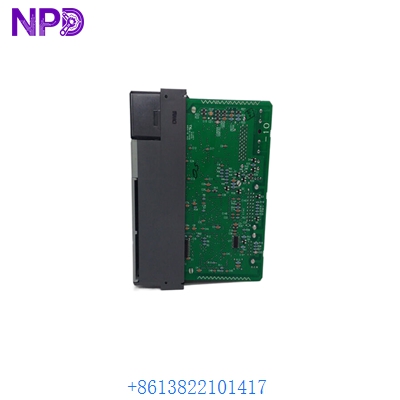
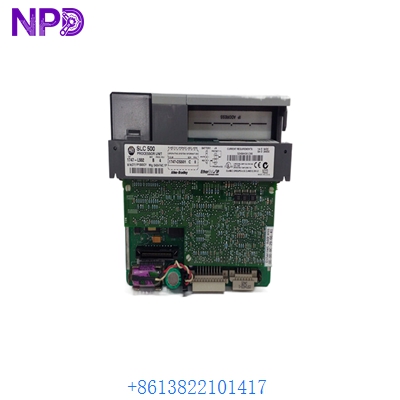

Description
- Model: 1747-L552
- Brand: Allen-Bradley / Rockwell Automation (USA)
- Series: SLC 500 (SLC 5/05 System)
- Core Function: Central Processing Unit (CPU) with Ethernet communication capability
- Type: Modular Processor
- Key Specs: 32K User Memory 10/100 Mbps Ethernet port RS-232 (Channel 0)
Key Technical Specifications
- User Memory: 32,000 Words (Program and Data)
- I/O Capacity: Max 4,096 Inputs + 4,096 Outputs
- Communication Channels: Ethernet (RJ45) and RS-232 (9-pin D-shell)
- Ethernet Speed: 10/100 Mbps (Autonegotiation supported)
- Max Chassis Slots: Up to 30 slots (across 3 chassis)
- Scan Time: 0.9 ms/K (Typical)
- Backplane Current: 1,000 mA at 5 V DC; 0 mA at 24 V DC
- Programming Software: RSLogix 500
- Protocol Support: EtherNet/IP, DF1 Full-Duplex, DF1 Radio Modem, DH-485
- Battery Backup: 1747-BA Lithium Battery (Replaceable)
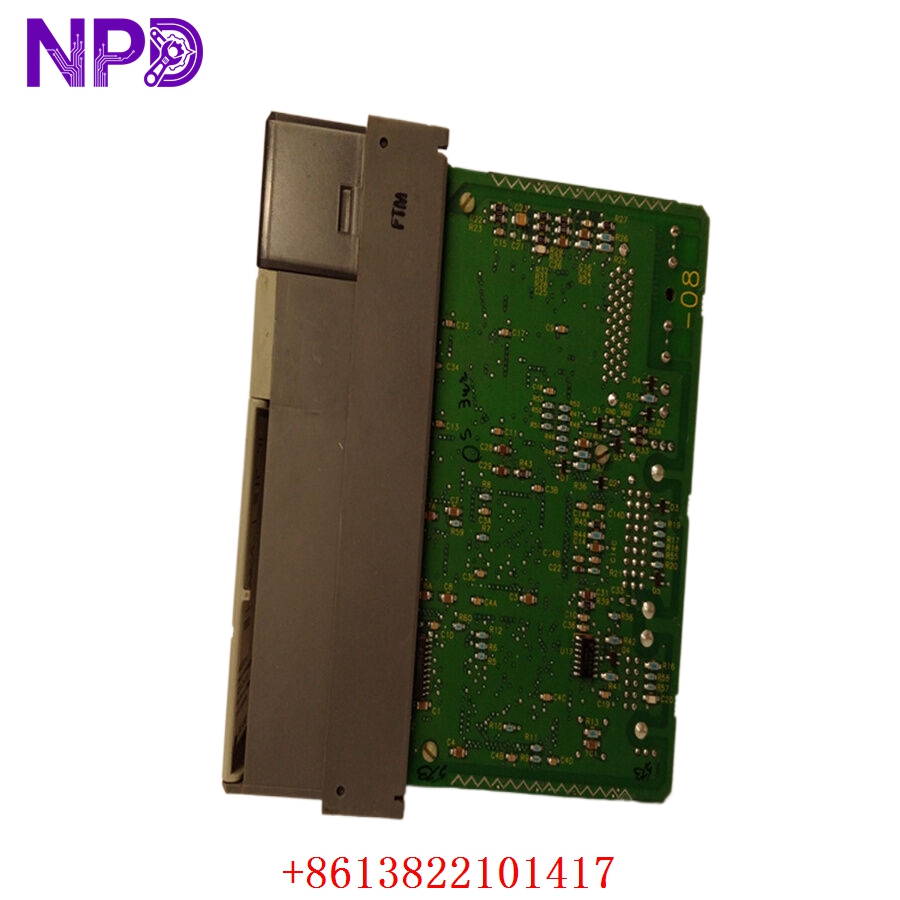
ALLEN BRADLEY 1747-L552
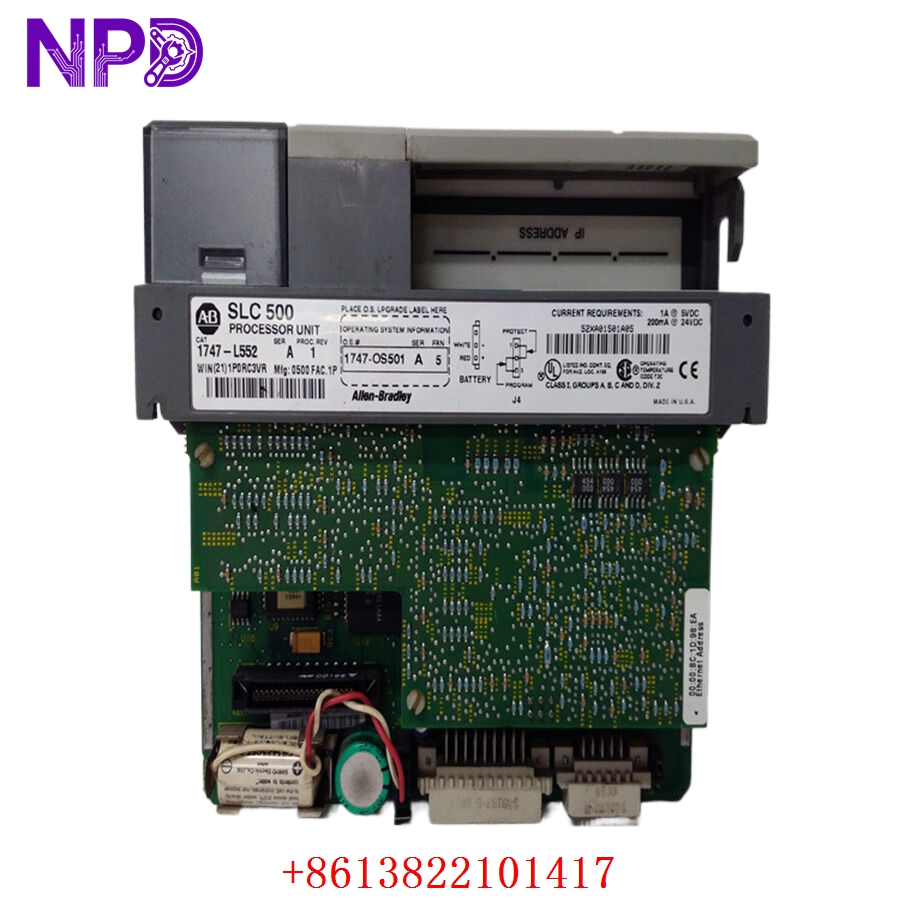
ALLEN BRADLEY 1747-L552
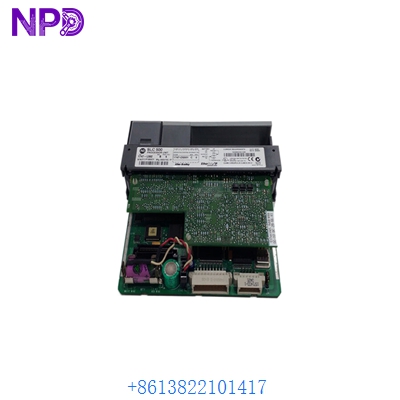
ALLEN BRADLEY 1747-L552
Installation & Configuration Guide
Phase 1: Pre-Installation (Estimated time: 10 minutes)
⚠️ Safety Protocol:
- Never insert or remove a processor while the power to the SLC chassis is ON. This can cause backplane arcing and permanent hardware damage.
- Ensure you have a recent
.RSSproject file backup. - Check the condition of the 1747-BA battery. If the red “BATT” LED was on in the old unit, do not reuse that battery.
Phase 2: Removal (Estimated time: 5 minutes)
- Power Down: Switch off the chassis power supply (e.g., 1746-P1 or P2).
- Cable Removal: Unplug the Ethernet (RJ45) and RS-232 cables.
- Extraction: Squeeze the release tabs at the top and bottom of the 1747-L552 module and slide it out of Slot 0.
Phase 3: Configuration & Seating (Estimated time: 15 minutes)
- Jumper Settings: There is a “Protect” jumper (J4) inside the unit. In most cases, it is set to “Disabled” to allow program downloads. Match this to your previous processor.
- Insertion: Slide the 1747-L552 into Slot 0 (the leftmost slot next to the power supply). Ensure the card is fully seated and the tabs “click.”
- Memory Card (Optional): If you are using a 1747-M13 memory module, transfer it to the new unit now.
Phase 4: Commissioning (Estimated time: 20 minutes)
- Power Up: Turn on the chassis power. The “FAULT” LED will likely flash—this is normal for a processor without a program.
- Establish Link: Connect your laptop to the Ethernet port. By default, the unit may be set to BOOTP/DHCP.
- Download Program: Use RSLogix 500. Go to “Comms” -> “System Comms,” select the processor, and perform a “Download.”
- Run Mode: Switch the processor to “Run” mode. The “RUN” LED should be solid green, and the “ENET” LED should flash during traffic.
Customer Cases & Industry Applications
Case 1: Food & Beverage Production Line Recovery
Situation: A high-speed bottling plant in Mexico suffered a CPU failure on an older SLC 500 rack. The 1747-L552 processor simply stopped communicating over Ethernet. Task: The plant manager was losing $5,000 per hour in idle labor and unfulfilled orders. Their local distributor quoted a 12-week wait. Action: We provided a verified “New Surplus” 1747-L552. To speed up the process, I sent the customer a high-resolution photo of the side label to confirm the firmware revision was compatible with their RSLogix 500 version. Result: The part arrived via DHL Express in 3 days. The maintenance team performed a “swap-and-download” in under an hour. The line was running before the next shift started.
Case 2: Legacy Migration Bridge for Wastewater Treatment
Situation: A municipal utility wanted to integrate their old SLC 5/05 controlled pumps into a new Ignition SCADA system but couldn’t risk a full hardware upgrade yet. Task: They needed to replace their aging RS-232 based SLC 5/03 processors with 1747-L552 (SLC 5/05) units to gain native Ethernet connectivity. Action: We supplied three 1747-L552 units. I helped their engineer understand that while the I/O remained the same, they needed to update their “Channel Configuration” in RSLogix 500 to enable the Ethernet port. Result: The city successfully linked their remote pumps to the central SCADA via fiber-optic Ethernet, extending the life of their existing 1746 I/O hardware by another 10 years.
Frequently Asked Questions (FAQ)
Q: Can I use a 1747-L552 to replace an older 1747-L551? A: Yes. The L552 has 32K memory, while the L551 only has 16K. You can always go “up” in memory without issues. Just ensure you update the Processor Type in your RSLogix 500 project settings before downloading.
Q: Why is my “ENET” LED flashing red? A: A flashing red Ethernet LED usually indicates a duplicate IP address on the network or a failure to obtain an IP address via BOOTP/DHCP. Try connecting via the RS-232 port first to set a static IP address in the Channel Configuration.
Q: Is your stock “Original Brand New” or “Refurbished”? A: We only deal in New Surplus. These are units that have never been used in production. They may have been spares sitting in a clean warehouse. Unlike “refurbished” units, these have not had components resoldered or boards repaired. You are getting the original factory reliability.
Q: My software says “Firmware Mismatch.” What do I do? A: This happens if your RSLogix 500 version is very old (e.g., V6.0) and the new processor has a modern firmware (e.g., FRN 11). You can usually solve this by updating your software drivers or “flashing” the processor firmware down—though we recommend updating your software for better security and features.
Q: Does it come with a battery? A: Yes, our New Surplus units come with a fresh 1747-BA battery. However, for international air shipments, we sometimes have to pack the battery separately or replace it upon arrival to comply with lithium battery safety regulations.