Description
Product Core Brief
| Attribute | Detailed Information |
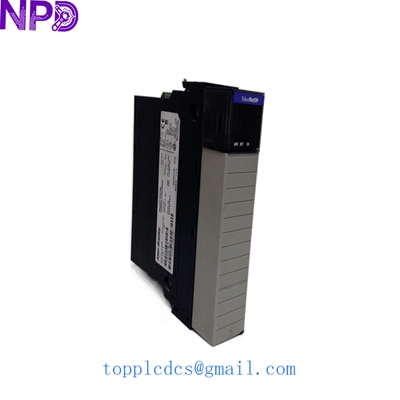
| Model | Allen-Bradley 1756-EWEB |
| Brand | Rockwell Automation / Allen-Bradley |
| Series | ControlLogix (1756) |
| Core Function | Enhanced Web Server and Ethernet/IP Communication Interface |
| Product Type | Web-Enabled Communication Module |
| Key Specs | 10/100 Mbps Ethernet / Custom Web Page Support / XML Data Exchange |
Key Technical Specifications
- Communication Rate: 10/100 Mbps (Auto-sensing)
- Capacity: Supports up to 64 TCP/IP connections and 128 Logix connections
- Web Services: Custom HTML/XML page hosting (up to 4 MB internal storage)
- Protocols: EtherNet/IP, HTTP, SMTP (for email alerts), and SNMP
- Backplane Current: 800 mA @ 5.1 V DC; 3 mA @ 24 V DC
- Isolation Voltage: 30 V (continuous), Basic Insulation Type
- Module Slot Width: Single slot in any 1756 ControlLogix Chassis
- Configuration: Via Studio 5000 Logix Designer and standard web browsers
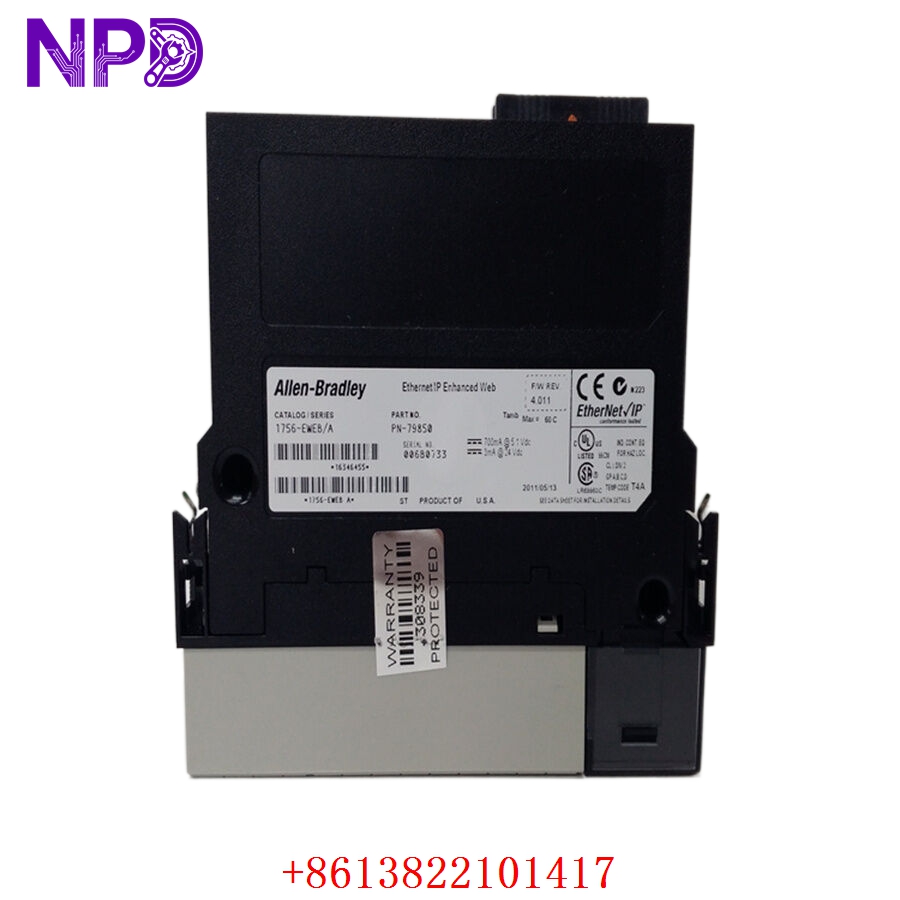
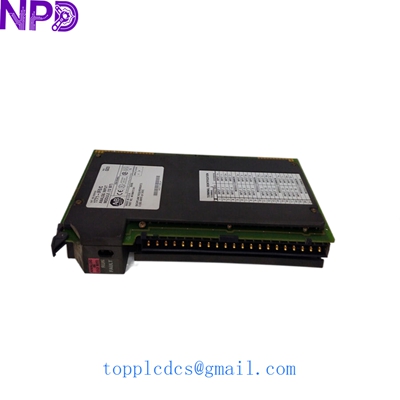
ALLEN BRADLEY 1756-EWEB
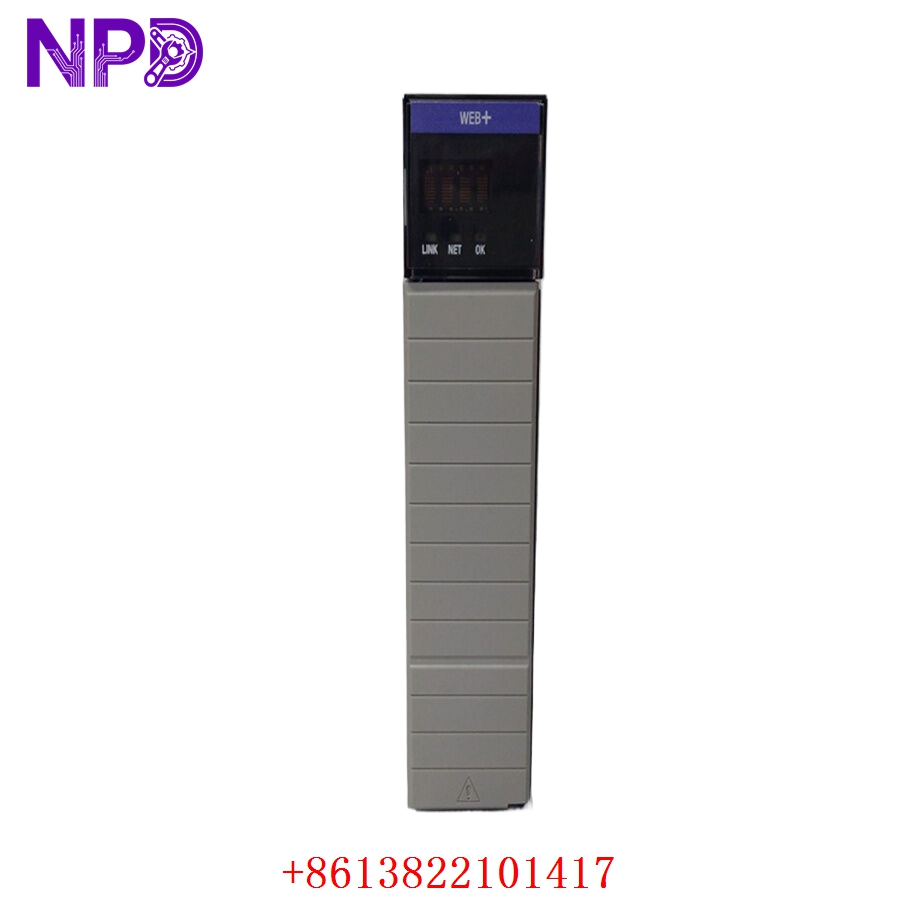
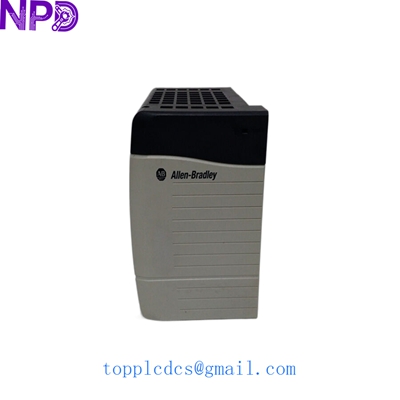
ALLEN BRADLEY 1756-EWEB
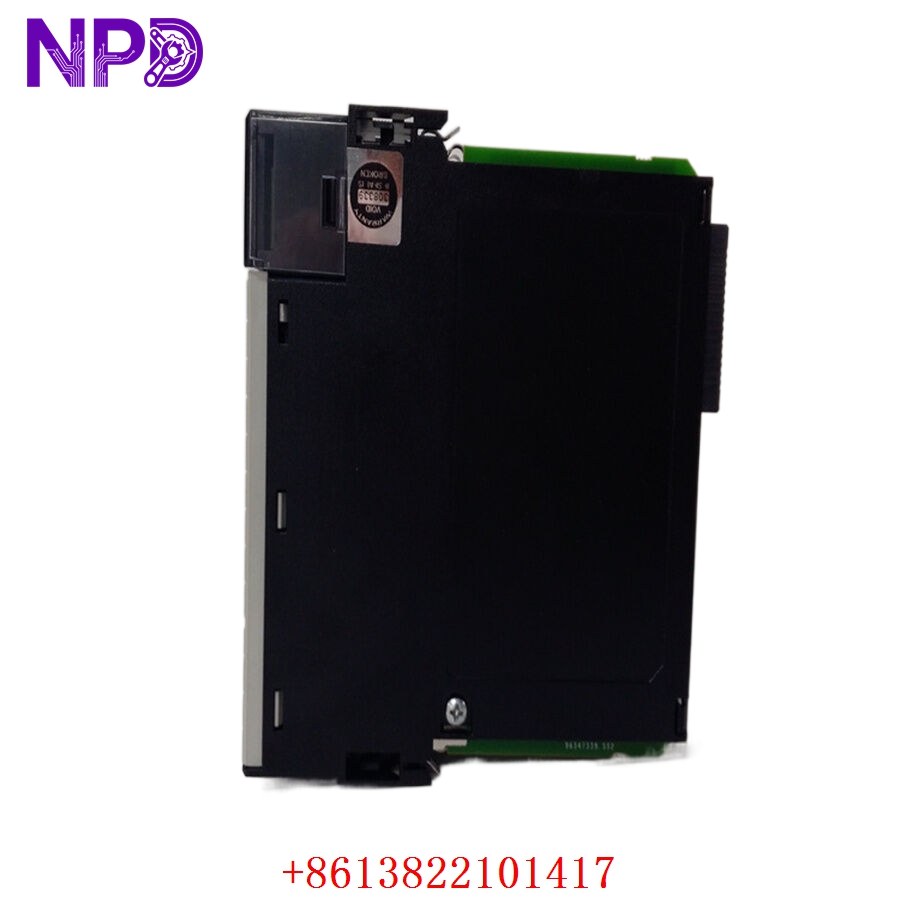
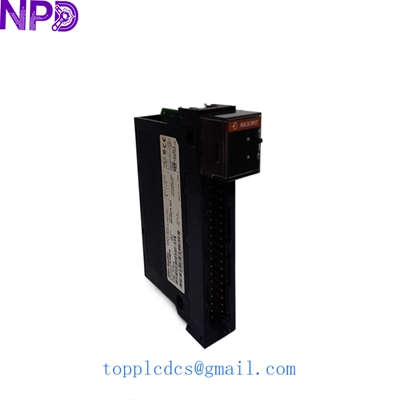
ALLEN BRADLEY 1756-EWEB
Application Scenarios & Pain Points
The 1756-EWEB isn’t your typical 1756-EN2T communication card. It was designed to bridge the gap between the plant floor and the office cubicle before modern IIoT (Industrial Internet of Things) platforms became mainstream. It allows you to host custom web pages directly on the module, providing a “mini-HMI” that anyone with a web browser and the right permissions can access.
The Engineering Challenge:
In legacy systems, the 1756-EWEB is often the primary gateway for remote diagnostics or simple data logging. If this module fails, your maintenance team loses their remote window into the machine’s health. While newer EN3T or EN4TR modules have taken over basic duties, the EWEB is often hard-coded into custom IT/OT bridges and XML data exchange routines. Replacing it with a different model often requires extensive re-programming of the data layer, making an exact hardware replacement the only viable short-term fix.
Typical Application Scenarios:
- Remote Diagnostic Dashboards
Providing real-time machine status and fault codes to technicians via a standard browser without requiring a full SCADA license.
- Email Notification Systems
Configuring the PLC to send automated SMTP alerts directly to the maintenance manager’s inbox when a critical alarm occurs.
- Cross-Platform Data Exchange
Using XML templates to feed production data from the ControlLogix backplane into ERP or MES systems.
- Legacy System Support
Maintaining existing “Web-HMI” interfaces in older facilities that aren’t ready for a full hardware migration.
Case Study: The “Blind” Remote Site in the Midwest
Background: A water treatment utility used a 1756-EWEB to provide a web-based interface for remote operators to monitor tank levels across three counties.
Problem: A lightning strike nearby caused a surge that fried the Ethernet port of the EWEB module. The local HMI still worked, but the remote operators were “blind.” The system relied on custom Java applets hosted on the EWEB, so a standard EN2T wouldn’t work as a replacement.
Solution: We sourced an identical 1756-EWEB (Series B). Because the customer had a backup of the internal web files (the .HTML and .XML files), we were able to help them walk through the file transfer process via FTP.
Result:
- Restoration: Remote monitoring was back online in 24 hours.
- Efficiency: No need to rewrite the entire web interface or change the SCADA architecture.
Compatible Replacement Models
Be careful—while many 1756 Ethernet cards look alike, the EWEB has unique web-hosting capabilities.
| Original Model | Alternative Model | Compatibility Level | Notes |
| 1756-EWEB | 1756-EWEB (Series B) | ✅ Direct Replacement | Fully interchangeable; Series B has improved hardware stability. |
| 1756-EWEB | 1756-EN2T | ❌ Hardware Incompatible | EN2T does not support custom web hosting or XML data exchange. |
| 1756-EWEB | 1756-EN3TR | ❌ Hardware Incompatible | While faster for I/O, it lacks the EWEB’s specific web server features. |
Troubleshooting Quick Reference
| Symptom | Possible Cause | Relevance | Quick Check | Action |
| “OK” LED is Solid Red | Unrecoverable Fault | ✅ High | Cycle power; check if the module is recognized in the chassis. | If Red LED stays on, the module is bricked. Replace it. |
| Link LED Off | Physical Layer Issue | ⚠️ Medium | Swap the Ethernet cable; check the switch port. | If other devices work on that cable, the EWEB port is dead. |
| Can Ping but No Web Page | File System Corruption | ⚠️ Medium | Try to access the module via FTP to see if files exist. | Re-load the web files (.html/.xml) to the module’s memory. |
| Module “I/O Not Responding” | Firmware Mismatch | ⚠️ Medium | Check the firmware version in RSLogix 5000/Studio 5000. | Flash the module to match the project version. |
Field Engineer’s Insight:
If you’re replacing a 1756-EWEB, remember that the IP address isn’t the only thing you need to worry about. Unlike an EN2T, the EWEB often has custom files stored in its internal non-volatile memory. If you don’t have a backup of those HTML or XML files, you’re going to have a very hard time getting the “Web” part of your EWEB back. Always try to FTP into the old module (if it still powers up) and download the ‘WWW’ directory before you swap it out.
Pro-Tip: If the module is working but the web page feels sluggish, check the “Bridge” tab in the diagnostic page. If the CPU utilization is over 80%, you’re likely asking it to handle too many simultaneous TCP connections.
Need help retrieving the web files from your old module? I can walk you through the FTP commands needed to pull your data.