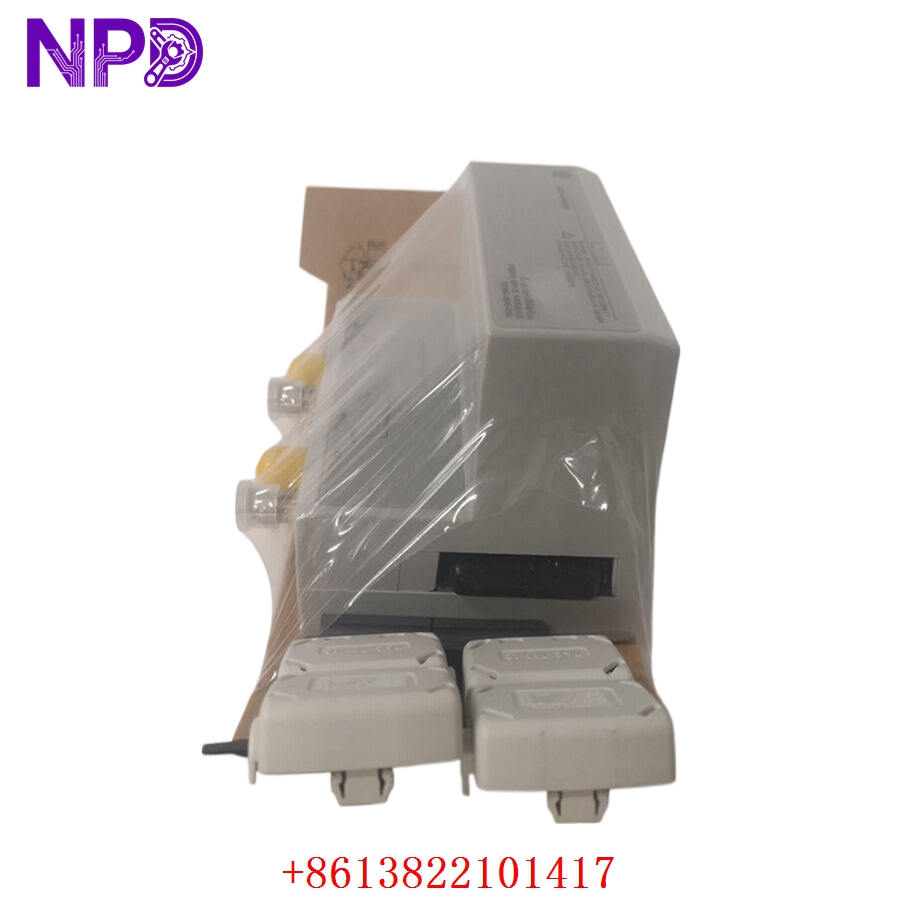

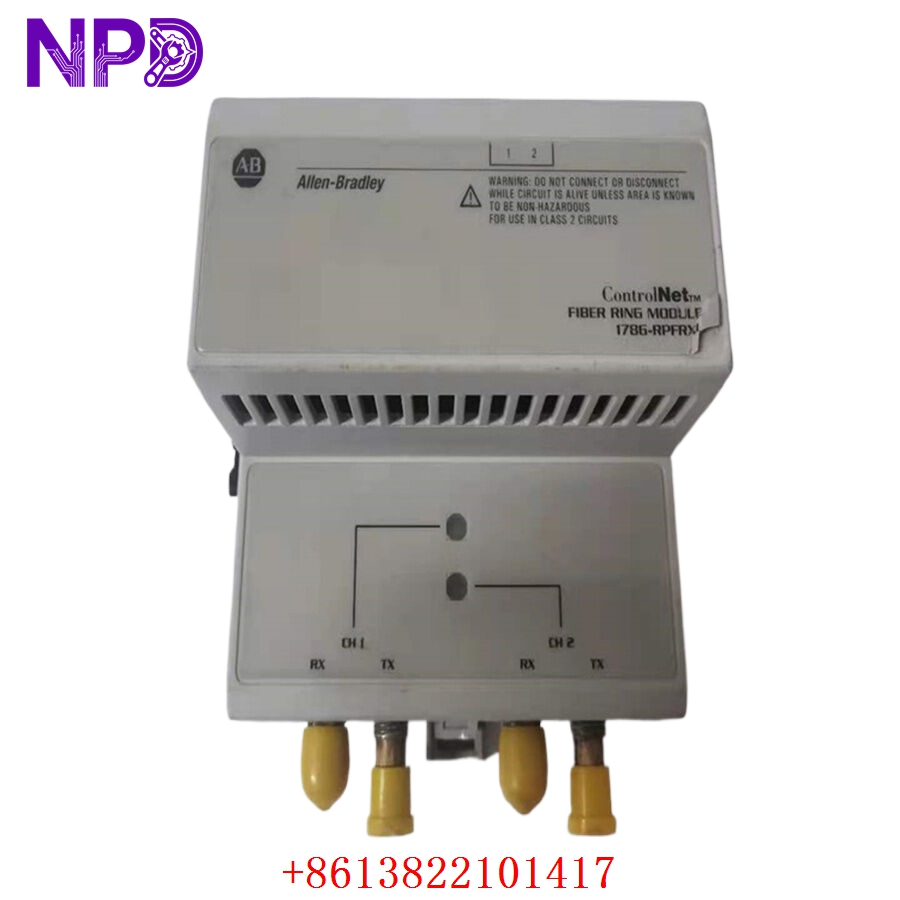
Description
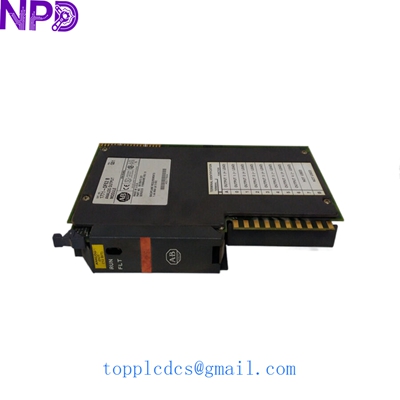
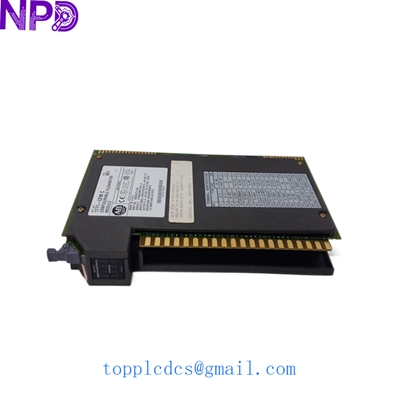
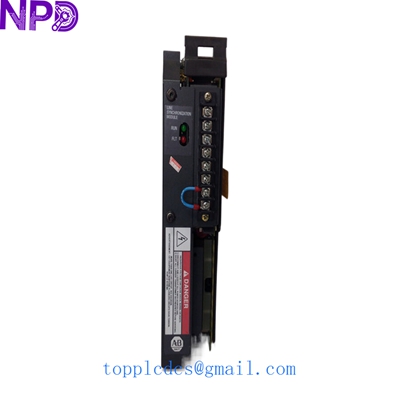
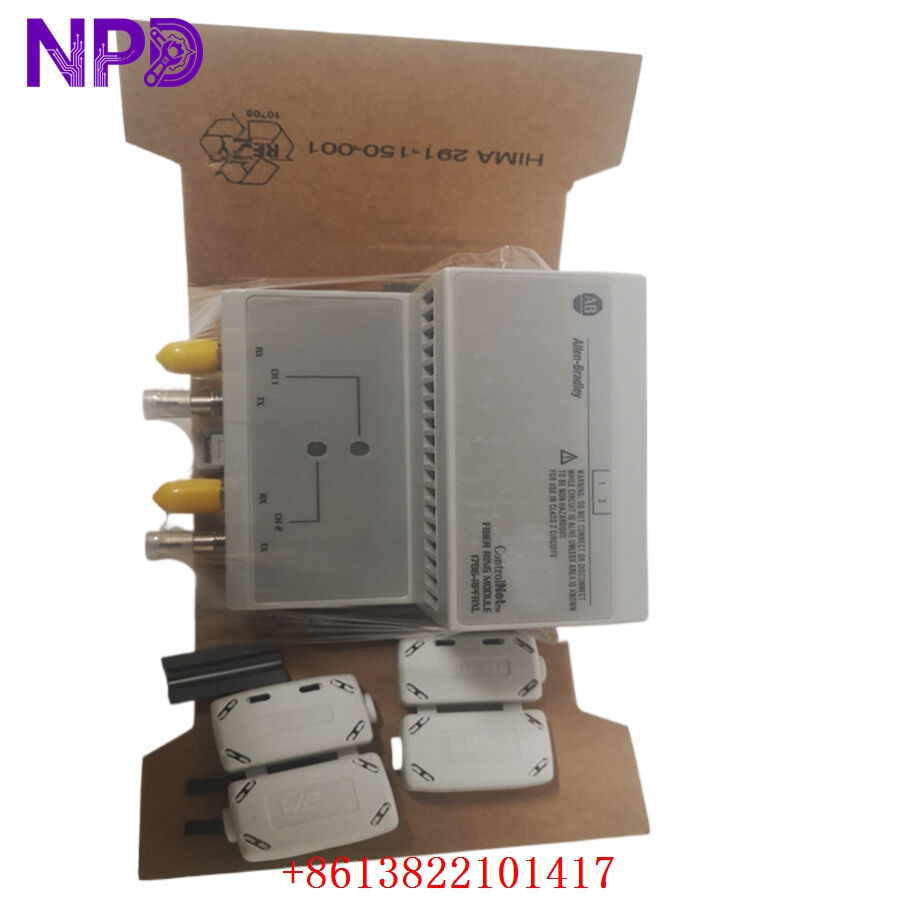
- Model: Allen-Bradley 1786-RPFRXL
- Brand: Allen-Bradley (Rockwell Automation)
- Series: ControlNet Communication System
- Core Function: Extends ControlNet network distance via fiber optic media
- Type: Fiber Repeater Module
- Key Specs: Supports long-distance fiber optic connections, redundant media capability
- Network Type: ControlNet
- Media Type: Fiber Optic (Glass)
- Communication Rate: 5 Mbps
- Input Power: 24 V DC (nominal)
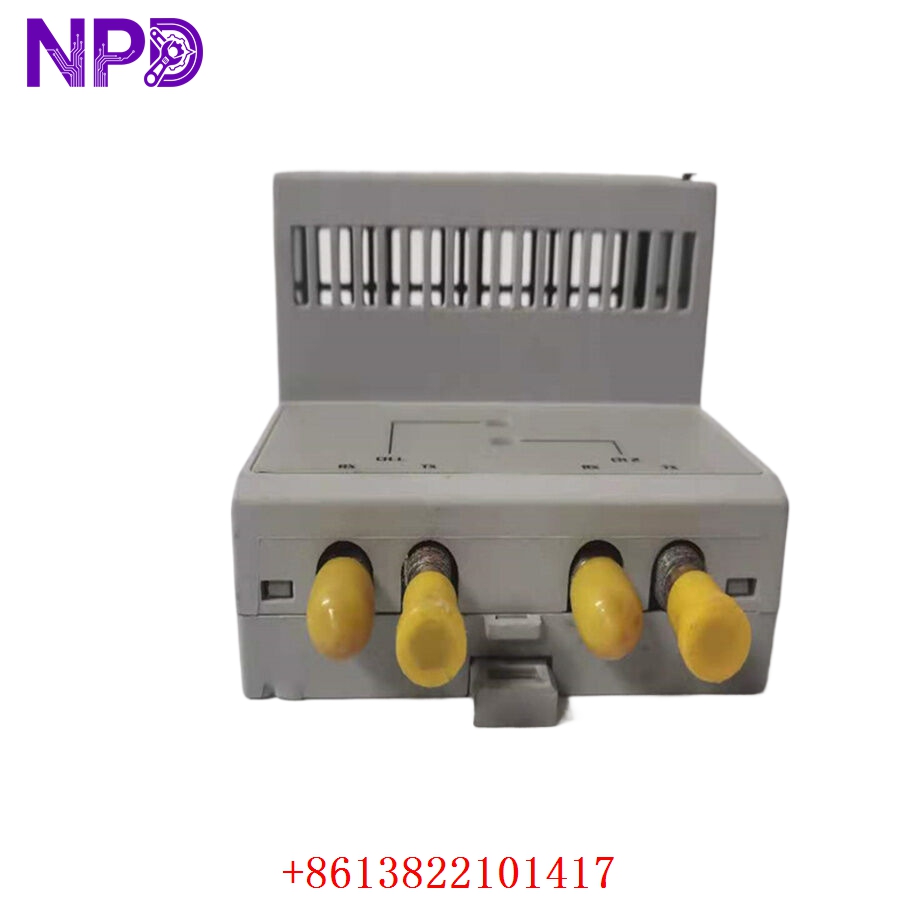
- Connector Type: ST-style fiber connectors
- Mounting Style: DIN rail or panel mount
- Operating Temperature: 0 °C to 60 °C
- Diagnostics: On-board status LEDs (Power, Link, Network Status)
- Housing: Industrial IP20 rated enclosure
- Redundancy: Supports redundant media configurations
Installation & Configuration Guide
Phase 1: Pre-Installation (15 Minutes)
⚠️ Safety First:
- Coordinate with maintenance to ensure network downtime is scheduled.
- Disconnect 24 V DC power from the repeater module.
- Clean fiber optic connectors with an approved fiber cleaning kit before insertion to prevent signal attenuation.
Tools: ST-style fiber optic patch cables, fiber inspection scope (optional but recommended), PH1 screwdriver.
Backup: Document the current ControlNet node address and media configuration. Photograph the existing fiber routing to ensure the new module matches the physical layout.
Phase 2: Removal (10 Minutes)
- Label both the primary and redundant fiber optic cables (if applicable).
- Disconnect the ST fiber connectors by gently twisting and pulling.
- Disconnect the 24 V DC power wiring.
- Release the DIN rail tab at the bottom of the 1786-RPFRXL and remove the unit from the rack.
Phase 3: Installation (15 Minutes)
- Verify the replacement module is a genuine 1786-RPFRXL.
- Mount the unit onto the DIN rail until the locking tab clicks.
- Reconnect the 24 V DC power source, ensuring correct polarity.
- Carefully insert the ST fiber connectors; ensure they are seated deeply enough to click/lock into place.
Phase 4: Testing (20 Minutes)
-
- Power up the module. Confirm the “Power” LED is solid green.
- Observe the “Link” LEDs for both primary and secondary fiber channels. They should be steady green if the fiber link is intact.
- Check the “Network Status” LED; a blinking or solid green indicates the repeater is successfully participating in the ControlNet network.
- Verify communication integrity from the controller (e.g., ControlLogix) to ensure no packet loss occurs through the new repeater
Customer Cases & Industry Applications
Case Study: Network Expansion in a Large Manufacturing Plant
Situation: A major automotive plant needed to expand their ControlNet network to a new assembly line located 800 meters from the main control room. Standard coaxial cable could not cover the distance due to signal loss.
Task: The engineering team needed a reliable way to bridge the gap without compromising network speed or latency.
Action: The facility sourced two Allen-Bradley 1786-RPFRXL modules to create a fiber optic link. We provided the units, ensuring they were factory-sealed, brand-new components to guarantee long-term stability.
Result: The fiber bridge provided a robust, interference-free connection. The system has been running for 18 months without a single network timeout. The lead engineer stated: “Using these repeaters allowed us to bypass electromagnetic interference issues we typically face with copper cabling in this factory environment.”
Frequently Asked Questions (FAQ)
Q1: Can I use this with plastic optical fiber (POF)? A: No, the 1786-RPFRXL is designed for glass fiber optic media with ST connectors. Ensure your fiber optic cabling specifications match glass fiber requirements.
Q2: How do I know if the repeater is functioning correctly? A: Monitor the front-panel LEDs. A solid green “Link” light indicates the fiber connection is active. If you see red status lights, check your fiber termination and ensure the cable hasn’t been bent beyond its minimum radius.
Q3: Are these refurbished units? A: No. We strictly deal in New Surplus. You will receive the module in its original Allen-Bradley packaging (or original factory condition), completely free of the reliability issues associated with used or refurbished networking equipment.
Q4: Does this repeater introduce significant latency? A: The 1786-RPFRXL is designed for high-speed industrial networks. While all repeaters introduce a negligible amount of propagation delay, it is well within the design specifications for a 5 Mbps ControlNet network.
Q5: What happens if the fiber link breaks? A: If you are running a redundant media configuration, the system should automatically switch to the healthy channel. The module’s status LEDs will reflect the loss of the primary link, allowing your maintenance team to identify the fault location immediately.