Description
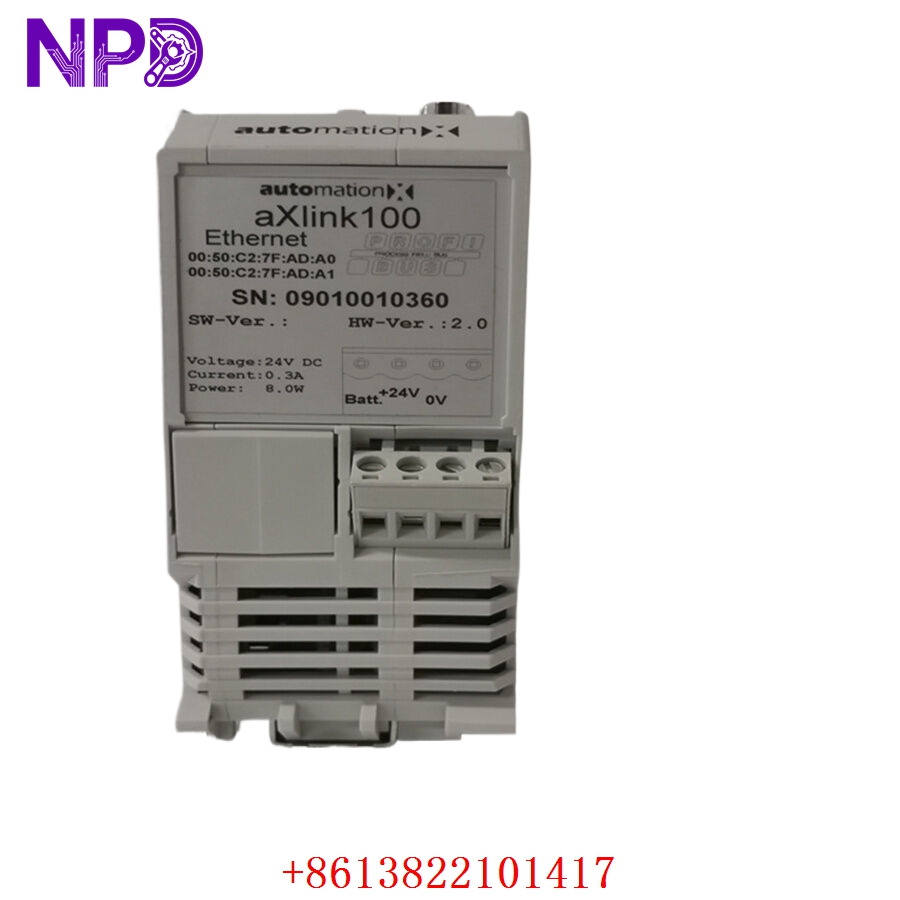
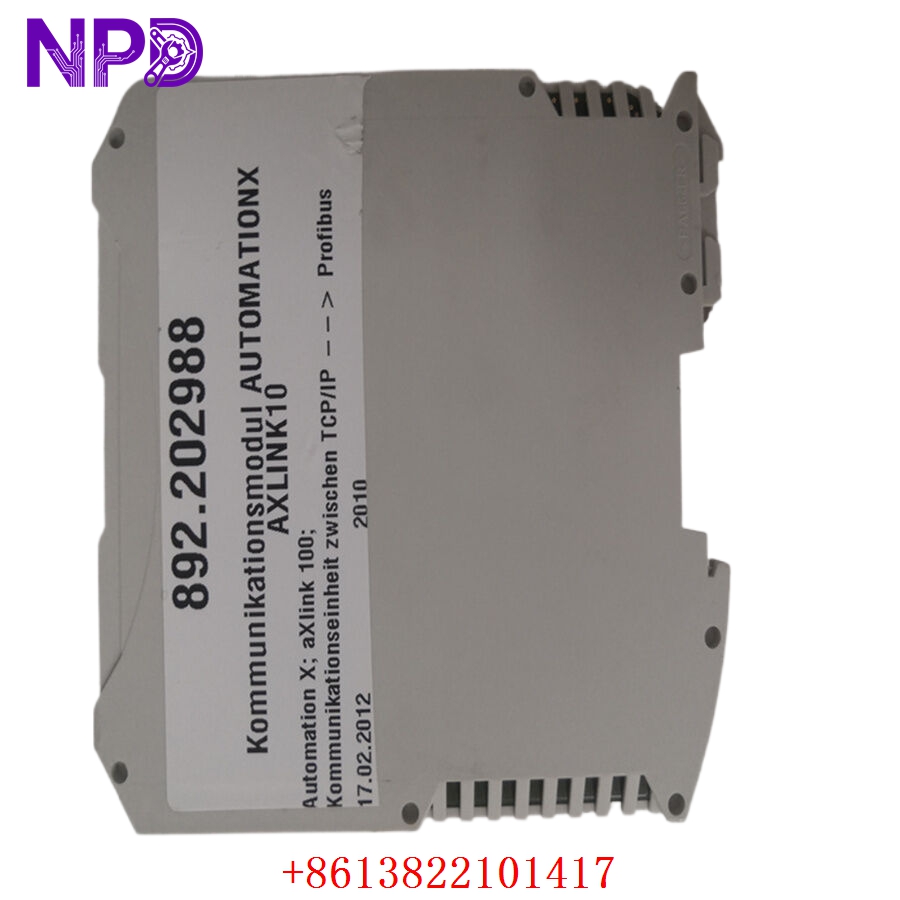
- 🔢 Model: AXLINK100 (Part Number: 892.202988)
- 🏢 Brand: AutomationX
- 💡 Core Function: High-speed industrial link module for fieldbus communication
- 🛠️ Type: Communication/Link Module
- ⚡ Input Voltage: 24 V DC
- 📡 Connectivity: Proprietary AxLink high-speed interface
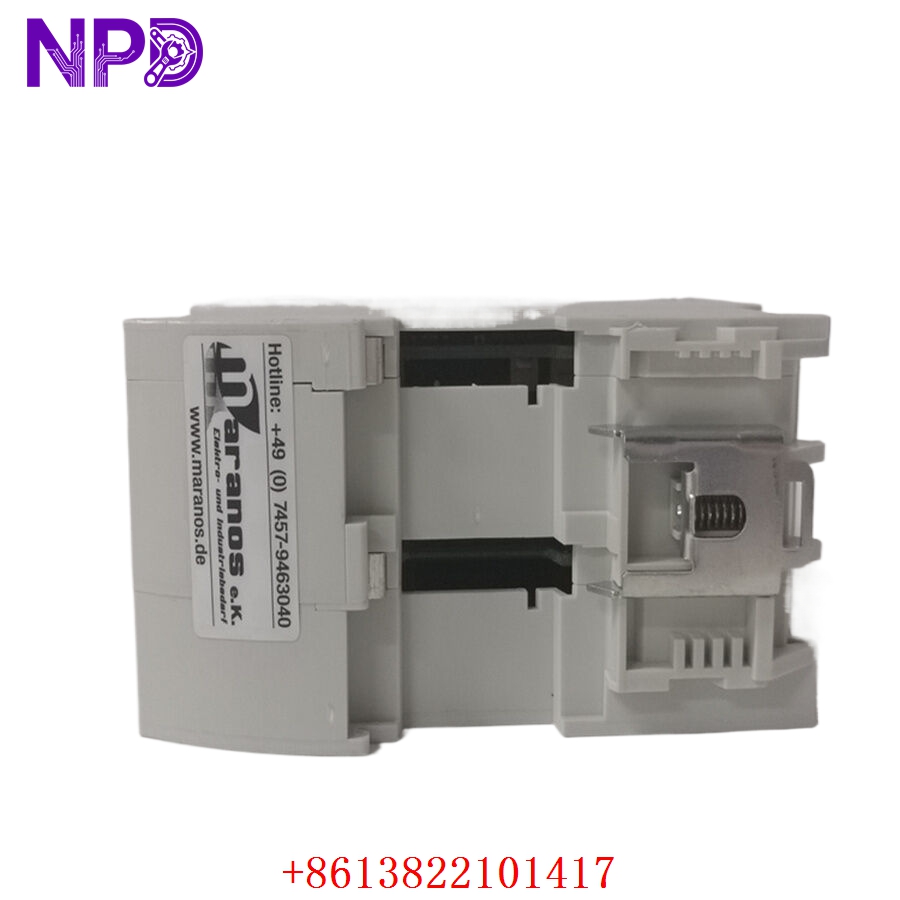
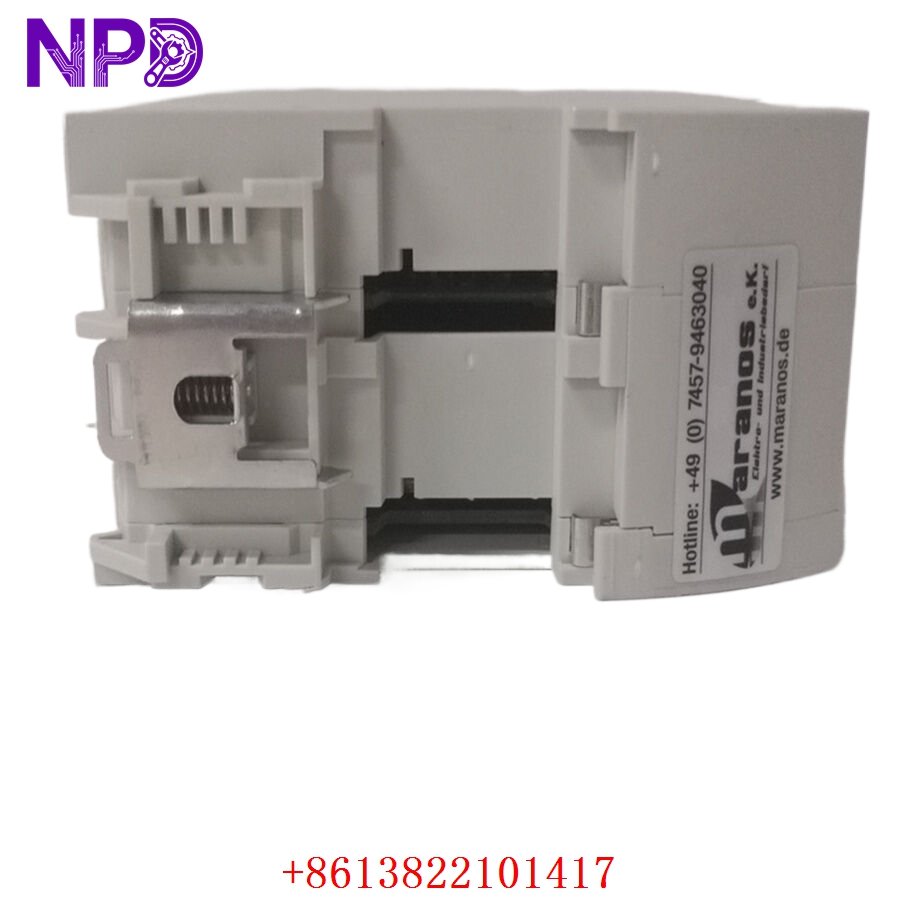
- ⚙️ Mounting Type: DIN Rail / Industrial Chassis Mount
- 🌡️ Operating Temp: 0°C to 55°C
- 🛡️ Protection Rating: IP20
- 💡 Status Indicators: Link, Data, Error, and Power LED array
- 🛠️ Connectivity: Multi-pin industrial terminal block for secure signal integrity
Installation & Configuration Guide
Phase 1: Preparation (10 mins)
⚠️ Safety First:
- Ensure the control cabinet is de-energized.
- Verify the 24 V DC source voltage is within the nominal range.
- 🧤 Always wear an anti-static wrist strap to prevent damage to the module’s sensitive communication logic.
Phase 2: Removal & Installation (15 mins)
- 📸 Record Settings: Before removing, document the wiring layout. Check for any pre-set jumpers or configuration switches that may dictate node addressing.
- 🔩 Detachment: Carefully disconnect terminal blocks. Press the DIN rail latch release to detach the AXLINK100.
- 📥 Insertion: Align the unit on the rail and press until it locks. Ensure there is adequate clearance for cooling airflow.
- 🔌 Wiring: Reconnect the terminal blocks. Double-check for firm contact, as loose wiring is a common cause of intermittent “link loss” errors in these systems.
Phase 3: Testing & Commissioning (10 mins)
- 🟢 Power-Up: Apply power and verify the Power LED is solid green.
- 📡 Link Verification: The Link LED should stabilize once the handshake with the primary controller is established.
- 🔄 Data Integrity: Use your system diagnostic tool to confirm that data packets are flowing without excessive retries or checksum errors.
Customer Cases & Industry Applications
Case: Industrial Link Repair for Manufacturing Line
- Situation: A legacy manufacturing line used the AXLINK100 (892.202988) to synchronize multiple stages of a product assembly.
- Task: An electrical surge caused the communication module to fail, triggering a “Link Offline” alarm that shut down the entire production area.
- Action: We sourced a verified New Surplus unit for the customer. We performed a connectivity handshake test in our lab prior to shipping to ensure the module’s protocol stack was functional.
- Result: The module was commissioned within 2 hours of arrival. By using an exact legacy match, the facility maintained their original control logic, saving weeks of engineering time and avoiding the need for an expensive, unplanned system-wide upgrade.
Frequently Asked Questions (FAQ)
Q: Is the 892.202988 the same as the AXLINK100? A: Yes, AXLINK100 is the model identifier, while 892.202988 is the specific manufacturing part number. They refer to the exact same hardware component.
Q: How can I verify this unit is genuine? A: All our units are New Surplus, sourced from authorized legacy inventory. They come with original factory markings, uncorrupted anti-static seals, and verified serial numbers that can be matched against your documentation.
Q: My “Link” LED is blinking—what does that mean? A: A blinking link LED often indicates that the unit is searching for a handshake or experiencing a physical layer mismatch. Check the bus cables for physical damage or loose connections. If the cabling is sound, ensure the addressing jumpers are configured to match the other devices on your network.
Q: Can I use this for high-vibration applications? A: While the AXLINK100 is designed for industrial environments, ensure the DIN rail is secured tightly. In high-vibration scenarios, we recommend using end-clamps on the DIN rail to prevent the module from shifting over time, which can stress the terminal connections.