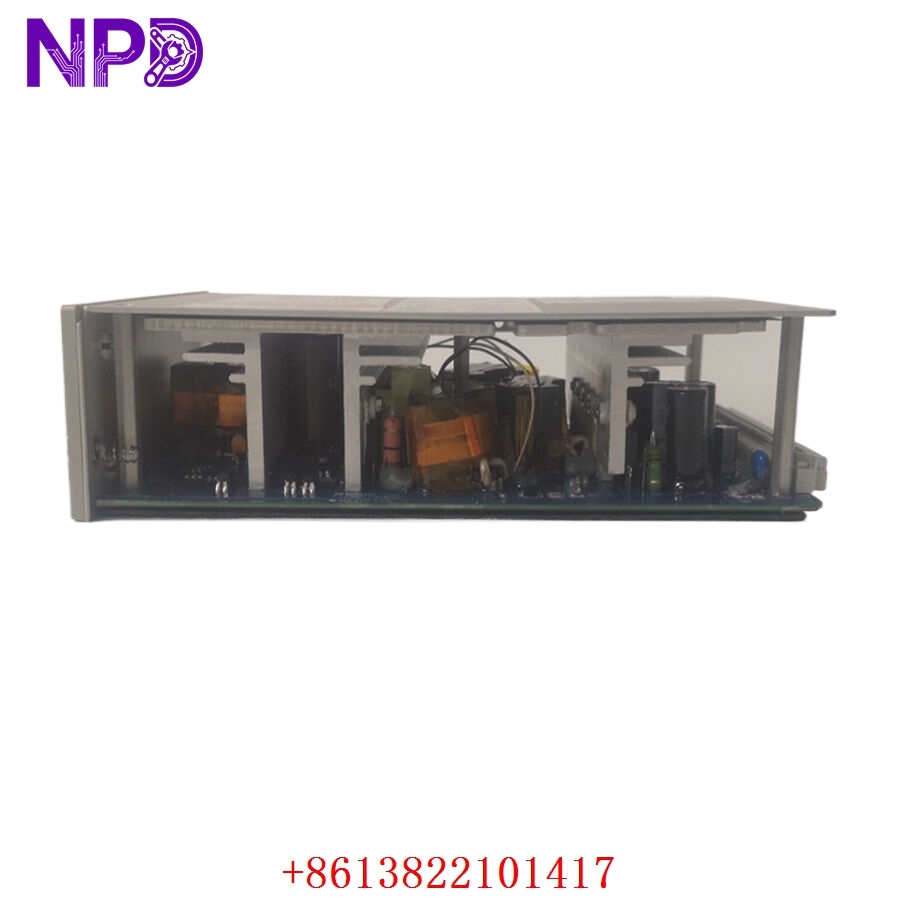

Description
- Model: 167699-02 (1900/65A-01-01-01-00-00)
- Brand: Bently Nevada
- Series: 1900/65A Universal Equipment Monitor
- Core Function: Monitors and protects critical rotating machinery using 4-channel universal inputs
- Type: Equipment Monitor Module
- Key Specs: 4-channel input, Modbus RS-485, redundant power capable, DIN rail mount
- Input Channels: 4 universal sensor inputs (vibration, temperature, speed, etc.)
- Signal Processing: Configurable filtering and alarm setpoints
- Communication Protocol: Modbus RS-485 (RTU)
- Output Interfaces: 4 proportional 4-20 mA outputs, 4 alarm relay outputs
- Operating Voltage: +24 V DC
- Mounting Style: DIN rail mount or panel mount option
- Configuration Interface: Serial port for Bently Nevada configuration software
- Operating Temperature: -20 °C to +70 °C
- Diagnostics: Front-panel status LEDs (OK, Alert, Danger, Bypass)
- Housing: IP20 rated industrial enclosure
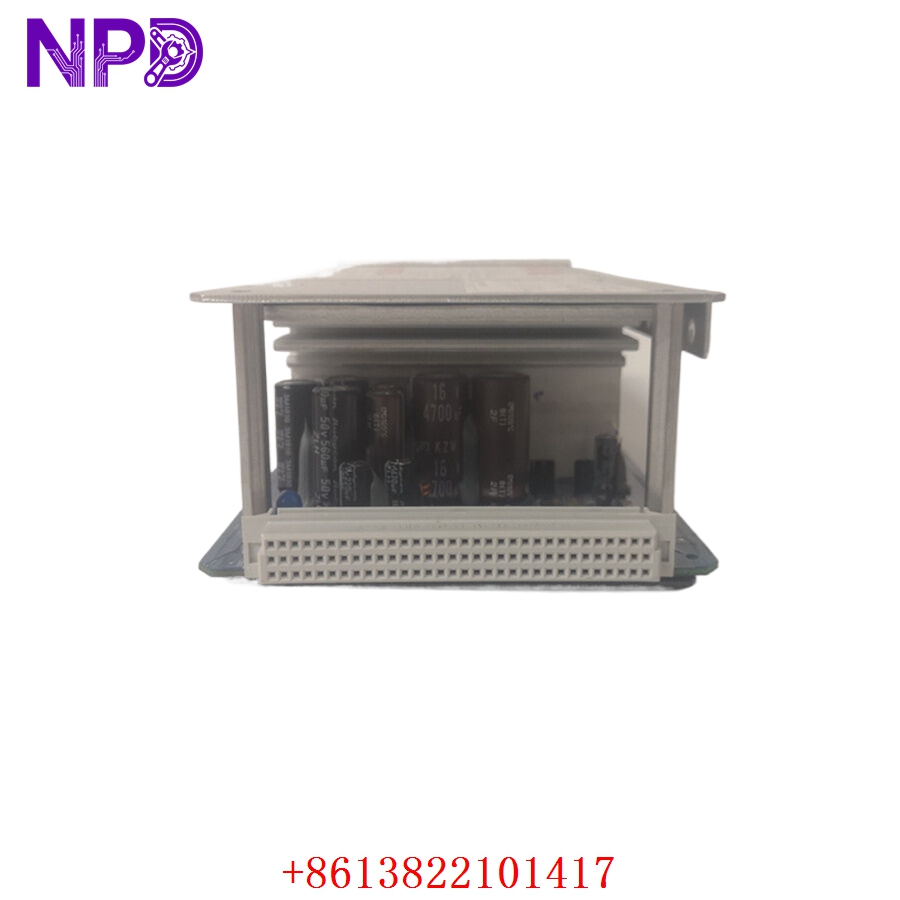
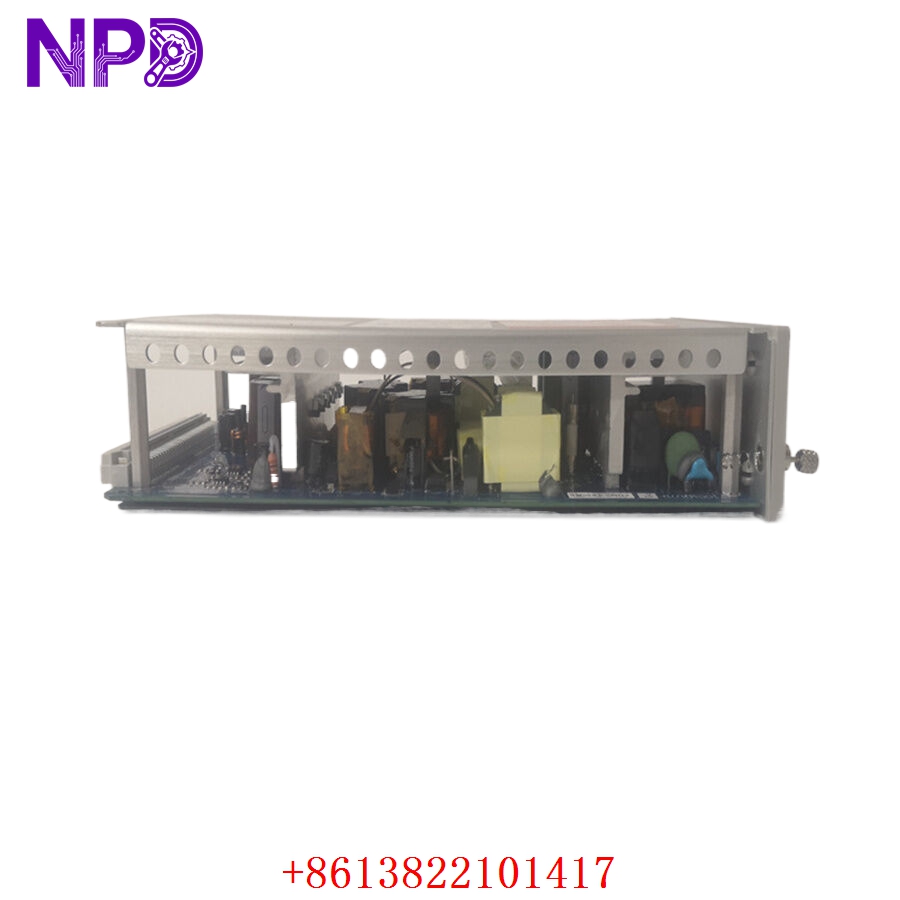
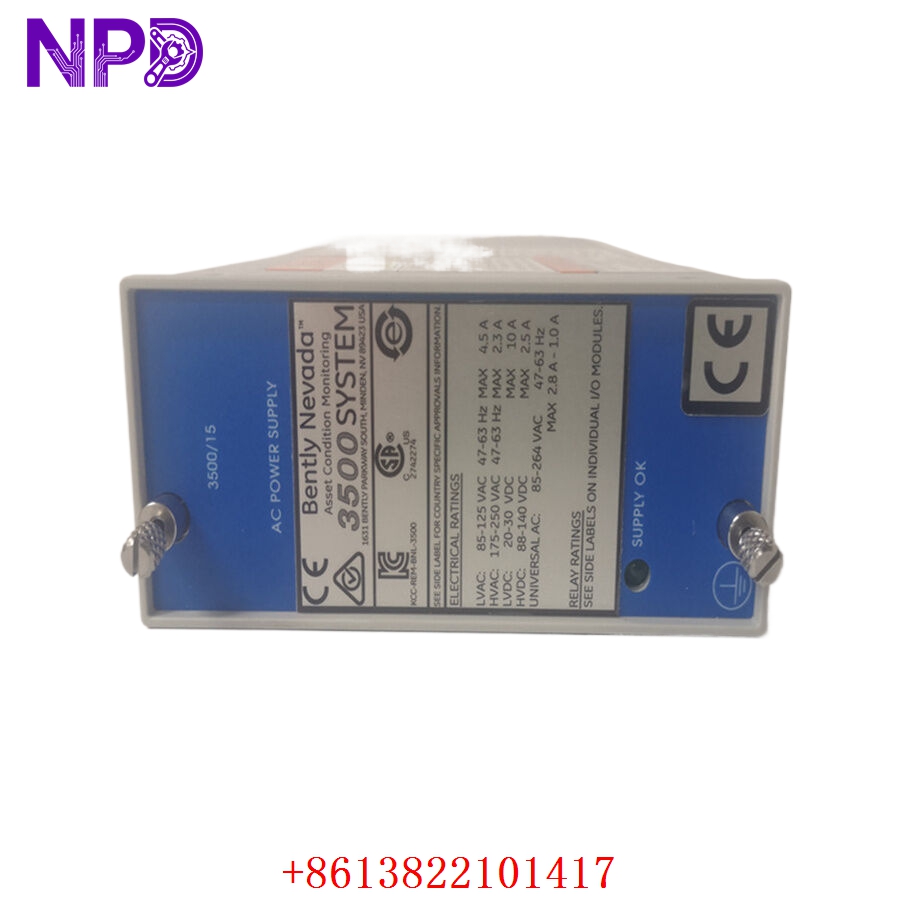
Installation & Configuration Guide
Phase 1: Pre-Installation (15 Minutes)
⚠️ Safety First:
- Ensure the machinery is in a controlled, safe state or bypassed in the DCS (Distributed Control System).
- Isolate the +24 V DC power supply to the module.
- Utilize an ESD-safe workspace to prevent damage to the module circuitry.
Tools: PH1 Phillips screwdriver, precision flathead, terminal labels, and a digital multimeter.
Backup: If the current system is functional, download the existing configuration file. Take high-resolution photos of all DIP switch/jumper positions and terminal connections to ensure an exact replica installation.
Phase 2: Removal (10 Minutes)
- Clearly label all field wires (sensors, relays, and power) before disconnecting.
- Loosen terminal block screws and remove cabling.
- Press the DIN rail release clip at the base of the unit.
- Carefully withdraw the module and inspect the backplane pins for any signs of oxidation or damage.
Phase 3: Installation (15 Minutes)
- Confirm the part number 167699-02 matches the original specifications exactly.
- Critical Step: Replicate your configuration settings via the side-panel switches based on your pre-installation documentation.
- Slide the module onto the DIN rail until it clicks securely.
- Re-terminate the field wiring using your labels. Tighten terminals to 0.5 N·m, ensuring no stray strands cause shorts.
Phase 4: Testing (20 Minutes)
- Power up the module and observe the LEDs. The “OK” light should turn steady green after initialization.
- Connect to the Bently configuration software to verify the channel values against local sensor readings.
- Trigger a test alarm using a signal simulator (if available) to verify relay action and DCS signal receipt.
- Update the maintenance log with the new module’s serial number and installation date.
Customer Cases & Industry Applications
Case Study: Preventing Unscheduled Downtime in a Power Plant
Situation: A major power plant in Southeast Asia used the 1900/65A system for critical pump monitoring. During a routine scan, one module (PN: 167699-02) indicated an intermittent “OK” status failure, putting the pump at risk of running without protection.
Task: Replacing the unit immediately was essential to maintain compliance with safety standards and prevent potential catastrophic equipment failure.
Action: The client sourced a brand-new 167699-02 from our stock. Because this is a critical protection component, we provided immediate shipment, ensuring the part reached the plant within 48 hours.
Result: The client successfully hot-swapped the configuration to the new module, and the pump returned to full monitored status. The plant supervisor reported: “Having the exact part number available immediately saved us from a costly emergency outage. The unit was clearly original and brand new.”
Frequently Asked Questions (FAQ)
Q1: What is the significance of the 167699-02 part number? A: 167699-02 is the specific assembly number for the 1900/65A monitor with the detailed -01-01-01-00-00 configuration. This suffix indicates the hardware options like housing and relay logic. Always match this assembly number to ensure complete compatibility.
Q2: Can I use this for both vibration and temperature monitoring? A: Yes, the 1900/65A is a universal monitor. It can be configured for various sensor types, including proximity probes, accelerometers, and RTDs, making it a flexible solution for diverse machinery protection.
Q3: Is the module I receive a refurbished unit? A: Absolutely not. We specialize in New Surplus stock. You will receive an original Bently Nevada unit in its factory-sealed anti-static packaging, ensuring it meets the same stringent performance standards as one purchased directly from the factory years ago.
Q4: Do I need to re-program the system from scratch? A: Not necessarily. If you have the configuration file from your previous unit, you can simply upload it to the new module. If not, the configuration software allows you to manually input the parameters using your original documentation.
Q5: What should I do if the module shows an “ERR” LED after installation? A: First, double-check that your DIP switch configurations match your previous unit exactly. Second, verify that the sensor input impedance is correct for the chosen sensor type. If the error persists, contact our support team; we are here to assist with troubleshooting.