Description
- Model: MODHUB-16E
- Brand: Contemporary Controls
- Series: Modbus Active Hubs
- Core Function: Converts RS-485 daisy-chains into optically isolated star topologies to prevent bus-wide failures.
- Type: Communication Hub / Network Splitter
- Key Specs: 16 isolated EIA-485 ports, 115.2 kbps max baud rate, 24 V AC/DC power
- Input Voltage: 24 V AC/DC (±10%)
- Number of Ports: 1 up-link port, 16 isolated down-link ports
- Communication Protocol: Modbus RTU / ASCII (EIA-485)
- Supported Baud Rates: 1.2 kbps to 115.2 kbps (Auto-sensing)
- Optical Isolation: 2,500 V RMS (Port-to-Port and Port-to-Power)
- Maximum Cable Length: 4,000 ft (1,200 m) per segment
- Termination: Built-in 120Ω selectable termination and bias resistors
- LED Indicators: Power, Receive (RX), and Transmit (TX) per port
- Operating Temperature: 0°C to 60°C
- Mounting: 35 mm DIN rail or panel mount
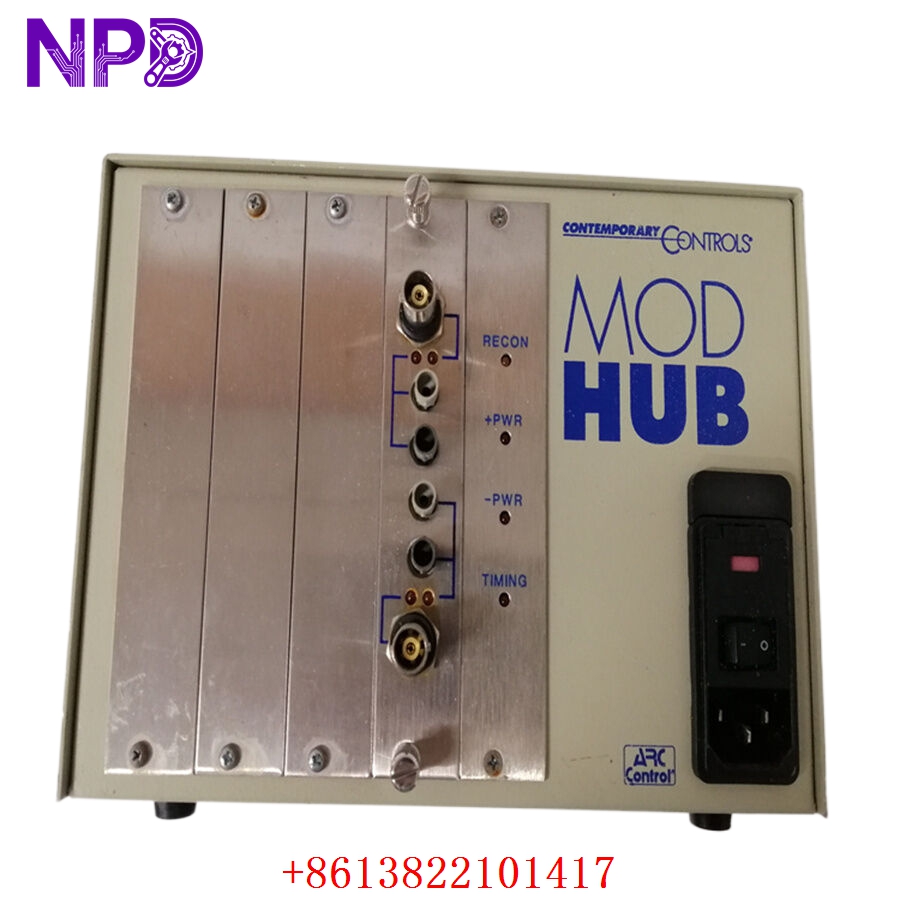
CONTEMPORARY MODHUB-16E
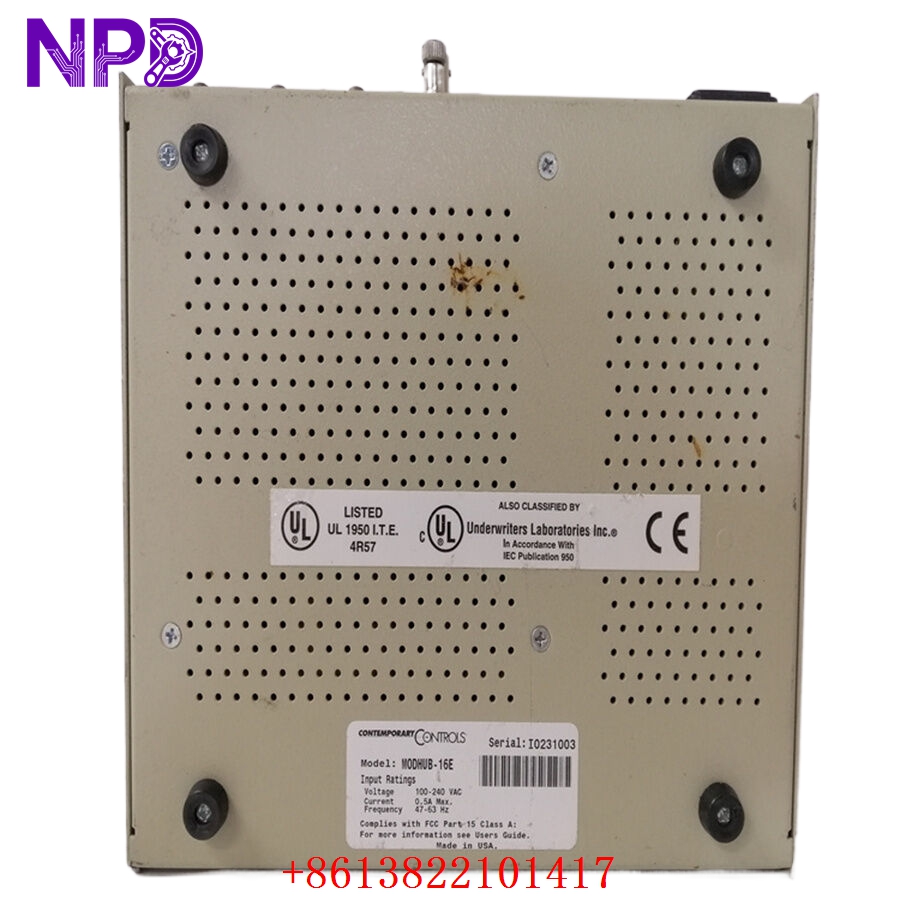
CONTEMPORARY MODHUB-16E
CONTEMPORARY MODHUB-16E
Application Scenarios & Pain Points
We all know the nightmare of standard RS-485 daisy-chaining. One Variable Frequency Drive (VFD) shorts out, or a single cable shield grounds improperly, and the entire Modbus network drops offline. Tracking down the exact point of failure on a 30-node daisy chain takes hours of unplugging connectors while production is stalled. The MODHUB-16E changes the game by letting you run a star topology. It isolates faults down to a single port, ensuring the rest of the facility stays online while you fix the single bad node.
Typical Application Scenarios:
- HVAC Control Systems
Linking multiple VAV boxes and chillers across different building floors where ground potentials vary, preventing destructive ground loops.
- Solar Plant Inverter Monitoring
Isolating communication lines across large outdoor arrays subjected to high electromagnetic interference (EMI) and potential lightning surges.
- Factory Floor VFD Networks
Protecting the main PLC polling loop from the severe high-frequency noise generated by motor drives starting and stopping.
- Water Treatment SCADA
Connecting remote lift station sensors back to the central controller without risking a surge taking out the entire I/O bus.
Case Study: Restoring Comms at a Midwest Packaging Plant
Background: A packaging plant kept losing their main Modbus RTU network connecting 12 servo drives. The PLC would flag a “Communication Timeout” every time the main 100 HP conveyor motor started.
Problem: Electrical noise from the motor was feeding back into the RS-485 daisy chain. They needed to isolate the noisy nodes, but running new shielded cable across the entire facility meant 3 days of downtime.
Solution: We overnighted a MODHUB-16E. Before boxing it, our SOP requires a strict live test: we place the hub on a dedicated test rack, simulating Modbus traffic across all 16 ports for 12 hours to verify zero packet loss and confirm the 2,500 V isolation integrity. The on-site tech rewired the network into a star configuration inside the main cabinet, isolating the problematic drives on their own ports.
Results: The timeouts stopped instantly. The hub’s optical isolation blocked the common-mode noise, keeping the main bus clean. The plant avoided a costly weekend retrofit, and we provided the full QA test report for their compliance logs.
Compatible Replacement Models
| Original Model | Replacement Model | Compatibility | Key Difference | Cost Impact |
| MODHUB-16E | MODHUB-16E-E | ✅ Drop-in | Extended temp version (-40°C to 75°C) | +15% |
| MODHUB-16E | MODHUB-8E | ⚠️ Wiring Config | 8-port version | -20% |
| MODHUB-16E | Standard Ethernet Switch | ❌ Incompatible | Ethernet (RJ45) is not EIA-485 | N/A (Will fry equipment) |
Recommendation: If you need all 16 ports, stick to the exact model. If you operate in a harsh, unconditioned environment, upgrading to the MODHUB-16E-E (Extended Temperature) is a smart, direct-replacement move that requires zero wiring changes.
Troubleshooting Quick Reference
If your SCADA screen goes red in the middle of a shift, run through this checklist before assuming the hub is dead:
| Symptom | Probable Cause | Module Correlation | Quick Check | Action |
| Power LED Off | Power failure | ❌ Low | Measure the input terminals with a multimeter for 24 V. | Check the main cabinet power supply and fuses. |
| One Port Unresponsive | Slave device failure | ❌ Low | Check if the TX/RX LEDs on that specific port are flashing. | Inspect the wiring and the slave device on that specific leg. |
| Intermittent Comm Drops | Termination issue | ✅ High | Verify the internal termination DIP switches. | Ensure 120Ω termination is only applied at the ends of the line. |
| TX/RX LEDs Solid On | Polarity reversed | ✅ High | Check the Data+ and Data- wiring on the affected port. | Swap the A and B wires. Modbus naming conventions often vary by vendor. |
Veteran Engineer Pitfall Guide:
- The A/B Polarity Trap:
Different manufacturers label RS-485 lines differently. What Contemporary Controls calls “Data+” might be labeled “A” by Siemens, but “B” by Schneider. If a port isn’t talking, simply swapping the two data wires is the first and fastest troubleshooting step. It won’t damage the hub.
- Over-Terminating the Bus:
This is the most common rookie mistake. The MODHUB-16E has internal DIP switches for 120Ω termination and bias. Do not turn on termination for every single port. You only terminate the physical end of the cable run. Over-terminating crushes the voltage differential, and no data will get through.
- Take Photos!
If you are replacing a dead hub, grab your phone and photograph the DIP switch banks before you disconnect anything. Copying those switch settings to the new unit will save you hours of tracing cable lengths and guessing where the bias resistors need to be applied.
If you have gone through these steps and the network is still locking up, send me a picture of the hub’s LED status and your PLC diagnostic buffer. We will help you isolate the bad actor on the bus.