Description
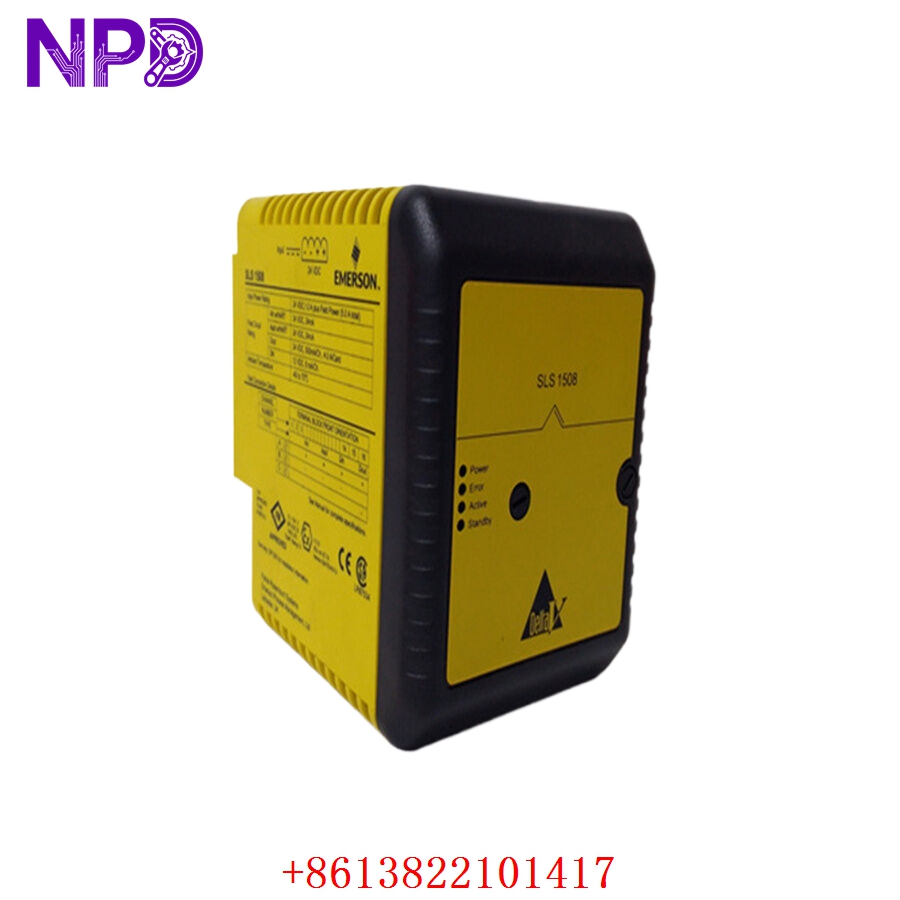
Model: SLS1508 (KJ2201X1-BA1 / 12P3162X112)
· Brand: Emerson Process Management (DeltaV)
· Series: DeltaV S-Series I/O
· Core Function: ⚙️ Provides 8 channels of isolated serial communication (RS-232/RS-485) for field device integration
· Product Type: 📟 Serial Interface Module (I/O Card)
· Key Specs: 🛠️ Multi-protocol support, configurable baud rates, full galvanic isolation
- Channels: 8 isolated serial ports (Software configurable)
- Protocols: Modbus RTU, ASCII, and other serial-based field protocols
- Interface: RS-232, RS-485, and RS-422
- Isolation: Channel-to-channel and channel-to-bus galvanic isolation
- Mounting: S-Series I/O Carrier (DIN rail mountable)
- Configuration: Managed via Emerson DeltaV Explore / Diagnostics
- Diagnostics: Module-level and channel-level health status in DeltaV Diagnostics
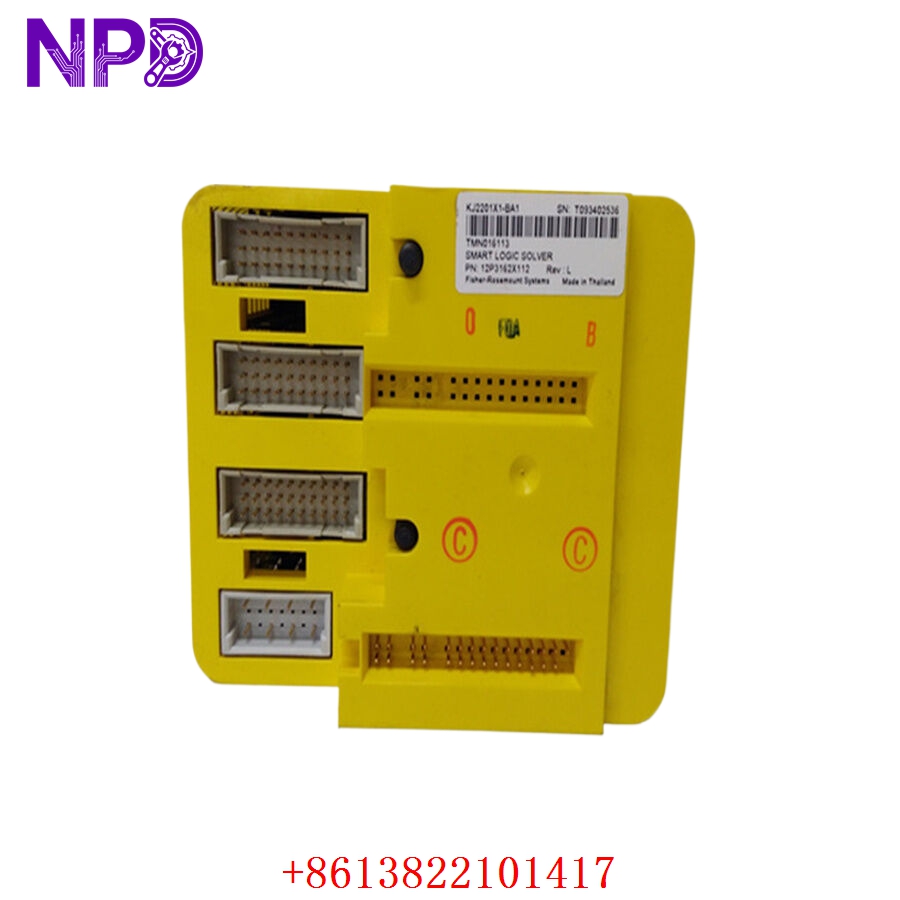
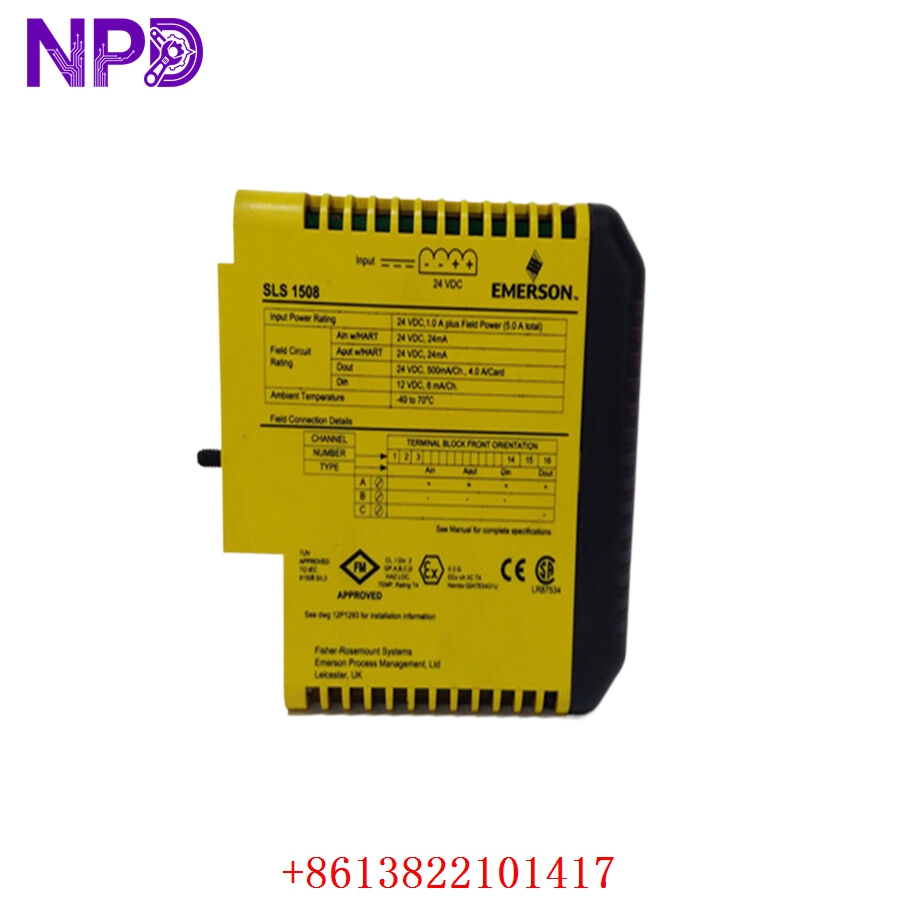
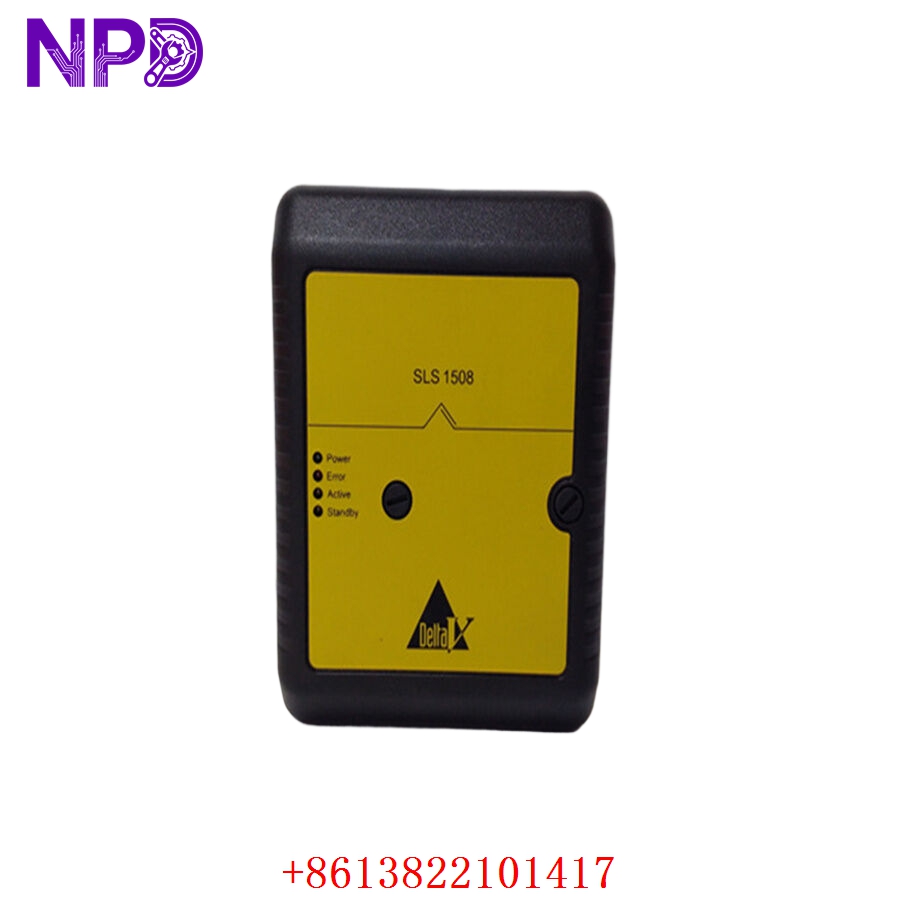
Application Scenarios & Engineering Insights
The SLS1508 is a workhorse in DeltaV systems for talking to legacy equipment—think chromatographs, weigh scales, or variable frequency drives that don’t have native Ethernet. A common “pain point” engineers encounter is ground loop noise on RS-485 lines. Even though the module is isolated, long cable runs in high-EMI environments can still cause intermittent communication errors. Always ensure the “Common” or “Shield” wire is tied to a clean earth at the cabinet end only to prevent circulating currents.
Typical Use Cases:
- Chemical/Petrochemical – Process Analytics
Integrating continuous emission monitoring systems (CEMS) or analyzers into the DCS.
- Manufacturing – Auxiliary Equipment
Reading weight data or status from industrial scales and barcode scanners.
- Power Generation – Balance of Plant
Communicating with legacy protective relays or battery chargers via Modbus RTU.
Troubleshooting Pro-Tip:
If your module shows a “Communication Fault” in DeltaV Diagnostics, don’t rush to replace the card. Use a serial protocol analyzer (or a simple USB-to-RS485 dongle) to tap into the line. If you see clean data on your PC but the DeltaV module reports errors, it is likely a configuration mismatch (e.g., parity, baud rate, or stop bits) rather than a hardware failure.
Compatible Replacement Models
| Original Model | Replacement | Compatibility | Difference |
| KJ2201X1-BA1 | SLS1508 | ✅ Direct | Identical hardware revision |
| KJ2201X1-BA1 | SLS1508 (Newer) | ✅ Compatible | Revised hardware (RoHS compliant); same pinout |
| KJ2201X1-BA1 | Ethernet Gateway | ⚠️ Migration | Requires moving from Serial to Modbus TCP |
Note: The SLS1508 is a standard DeltaV part. When replacing, ensure you match the “X” revision number (12P3162X…) to guarantee compatibility with your specific DeltaV hardware revision and license set.
Troubleshooting Quick Reference
| Symptom | Probable Cause | Action |
| “Module Fault” LED | Internal diagnostics failure | Cycle power on the I/O carrier; check baseplate |
| Intermittent Data Loss | Impedance mismatch | Check 120Ω termination on RS-485 lines |
| “Communication Error” | Protocol/Baud rate mismatch | Verify parity, data bits, and baud rate settings |
| Channel Status LED Off | No loop power/break | Check field wiring and 24 V DC loop supply |
Safety Warning: While DeltaV S-Series I/O is designed for “hot-swapping,” always confirm your specific system version supports it before pulling the module. In some legacy configurations, removing a serial card can disrupt the I/O bus and cause a brief “frozen” state in the controller for that specific communication segment.