
Description
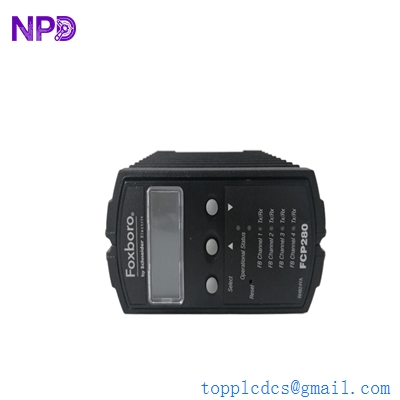
- Model: A4H124-24FX (P0973JN)
- Brand: Enterasys Networks (Extreme Networks)
- Series: A-Series Stackable Ethernet Switches
- Core Function: High-density fiber connectivity for edge-to-core networking
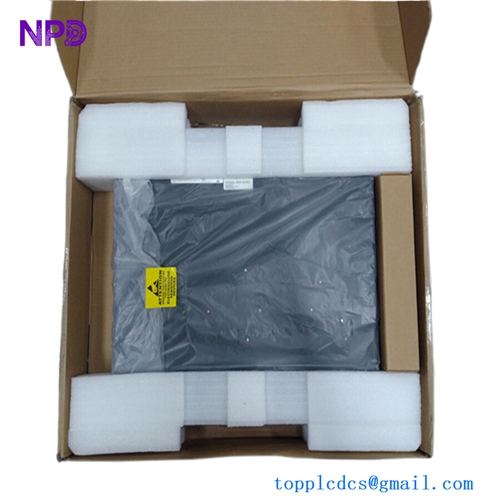
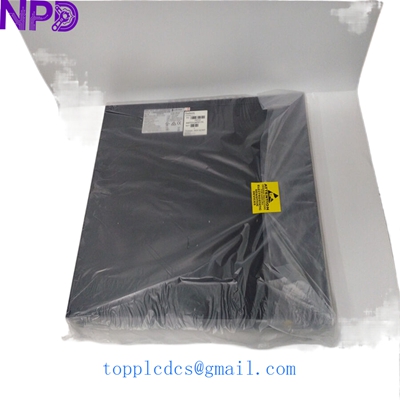
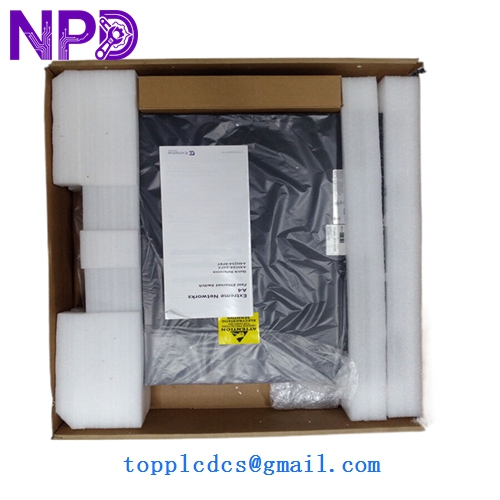
- Condition: New Surplus (Original original, never deployed, verified port integrity)
- Type: Managed Layer 2 Fast Ethernet Switch
- Key Specs: 24 Ports 100Base-FX (SFP) | 2 Combo Ports | 2 Stacking Ports
- Port Configuration: 24 x 100Base-FX SFP ports
- Uplink Ports: 2 x 10/100/1000Base-T RJ45 / SFP combo ports
- Stacking: Supports hardware stacking for up to 8 units in a single logical stack
- Switching Capacity: 12.8 Gbps
- Forwarding Rate: 9.5 Mpps (Million packets per second)
- Management: Console port, SNMP v1/v2/v3, RMON, Web-based management
- VLAN Support: Up to 4,094 VLAN IDs (IEEE 802.1Q)
- MAC Address Table: 16,000 entries
- Form Factor: 1U Rack-mountable
- Environmental: Operating temperature 0°C to 50°C (32°F to 122°F)
FOXBORO A4H124-24FX P0973JN
Installation & Configuration Guide
Phase 1: Pre-Installation (15 Minutes)
⚠️ Safety Protocol:
- Ensure the rack has adequate ventilation; fiber switches can generate significant heat in high-density configurations.
- Verify your SFP modules (transceivers) are compatible with Enterasys firmware. In my experience, using generic SFPs can sometimes lead to “Link Down” issues.
- Have a standard DB9-to-RJ45 console cable ready for initial configuration.
Phase 2: Mechanical Mounting & Fiber Connection (20 Minutes)
- Secure the mounting brackets to the A4H124-24FX chassis.
- Mount the switch in the 19-inch rack.
- Fiber Handling: Remove the dust caps only when you are ready to insert the SFP. Clean the fiber connectors with an isopropyl alcohol wipe or a click-cleaner before insertion to prevent signal loss.
- Insert your SFP modules into the 24 ports as required.
Phase 3: Configuration & Stacking (25 Minutes)
- Console Access: Connect to the console port (9600 baud, 8-N-1).
- Initial IP: Assign a management IP address to VLAN 1 so you can access the switch via the web interface or SSH.
- Stacking (Optional): If you are adding this to an existing stack, ensure the firmware version on this P0973JN matches the stack master.
- Use the stacking cables on the rear ports.
- Set the stack unit ID to avoid conflicts.
Phase 4: Validation & Loop Check (15 Minutes)
- Port LEDs: Verify that the Link/Activity LEDs turn green for all active fiber runs.
- Diagnostics: Run the
show systemandshow port statuscommands to check for any CRC errors on the fiber lines. - Traffic Test: Ping a core server from a device connected to the edge to confirm end-to-end connectivity.
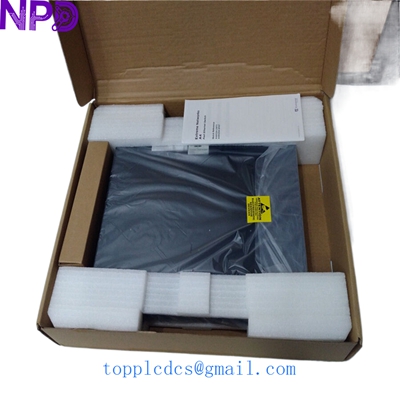
FOXBORO P0973JN A4H124-24FX
Customer Cases & Industry Applications
Case 1: Campus Fiber Edge Refresh A university campus used a legacy Enterasys backbone for their security camera network. A lightning strike damaged a critical A4H124-24FX switch in a remote dorm. Because their entire management structure relied on Enterasys Policy-Based Networking, they couldn’t simply swap it for a different brand without a massive configuration overhaul. We provided a New Surplus unit, allowing them to restore 24 fiber-linked cameras in a single afternoon.
Case 2: Industrial Manufacturing Site Expansion A manufacturing plant in Europe needed to expand their fiber-to-the-machine (FTTM) network to a new wing. They already had six Enterasys A-Series switches in a stack. Adding our P0973JN allowed them to scale their 100Base-FX connectivity without replacing the existing infrastructure. In my experience, these A4 switches are “tanks”—they handle the electrical noise of a factory floor much better than standard office-grade gear.
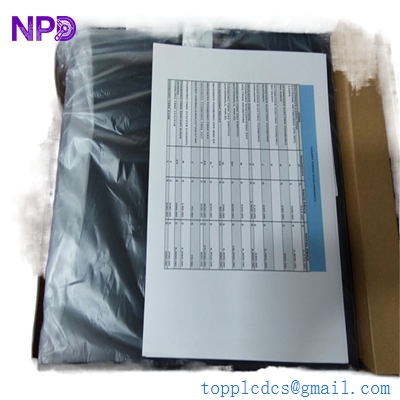
Enterasys A4H124-24FX P0973JN
Frequently Asked Questions (FAQ)
Q: Is the A4H124-24FX compatible with Extreme Networks software? A: Yes. Extreme Networks acquired Enterasys. This switch is typically managed via the Extreme Management Center (formerly NetSight). It supports the same policy-based architecture that Enterasys was famous for.
Q: Can I use 1000Base-SX SFPs in the 24 fiber ports? A: No. The 24 main ports are 100Base-FX only. If you need Gigabit fiber, you must use the two “Combo” ports at the end of the switch. Putting a 1000Mbps SFP into a 100Mbps port is a common mistake that leads to no link light.
Q: What is the significance of the “P0973JN” number? A: This is the internal manufacturing part number. It ensures you are getting the specific hardware revision compatible with certain Enterasys stacking cables and firmware builds. We verify this number against our stock to ensure a 100% match for your requirements.
Q: Why buy “New Surplus” for an older switch model? A: Availability and cost. The A4 series is no longer in primary production, but thousands of networks still rely on them. Buying New Surplus gives you a “time machine”—a brand-new, zero-hour switch that fits perfectly into your existing stack for a fraction of the cost of a full network migration.
Q: Do you provide the stacking cables with the switch? A: Stacking cables are typically sold separately because lengths vary. However, if you need them to complete your installation, let us know—we often have the Enterasys stack cables in stock as well.