Description
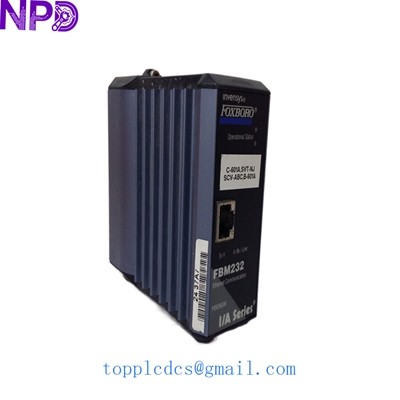
- Model: Foxboro FBM212 (Part No. P0914XL)
- Brand: Foxboro by Schneider Electric
- Series: I/A Series (Intelligent Automation)
- Core Function: 16-Channel Discrete Input Interface
- Condition: Brand New Surplus (Original New)
- Type: I/O Module (FBM – Fieldbus Module)
- Key Specs: 16 Channels Group Isolated Contact Sense (External Source)
- Input Channels: 16 Discrete Inputs
- Input Type: Contact Sense (Externally Sourced)
- Input Voltage Range: 15 to 60 V DC
- Isolation: Inputs are isolated from the backplane (2,500 V AC)
- Resolution: 1 ms (Timestamping capability)
- Power Consumption: 2 W (Typical)
- Operating Temperature: -20 °C to +70 °C
- Humidity: 5% to 95% (Non-condensing)
- Enclosure Rating: IP20
- Redundancy: Non-redundant (Standard FBM footprint)
- Regulatory Compliance: CE, UL, CSA, ATEX (Zone 2)
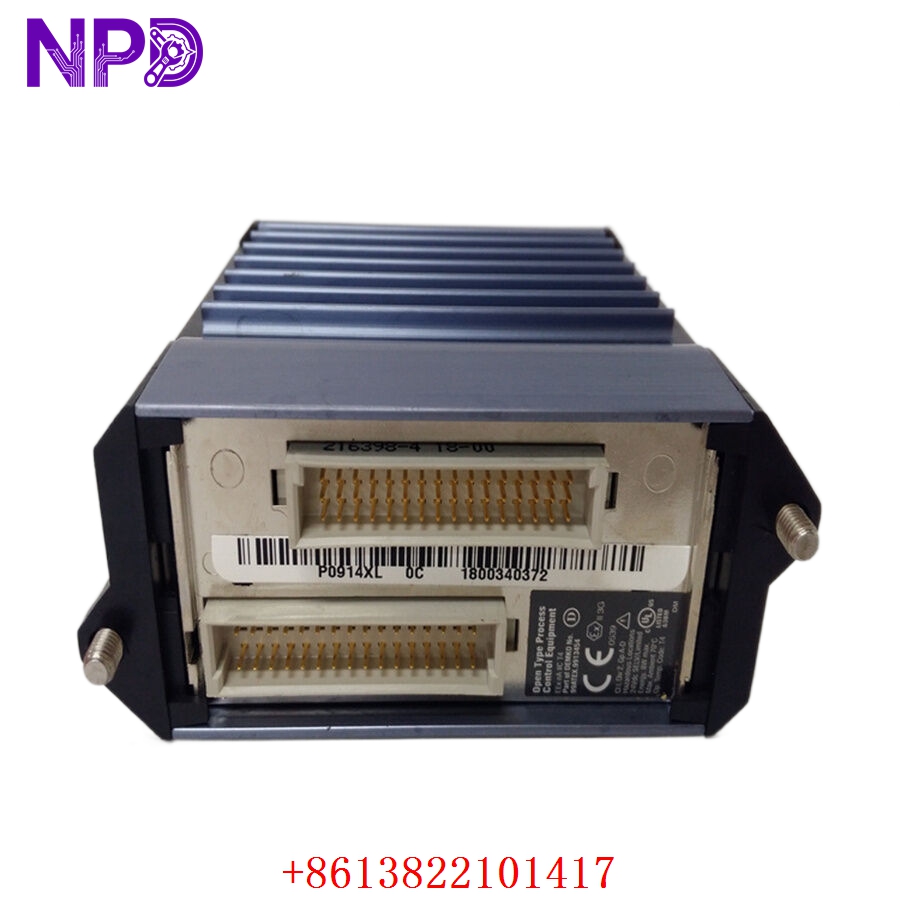
FOXBORO FBM212 P0914XL
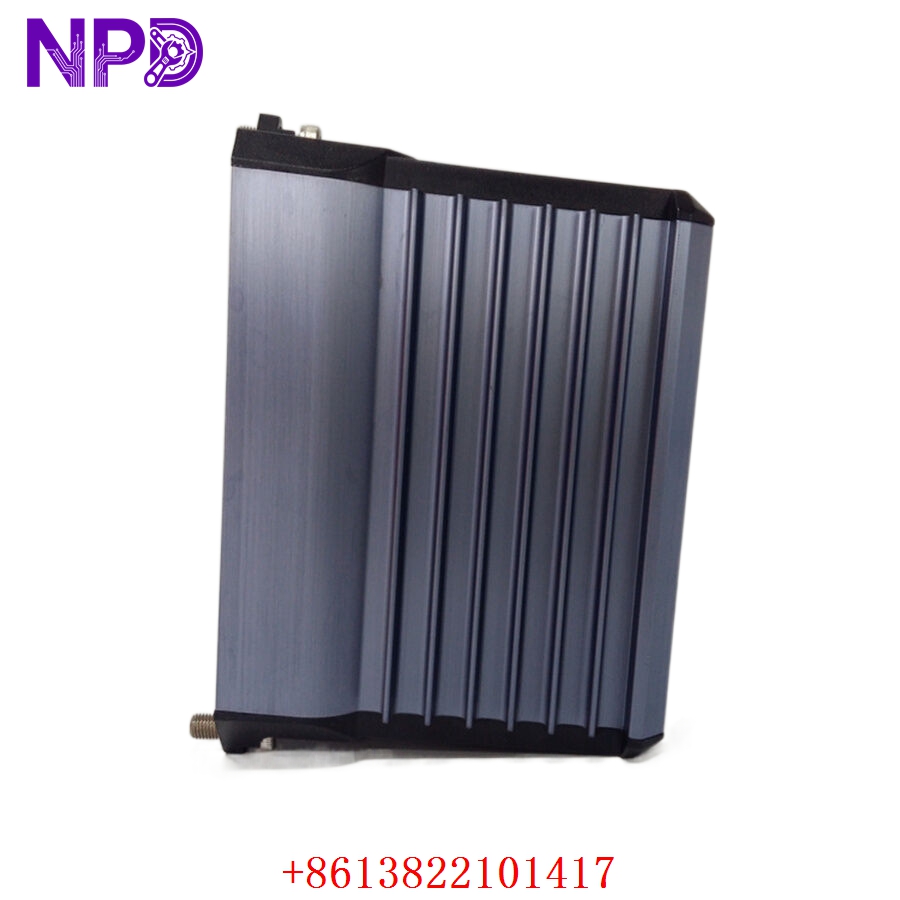
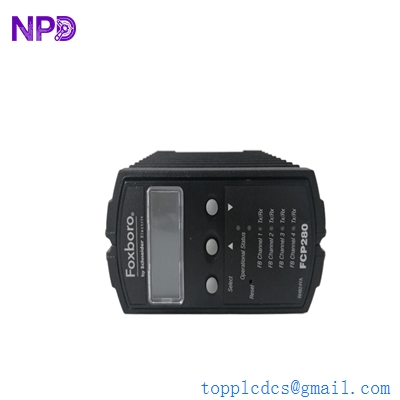
FOXBORO FBM212 P0914XL
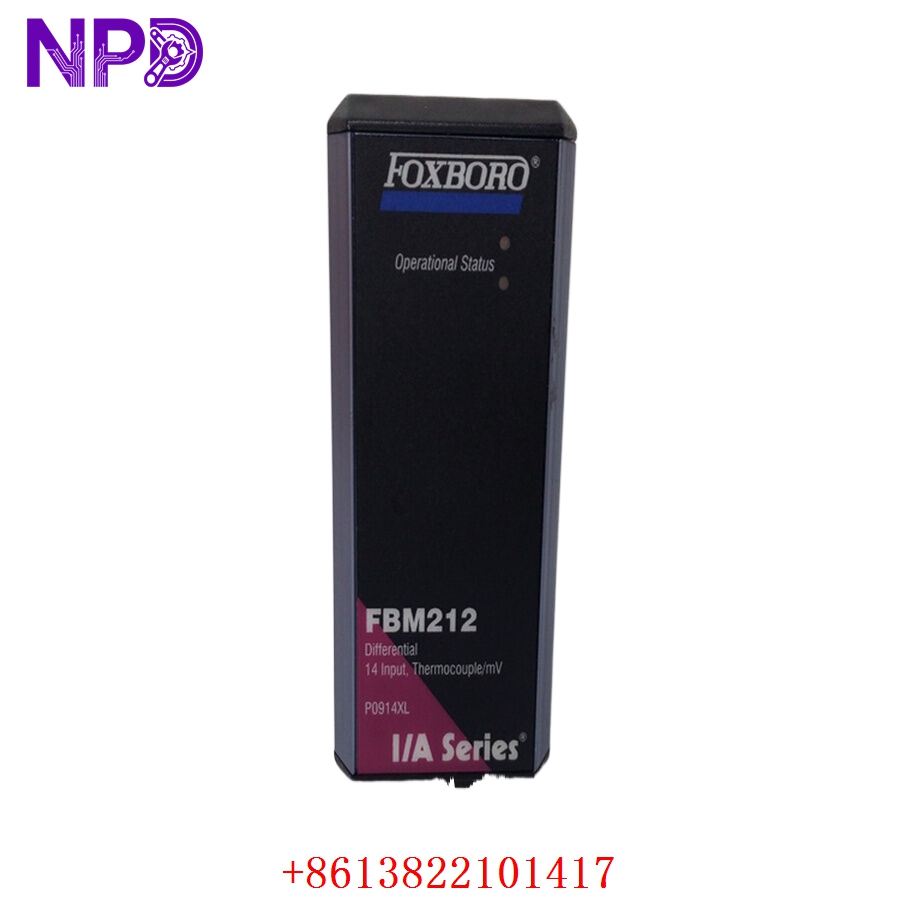
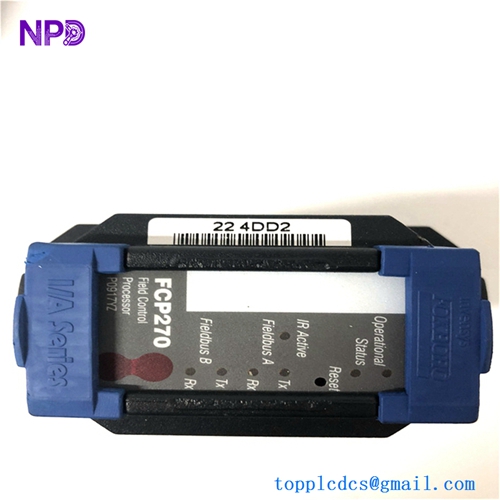
FOXBORO FBM212 P0914XL
Installation & Configuration Guide
Phase 1: Preparation (10 Minutes)
⚠️ Safety First:
- Ensure the control station is in a state where a brief I/O point interruption won’t trigger a process trip.
- Verify the software configuration in Foxboro Control Core Services (CCS) or I/A Series Letterbug.
- Check the Baseplate. The P0914XL requires a specific FBM baseplate slot; ensure the slot is keyed correctly.
Tools & Documentation:
- Anti-static (ESD) wrist strap.
- A small flat-head screwdriver for terminal blocks.
- Documentation for the “Letterbug” (the 6-character hardware ID).
Phase 2: Removal (5 Minutes)
- Unlatching: Open the top and bottom module latches (plastic tabs).
- Withdrawal: Pull the FBM212 module straight out of its baseplate position.
- Connector Check: Look for any debris inside the baseplate socket. Use a vacuum or canned air—never a brush, which can create static.
Phase 3: Installation (15 Minutes)
- Keying: Ensure the plastic keying on the back of the P0914XL matches the baseplate. Do not force it; it should slide in smoothly.
- Seating: Press firmly until the latches click into place. This ensures the module is connected to the redundant 2-Mbps Fieldbus.
- Addressing: Check the Letterbug. If you are replacing an existing module, ensure the new module is assigned the correct Letterbug via the system configurator.
Phase 4: Power-On & Testing (20 Minutes)
- LED Observation:
- READY (Green): Should be solid after the self-test.
- F-BUS (Red): Flashing indicates communication activity. If solid Red, there is a Bus conflict.
- Software Verification: Navigate to the System Manager. The FBM212 should show “Operational” status.
- I/O Checkout: Use a loop simulator to trip one of the 16 digital inputs. Observe the bit change in the control block.
- Final Step: Record the serial number of the new P0914XL in your maintenance log for lifecycle tracking.
Customer Cases & Industry Applications
Case 1: Power Plant Scrubber System Fix
Situation: A coal-fired power plant in the Midwest reported a “Lost Module” alarm on a Foxboro FBM212 controlling the flue-gas desulfurization (FGD) unit. Task: The system was 15 years old. The on-site spare was found to be used, leaving the plant vulnerable. A failure of the second redundant bus would have shut down the scrubber, violating emission permits. Action: We delivered a New Surplus P0914XL within 24 hours. The maintenance team swapped it during a shift change. Result: The “Lost Module” alarm cleared instantly. The plant manager decided to order 5 more units to “refresh” their critical spares inventory, as the I/A series parts are becoming harder to source in brand-new condition.
Case 2: Avoiding Refurbished Risks in a Refinery
Situation: A purchasing agent for a refinery was tempted by a “Refurbished” FBM212 priced 50% lower than ours. Task: After installation, the refurbished module caused “glitching” on channel 4, leading to a false high-pressure alarm. Action: They called us to replace the faulty second-hand unit with our New Surplus P0914XL. Result: Our module worked flawlessly. The refinery realized that the 1,000 they “saved” on the refurbished part actually cost them 20,000 in technician troubleshooting time and near-miss production losses.
Frequently Asked Questions (FAQ)
Q: What is the difference between P0914XL and other FBM212 versions? A: P0914XL is the specific part number for the Foxboro FBM212 module with 16 discrete inputs designed for contact sensing. While the “FBM212” designation is the functional name, the P-number ensures you get the exact hardware revision compatible with your baseplate and software version.
Q: Does this module require an external power supply for the contacts? A: Yes. The FBM212 P0914XL is a “Contact Sense” module where the power for the loops is typically provided by an external 24 V DC source, though it can handle up to 60 V DC.
Q: Is this module compatible with the older 100 Series I/O? A: No, the FBM212 is part of the 200 Series. However, Foxboro provides migration paths where 200 Series modules can reside on the same network as 100 Series via a High-Performance Gateway.
Q: Can I hot-swap this module? A: Yes, Foxboro 200 Series FBMs are designed for hot-swapping. However, in my experience, it is always best practice to ensure the specific control loops are in a “Manual” or “Safe” state before doing so to avoid unexpected process fluctuations.
Q: How do I know this is actually “New Surplus” and not a clean used part? A: We provide the original Foxboro packaging whenever possible. Additionally, the gold contacts on the back of the P0914XL show zero insertion wear on our units. We can also provide the serial number for you to verify the manufacturing date with Schneider Electric records.