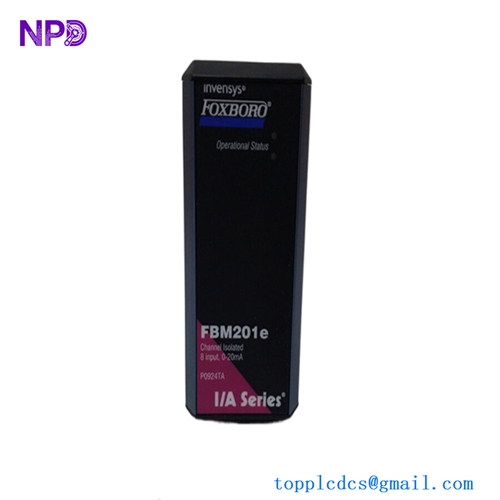
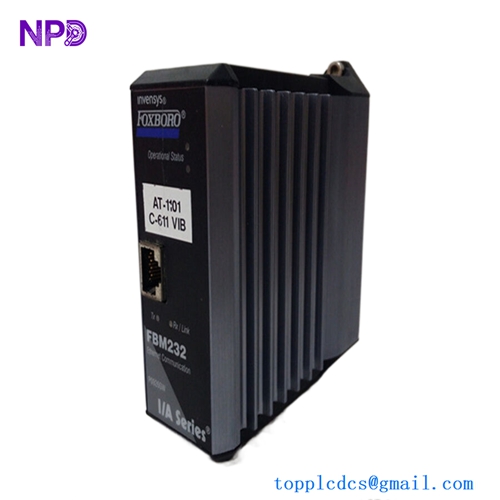
Description
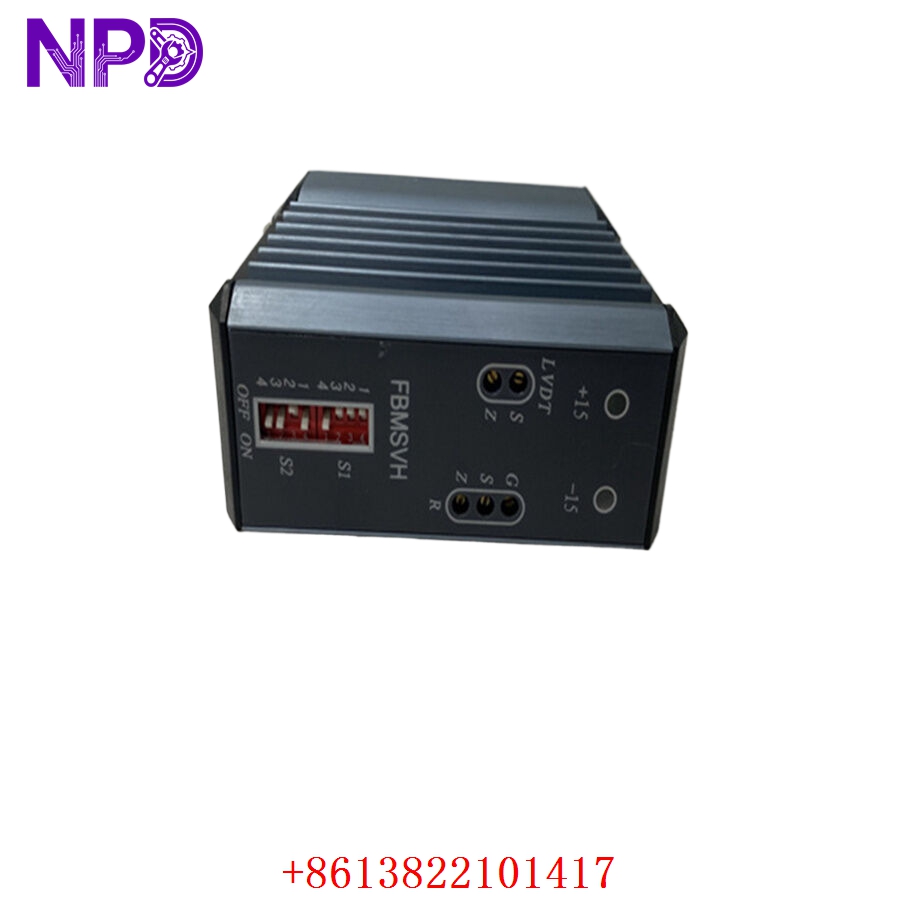
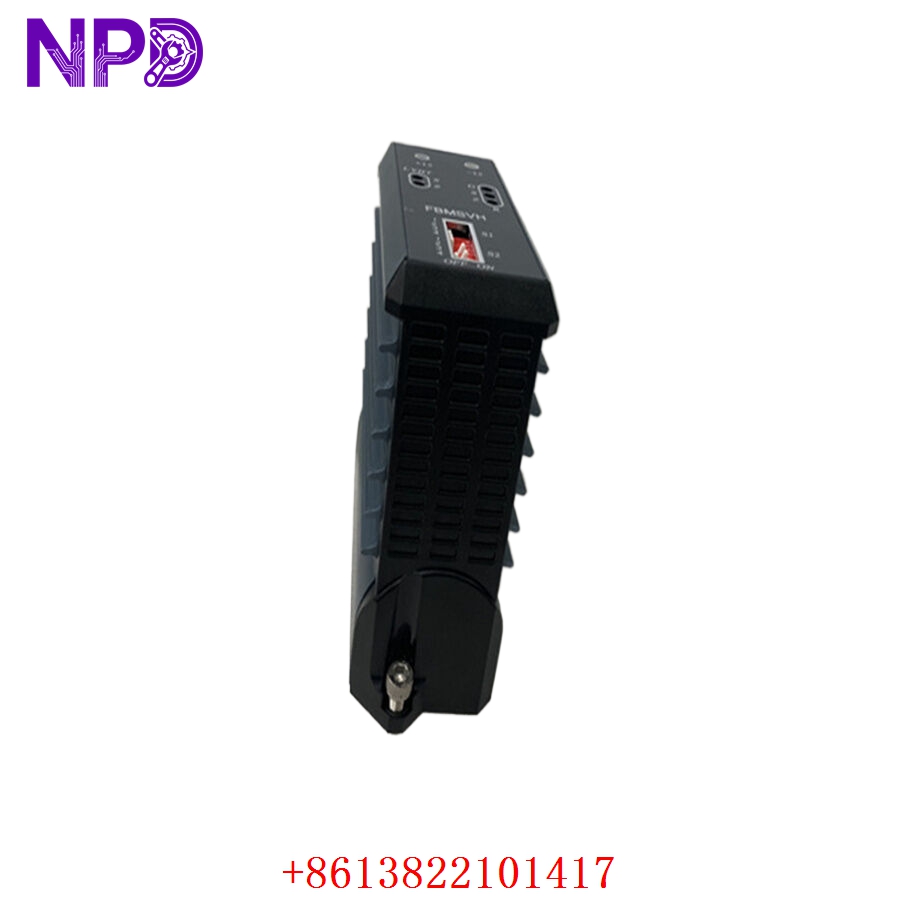
Model: FBMSVH (P0914SV)
· Brand: Foxboro (Schneider Electric)
· Series: I/A Series Fieldbus Module (FBM)
· Core Function: ⚙️ High-speed digital input module designed for Sequence of Events (SOE) recording
· Product Type: 📟 Digital Input (DI) Module
· Key Specs: 🛠️ 1ms resolution, 24 V DC inputs, optically isolated, high-speed timestamping
- Input Channels: 16 isolated digital inputs
- Timestamp Resolution: 1 ms (millisecond) resolution for event logging
- Input Voltage: 24 V DC (Standard logic levels)
- Isolation: Optical isolation between field inputs and system bus
- Mounting: FBM baseplate (DIN rail mounting)
- Diagnostic Features: Front-panel LED status indicators and buffered event storage
- Environment: Conformal coated for harsh industrial chemical or high-humidity environments
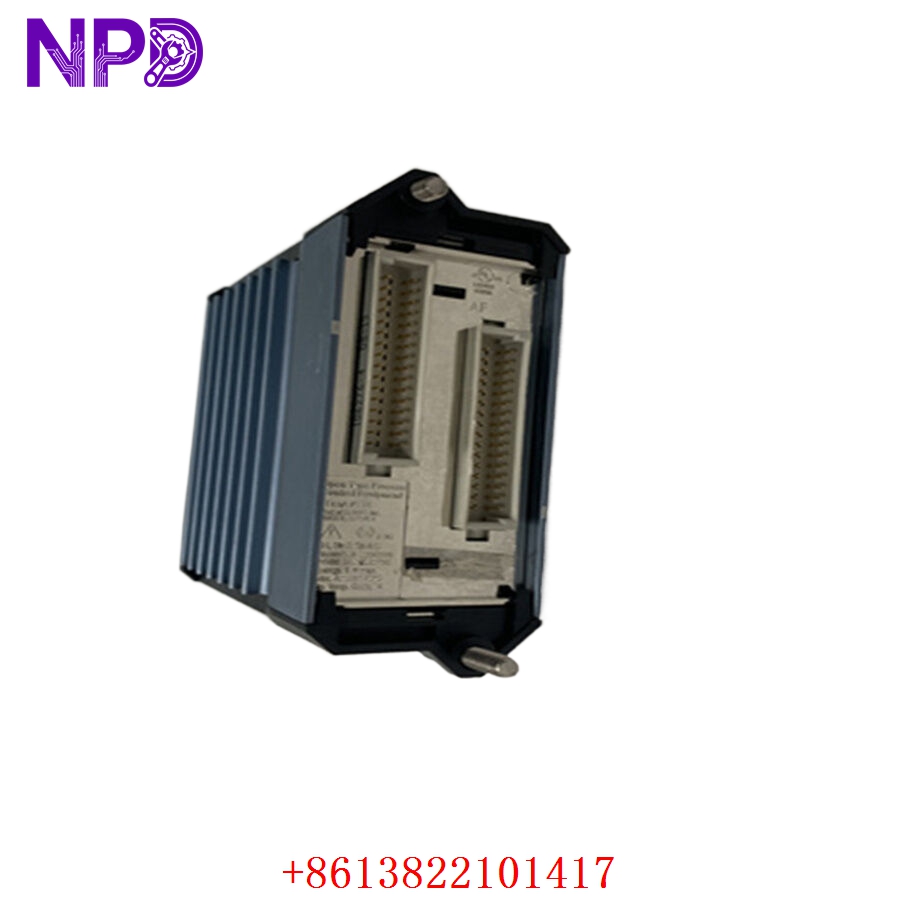
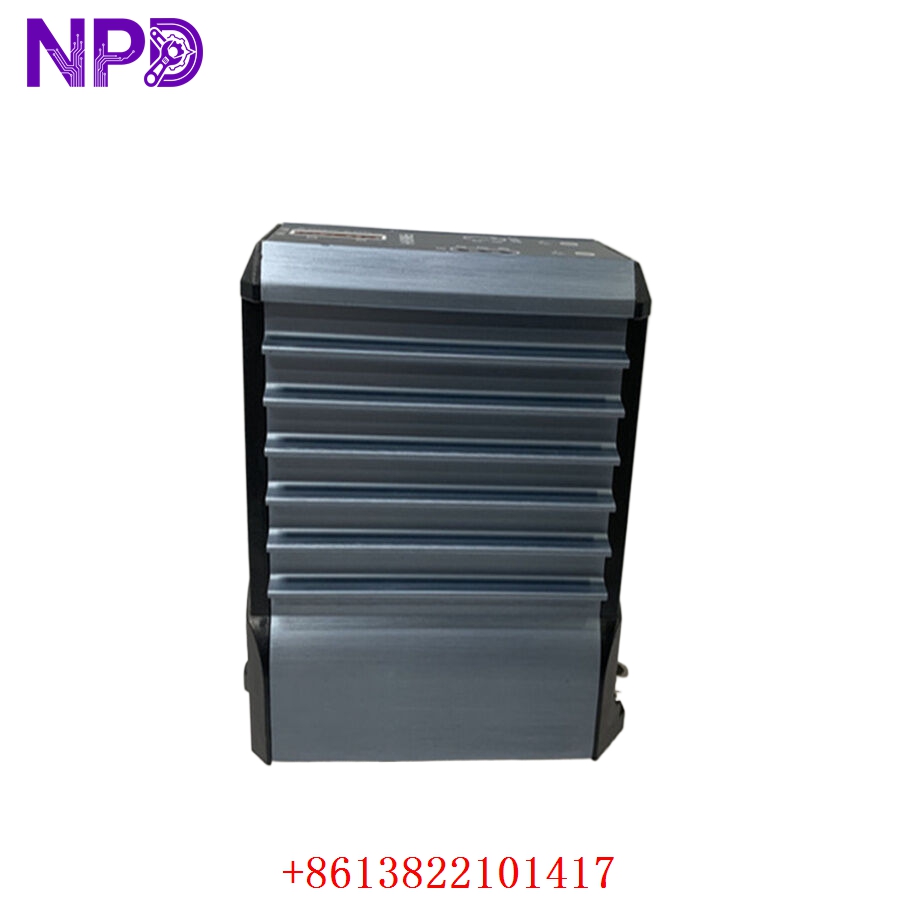
Application Scenarios & Engineering Insights
The FBMSVH is the go-to module for applications where “who tripped first” matters—think turbine trips, circuit breaker coordination, or safety shutdown systems. The “pain point” I see here is event flooding. If your field wiring is picking up high-frequency EMI, this module might generate thousands of false event timestamps, overwhelming the I/A Series processor. Always check for proper shield grounding on the field cables if you see excessive “chatter” in the sequence of events log.
Typical Use Cases:
- Power Generation – Turbine/Generator SOE
Recording the precise sequence of protective relay trips during a plant-wide disturbance.
- Petrochemical – Safety Instrumented Systems (SIS)
Logging the exact timing of emergency stop button presses and valve position switches.
- Heavy Industry – Power Distribution
Capturing the sequence of circuit breaker operation during grid synchronization or faults.
Troubleshooting Pro-Tip:
When swapping this module, pay attention to the System Configuration (ICC/I/A Station). The SOE module must be correctly mapped in the software to handle the event buffer. If you replace the module and the timestamps are not appearing in the historian or alarm view, it is almost certainly a software configuration mismatch rather than a faulty module.
Compatible Replacement Models
| Original Model | Replacement | Compatibility | Difference |
| FBMSVH | P0914SV | ✅ Direct | Identical hardware part number |
| FBMSVH | FBM207 | ⚠️ Limited | Lacks high-resolution SOE/timestamping |
| FBMSVH | Modern FBM2xx | ❌ Modification | Requires updated I/A software and firmware |
Note: Since this is an SOE module with specialized timestamping firmware, you cannot replace it with a standard FBM207 without losing the sub-millisecond recording capability.
Troubleshooting Quick Reference
| Symptom | Probable Cause | Action |
| “FAIL” LED Lit | Module internal self-test failure | Power cycle the FBM; reseat into baseplate |
| Incorrect Timestamps | System Time Synchronization | Check I/A series global clock synchronization |
| Excessive “Chatter” | EMI on field signal wires | Verify shield grounding; check for debouncing settings |
| No Events Logged | Module not enabled in ICC | Verify “SOE” is enabled in system configuration |
Safety Warning: Like all Foxboro I/A modules, verify your specific system’s “Online Maintenance” rules before removing the FBMSVH. Pulling an SOE module while the system is actively logging can occasionally cause the fieldbus communication to hang if the module is deep in an active interrupt cycle.