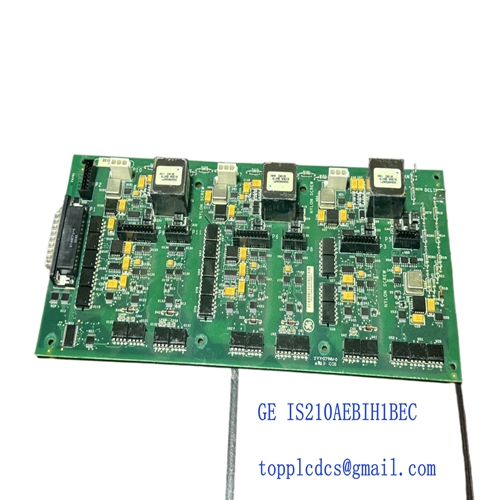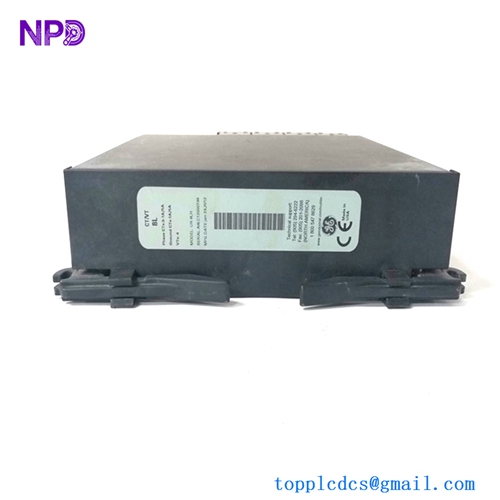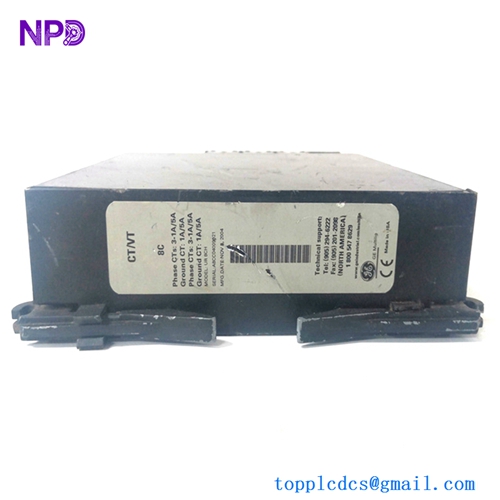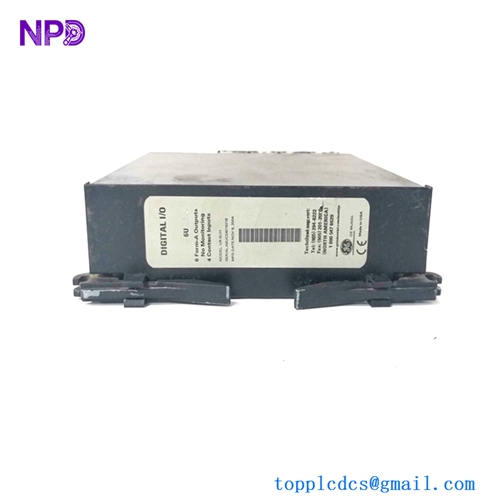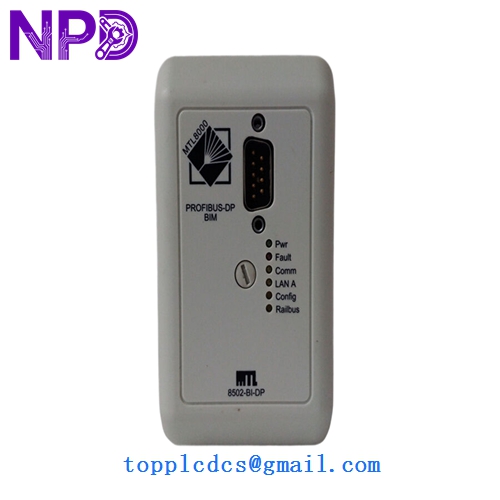
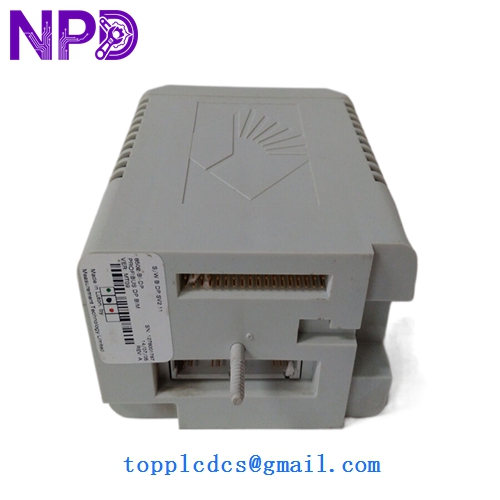

Description
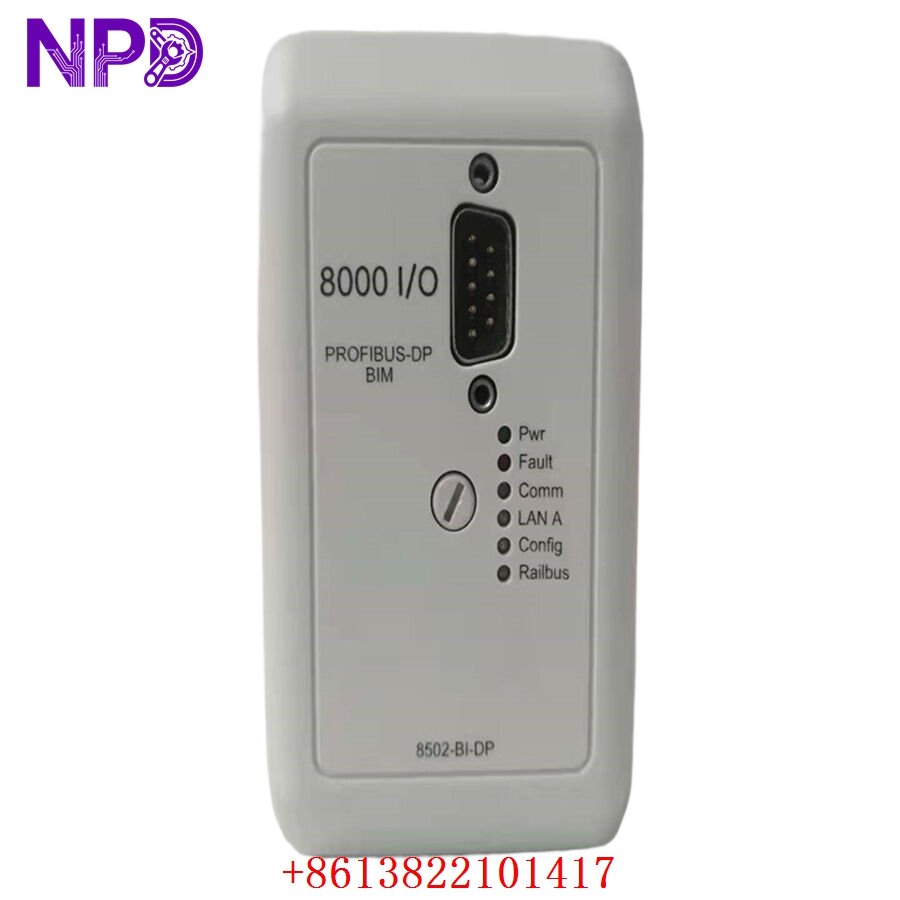
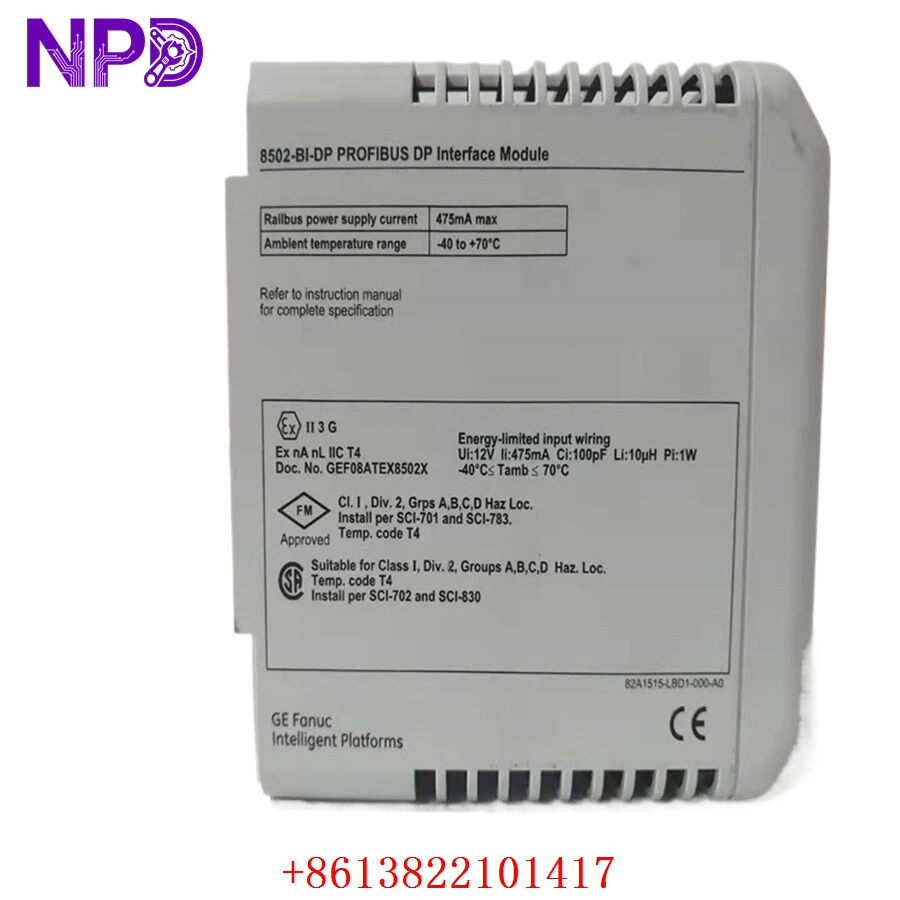
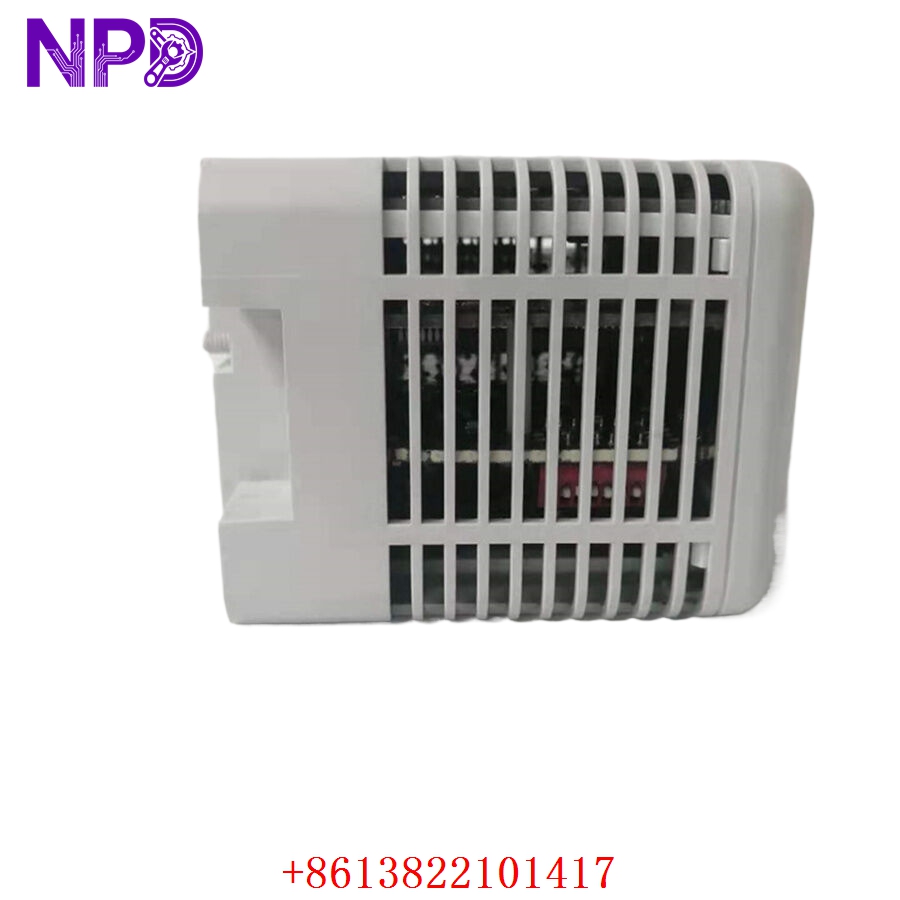
- odel: GE 8502-BI-DP
- Brand: GE (General Electric / GE Intelligent Platforms)
- Series: 8502 Series I/O
- Core Function: Provides digital interface capabilities for monitoring and control in automated industrial processes.
- Product Type: Digital Input/Output (I/O) Module
- Key Specs: Configurable digital channels, 24 V DC operation, industrial-grade reliability
- Digital Inputs/Outputs: Multi-channel configuration for field device monitoring
- Voltage Rating: 24 V DC (standard industrial logic level)
- Isolation: Opto-isolated channels to protect the controller backplane
- Interface: Standard bus connection for rapid data exchange with the CPU
- Diagnostics: LED status indicators for per-channel monitoring
- Mounting: Rack-mounted module (compatible with GE 8500-series backplanes)
- Operating Temperature: 0°C to 50°C
Application Scenarios & Engineering Pain Points
The 8502-BI-DP module is typically used in legacy control systems where reliable, high-density digital I/O is required. A common challenge engineers face with this module is “signal ground referencing.” Because these modules often interface with various field devices, incorrect common-reference wiring can lead to signal floating, causing the PLC to read “ON” states when the device is physically “OFF.” Proper grounding at the terminal block is essential to maintain signal integrity.
Typical Application Scenarios:
- Manufacturing – Packaging Lines Used for monitoring proximity sensors, limit switches, and simple relay status.
- Energy – Utility Distribution Aggregates status signals from circuit breakers and disconnectors in localized substations.
- Process Control – Batching Systems Interacts with pneumatic valves and auxiliary pump status signals.
Case Study: Industrial Packaging Line Recovery A packaging plant encountered a failure in their primary input module, which resulted in the loss of status data from a series of safety interlocks. The line was halted as the controller could not verify that safety gates were closed. By swapping in a tested 8502-BI-DP module from our stock, the engineering team bypassed the need to redesign the cabinet or upgrade the entire control architecture. The machine was back in operation within the same shift.
Troubleshooting Quick Reference
If you are seeing “ghost” inputs (the PLC reports ON, but the field switch is physically OFF), do not automatically replace the module—verify your field wiring first.
| Failure Symptom | Possible Cause | Quick Check Method | Recommended Action |
|---|---|---|---|
| No Status LEDs | Loss of Control Power | Check 24 V DC supply at rack | Verify power supply and fuses |
| “Ghost” Inputs | Floating Ground | Check for common-reference return | Ensure signal common is tied to DC- |
| No Logic Response | Opto-isolator Failure | Verify input signal at terminal | If signal is present but no LED, replace |
| Backplane Error | Pin Corrosion | Inspect module edge connector | Clean pins; reseat module firmly |
Engineer’s Note: ❗ Crucial Advice: Check the DIP switch settings on the module side (if applicable to your specific hardware revision) before installation. These switches define channel addresses and input filter times. If you swap a module and don’t match the configuration of the failed unit, the PLC will not address the I/O correctly, often leading to a “Module Configuration Mismatch” alarm.