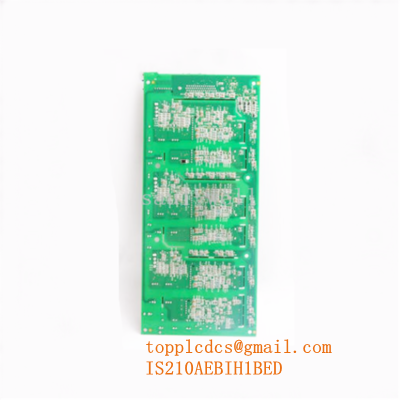
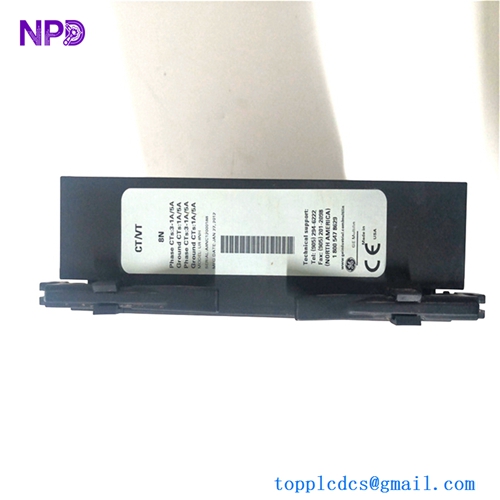
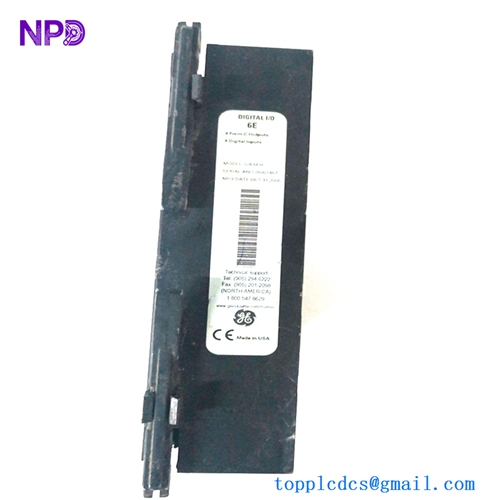
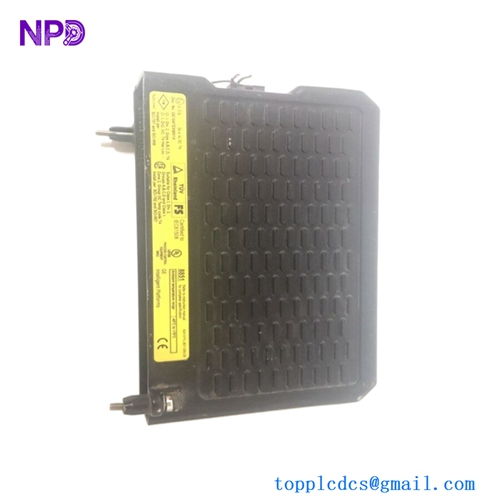
Description
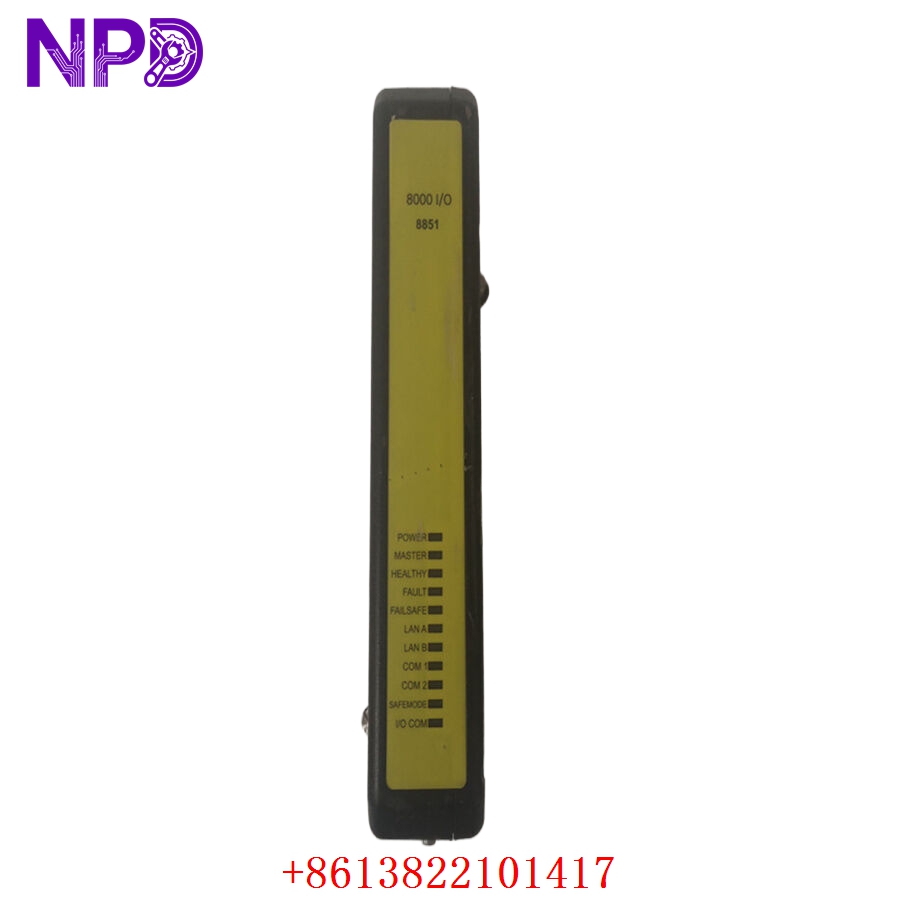
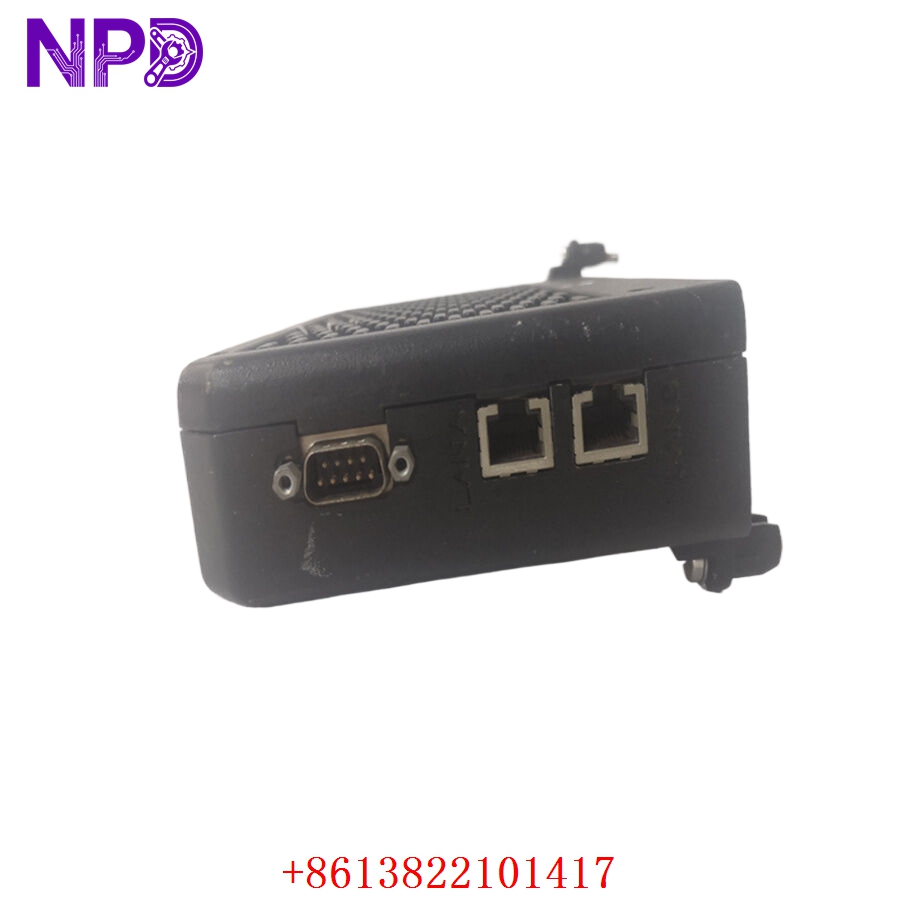
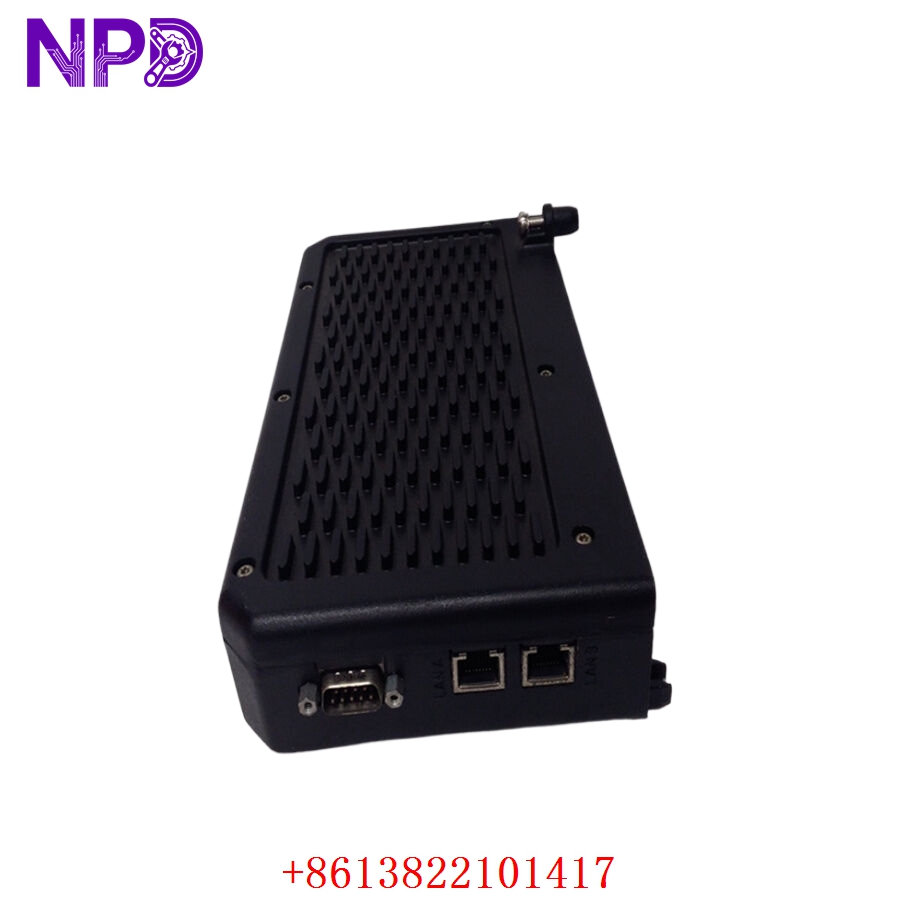
- Model: GE 8851-LC-MT
- Brand: General Electric (GE)
- Series: GE 8000 Series I/O System
- Core Function: High-speed signal processing and I/O communication for DCS
- Type: I/O Module (Input/Output)
- Key Specs: High-density signal handling, robust industrial design
- Module Type: Analog/Digital I/O Processing Module
- Compatibility: Integrated with GE 8000 Series Control Systems
- Interface: High-speed backplane connector
- Signal Processing: Real-time data acquisition and signal conditioning
- Operating Voltage: +24 V DC (System bus powered)
- Mounting: Standard rack-mount chassis
- Protection: IP20 rated housing
- Operating Temp: -10 °C to +60 °C
- Diagnostics: On-board LED status monitoring
- Connector Type: Multi-pin industrial terminal block
Installation & Configuration Guide
Phase 1: Pre-Installation (10 Minutes)
⚠️ Safety First:
- Coordinate with operations to initiate a controlled shutdown of the specific loop.
- Isolate the power supply to the I/O rack.
- Wear an anti-static wrist strap to avoid ESD (Electrostatic Discharge) damage.
Tools: PH1 Phillips screwdriver, label maker, multimeter, and original system documentation.
Backup: If the module is functional, use the configuration software to save the current channel settings. Photograph the current wiring layout, specifically the terminal numbering and field cable colors.
Phase 2: Removal (5 Minutes)
- Label all wires connected to the terminal block.
- Disconnect field cabling; ensure wires are secured to prevent contact with live components.
- Use the extraction levers (or release clips) to disengage the module from the rack backplane.
- Carefully withdraw the module and inspect the backplane connector for debris.
Phase 3: Installation (10 Minutes)
- Verify the part number GE 8851-LC-MT matches the replacement unit.
- Align the module with the chassis guide rails.
- Slide the unit in firmly until the backplane connector is fully seated.
- Reconnect the field wires according to your photo documentation and labels. Ensure each terminal screw is tightened securely to provide proper contact.
Phase 4: Testing (15 Minutes)
- Restore rack power and monitor the status LEDs. A steady “Ready/Run” light indicates successful initialization.
- Open the system configuration software to scan for the new module.
- Perform a loop check by manually toggling an input/output point to verify signal integrity.
- Verify that the SCADA/HMI interface reflects the correct status from the module.
Customer Cases & Industry Applications
Case Study: Rapid Restoration for Municipal Water Plant
Situation: A municipal water treatment facility in Northern China utilized a GE 8000 series DCS for pump control. A power surge damaged one of their I/O modules, causing a loss of signal to the main water pressure transmitters.
Task: The plant required an immediate replacement to avoid a total system-wide shutdown, which would have impacted water supply to over 50,000 residents.
Action: The facility manager contacted us for a GE 8851-LC-MT. Due to our localized inventory, we provided a brand-new, original surplus unit. We expedited the shipping, and the module was delivered to the site within 24 hours.
Result: The maintenance team installed the module, performed a quick loop check, and restored pressure monitoring within 30 minutes of delivery. The plant avoided a costly emergency shutdown. The manager noted, “The ability to source a reliable, brand-new module so quickly prevented a major public utility crisis.”
Frequently Asked Questions (FAQ)
Q1: Is this module compatible with all GE 8000 series racks? A: Yes, it is designed for the GE 8000 series, but please verify your rack configuration and firmware version. If you are replacing an older revision, ensure your software supports the latest hardware updates.
Q2: How do I know this is not a refurbished part? A: We prioritize transparency. Our modules are New Surplus, meaning they are original factory-stock, have never been installed, and show no signs of usage (no solder repairs or wear on terminal pins). We provide high-resolution photos of the unit, including the original factory labels, for your verification.
Q3: Can I hot-swap this module? A: We strongly recommend against hot-swapping unless your specific system documentation explicitly confirms “hot-swap” capability for this slot. It is always safer to cycle the power to avoid potential electrical spikes that could damage the backplane.
Q4: Does the module require programming? A: The module itself is hardware; however, the control system needs to recognize it in the software configuration. In most cases, simply replacing the hardware will suffice, but it is best practice to perform a quick software check once the module is online.
Q5: What is your response time for technical support? A: We aim to respond to all technical inquiries within 2 hours during business days. For emergency production downtime situations, we provide expedited responses to help get your system back online as quickly as possible.