Description
Product Core Brief
| Attribute | Detailed Information |
| Model | GE 97590-8 (BD-PCI4PORT) |
| Brand | General Electric (GE) / Industrial Solutions |
| Series | Industrial PC / VersaMax / Series 90-30 Peripheral |
| Core Function | Quad-Port High-Speed Serial Communication Interface |
| Product Type | PCI Bus Communication Card |
| Key Specs | 4 Configurable Serial Ports / PCI Interface / RS-232/422/485 Support |
Key Technical Specifications
- Interface: 32-bit PCI Bus (Universal 3.3V/5V support)
- Port Count: 4 Independent Serial Ports
- Protocols: Software selectable RS-232, RS-422, or RS-485 (2-wire/4-wire)
- Baud Rate: Supports up to 921.6 Kbps for high-speed data acquisition
- Connectors: Typically utilizes a high-density DB-37 to 4x DB-9 fan-out cable
- Isolation: 500V DC optical isolation (model-dependent, protects PC from field surges)
- Operating System Support: Windows NT/2000/XP/7 and legacy DOS/Linux drivers
- FIFO: 16-byte or 64-byte UART buffer (typically 16C550 or 16C650 compatible)
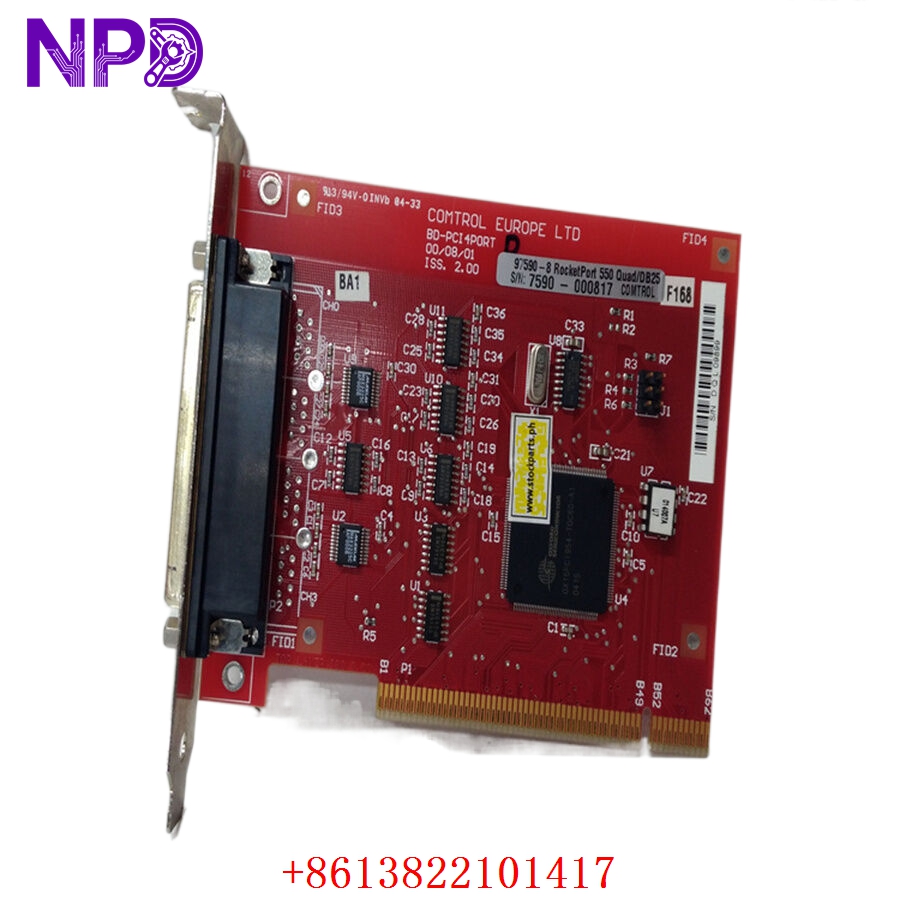
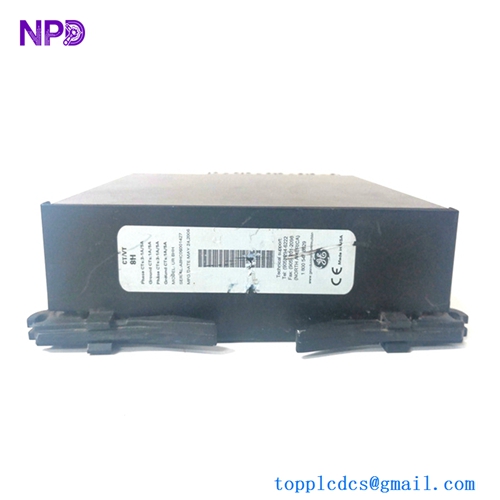
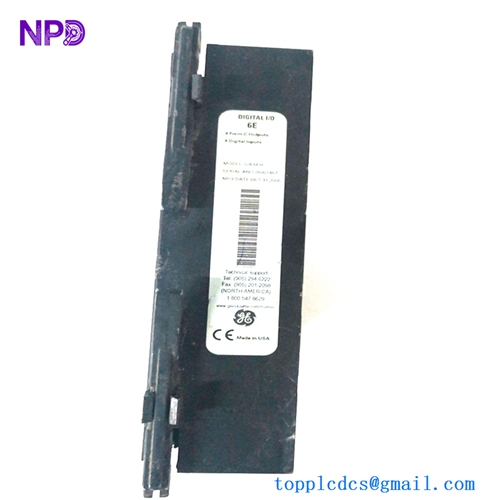
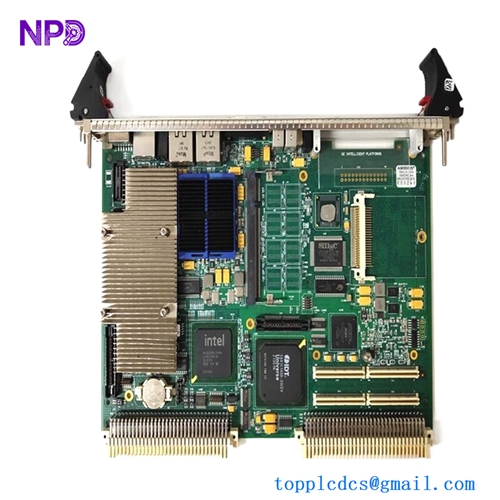
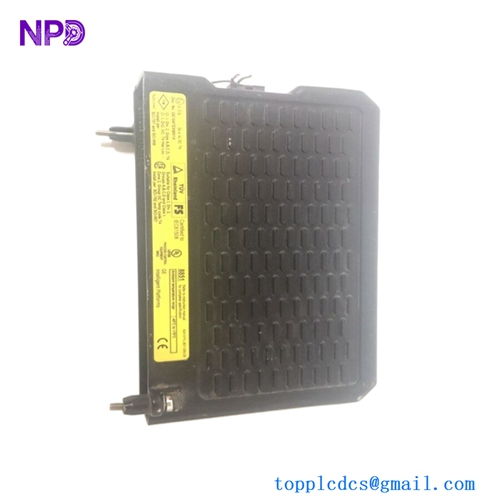
GE 97590-8 BD-PCI4PORT
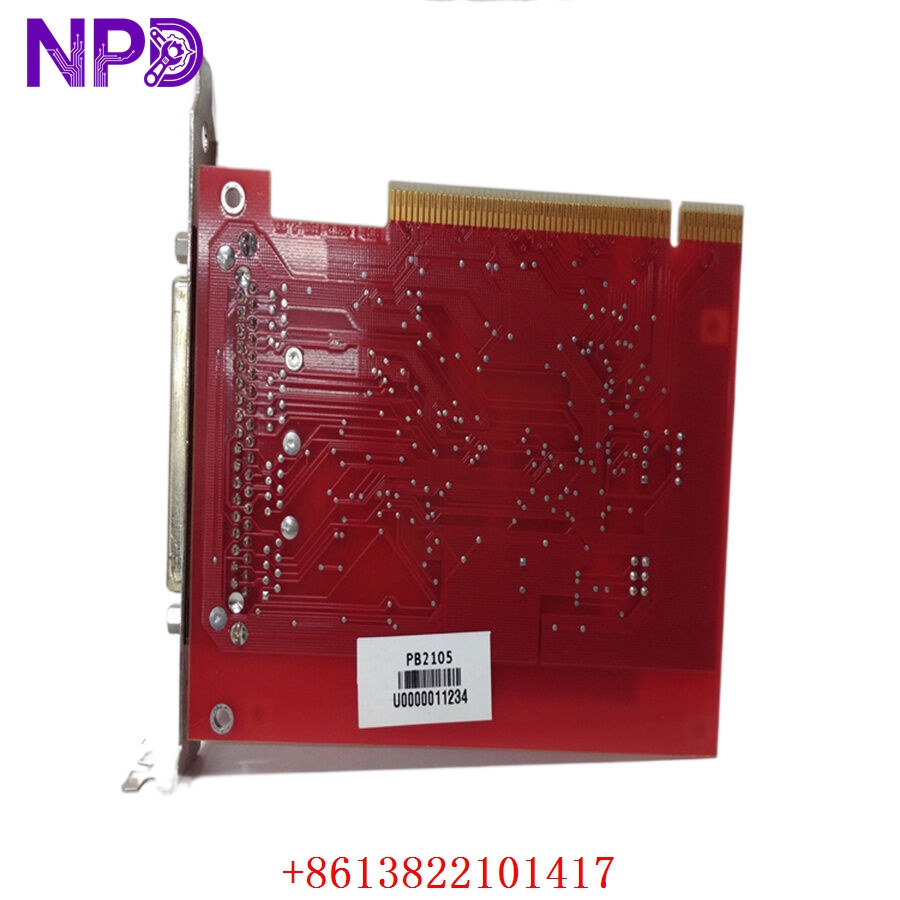
GE 97590-8 BD-PCI4PORT
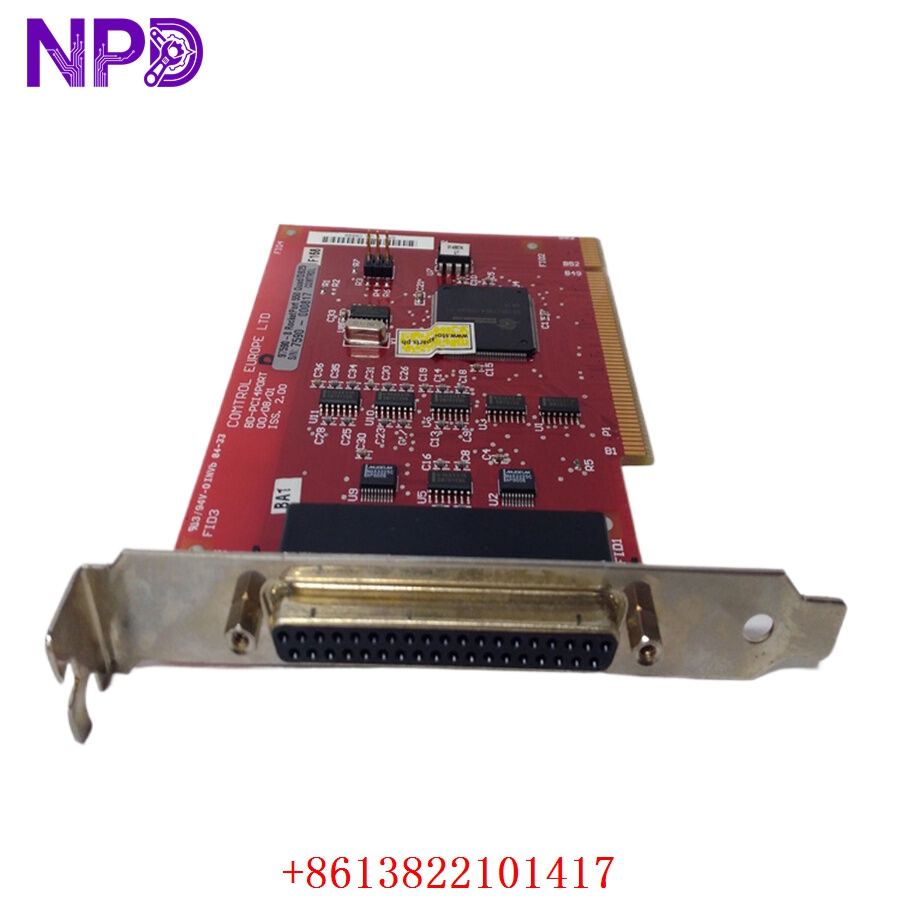
GE 97590-8 BD-PCI4PORT
Application Scenarios & Pain Points
The GE 97590-8 (BD-PCI4PORT) is a “bridge” component. It’s primarily found in legacy Industrial PCs (IPCs) or GE HMI stations that need to talk to multiple PLCs, barcode scanners, or remote terminal units (RTUs) simultaneously. In many aging GE installations, this card is the critical link between the Windows-based monitoring software and the field hardware.
The Engineering Challenge:
The biggest headache with the BD-PCI4PORT isn’t the card itself—it’s the driver and the fan-out cable. Because this is a legacy PCI card, finding a replacement that is recognized by your specific version of CIMPLICITY or Proficy software is difficult. If the card fails, your HMI loses communication with four different segments of the plant. Replacing it with a “standard” off-the-shelf serial card often fails because the software is hard-coded to look for the specific GE/Quatech chipset parameters.
Typical Application Scenarios:
- Multi-Drop PLC Communication
Managing four separate RS-485 loops to gather data from multiple Series 90-30 or VersaMax racks.
- Legacy HMI Stations
Serving as the communication backbone for older GE IPCs running CIMPLICITY HMI.
- Power Grid Monitoring
Linking substation RTUs via RS-232 to a central gateway for real-time telemetry.
- Warehouse Automation
Interfacing with serial-based barcode scanners and label printers across a distribution center.
Case Study: The “Silent” HMI at a Bottling Plant
Background: A regional bottling plant used a GE Industrial PC to manage the filling line logic. The PC utilized a 97590-8 card to communicate with four separate PLC clusters.
Problem: After a power surge during a weekend storm, the HMI stopped updating. The software reported “Com Port 3 & 4 Not Found.” The onboard serial ports worked, but the PCI card’s secondary UART bank had fried.
Solution: The customer couldn’t find the original fan-out cable, and the plant was at a standstill. We supplied a new surplus 97590-8 complete with the matching high-density cable.
Result:
- Plug-and-Play: Since it was an exact GE-branded match, the existing drivers recognized the card immediately.
- Minimized Downtime: The plant was back to full production in under 24 hours from receipt of the part.
Compatible Replacement Models
Be very careful with “compatible” serial cards; the GE 97590-8 often uses specific vendor IDs that the software relies on.
| Original Model | Alternative Model | Compatibility Level | Notes |
| 97590-8 | Quatech DSC-100 | ⚠️ Software Compatible | Original OEM; may require manual driver forcing in Windows. |
| 97590-8 | BD-PCI4PORT | ✅ Direct Replacement | Exact GE branded match; recommended for HMI stability. |
| 97590-8 | PCIe versions | ❌ Hardware Incompatible | Modern PCs use PCIe; this is a legacy PCI card. |
Troubleshooting Quick Reference
| Symptom | Possible Cause | Relevance | Quick Check | Action |
| Card Not Seen in Device Manager | PCI Slot Seating | ✅ High | Reseat card; try a different PCI slot. | Check for “Unknown Device” or “Yellow Exclamation.” |
| “Error Opening COM Port” | Driver Conflict | ⚠️ Medium | Check if another software (like a printer driver) has “grabbed” the port. | Reinstall GE Serial drivers; assign correct COM numbers. |
| Data Corruption/Garbage | Protocol Mismatch | ⚠️ Medium | Verify DIP switches (if present) or software settings (RS-232 vs 485). | Ensure baud rate and parity match the field device. |
| Intermittent Failure | Cable/Connector Damage | ✅ High | Inspect the DB-37 pin-out; check for bent pins on the fan-out cable. | Replace the fan-out cable; these are often the first to fail. |
Field Engineer’s Insight:
When you replace a 97590-8, the most common mistake is forgetting that the Windows COM port numbers (e.g., COM3, COM4, COM5, COM6) might shift when you install the new card. You’ll need to go into the Windows Device Manager and manually re-assign the COM numbers to match what your PLC software expects. Also, check if your card has tiny jumpers or DIP switches on the PCB—some versions require manual hardware setting for RS-422/485 termination resistors.
❗ Warning: Don’t throw away the old fan-out cable until you are 100% sure the new one works. There are several “look-alike” DB-37 cables that have different internal wiring.
Need the specific driver package for Windows 7 or XP? Tell me your OS version, and I’ll see if I can dig up the original GE readme file for you.