
Description
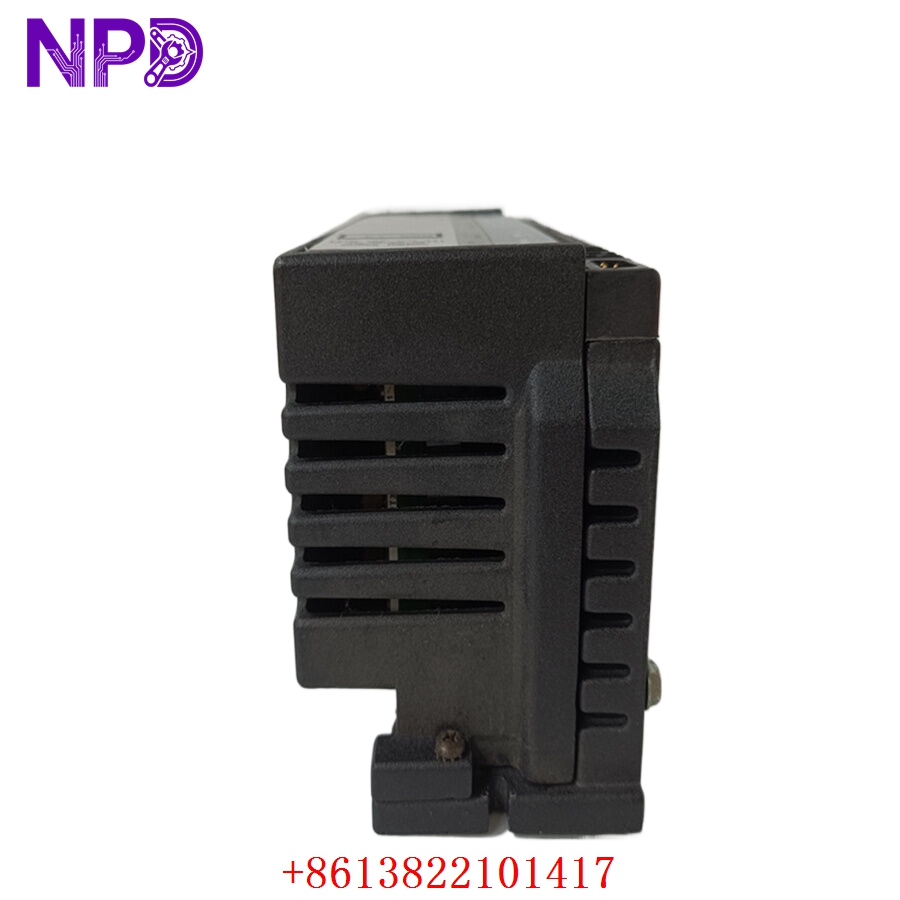
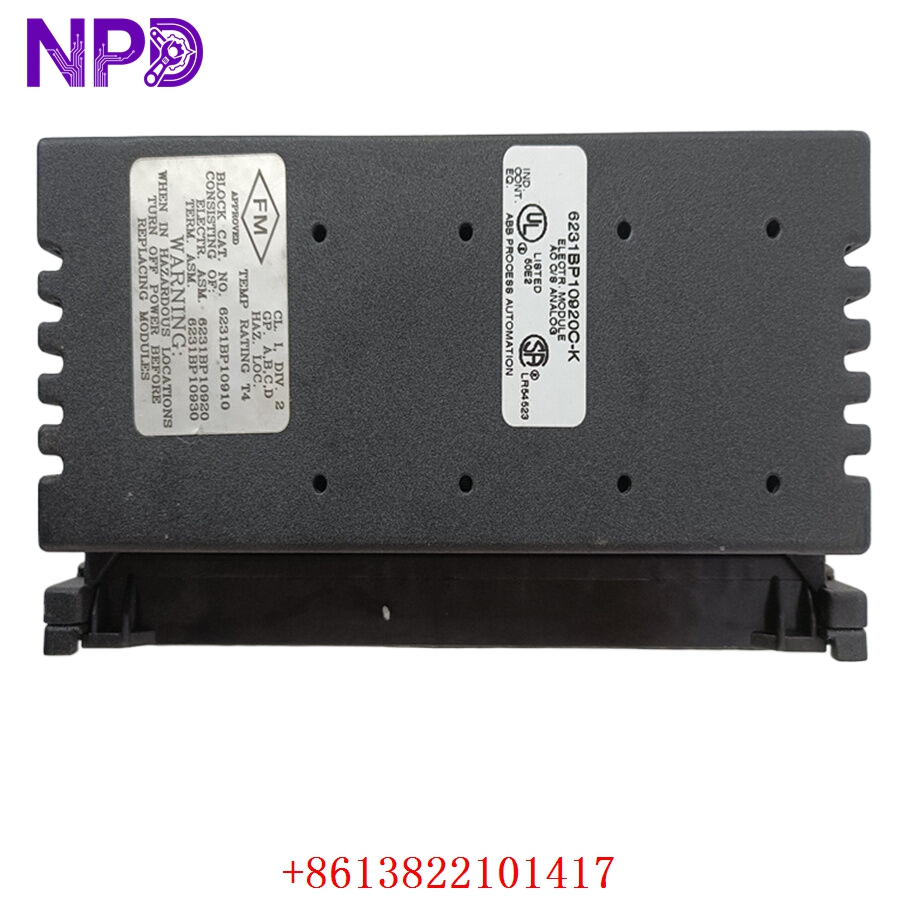
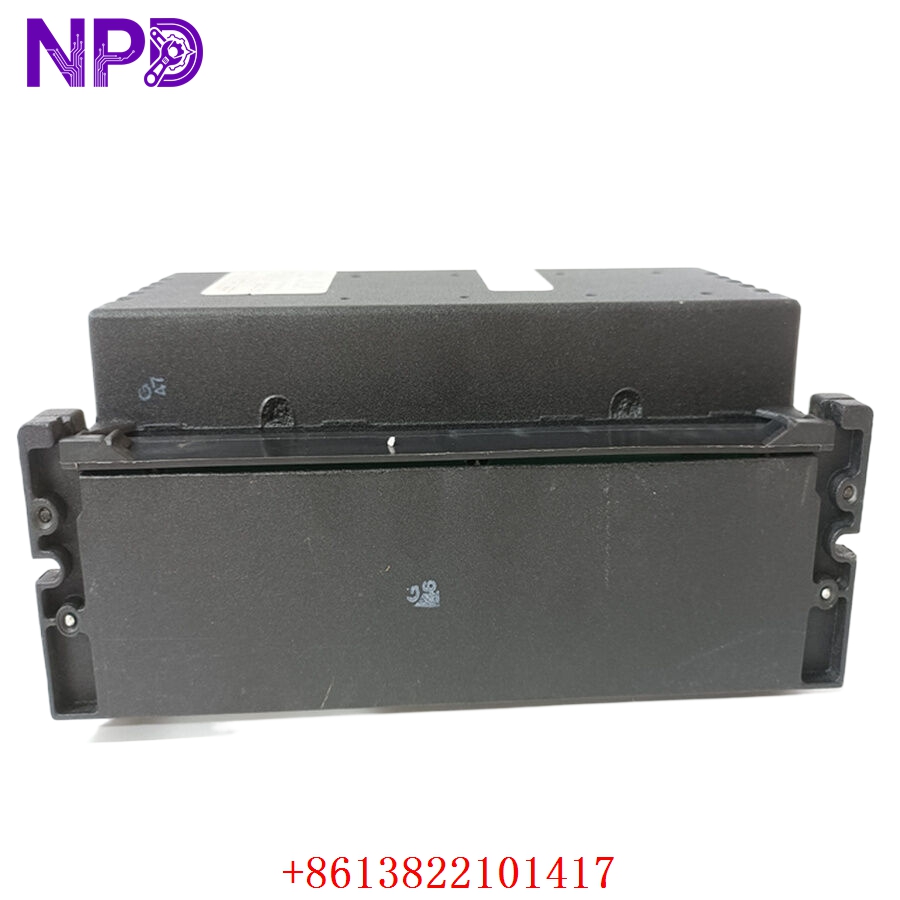
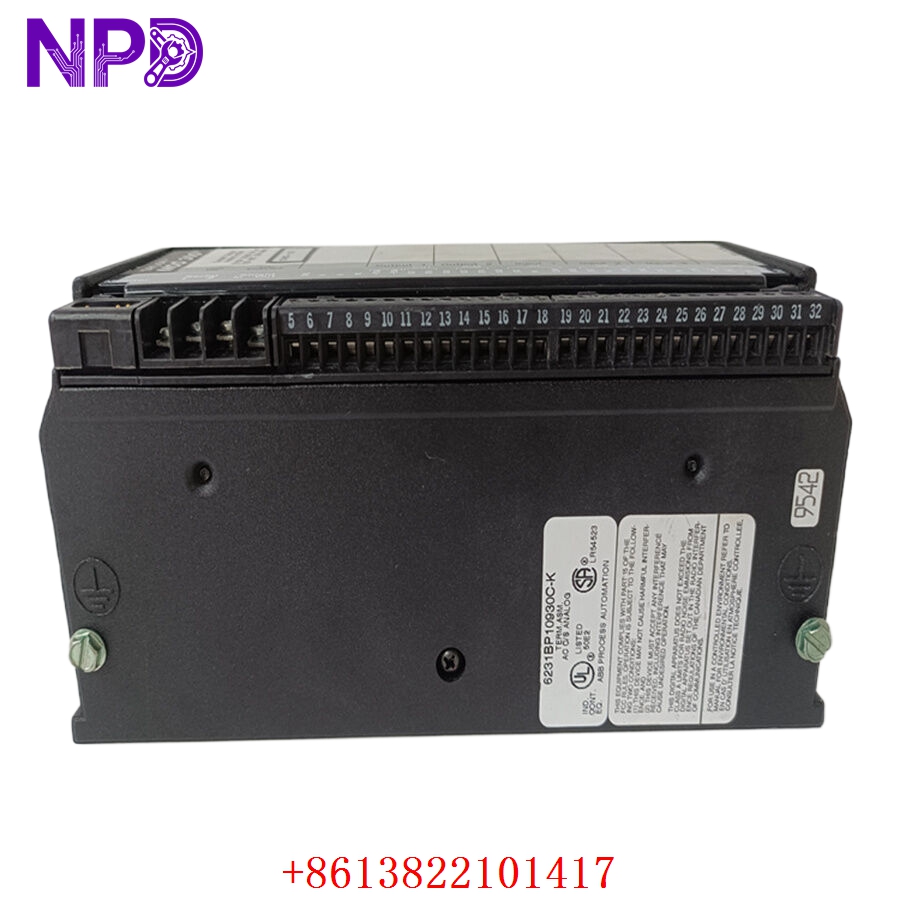
Model: IC660BBA104 (6231BP10910)
· Brand: GE Fanuc / GE Intelligent Platforms
· Series: Genius I/O Block Series
· Core Function: ⚙️ Provides 16-channel isolated analog input interface for industrial process monitoring
· Product Type: 📟 Analog Input (AI) Genius I/O Block
· Key Specs: 🛠️ 16-channel high-density, configurable input ranges (voltage/current), Genius Bus communication
- Input Type: Configurable (4-20 mA, 0-10 V, or 1-5 V per channel)
- Channel Count: 16 Analog Inputs
- Isolation: Optical isolation between channels and Genius Bus
- Communication: Genius I/O serial bus (Data rate: 153.6 Kbps or 76.8 Kbps)
- Mounting: DIN rail mounting or surface mount via terminal block assembly
- Diagnostic Features: Extensive fault reporting via Genius Bus (Open wire, out of range, bus error)
- Environment: Conformal coated for rugged industrial environments
Application Scenarios & Engineering Insights
The IC660BBA104 is a staple in legacy Genius I/O networks, often found in large-scale manufacturing and utility applications. A frequent “pain point” with these modules is the Genius Bus termination. Because this bus is a serial network, if the terminating resistors (120Ω) at the physical start and end of the network are not correct, you will experience “intermittent checksum errors” that appear to be module failures but are actually signal reflection issues on the bus.
Typical Use Cases:
- Manufacturing – Process Control
Monitoring process variables (temperature, pressure, flow) across geographically dispersed I/O stations.
- Water Treatment – Remote Station Monitoring
Gathering analog sensor data from remote tanks and pumps back to the central PLC.
- Heavy Industry – Power Monitoring
Digitizing signals from external transducers for facility-wide power quality analysis.
Troubleshooting Pro-Tip:
These blocks have a built-in “handheld monitor” (HHM) port. Before replacing a suspected “dead” block, always connect the HHM. It allows you to see the Block Status and Comm Status in real-time, often revealing that the block is perfectly healthy but simply has a “Device Address” conflict with another block on the network.
Compatible Replacement Models
| Original Model | Replacement | Compatibility | Difference |
| IC660BBA104 | IC660BBA104 | ✅ Direct | Identical hardware revision |
| IC660BBA104 | IC660BBA104D | ✅ Direct | “D” suffix denotes enhanced environmental coating |
| IC660BBA104 | RX3i Genius Gateway | ⚠️ Migration | Requires PACSystem RX3i integration hardware |
Note: Since the Genius I/O bus uses a specific GE protocol, there is no direct replacement from other manufacturers. Sourcing a tested, original IC660 unit is the only way to ensure your I/O network remains fully functional without a major control system migration.
Troubleshooting Quick Reference
| Symptom | Probable Cause | Action |
| “COMM” LED Flashing | Bus cabling or terminal issue | Check 120Ω termination; verify bus wiring continuity |
| “I/O” LED Red | Field signal open wire or out-of-range | Use HHM to check per-channel fault status |
| Block Not Responding | Address/Baud rate mismatch | Check rotary switch settings on the block |
| Random Analog Drift | Poor shield grounding | Ensure signal shield is grounded at the block end |
Safety Warning: Never attempt to change the block address while the Genius Bus is live if your PLC system is not designed for “hot-add” of I/O. Changing the address while communicating can cause a “Bus Error” that may put the entire PLC network into a Stop mode depending on your hardware configuration.