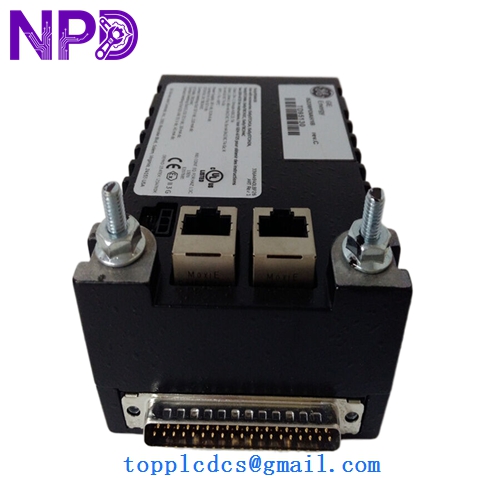
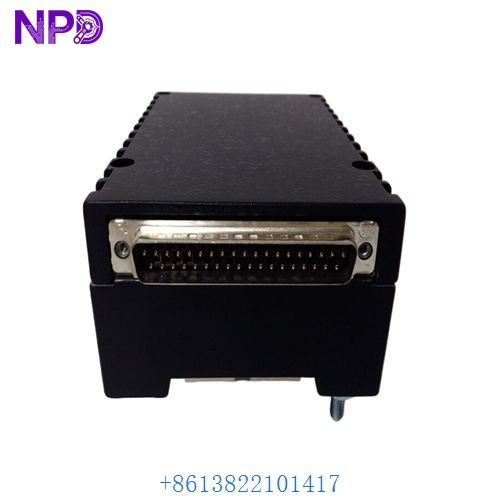
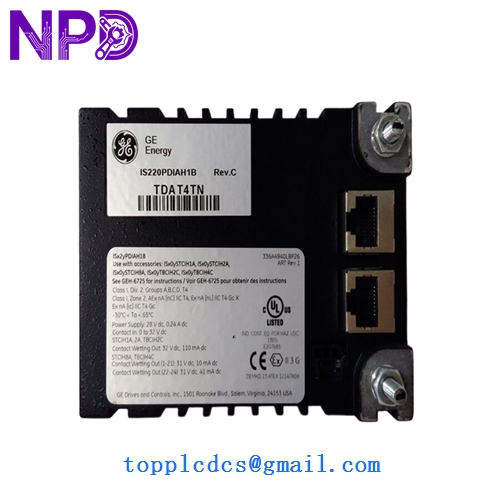

Description
- Model: IS220PDIOH1A
- Brand: General Electric (GE)
- Series: Mark VIe
- Function: Discrete Input/Output Processing
- Capacity: Typically manages 24 contact inputs and relay outputs (depending on the terminal board).
- Communication: Dual 10/100 Ethernet ports (IONet)
- Dual IONet Ports: Features two RJ45 Ethernet ports for redundant communication paths to the Mark VIe controllers.
- Local Processing: Contains an internal processor that handles time-stamping for sequence-of-events (SOE) recording with 1-millisecond resolution.
- I/O Capability:
- Inputs: Supports 24 V DC dry contact inputs with optical isolation.
- Outputs: Controls relay outputs or solenoid drivers via the connected terminal board.
- Diagnostics: Advanced self-diagnostics including temperature monitoring, power supply health, and internal logic checks.
- Hardware ID: Automatically identifies itself to the system software (ToolboxST), enabling “Plug-and-Play” replacement.
- Power Input: 28 V DC nominal (supplied through the IONet connector or terminal board).
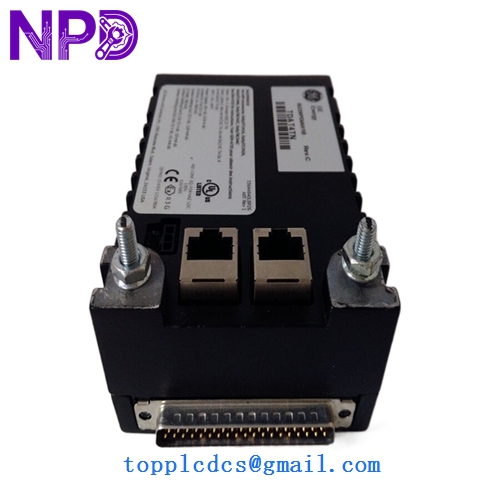
GE IS220PDIAH1B
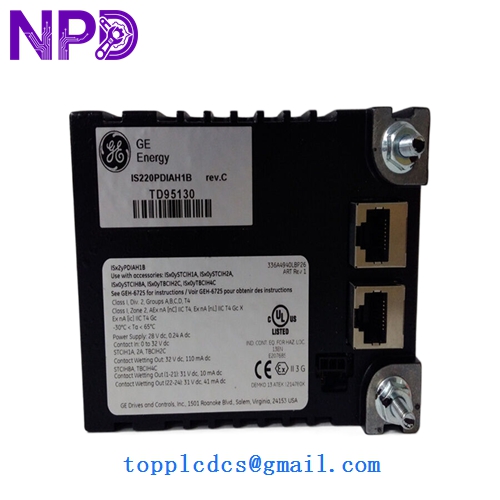
GE IS220PDIAH1B
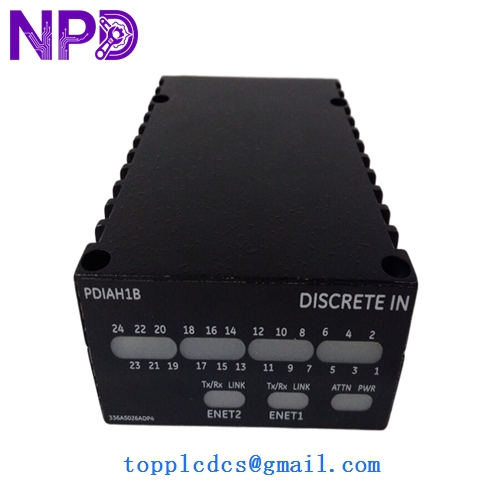
GE IS220PDIAH1B
Installation & Configuration Guide
Phase 1: Pre-Installation (Preparation)
⚠️ Critical Warning: The IS220PDIOH1A handles discrete logic that may control critical interlocks.
- Redundancy Check: If the system is TMR (Triple Modular Redundant), you can replace one pack while the turbine is running. If it is Simplex, the unit must be in a safe state/stopped.
- Firmware Verification: Ensure the firmware on the new pack matches the project version in ToolboxST. The system may prompt for an automatic firmware download upon connection.
- ESD Safety: Mark VIe packs are sensitive electronic devices. Wear an anti-static wrist strap.
Phase 2: Removal & Replacement
- Unplug IONet Cables: Disconnect the two RJ45 Ethernet cables from the top of the pack.
- Unseat the Pack: Loosen the two side mounting screws that secure the pack to the 37-pin D-connector on the terminal board (e.g., TBCI or STCI).
- Physical Inspection: Check the pins on the terminal board’s D-connector for any signs of bending or corrosion before installing the new pack.
Phase 3: Commissioning
- Seat the New Pack: Align the pack with the D-connector and push firmly. Tighten the side screws to secure it.
- Reconnect IONet: Plug the Ethernet cables back in. The “Power” and “Online” LEDs should begin to blink.
- Software Synchronization:
- Open ToolboxST.
- The system should recognize the new hardware. If the “Config” LED is amber, you may need to “Download” the configuration to the pack.
- Verification: Confirm that the I/O status bits are updating correctly on the HMI.
Customer Cases & Industry Applications
Case 1: Resolving SOE (Sequence of Events) Inaccuracies A power plant in North America noticed that their SOE logs were showing inconsistent time-stamps during a system trip. The issue was traced to a clock-sync failure in an aging PDIOH1A pack. Replacing the module with a New Surplus unit restored the 1ms time-stamping accuracy, allowing the engineering team to correctly analyze future trip data.
Case 2: Rapid Recovery from Ethernet Port Failure During a routine network storm, the IONet port on a PDIO pack was damaged by an electrical surge. The redundant path kept the turbine running, but the system remained in a “Degraded” state. We provided a New Surplus IS220PDIOH1A within 24 hours. The on-site team swapped the pack “hot” (under power) in a TMR configuration, restoring full redundancy without a single second of downtime.
Frequently Asked Questions (FAQ)
Q: Can I hot-swap this pack? A: Yes, but only if your system is configured for TMR (Triple Modular Redundancy) and the other two packs are healthy. In Simplex systems, you must stop the process first.
Q: What is the difference between PDIOH1A and PDIOH1B? A: Generally, the “B” revision is a later hardware release. While they are usually backward compatible, it is always best practice to match the hardware version currently used in your ToolboxST hardware configuration to ensure identical diagnostic behavior.
Q: Does the pack require a separate power supply? A: No. The IS220PDIOH1A receives its power through the 37-pin D-connector attached to the terminal board, which in turn is powered by the cabinet’s 28 V DC distribution.
Q: Why choose “New Surplus” over “Used”? A: I/O packs are the most active components in a Mark VIe cabinet and are subject to internal heat. “Used” packs may have dried-out electrolytic capacitors or “tired” Ethernet transceivers. New Surplus units provide the original factory lifespan and reliability essential for turbine protection.