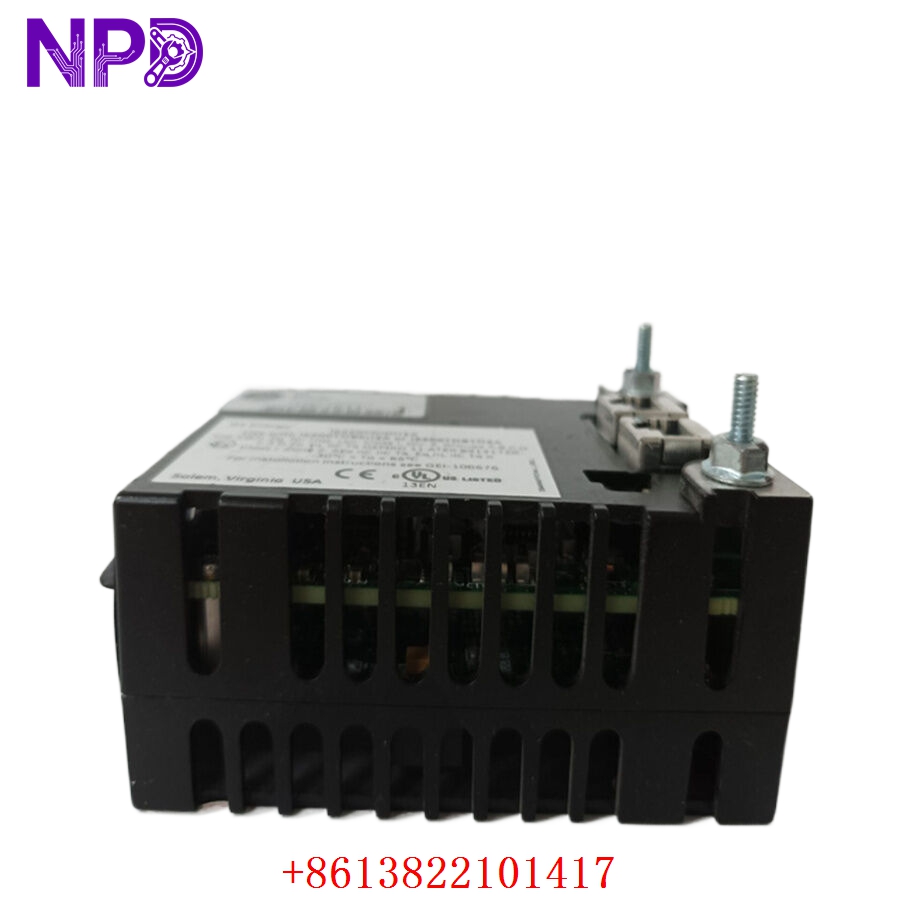
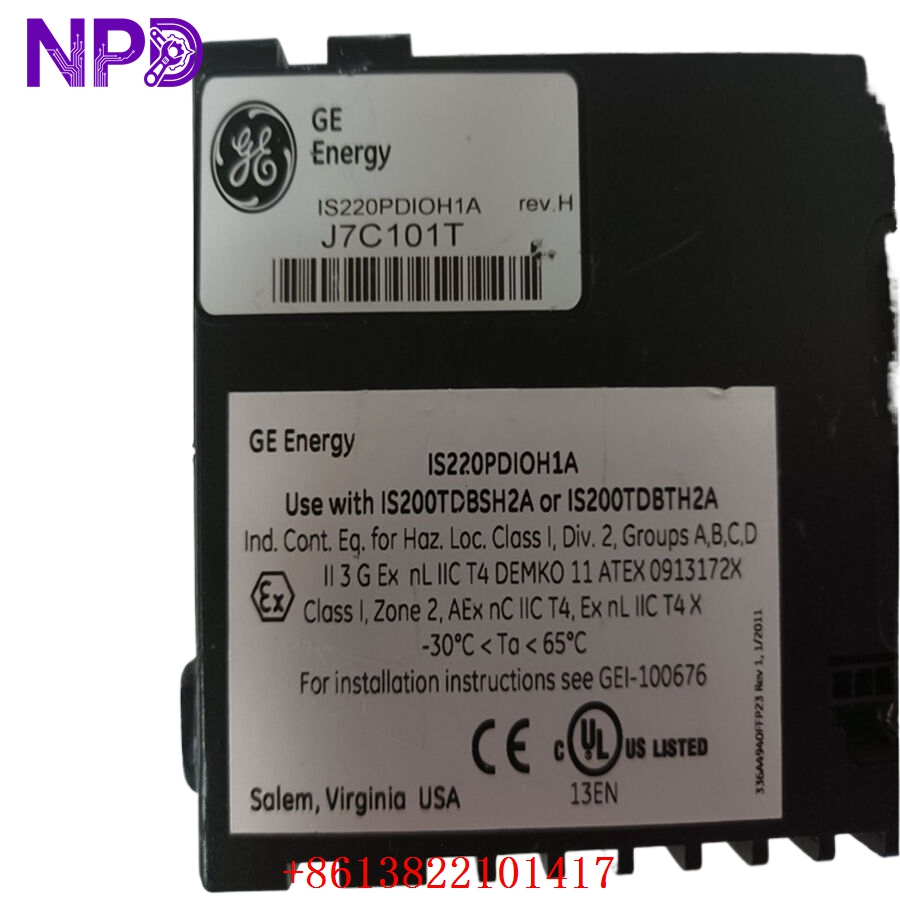

Description
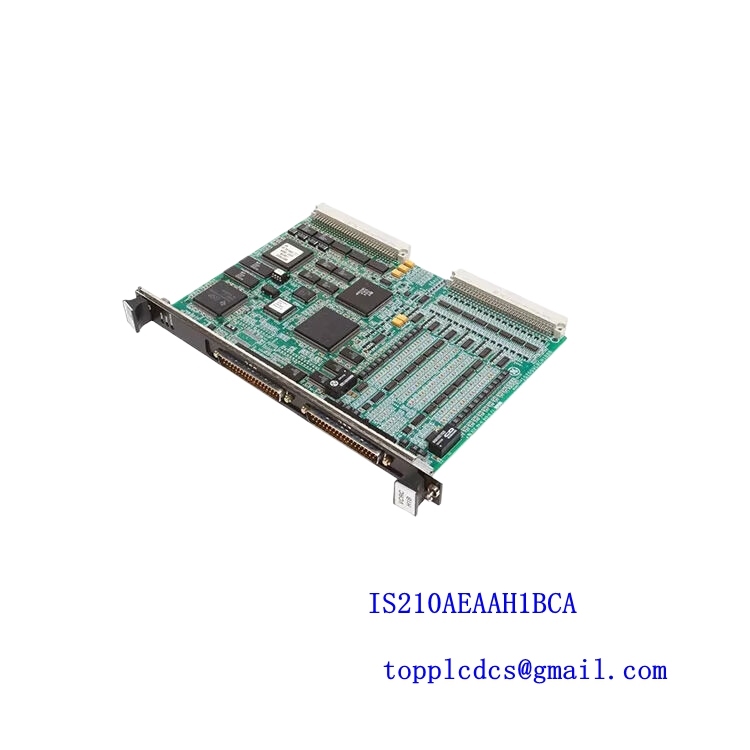
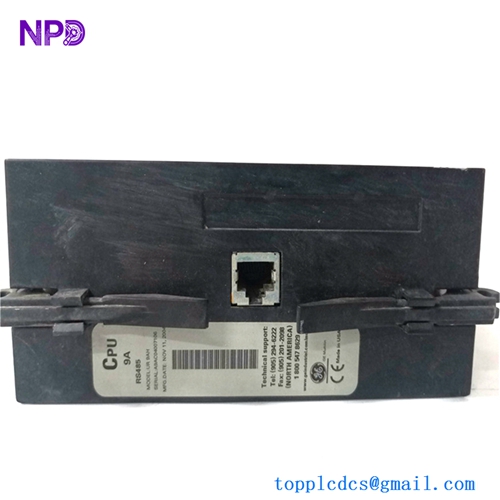
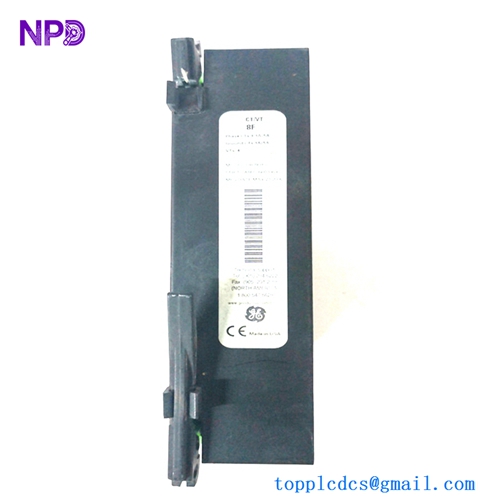
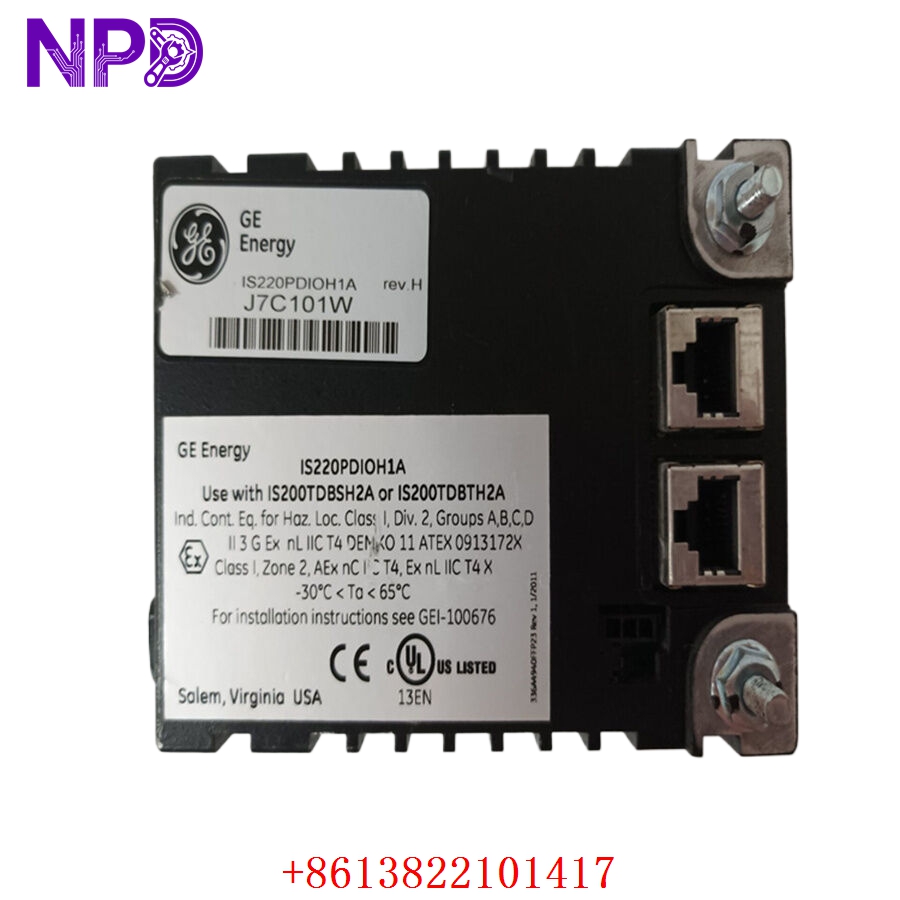
- Model: GE IS220PDIOH1A (Artwork/Drawing Number: 336A4940CSP23)
- Brand: General Electric (USA)
- Series: Mark VIe Control System
- Core Function: Distributed discrete input/output pack that interfaces terminal boards with the control controller network
- Condition: Brand New Surplus (Original authentic stock, never energized, pristine factory condition)
- Product Type: Discrete I/O Processor Module / Control Pack
- Key Specs: Dual RJ45 Ethernet ports (IONet), 24 V DC input power, support for up to 24 dry contact inputs
- Operating Input Voltage: 28 V DC nominal (Range: 18 V to 32 V DC tracking limit)
- Power Dissipation: 4.5 W maximum internal consumption
- Processor Base: High-performance 32-bit RISC micro-controller core
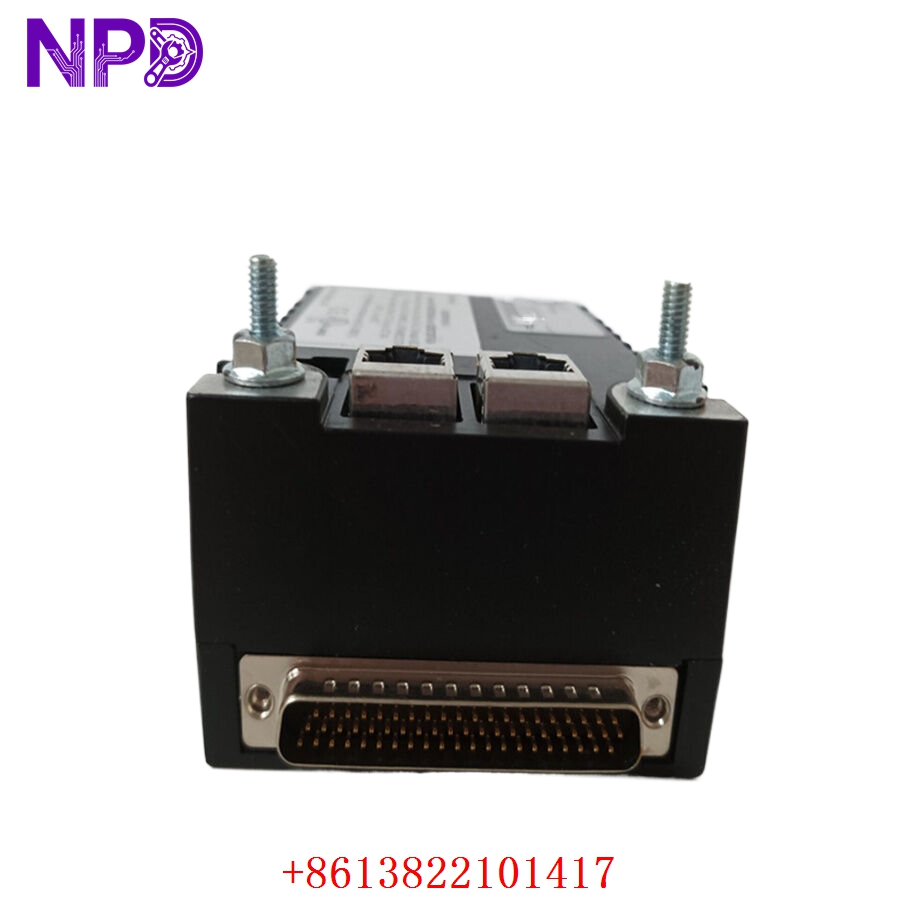
- Network Interface: Dual 100 Base-TX RJ45 Ethernet interfaces linking to redundant IONet fabrics
- Discrete Inputs: Supports up to 24 dry contact inputs with optional 24 V or 125 V DC excitation tracking
- Discrete Outputs: Interfaces up to 12 relay channels (depending on paired terminal board configuration)
- Sequence of Events (SOE): 1 ms resolution timestamping capability across all input points
- Isolation Boundary: 1,500 V RMS isolation between communication networks and processing logic
- Operating Temperature: -30°C to +65°C ambient air envelope
- Cooling Profile: Natural convection cooling within a free-airflow enclosure mounting plane
- Diagnostics: Internal board-temperature sensors, real-time voltage monitoring, and communication watchdog timers
- Hardware Suffix: H1A configuration variant highlighting specialized processing architecture
GE 336A4940CSP23 IS220PDIOH1A
GE 336A4940CSP23 IS220PDIOH1A
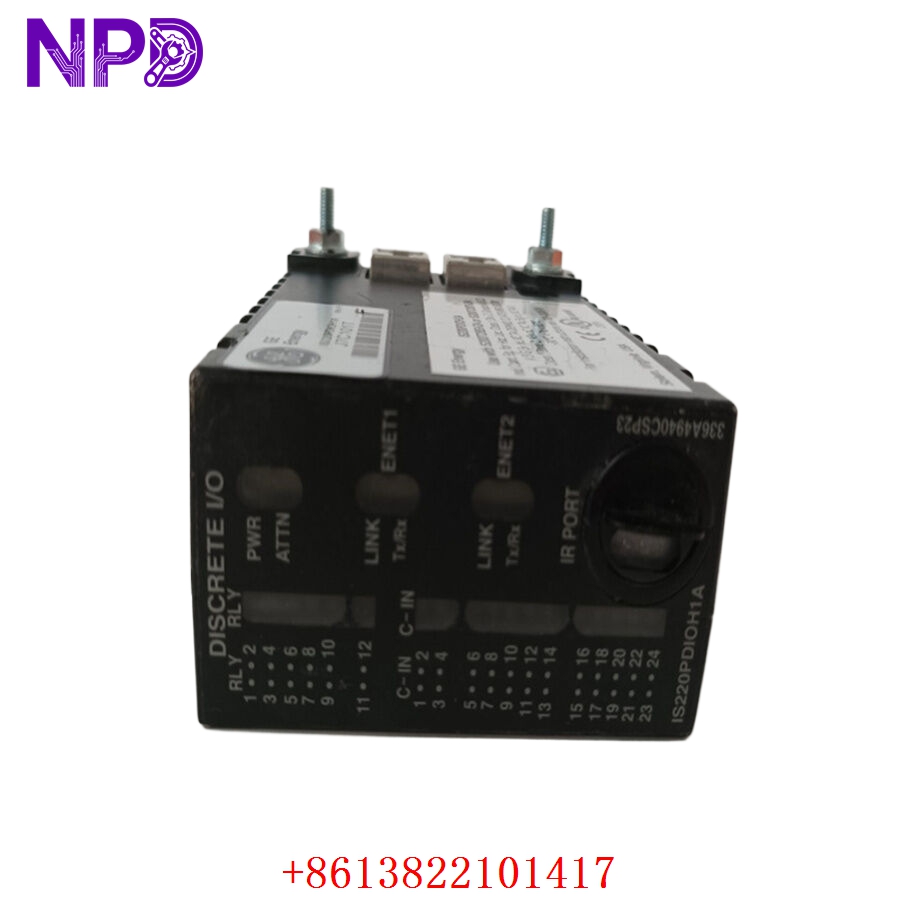
GE 336A4940CSP23 IS220PDIOH1A
Installation & Configuration Guide
Pre-Installation Setup
⚠️ CRITICAL SAFETY WARNING:
- Ensure the turbine controller or process sequence is dropped out of automated run status before accessing the card cage.
- Disconnect the main DC excitation power line feeding the associated terminal block assemblies.
- Verify that any redundant IONet loops remain stable on neighboring packs before breaking individual network links.
- Use an insulated voltage probe to confirm that no high-voltage external wetting potential (e.g., 125 V DC battery loops) is active on the terminal blocks.
- Required Tools & Gear:
- Grounded anti-static wrist strap connecting directly to the cabinet steel frame.
- 3.5 mm regular slotted cabinet screwdriver.
- Multi-meter (such as a Fluke 179) with clean probe tips.
- Industrial clean air canister or compressed nitrogen blast bulb.
- Handheld camera or phone for documenting final terminal assembly profiles.
- Backup Procedures:
- Open the GE ControlST software suite (ToolboxST) and take an online snapshot of the existing device parameters.
- Verify you have the current hardware configuration file (.tcw or relevant project database) compiled and saved to an external drive.
- Document the precise port placement of the black and yellow Ethernet cords on the IONet RJ45 headers.
Old Pack Removal
- Unplug Network Cabling: Depress the plastic retainers on the dual IONet Ethernet patch lines. Label the lines as “IONet A” and “IONet B” respectively to prevent cross-connection. Pull them straight out from the module headers.
- Release Mounting Screws: Loosen the two structural jackscrews located at the sides of the module housing. These captive screws back out of the terminal board standoffs.
- Unseat the Pack: Pull the control pack straight back from the terminal board D-shell interface connectors. Do not rock the housing side-to-side, as this can twist or snap the long alignment pins.
- Inspect Interface Face: Check the D-type interface pin receptacles on the terminal board for dust accumulation, bent traces, or scorch marks. Use a quick burst of clean compressed air to clear out debris.
New Pack Mounting and Configuration
- ESD Mitigation: Pull the new module out of its shielded anti-static enclosure bag only while wearing your grounded wrist strap. Avoid brushing the open rear socket pins against your clothing.
- Inspect Hardware Suffix: Double-check the labeling on the side plate to verify that the replacement unit reads IS220PDIOH1A, ensuring a perfect structural match with the removed model.
- Physical Alignment: Line up the dual D-shell connectors on the back of the pack with the matching plugs on the terminal board. Push the module firmly straight back into position until it seats flush.
- Secure Fasteners: Tighten the two captive side jackscrews using your slotted screwdriver. Turn them down evenly until they are snug (do not overtighten, around 0.8 N·m force is sufficient) to maintain reliable ground trace contacts.
- Reconnect Communication Loop: Plug the network patches back into their matching RJ45 ports. Connect IONet A to the upper port and IONet B to the lower port as originally wired.
Post-Installation Verification Checklist
- [ ] Confirm side jackscrews are completely threaded down and the housing does not wobble.
- [ ] Verify that both IONet network links click securely into place.
- [ ] Check that all external field terminal blocks are securely seated on the backing board.
- [ ] Check that the ground reference continuity loop from the pack skin to the chassis measures less than 0.1 Ω.
Power-Up & Loop Commissioning
- Re-apply power to the associated terminal board excitation loop.
- Observe the front-facing LED diagnostics assembly array:
- Power: Solid green, indicating the internal logic rail converter is active.
- Online / Run: Blinking green during initial configuration, turning solid green once connected to the master application controller code loop.
- Ethernet Link (A/B): Steady green or flashing amber, showing active packet traffic across the backplane switches.
- Fault: Solid red indicates a failed boot verification check or an incompatible firmware load.
- Launch ToolboxST on your laptop. The master system will detect the new pack via its unique MAC address and flag an electronic ID mismatch code.
- Initiate the “Component Download” tool inside the software suite. This pushes the correct configuration file, node name, and appropriate firmware block (e.g., matching your existing ControlST build version) down to the flash memory stack.
- Cycle power to the module if prompted by the software interface to execute the runtime parameters.
- Check your I/O status charts in ToolboxST. Toggle an external test input relay point to verify that the digital input transition registers accurately with a sub-millisecond timestamp.
- Let the system run for 30 minutes. If no network dropout alarms show up on the master diagnostics log, write the change down in your maintenance log and return the loop to production.
Customer Cases & Industry Applications
Case 1: Combined Cycle Power Plant Gas Turbine Trip Resolution
An electricity production station in the Northeast experienced intermittent turbine control alarms on its 7FA gas turbine setup. The primary controller kept reporting data synchronization drops from the discrete input module handling the main trip-solenoid monitoring feedback loops. The engineering team feared a faulty control pack could trigger a false turbine trip, costing roughly $120,000 in grid delivery penalties per incident.
The site maintenance lead called us after learning the factory lead time for a new Mark VIe assembly was out to 10 weeks. We identified an IS220PDIOH1A unit matching drawing number 336A4940CSP23 in our warehouse. The module went straight to our automated test bench, where we monitored it over a 24-hour continuous communications test to verify its performance. The package was shipped via express courier and reached the facility the next day. The turbine technicians installed it during an overnight planned maintenance window. The communications log dropped back to zero errors, stabilizing the turbine protection system and ensuring reliable operation ahead of the peak summer peak load season.
Case 2: Chemical Plant Compressor Control Standardization
A major petrochemical processing facility along the Gulf Coast was executing a reliability program on its main cracking-gas compressor control panels, which used a legacy version of the GE Mark VIe architecture. During a routine safety audit, the electrical foreman noted that several remote discrete input housings were showing signs of early component degradation due to long-term exposure to ambient moisture and heat.
[Legacy Control Pack In Use] ──> [Signs of Component Degradation]
                                             │
      ┌──────────────────────────────────────┴──────────────────────────────────────┐
      ▼                                                                             ▼
[Option A: OEM Upgrade Path]                                                 [Option B: Strategic Surplus]
• Cost: ~$45,000 per node                                                     • Cost: ~30% lower than OEM
• Requires: Full system recoding                                              • Requires: Zero programming modifications
• Downtime: 5 days per panel                                                 • Downtime: <1 hour drop-in replacement
The purchasing department initially approached the OEM for replacement hardware, but the quoted upgrade pathway required a significant system migration step that would disrupt production for days. Looking for a more direct option, they reached out to us to secure original replacement packs. We supplied three brand-new surplus modules, enabling a direct drop-in replacement during a brief 1-hour planned maintenance window. This approach kept their original application logic intact, avoided the risks of a software upgrade, and saved thousands of dollars compared to a full system overhaul.
Frequently Asked Questions (FAQ)
Q1: What is the difference between the artwork number 336A4940CSP23 and the model number IS220PDIOH1A?
A: This is a common point of confusion for procurement teams. The IS220PDIOH1A is the functional catalog model number used by GE to order the discrete input/output control pack. The number 336A4940CSP23 is the internal casting or assembly drawing identifier used during manufacturing. They point to the exact same physical piece of equipment. When ordering from us, confirming either number ensures you receive the correct, fully compatible drop-in component for your system hardware frame.
Q2: Is this control pack shipped with a default IP address pre-loaded?
A: No, these modules do not ship with a fixed static IP address from our warehouse. When you install the new unit on your terminal board and connect the black and yellow IONet loops, the master controller automatically assigns a local address based on its physical location on the terminal board and its MAC address. You will need to use GE’s ToolboxST software to discover the unit and download your project’s specific network configuration and firmware map.
Q3: Does your testing protocol ensure the module can handle high-speed Sequence of Events (SOE) logging?
A: Yes, it does. Our testing process goes beyond checking if the board powers up. We mount the module onto an authentic GE terminal framework and hook it up to an active network simulator. We then inject high-frequency pulse sequences into the input channels to verify that the internal 1 ms timestamp circuit catches every single edge transition cleanly.
[Pulse Generator] ──> [Input Channels] ──> [Internal Processor] ──> [ToolboxST Diagnostic Interface]
                                                     │
                                                     ▼
                                      [Verified 1 ms Timestamp Match]
This testing gives you the confidence that the pack will perform reliably if a real plant fault sequence occurs.
Q4: We are currently using an IS220PDIOH1B module. Can we use this H1A version as a replacement?
A: In most cases, you cannot step backward from an “H1B” to an “H1A” variant without altering your system configuration files in ToolboxST. While they share similar terminal board connections, the later hardware revisions often include minor changes to the internal electronic components or the base firmware layers. We strongly recommend sticking with an exact match for your existing hardware configuration. If you are unsure which version you have, look at the white label on the side of your module housing or check the hardware topology map in your project configuration file.
Q5: How do you protect these sensitive components during international transit?
A: We use a ruggedized packaging process designed for industrial electronics. The module is wrapped in a heavy ESD shielding pouch to protect the internal circuitry from static buildup. It is then placed in a form-fitting foam insert inside a thick corrugated box to absorb any vibrations or impacts during transit. This robust packaging ensures the unit arrives at your site clean, dry, and ready for immediate installation.
Q6: Can our field engineering team request a copy of the serial number before you ship?
A: Absolutely. We maintain clear records of our inventory and log all serial numbers and firmware revisions on our test sheets. Once your purchase order is processed, we will send you high-resolution photos of the module labels, the serial numbers, and the final test signatures. This allows your engineering team to pre-enter the component details into your maintenance management database before the shipment arrives at your gate.