Description
- Model: GE IS220PRTDH1A
- Part Number: 363A4940CSP6
- Brand: General Electric (GE)
- Series: Mark VIe Control System
- Core Function: Interface between the IONet and RTD (Resistance Temperature Detector) terminal boards
- Product Type: RTD Input Pack (PRTD)
- Key Specs: 8 RTD Inputs Dual 100 Mbps Ethernet (IONet) High-resolution A/D conversion
- Processor: Local RISC microprocessor for signal processing and diagnostics
- Input Channels: Supports up to 8 RTDs per pack (depending on the terminal board)
- Supported RTD Types:
- 100 Ω Platinum (DIN/American)
- 10 Ω Copper
- 120 Ω Nickel
- Sampling Rate: High-speed updates (typically 10 Hz or 25 Hz)
- Resolution: 16-bit A/D conversion for precise temperature sensing
- Network: Dual redundant 100 Mbps Ethernet ports (IONet)
- Power Requirement: 28 V DC (supplied via the terminal board)
- Sequence of Events (SOE): Supports time-stamping for thermal trips
- Mounting: Plugs directly onto RTD terminal boards (e.g., TRTD, SRTD)
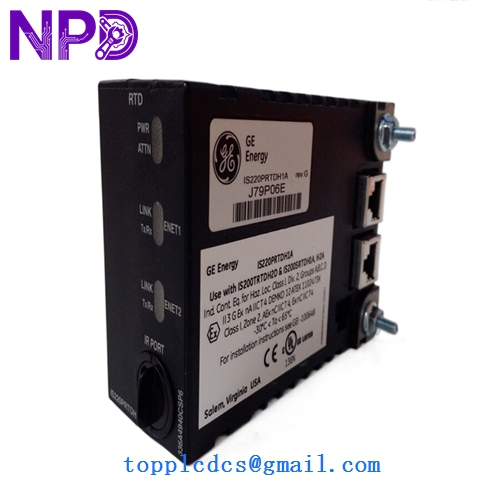
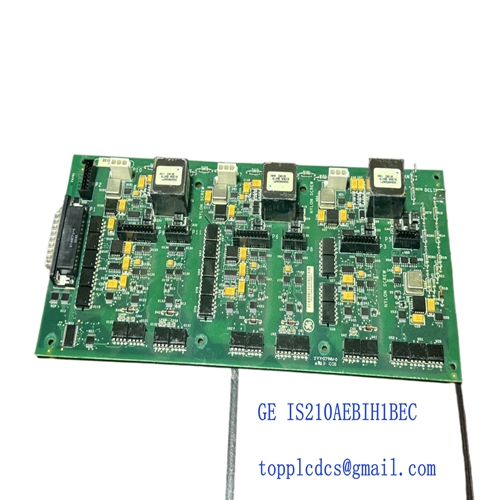
GE IS220PRTDH1A 363A4940CSP6
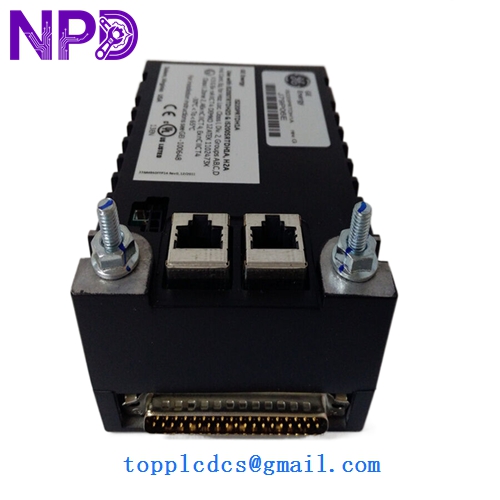
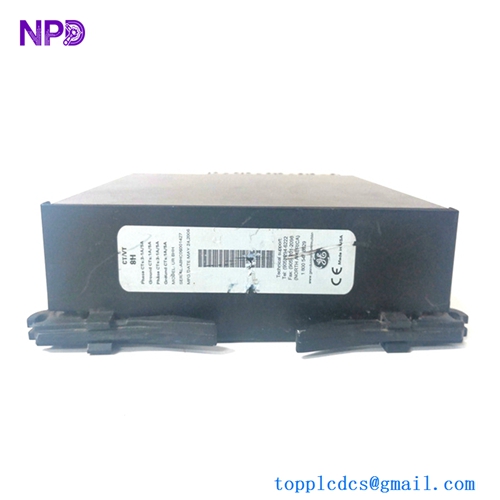
GE IS220PRTDH1A 363A4940CSP6
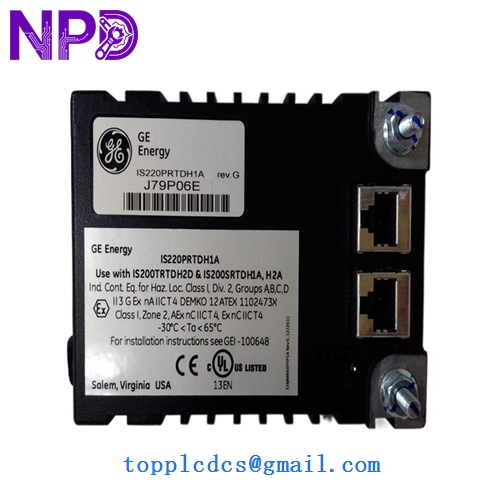
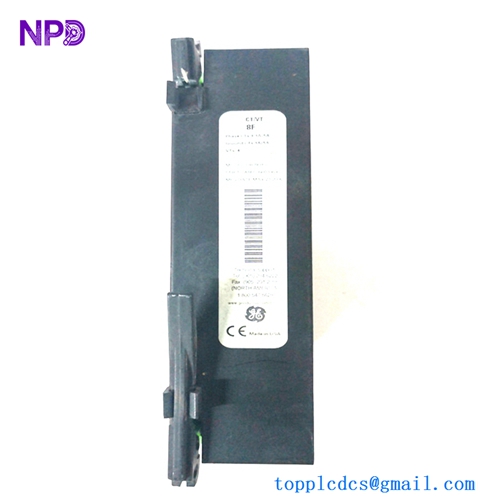
GE IS220PRTDH1A 363A4940CSP6
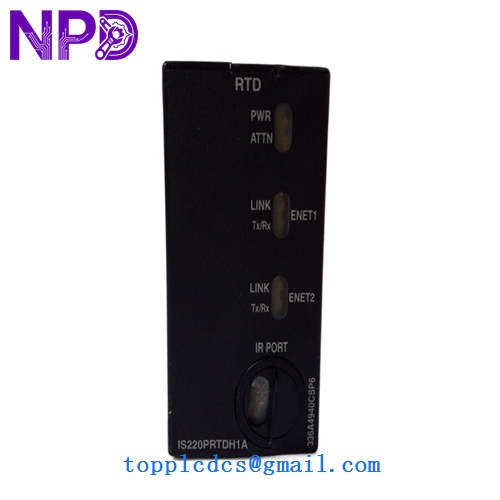
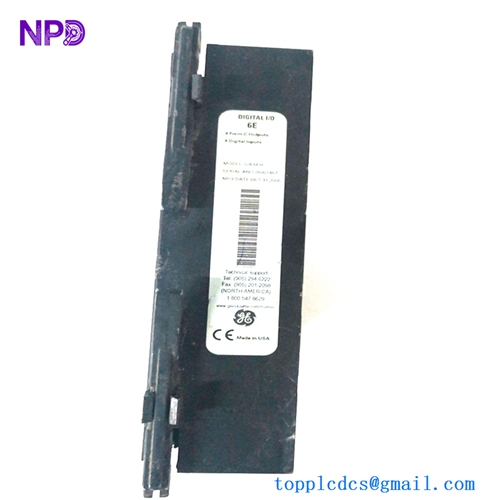
GE IS220PRTDH1A 363A4940CSP6
Application Scenarios & Pain Points
The IS220PRTDH1A is the “digital bridge” for temperature sensors in the Mark VIe system. It takes the analog resistance from the field and converts it into a digital value to be sent across the control network. One of the biggest pain points I see with the PRTD pack is “Pack Mismatch” errors. Since the PRTD handles its own calibration and linearization, the software (ToolboxST) is very strict about the firmware version. If you swap an old H1A for a new one without checking the firmware, the system may flag it as “Incompatible Hardware.”
Typical Application Scenarios:
- Bearing Metal Temperature Monitoring High-precision tracking of shaft and thrust bearings to prevent overheating and mechanical seizure.
- Generator Winding Temperatures Monitoring stator and rotor heat to calculate thermal limits and manage load shedding.
- Exhaust Gas Temperature (EGT) Spreads Critical for gas turbine combustion health monitoring; detect “cold” or “hot” cans before they cause a trip.
- Lube Oil & Cooling Water Systems Ensuring auxiliary fluids are at optimal temperatures for turbine startup and operation.
Case Study: The “Jumping” Temperature Mystery
Background: A power station reported that their generator stator temperatures were “jumping” randomly by 5–10 degrees, triggering nuisance high-temperature alarms in the control room.
Problem: We initially suspected the field sensors. However, after swapping the IS220PRTDH1A pack with a known good spare, the signals smoothed out instantly. Upon testing the faulty pack, we found the internal 24V-to-5V DC converter on the 363A4940CSP6 board was failing, introducing ripple noise into the A/D converter.
Solution: Replaced the faulty unit with a certified IS220PRTDH1A.
Result: – Accuracy Restored: All temperature channels returned to stable, accurate readings.
- Downtime Avoided: The replacement was performed during a short window while the machine was at turning gear.
- Engineer’s Insight: “If multiple RTD channels on the same pack are jumping simultaneously, the problem is almost always the PRTD pack’s internal power supply or the IONet cable—not the sensors.”
Compatible Replacement Models
The PRTDH1A is a standard component, but the 363A4940CSP6 part number is the specific PC board revision.
| Original Model | Replacement Model | Compatibility | Note |
|---|---|---|---|
| IS220PRTDH1A | 363A4940CSP6 | ✅ Exact Match | Standard PRTD Pack. |
| IS220PRTDH1A | IS220PRTDH1B | ✅ Compatible | Later revision; typically backward compatible. |
| IS220PRTDH1A | IS220PPDAH1A | ❌ Incompatible | PPDA is for Power Distribution; different hardware. |
Troubleshooting Quick Reference
| Symptom | Possible Cause | Relation | Quick Check | Action |
|---|---|---|---|---|
| “ATTN” LED Solid Red | Internal Failure | ✅ High | Check diagnostic buffer in ToolboxST. | Replace the PRTD pack. |
| Reading “Off-Scale High” | Broken RTD Lead | ✅ High | Check terminal board for loose “A” or “B” wires. | Re-terminate the RTD. |
| Ethernet Port 1/2 Dark | Link Failure | ✅ High | Swap IONet cable with Port 2 or a different switch port. | Replace cable or check IONet switch. |
| Reading “Negative 50” | Short Circuit | ⚠️ Med | Measure resistance at the terminal board. | Check RTD for short to ground/shield. |
❗ Pro Tip: The “Warm-Up” Calibration
The IS220PRTDH1A is highly sensitive to its internal temperature. When you first install a new pack, you might see a small drift in the readings for the first 10–15 minutes. This is normal as the internal A/D reference voltage stabilizes. For the most accurate calibration checks, always wait until the “Link” and “Power” LEDs have been solid for at least 20 minutes.
Handling & Installation:
- Association: After physically installing the pack, you must go into ToolboxST and “Associate” the pack’s MAC address with its logical position in the software.
- Mounting Screws: Ensure the two captive screws are fully tightened. These screws not only hold the pack in place but also ensure a solid ground path for the shield signals.
- Static Safety: These packs contain highly sensitive CMOS microprocessors. Always use an ESD wrist strap when handling the pack out of its box to avoid “latent” damage that can cause the pack to fail months later.