
Description
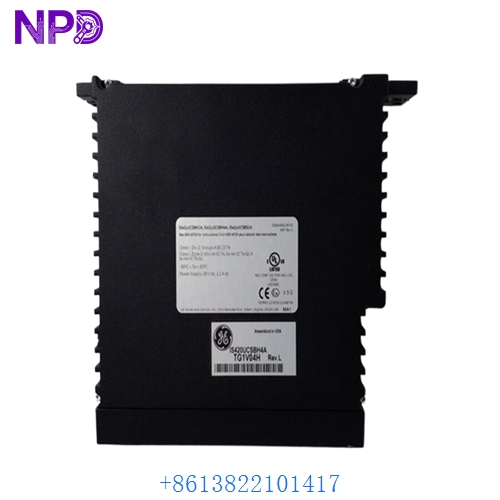
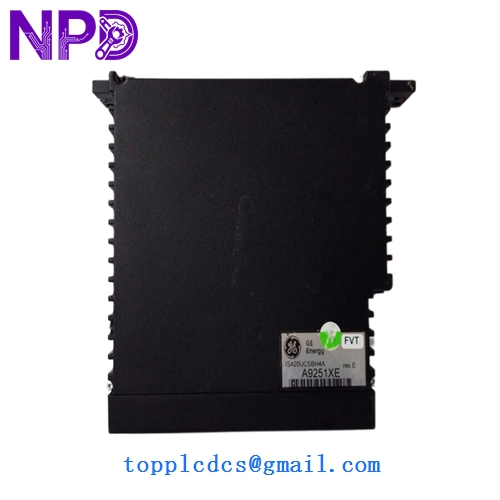
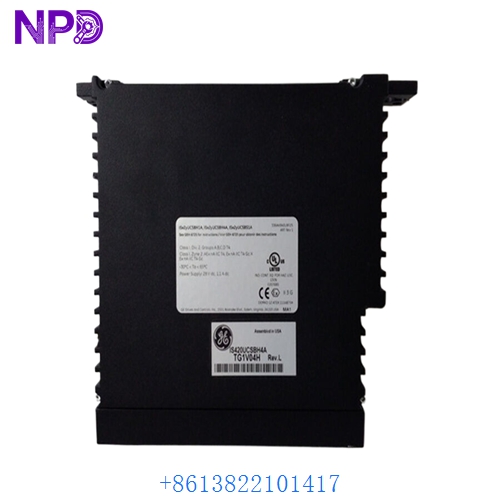
- Model: GE IS420UCSBH4A
- Brand: General Electric (GE)
- Series: Mark VIe Control System
- Core Function: High-performance stand-alone controller (CPU) for industrial automation
- Product Type: UCSB Controller Module (Single Slot)
- Key Specs: 600 MHz Intel Celeron Dual Ethernet (IONet) QNX Real-Time OS
- Processor: 600 MHz Intel Celeron (Ultra Low Voltage)
- Memory:
- 128 MB DDR2 SDRAM
- 128 MB Compact Flash (for OS and application image)
- Operating System: QNX Neutrino (Real-time operating system)
- Communication:
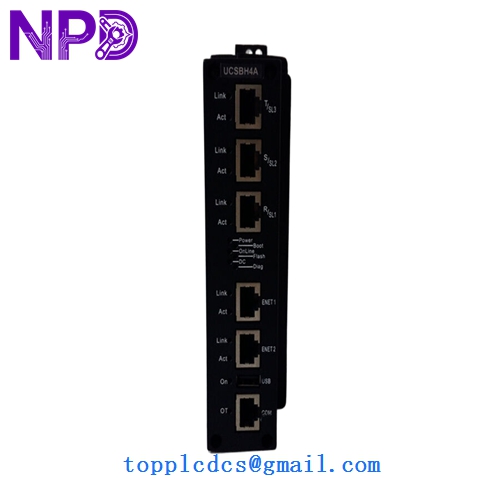
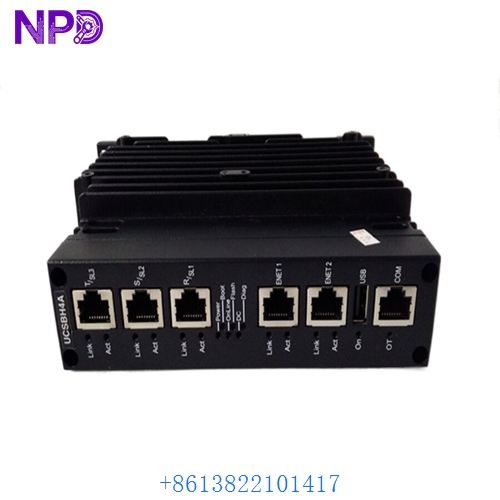
- 3x 10/100 Ethernet ports (RJ-45) for IONet redundancy
- 1x RS-232 Serial port (for Station Manager/Diagnostics)
- Redundancy: Supports Simplex, Dual, and TMR (Triple Modular Redundant) configurations
- Programming: Configured via GE ToolboxST Software
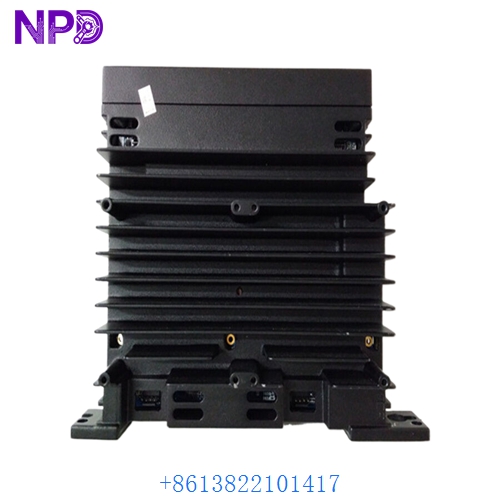
- Cooling: Fanless, convection-cooled design
- Mounting: Plugs into a specialized Mark VIe controller baseplate
GE IS420UCSBH4A
GE IS420UCSBH4A
GE IS420UCSBH4A
GE IS420UCSBH4A
GE IS420UCSBH4A
Application Scenarios & Pain Points
The IS420UCSBH4A is the “brain” of the Mark VIe system. While the I/O packs (like PDIO or PAIC) handle the field signals, the UCSB executes the actual control code. Because it is a fanless, solid-state device, it is incredibly reliable. However, the biggest pain point is Firmware/Software synchronization. If you replace a UCSB module with one from a different site, the “Firmware Baseline” must match your ToolboxST project exactly, or the controller will not go into “Control” mode.
Typical Application Scenarios:
- Gas & Steam Turbine Control Executing the core governing logic, start/stop sequences, and protection algorithms.
- Wind Turbine Control Managing pitch and yaw control in large-scale offshore or onshore wind farms.
- Combined Cycle Power Plants Acting as the master controller for Heat Recovery Steam Generators (HRSG) and balance-of-plant systems.
- Hydroelectric Power Governing water flow and gate positioning for high-response power generation.
Case Study: The “Mismatch” Deadlock
Background: A power station in the UK attempted to replace a failed IS420UCSBH4A with a spare they had in the warehouse. After physically installing the module, the “Online” status stayed grey, and the HMI reported “Incompatible Baseline.”
Problem: The warehouse spare was an older revision with Firmware V04.05, while the running plant was on V05.01. The Mark VIe is designed to prevent “old” logic from running on “new” networks to avoid safety risks.
Solution: Using the ToolboxST “Firmware Upgrade” tool via the Station Manager serial port, we flashed the spare UCSB to match the plant’s baseline.
Result: – Sync Success: The controller synchronized with its partners (R, S, and T cores) within 5 minutes of the flash.
- Outage Avoided: The plant returned to service before the peak demand window.
- Engineer’s Insight: “Never trust a spare to be ‘Plug and Play.’ Always have a serial cable and the ToolboxST baseline files ready when swapping a UCSB.”
Compatible Replacement Models
The UCSB series has several “H” (Hardware) variants. The H4A is a specific high-performance revision.
| Original Model | Replacement Model | Compatibility | Note |
|---|---|---|---|
| IS420UCSBH4A | IS420UCSBH4A | ✅ Exact Match | Standard H4A revision. |
| IS420UCSBH4A | IS420UCSBH1A | ⚠️ Software | H1A is an older version; check memory and CPU limits. |
| IS420UCSBH4A | IS420UCSCH1A | ❌ Incompatible | UCSC is the newer, faster successor; requires configuration changes. |
Troubleshooting Quick Reference
| Symptom | Possible Cause | Relation | Quick Check | Action |
|---|---|---|---|---|
| “Status” LED Blinking Red | Boot Failure | ✅ High | Connect via Serial port to see the boot log. | Check/replace the Compact Flash card. |
| “Link” LED Off | Network/SFP Fault | ✅ High | Swap the IONet Ethernet cable. | Check the IONet switch ports. |
| Controller “Not Equal” | Logic Mismatch | ✅ High | Check ToolboxST for “Difference in Application.” | Download the current project to the module. |
| Solid Red “Fault” LED | Internal Hardware | ✅ High | Cycle power to the controller baseplate. | If fault persists, replace UCSB module. |
❗ Pro Tip: The Compact Flash (CF) Card
Behind the front panel of the IS420UCSBH4A is a Compact Flash card. This card holds the OS and your application code. If you are moving a controller from one slot to another, do not swap the CF cards between them unless you intend to move the entire identity of that core. The CF card is the most common point of failure in high-vibration environments; keeping a “pre-loaded” CF card can reduce recovery time from hours to minutes.
Handling & Installation:
- Handle with Care: The pins on the back of the UCSB are very fine. Ensure the module is perfectly aligned with the baseplate before pushing.
- Heat Dissipation: While it is fanless, the fins on the front must remain clear of dust and debris. Do not block the airflow in the controller rack.
- Grounding: Ensure the baseplate is properly grounded to the cabinet frame. Electrical noise on the ground path can cause the UCSB to reset or “drop” IONet packets.