
Description
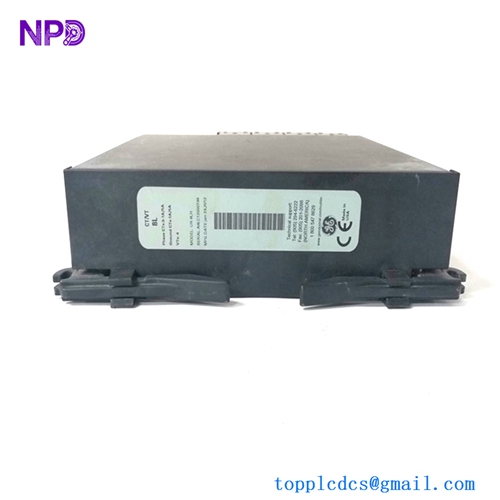
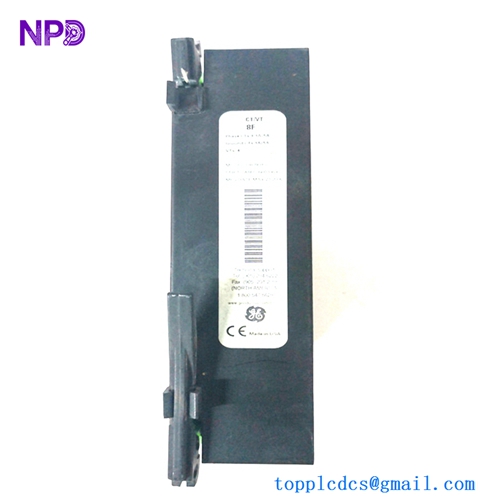
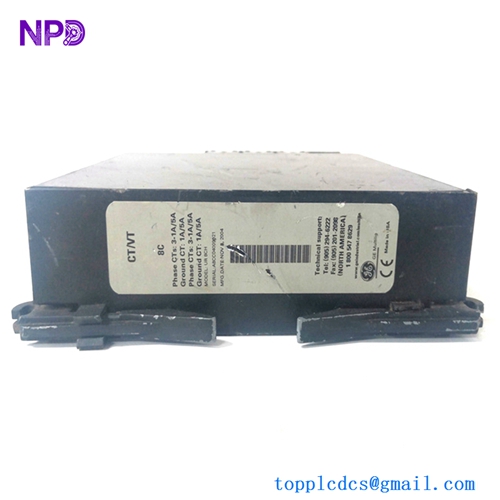
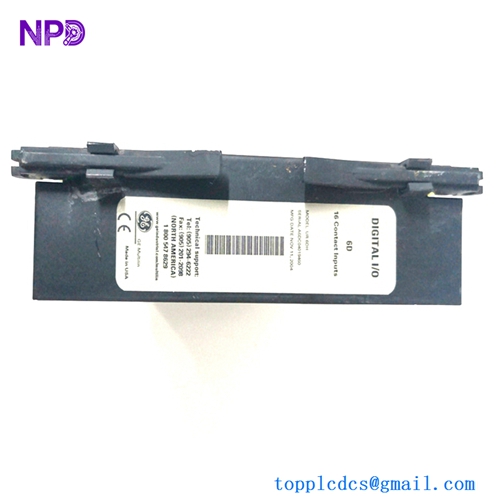
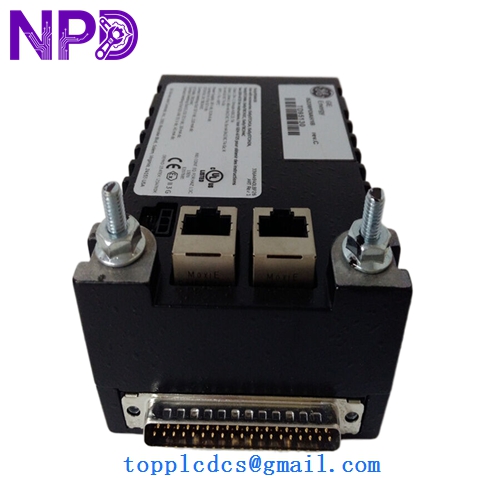
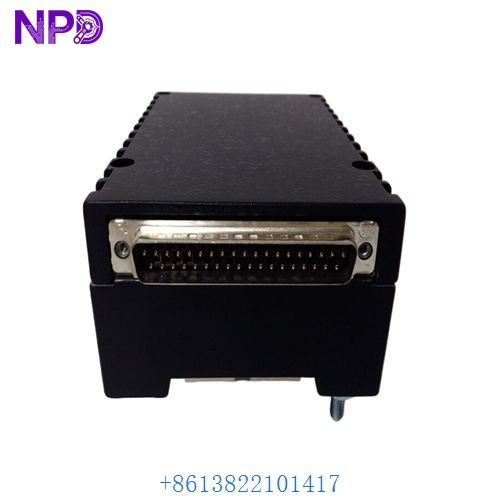
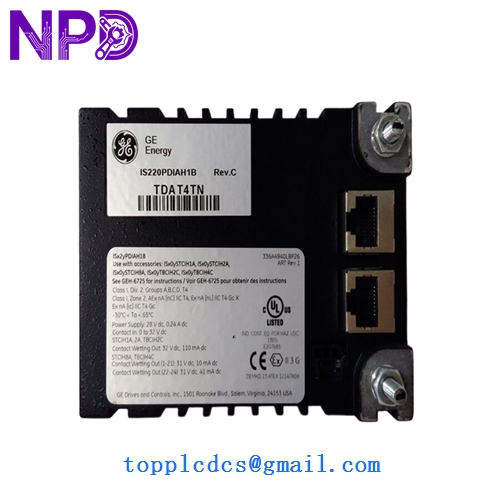
- Model: GE IS220PDIOH1A
- Brand: General Electric (GE)
- Series: Mark VIe Control System
- Core Function: Interface between the control network and discrete I/O terminal boards
- Product Type: Discrete Input/Output Pack (PDIO)
- Key Specs: Dual Ethernet ports Supports TMR or Simplex Built-in microprocessor
- Processor: High-speed RISC microprocessor for local logic execution
- Network: Dual 100 Mbps Ethernet ports (IONet) for redundancy
- Input/Output Support:
- Manages 24 to 48 discrete inputs (depending on terminal board)
- Manages 8 to 24 relay outputs
- Logic Level: Supports 24 V DC, 125 V DC, and 115/230 V AC (determined by terminal board)
- Status LEDs: Power, Link, ATTN (Attention), and specific I/O status
- Isolation: Galvanic isolation between IONet and field circuitry
- Sequence of Events (SOE): Supports 1 ms resolution for event logging
- Mounting: Plugs directly onto the header of a terminal board (e.g., TRLY, TBCI)
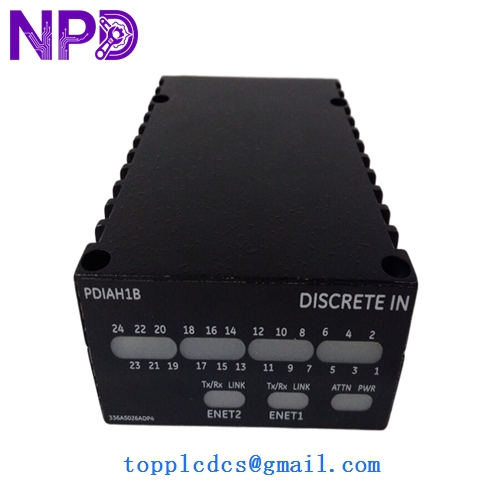
GE IS220PDIAH1B
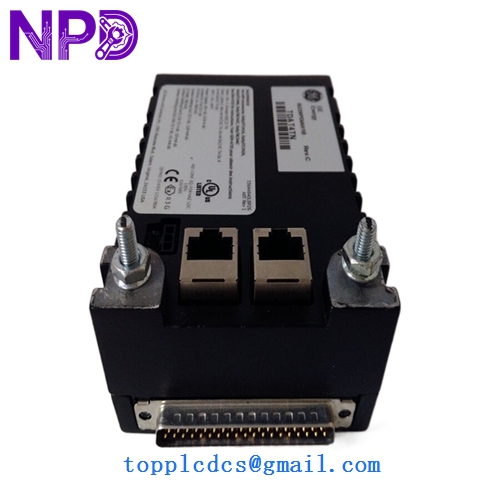
GE IS220PDIAH1B
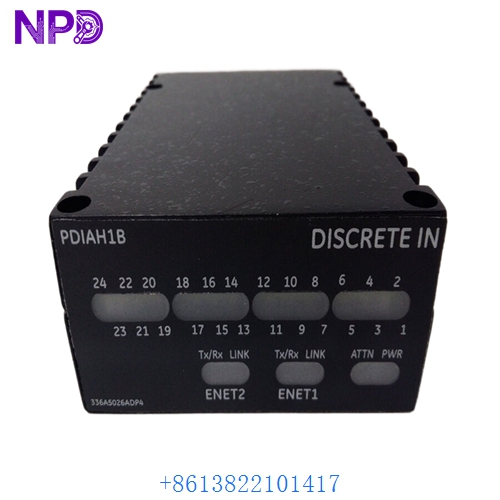
GE IS220PDIAH1B
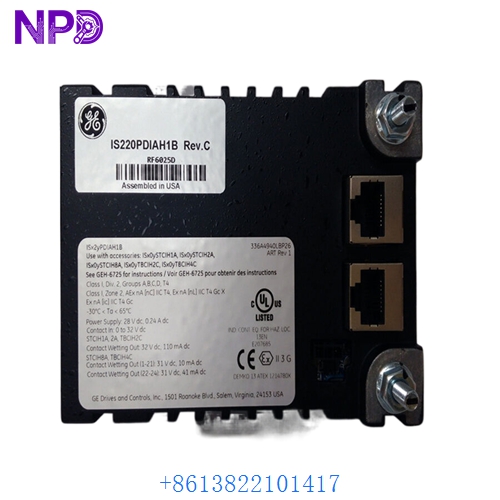
GE IS220PDIAH1B
Application Scenarios & Pain Points
In the Mark VIe architecture, the IS220PDIOH1A is the “intelligence” that sits right on the terminal board. It digitizes incoming field signals and sends them over the IONet to the main controllers. Unlike older systems where I/O was passive, this “Pack” handles its own diagnostics and SOE (Sequence of Events) timing locally. The most common pain point is configuration mismatch—if the IONet doesn’t recognize the Pack’s firmware, it will stay in a “Not Ready” state, preventing the turbine from starting.
Typical Application Scenarios:
- Gas Turbine Start/Stop Logic Handling the discrete inputs from limit switches and pressure switches to verify startup permissive conditions.
- Safety Chain Monitoring Processing high-speed discrete inputs for the Emergency Trip System (ETS).
- Auxiliary Equipment Sequencing Managing the digital outputs for cooling fans, heaters, and auxiliary lube oil pumps.
- Plant Alarms (SOE) Capturing high-resolution time stamps for trip signals to allow for detailed post-mortem analysis of turbine shutdowns.
Case Study: The “IONet” Ghost
Background: A power plant in Europe upgraded to Mark VIe and began seeing intermittent “I/O Link Failure” alarms on one specific PDIO pack. The signals would drop for a few milliseconds, just enough to trigger a diagnostic alarm.
Problem: We checked the IS220PDIOH1A and found it was healthy. However, the RJ-45 Ethernet cables were not “shielded” correctly, and they were routed too close to a high-voltage motor starter. The EMI (Electromagnetic Interference) was corrupting the data packets on the IONet.
Solution: We replaced the pack with a fresh IS220PDIOH1A (to rule out a failing transceiver) and installed shielded CAT6 cables with proper grounding.
Result: – Network Stability: The link failure alarms ceased immediately.
- Improved Uptime: The plant avoided a potential nuisance trip caused by the “Bad Quality” signal logic.
- Engineer’s Insight: “The PDIOH1A is very reliable, but it is a network device. If your IONet isn’t clean, the pack can’t do its job. Always use the GE-specified shielded cables.”
Compatible Replacement Models
The PDIO is a standardized pack, but the “H1A” suffix is the industry baseline.
| Original Model | Replacement Model | Compatibility | Note |
|---|---|---|---|
| IS220PDIOH1A | IS220PDIOH1A | ✅ Exact Match | Standard Discrete I/O Pack. |
| IS220PDIOH1A | IS220PDIOH1B | ✅ Compatible | “H1B” is often a later manufacturing revision with identical specs. |
| IS220PDIOH1A | IS220PDIAH1A | ❌ Incompatible | PDIA is for Discrete Inputs only (No Outputs). |
Troubleshooting Quick Reference
| Symptom | Possible Cause | Relation | Quick Check | Action |
|---|---|---|---|---|
| “ATTN” LED Solid Red | Hardware Failure | ✅ High | Check the “ToolboxST” diagnostic buffer. | Replace the PDIO pack. |
| “Link” LED Off | Cable/Switch Fault | ✅ High | Swap the IONet cable with a known good port. | Replace cable or check the IONet switch. |
| I/O Status Mismatch | Firmware Conflict | ✅ High | Check if Pack firmware matches Controller version. | Update firmware via ToolboxST. |
| Power LED Off | Terminal Board Power | ⚠️ Med | Measure the 28V DC power at the terminal board header. | Check the power distribution module. |
❗ Pro Tip: The “Finger-Tight” Connector
The IS220PDIOH1A uses two thumb-screws to secure it to the terminal board. I’ve seen many cases where these screws were left loose, leading to vibration-induced resets. Always tighten these screws fully. Also, when swapping a pack, wait at least 30 seconds after powering down before pulling it off the header to allow the internal capacitors to discharge safely.
Handling & Configuration:
When you install a new IS220PDIOH1A, it will likely need to be “associated” in the ToolboxST software. You will need to identify the pack by its unique MAC address (found on the side label) and assign it to the correct I/O slot in your project. If you don’t perform this software association, the controller will ignore the new hardware.