Description
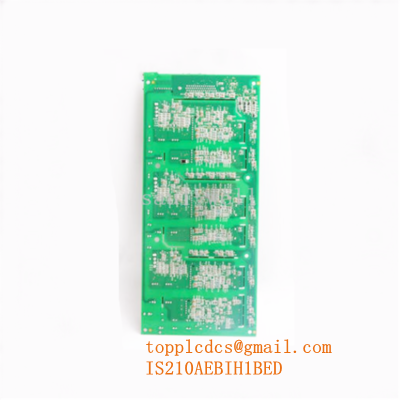
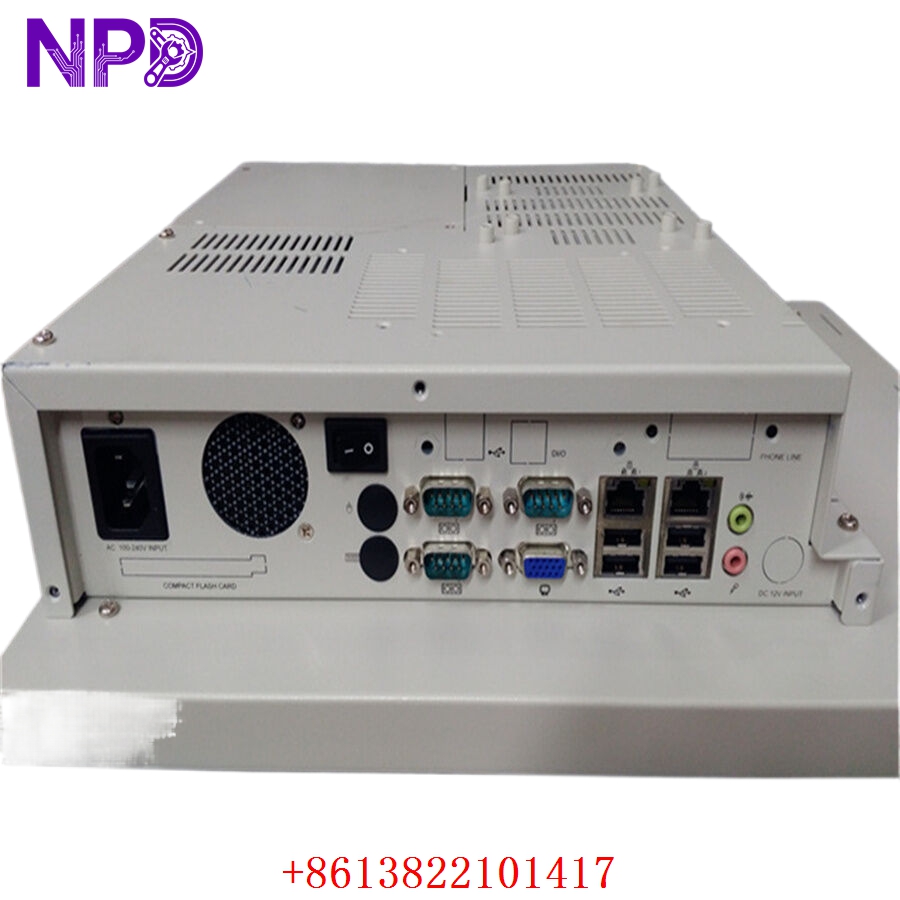
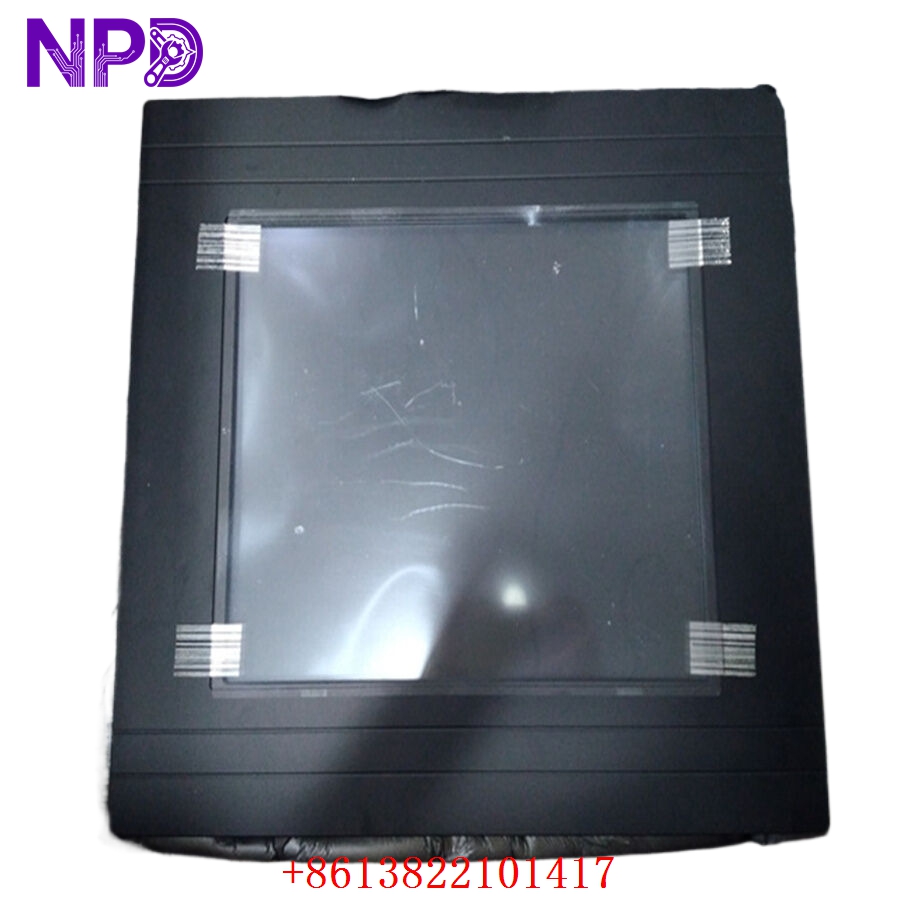
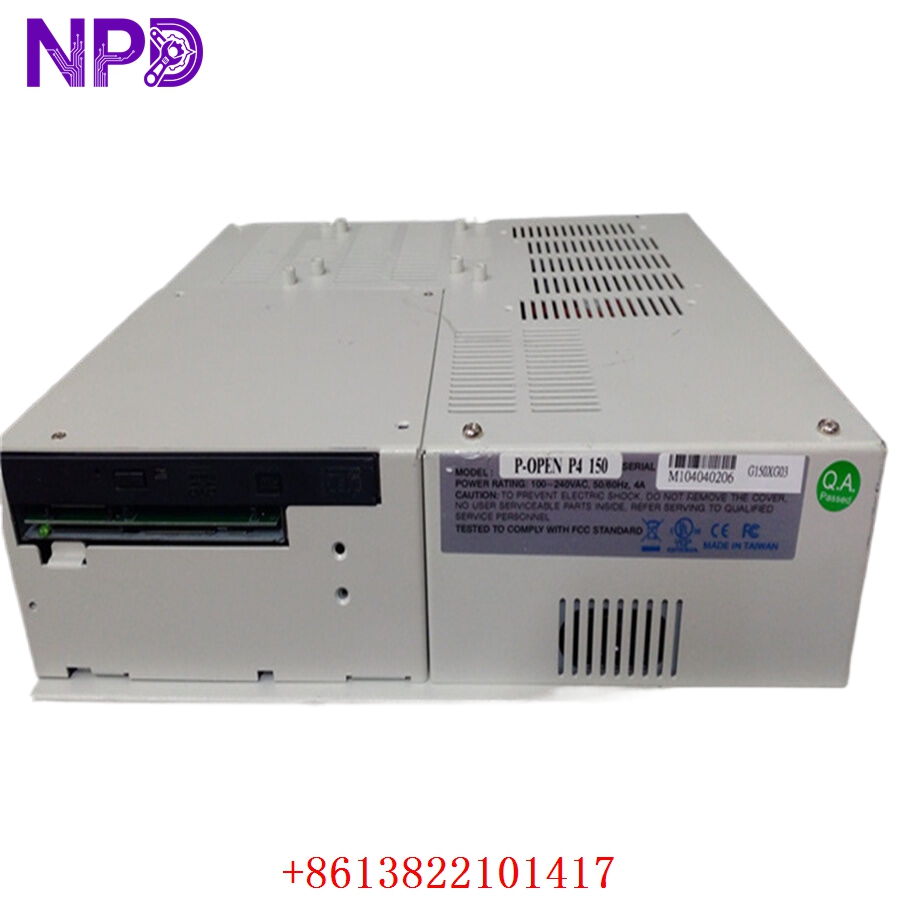
The GE P-OPEN-P4-150PAC-OP150P4 is a specialized power management and control interface module designed for high-density industrial automation environments. It acts as a bridge for AC-to-DC power distribution and signal routing within General Electric control architectures. This module is engineered to provide stable power to localized I/O segments while ensuring that control signals remain isolated from power transients.
Technical Specifications
| Parameter | Detail |
| Model | P-OPEN-P4-150PAC-OP150P4 |
| Manufacturer | General Electric (GE) |
| Device Type | Integrated Power/Control Interface |
| Power Input | 150W AC-to-DC Conversion |
| Control Logic | Integrated I/O Signal Routing |
| Mounting | Cabinet Backplane |
| Operating Temperature | 0°C to 55°C |
| Application | Industrial Power Management |
Fields of Application
This module is primarily utilized in sectors that demand reliable, localized power regulation within larger control cabinets:
- Automated Manufacturing: Powering sensors and logic controllers on localized assembly segments.
- Material Handling: Supporting peripheral devices in high-vibration conveyor systems.
- Infrastructure Automation: Providing controlled power to remote I/O nodes in distributed systems.
Product Introduction
The P-OPEN-P4-150PAC serves as both a power supply and a signal management hub. In many GE control configurations, space is a constraint; this unit integrates the power conversion stage and the signal interface into a single compact housing. It filters incoming AC line noise, protects against surge voltage, and provides multiple DC output rails to maintain the stability of the connected control electronics.
Product Use Instructions
- Preparation: Ensure the main control cabinet is de-energized and follows LOTO safety protocols.
- Mounting: Secure the module onto the designated DIN rail or chassis plate using the integrated mounting brackets.
- Power Wiring: Terminate the AC line input to the primary input terminals, ensuring that the ground connection is robust and clean.
- Logic Connection: Connect the control signal bus to the interface ports.
- Output Distribution: Wire the DC output rails to your local sensor array or I/O bank.
- Initialization: Before energizing, verify all output voltages using a multimeter to ensure they match the required DC level (e.g., 24VDC) for your specific devices.
Product Use Precautions
Do not overload the 150W capacity of the unit, as exceeding the thermal design limits will lead to rapid component degradation. Ensure that the module is installed in a vertical orientation to maximize natural convection cooling. Keep the cabinet free of contaminants; conductive dust or high humidity can cause shorts between the high-power input terminals and the sensitive control signal pins. Always verify the input voltage range before connecting, as incorrect voltage can trigger internal fuse protection.
Frequently Asked Questions (Q&A)
Q: What does the “150PAC” designation indicate?
A: It specifies the unit’s power handling capacity (150 Watts) and its requirement for an Alternating Current (AC) input source.
Q: Can this module supply power to multiple I/O racks?
A: It is designed for localized distribution. While it can power multiple small I/O banks, ensure that the total draw (including peak inrush current) does not exceed 150W.
Q: How can I identify a power rail failure?
A: The module typically includes status LEDs on the faceplate. If an output rail fails (e.g., due to a short circuit), the corresponding “DC OK” LED will extinguish or turn red.
Product Operation Methods
The module operates by rectifying and smoothing the input AC voltage, then regulating it through an internal switching supply to produce stable DC voltage rails. Simultaneously, it acts as a passive or active buffer for control signals, ensuring that signal integrity is maintained even when the motor or power stage noise is present in the cabinet. It requires no active programming or operator adjustment during normal daily operation.