Description
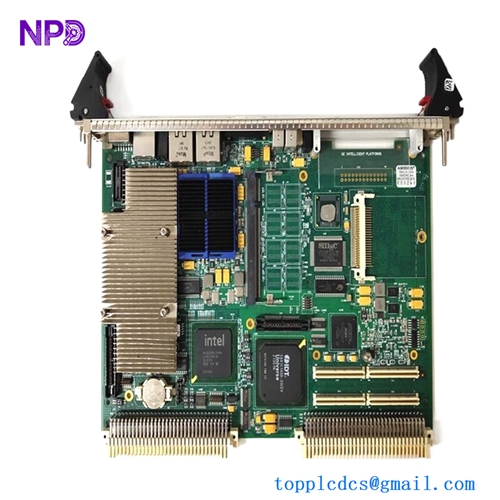
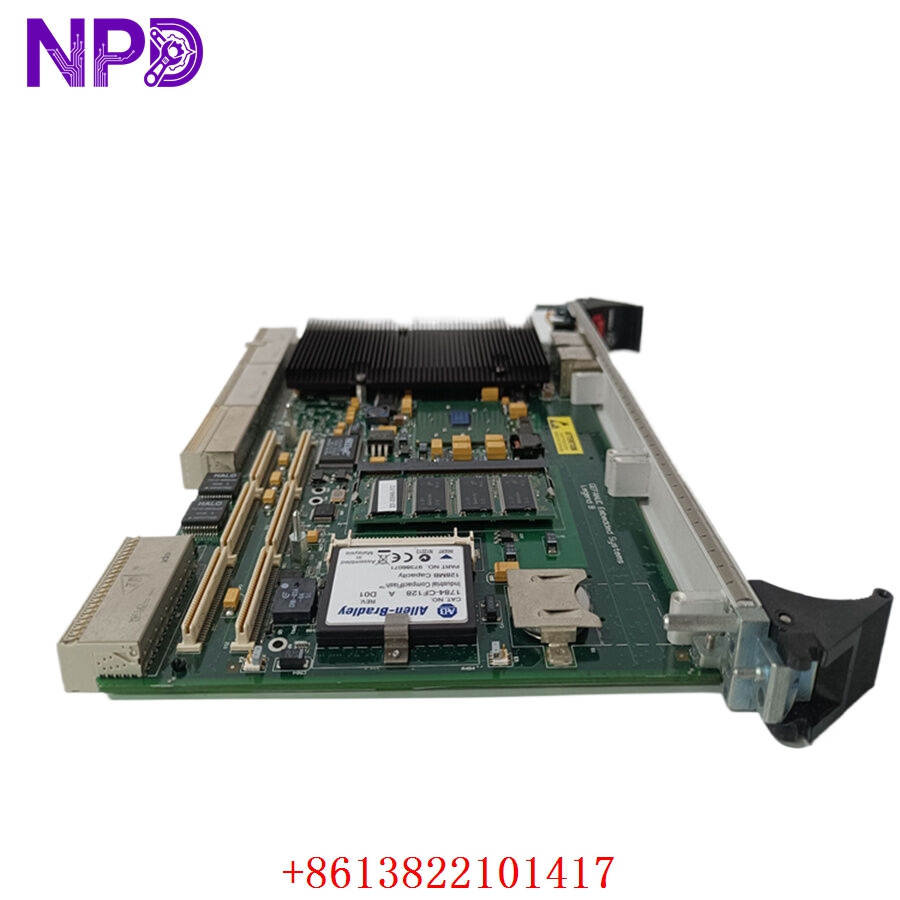
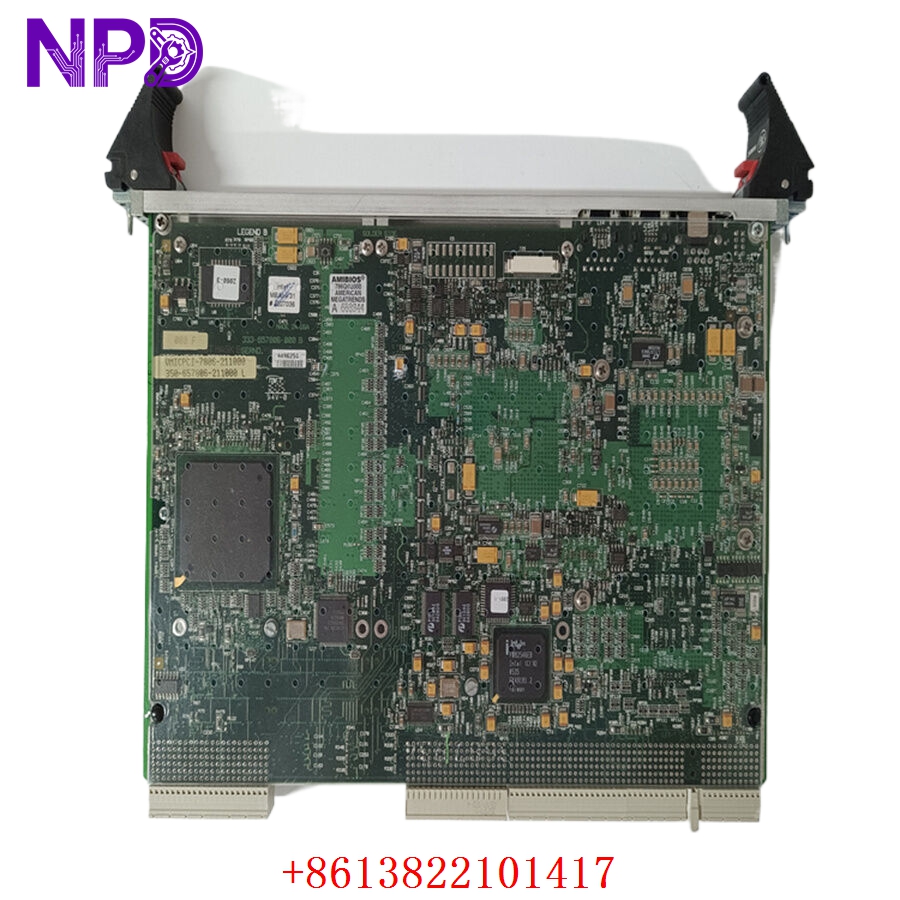
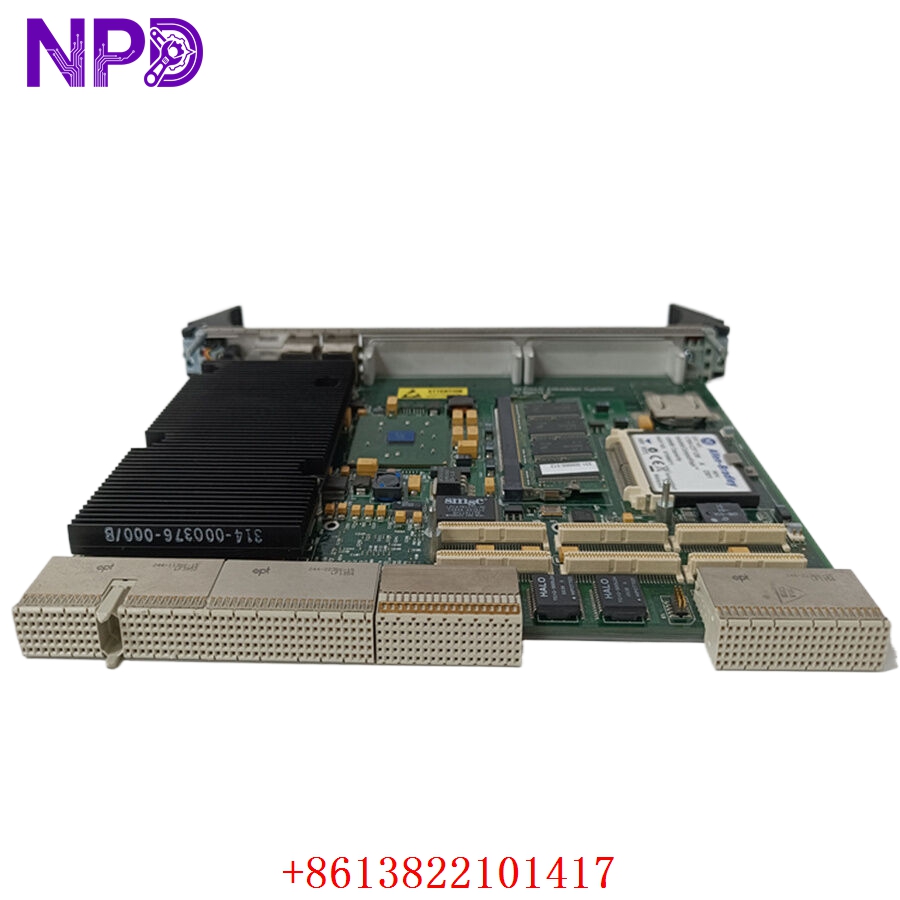
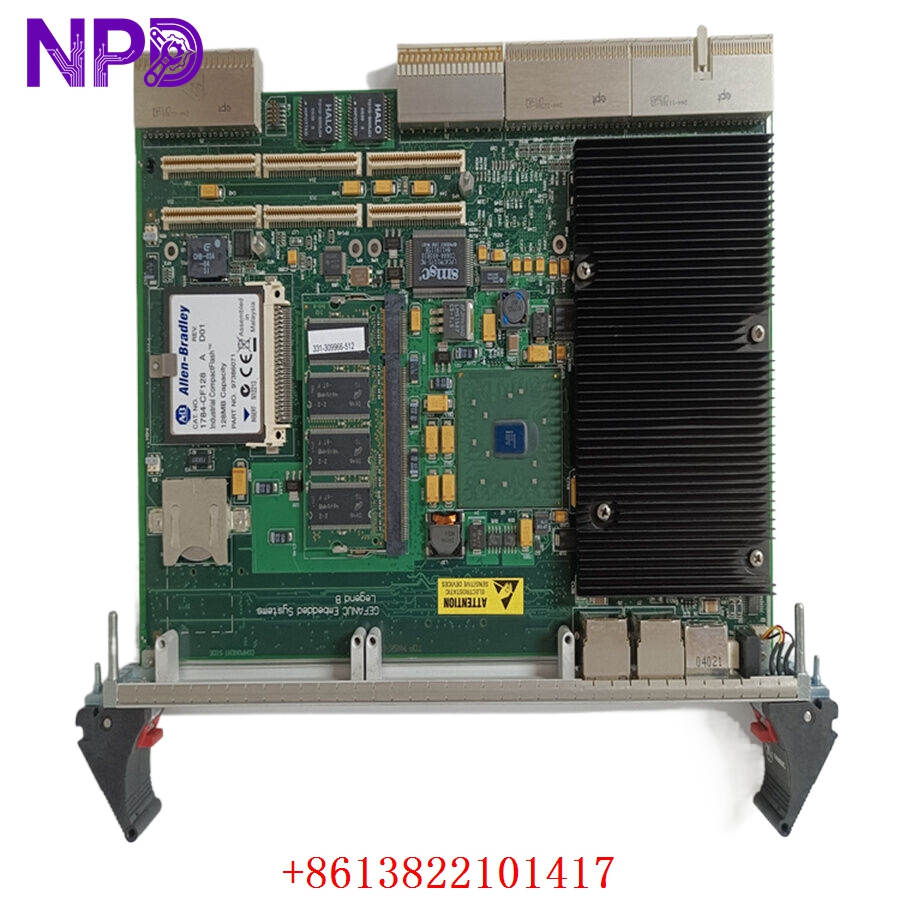
- 🔢 Model: VMICPCI-7806-211000 (Part Number: 350-657806-211000L)
- 🏢 Brand: GE (formerly VMIC)
- ⛓️ Series: CompactPCI (cPCI) Single Board Computer (SBC)
- 💡 Core Function: High-performance computing, data acquisition, and control for industrial CompactPCI platforms
- 🛠️ Type: Single Board Computer (CPU Module)
- ⚡ Key Specs: Intel-based architecture, multi-functional I/O, ruggedized cPCI form factor
-
- 🖥️ Form Factor: 6U CompactPCI
- ⚙️ Architecture: Intel-based high-performance processing unit
- 🔌 Bus Interface: 32/64-bit CompactPCI bus (PICMG compliant)
- 🌡️ Operating Temp: Industrial range (0°C to 60°C)
- 🛡️ Protection Rating: IP20
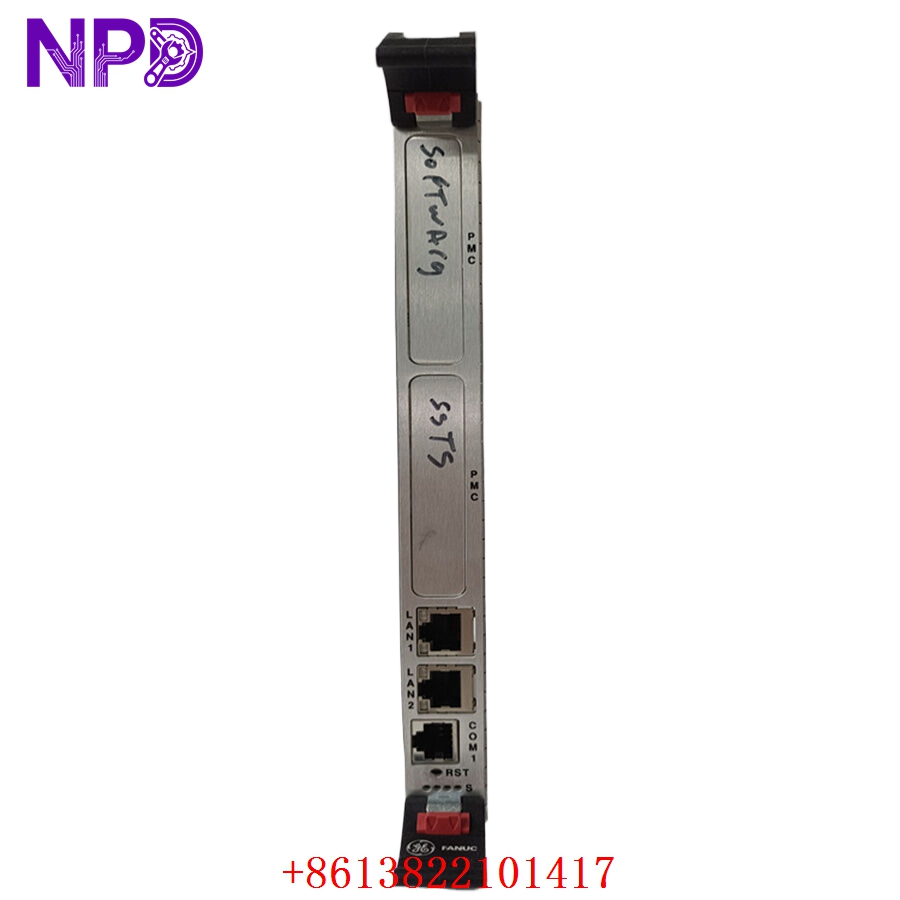
- 💡 Status Indicators: Power, System Status, and Activity LEDs
- 🛠️ Connectivity: Front-panel Ethernet, USB, and serial ports; rear I/O support
- 🧩 Memory: Integrated RAM and BIOS/Flash storage for boot-up
Installation & Configuration Guide
Phase 1: Preparation (20 mins)
⚠️ Safety First:
- De-energize the CompactPCI chassis completely.
- 🧤 Use a grounded anti-static wrist strap; the VMICPCI-7806 is a complex motherboard and is extremely sensitive to ESD.
- Verify that the chassis power supply supports the power requirements of this SBC.
Phase 2: Installation (20 mins)
- 📸 Record Settings: Ensure jumpers and BIOS settings (if accessible) are matched to your previous unit’s configuration.
- 🔩 Detachment: Release the front panel ejector handles. Pull the module out along the guide rails.
- 📥 Insertion: Align the module carefully with the cPCI backplane connector. Ensure the module is seated fully before engaging the ejector handles to lock it into the chassis.
- 🔌 Connectivity: Connect front-panel cables (Ethernet, Serial) or ensure rear-transition modules (RTM) are properly engaged.
Phase 3: Testing & Commissioning (20 mins)
- 🟢 Power-Up: Apply power and monitor the front-panel status LEDs.
- 💻 BIOS/Boot: Access the console to ensure the system detects all peripherals and boots into the OS (e.g., VxWorks, Linux, or Windows Embedded).
- 🔄 I/O Verification: Run diagnostic software to verify that the integrated I/O blocks are operational.
- 📡 Network Handshake: Confirm that the Ethernet ports are communicating with your supervisory control system.
Customer Cases & Industry Applications
Case: Legacy Industrial Test Stand Restoration
- Situation: A research lab utilized a VMICPCI-7806-211000 to drive a custom data acquisition test stand.
- Task: An electrical spike destroyed the motherboard, causing the test stand to remain offline, stalling a multi-month project.
- Action: We sourced a verified New Surplus unit. Because this is a complete CPU board, we performed a thorough inspection of the capacitor banks and connector pins before shipping.
- Result: The test stand booted successfully upon installation, requiring no changes to the custom software stack. The lab avoided a total overhaul of their legacy data acquisition system.
Frequently Asked Questions (FAQ)
Q: Is the 350-657806-211000L the same as the VMICPCI-7806-211000? A: Yes, the VMICPCI-7806-211000 is the model name, while the 350-657806-211000L is the specific GE/VMIC manufacturing part number. They are synonymous.
Q: Can I use this in any cPCI chassis? A: Yes, as long as the chassis supports the 6U CompactPCI form factor and complies with the PICMG standards for power and bus signals.
Q: What if the board doesn’t boot? A: Check the chassis backplane power. Ensure the module is pushed firmly into the connector—cPCI backplanes require high force to seat perfectly. If it still doesn’t boot, verify that the front-panel “System” LED is active.
Q: Is the unit new? A: We provide New Surplus modules. These are original GE/VMIC units, never used in active service. We do not provide refurbished CPU boards because the complexity of modern industrial SBCs makes “repaired” boards unreliable for mission-critical applications.