Description
- Model: HIMA Z7116
- Brand: HIMA (Germany)
- Series: HIQuad / HIMatrix Systems
- Core Function: Connection and termination interface for safety-related input/output modules (specifically F3221 and F3236).
- Product Type: Terminal Module / Connection Board
- Key Specs: Multi-pole connector DIN Rail Mount High-integrity signal routing
Key Technical Specifications
- Compatibility: Designed for use with HIMA F3221 (Input) and F3236 (Output) modules.
- Mounting: Standard 35 mm DIN rail.
- Connection Type: Multi-pin system connector for module-side and screw or spring terminals for field-side wiring.
- Voltage Rating: 24 V DC (Standard safety system logic level).
- Channel Density: Supports full channel capacity of the mated I/O module.
- Environmental: Rated for SIL 3 safety loop environments when used in the appropriate HIMA rack.
- Isolation: Galvanic isolation between field signals and internal system logic.
- Dimensions: Compact footprint for high-density cabinet mounting.
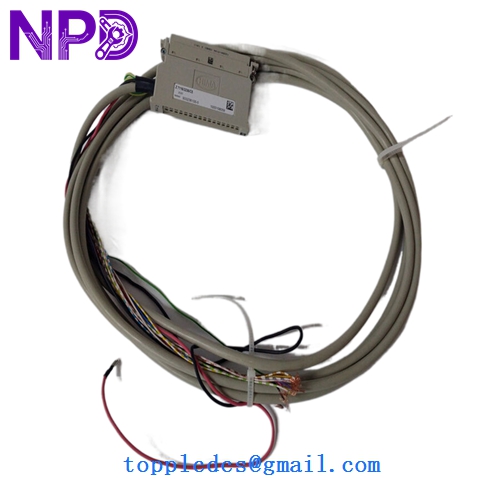
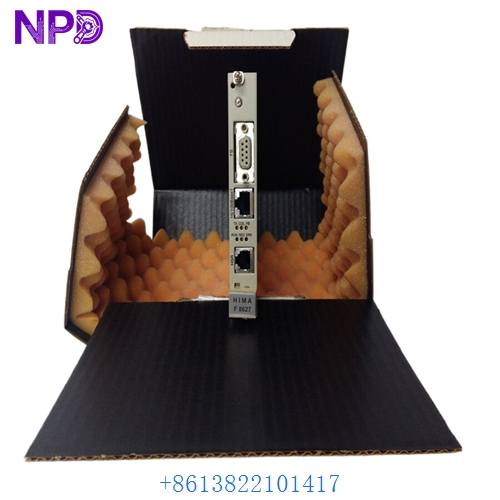
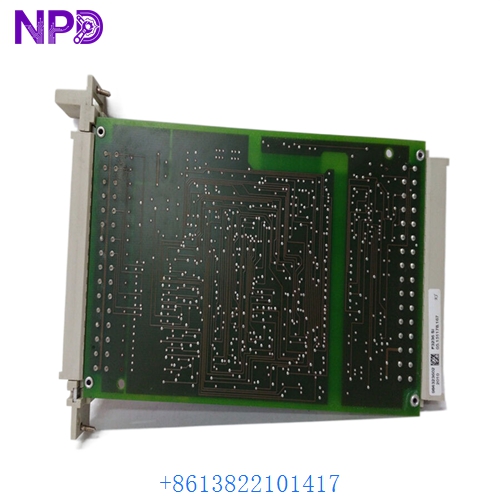
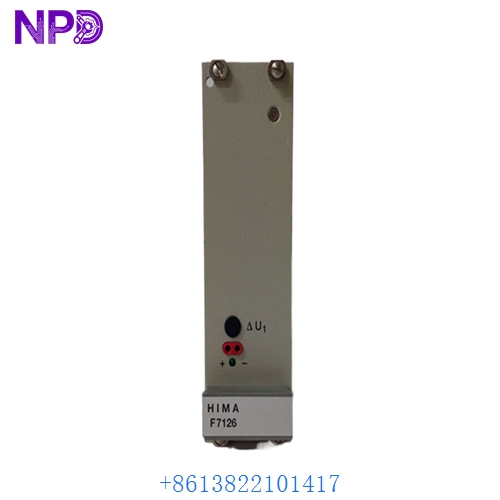
HIMA Z7116
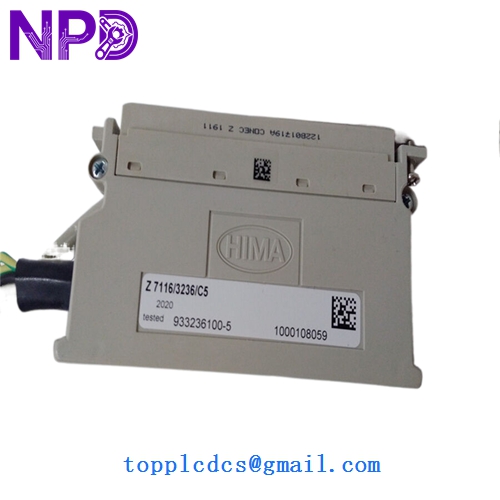
HIMA Z7116 933236100-5
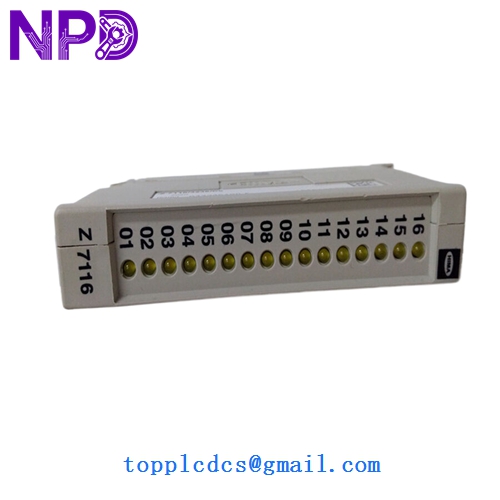
HIMA Z7116 933236100-5
Installation & Configuration Guide
Phase 1: Preparation (Pre-Installation)
Estimated time: 10 minutes
⚠️ Safety Warning:
- System Integrity: The Z7116 is part of a safety-instrumented system (SIS). Ensure all safety bypasses are in place and the process is secured before performing a swap.
- Power Check: Turn off the power to the specific I/O rack to prevent short circuits during terminal insertion.
- Static Control: Wear an ESD wrist strap to protect the gold-plated connector pins.
Required Items:
- Small flat-head screwdriver (for terminal screws).
- HIMA system cable (if not already present).
- Latest wiring diagram for the cabinet.
Phase 2: Wiring & Mounting
Estimated time: 15 minutes
Step 1: DIN Rail Attachment Snap the Z7116 onto the DIN rail. Ensure the locking mechanism is engaged so the module doesn’t slide during cable insertion.
Step 2: Field Wiring Connect the field wires to the screw terminals according to your loop diagram.
- Tip: Ensure there are no stray wire strands that could cause a bridge between safety channels, as this would trigger a “Short Circuit” fault in the HIMA diagnostic software.
Step 3: Module Connection Connect the system cable from the Z7116 to the corresponding F3221/F3236 module in the rack.
Phase 3: Commissioning & Loop Test
Estimated time: 15 minutes
- Visual Inspection: Check that the system cable is fully seated and the locking clips are closed.
- Power Up: Re-energize the rack.
- Diagnostic Check: Use the ELOP II or SILworX software to verify that the I/O module sees the Z7116.
- Loop Verification: Force a signal from the field (or use a simulator) to ensure the logic solver receives the correct state.
Customer Cases & Industry Applications
Case 1: Refinery Emergency Shutdown (ESD) Repair A refinery in Eastern Europe experienced an intermittent “Channel Failure” on a critical valve control loop. The issue was traced to a corroded terminal on an aging Z7116 module. Because we had New Surplus stock, the refinery received a replacement within 48 hours. This allowed them to restore SIL 3 redundancy to their ESD system without a full plant shutdown.
Case 2: Offshore Platform Maintenance An offshore gas platform required a batch of Z7116 modules for a system expansion. The OEM lead times were excessive for their scheduled turnaround. By providing original, “New-in-Box” surplus units, we helped the maintenance team complete the expansion ahead of schedule, ensuring all safety loops were certified before the platform resumed production.
Frequently Asked Questions (FAQ)
Q: Can I use the Z7116 with any HIMA module? A: No. The Z7116 is specifically engineered for the F3221 and F3236 series. Using it with other modules may result in incorrect pin mapping or electrical mismatch.
Q: Is “New Surplus” as good as “New from HIMA”? A: Functionally, yes. These are original HIMA parts that were purchased as spares but never installed. They have been stored in a climate-controlled environment. You get the same reliability and performance at a better price and with immediate availability.
Q: Do I need to program the Z7116? A: No. The Z7116 is a passive termination module. It routes signals from the field to the system cable. All “intelligence” and configuration are handled by the I/O module and the main CPU.
Q: What happens if a system cable is loose? A: HIMA systems are designed to detect “Line Monitored” faults. A loose cable will typically trigger a system-wide alarm and potentially force the safety loop into its “Safe State” (e.g., tripping the valve), so ensure all connections are tight!
Q: Does it include the system cable? A: Generally, the Z7116 is sold as the terminal module alone. If you require the matching HIMA system cable (e.g., BV 7032), please let us know so we can check our stock for you.