
Description
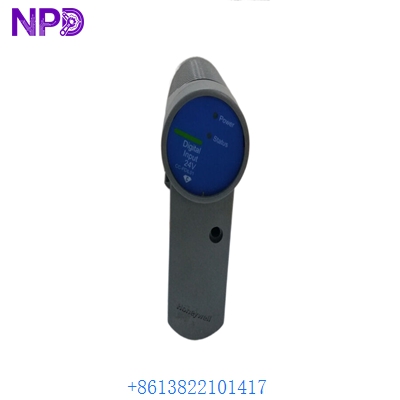
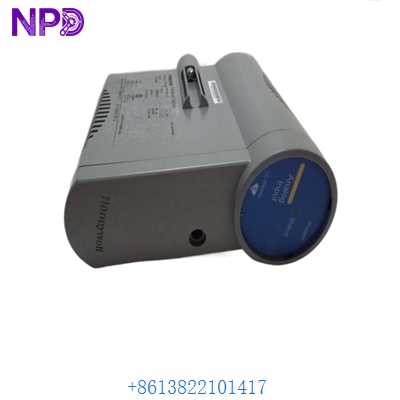
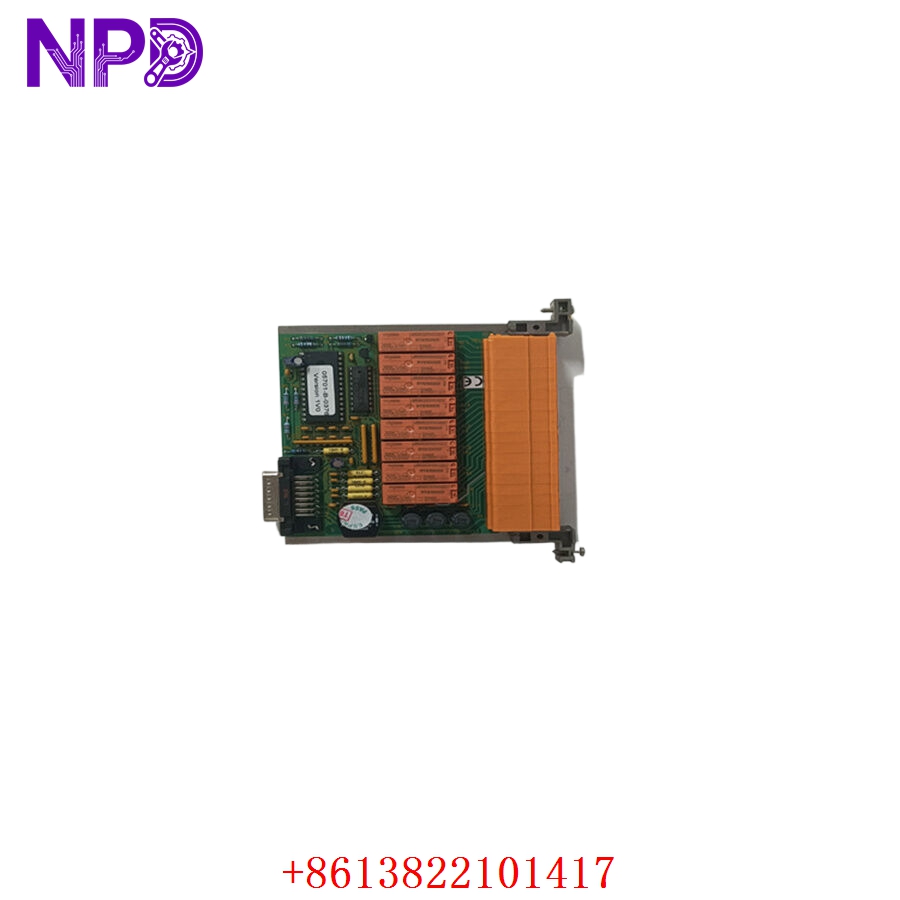
- Model: HONEYWELL 05701-B-0376
- Brand: Honeywell Analytics / Zellweger Sieger
- Series: System 57 (5701 / 5704 Control Platform)
- Core Function: Plugs into the engineering slot of the System 57 subrack to unlock configuration, sensor calibration, and threshold-setting functions.
- Condition: Brand New Surplus (Original factory packaging, non-refurbished)
- Product Type: Engineering Card / Master Authorization Module
- Key Specs: Passive multi-pin backplane interface | Built-in push-button menu operators | Direct engineering lock-out security path
- Operating Input Voltage: Derived directly from the System 57 subrack frame backplane
- Onboard Controls: Multi-button interface (Up, Down, Select, Update) for rack-wide firmware configuration
- Security Function: Restricts unauthorized field modifications to life-safety sensor settings when removed
- Chassis Positioning: Occupies the dedicated “Engineering Card” slot on the far right of the System 57 rack
- Backplane Connector: Multi-pin DIN style high-density edge connector
- Indicators: Integrated front-panel LED indicators tracking engineering mode status
- Isolation Enclosure Rating: IP20
- Weight: 0.08 kg (0.18 lbs)
- Standards Compliance: CE marked, ATEX/IECEx system certified when installed in matching approved enclosures
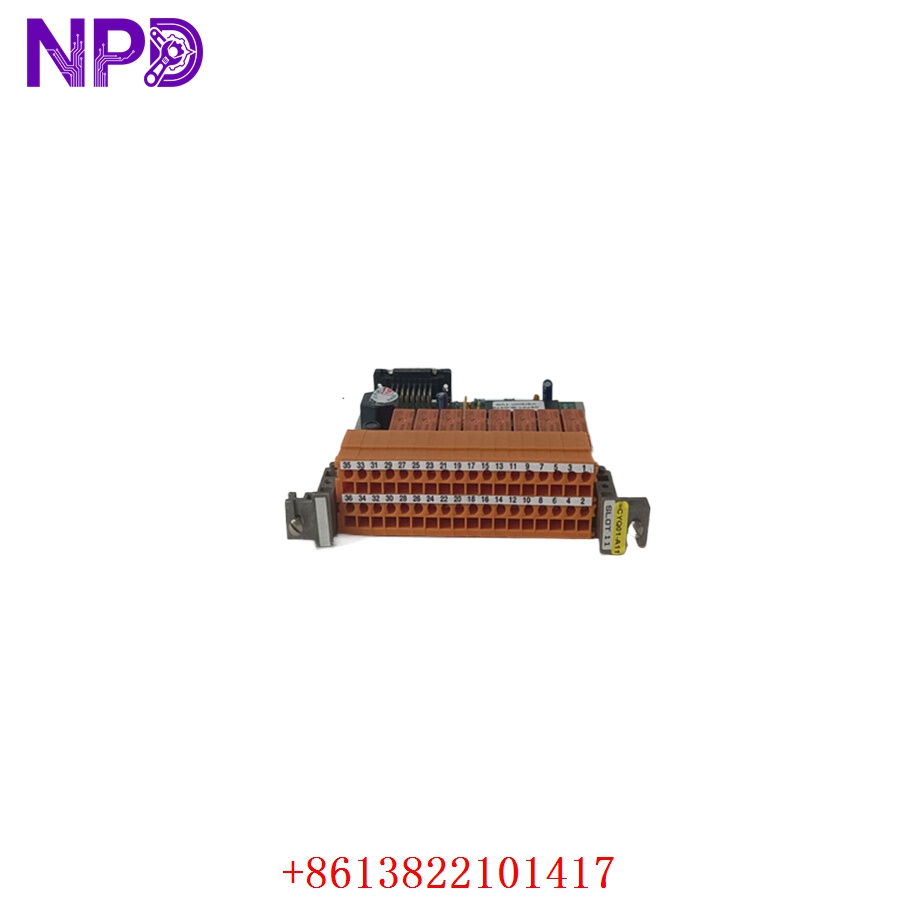
HONEYWELL 05701-B-0376
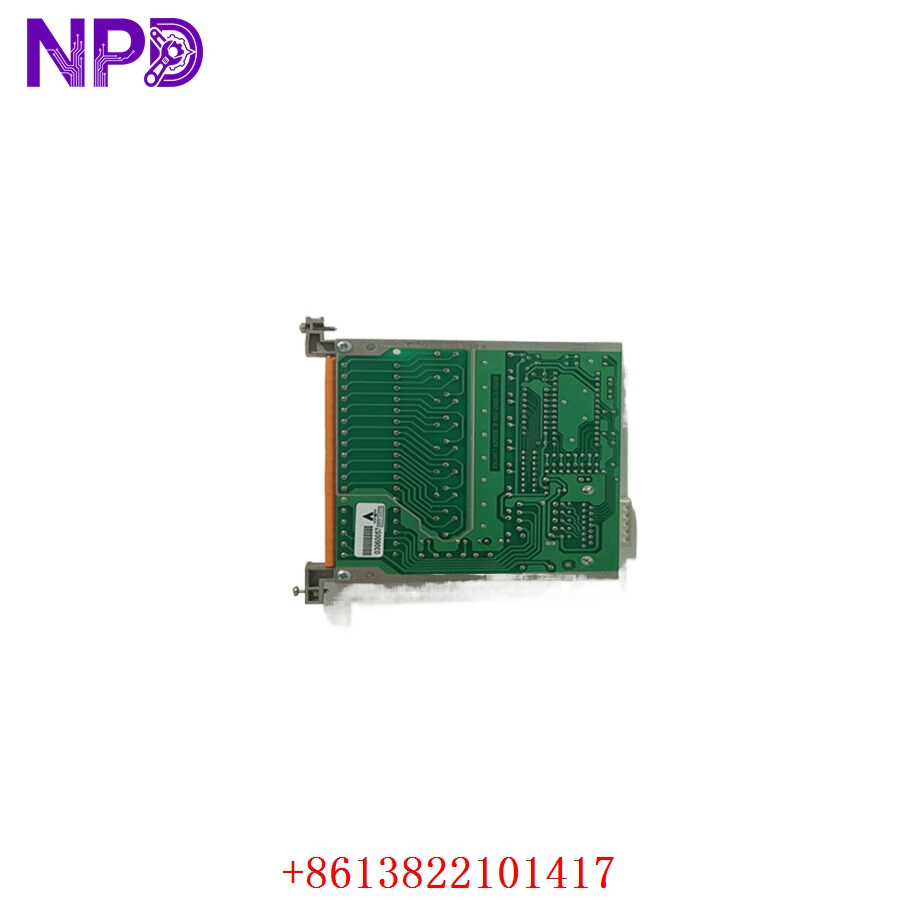
HONEYWELL 05701-B-0376
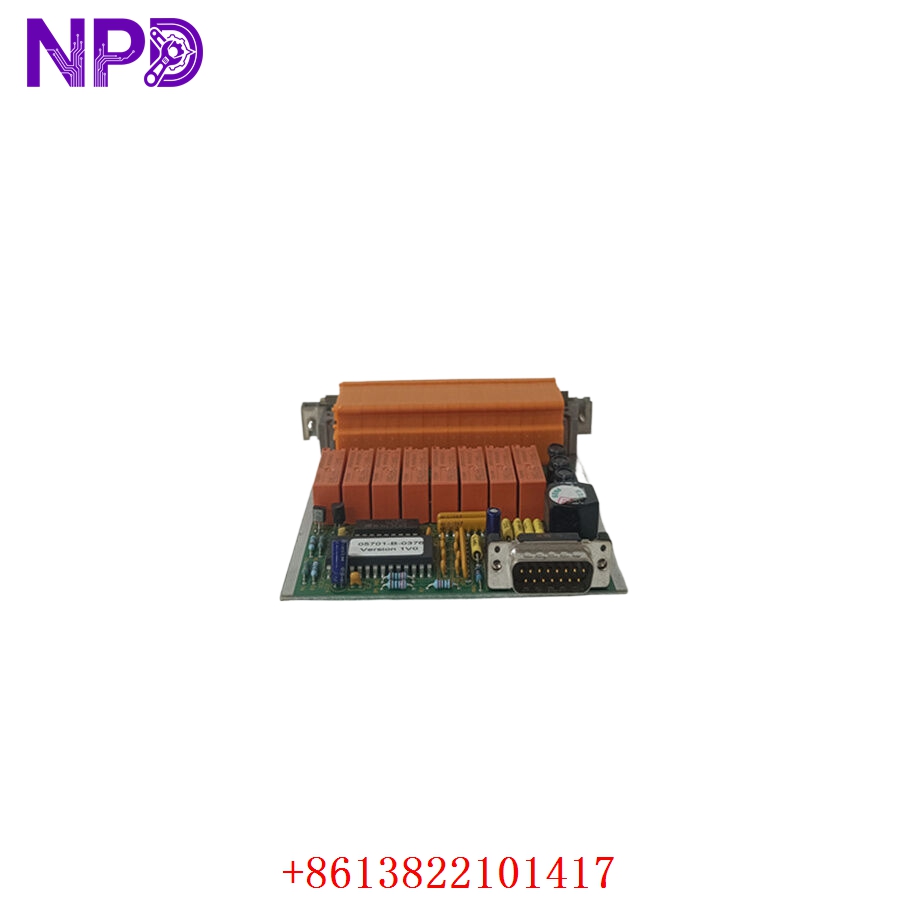
HONEYWELL 05701-B-0376
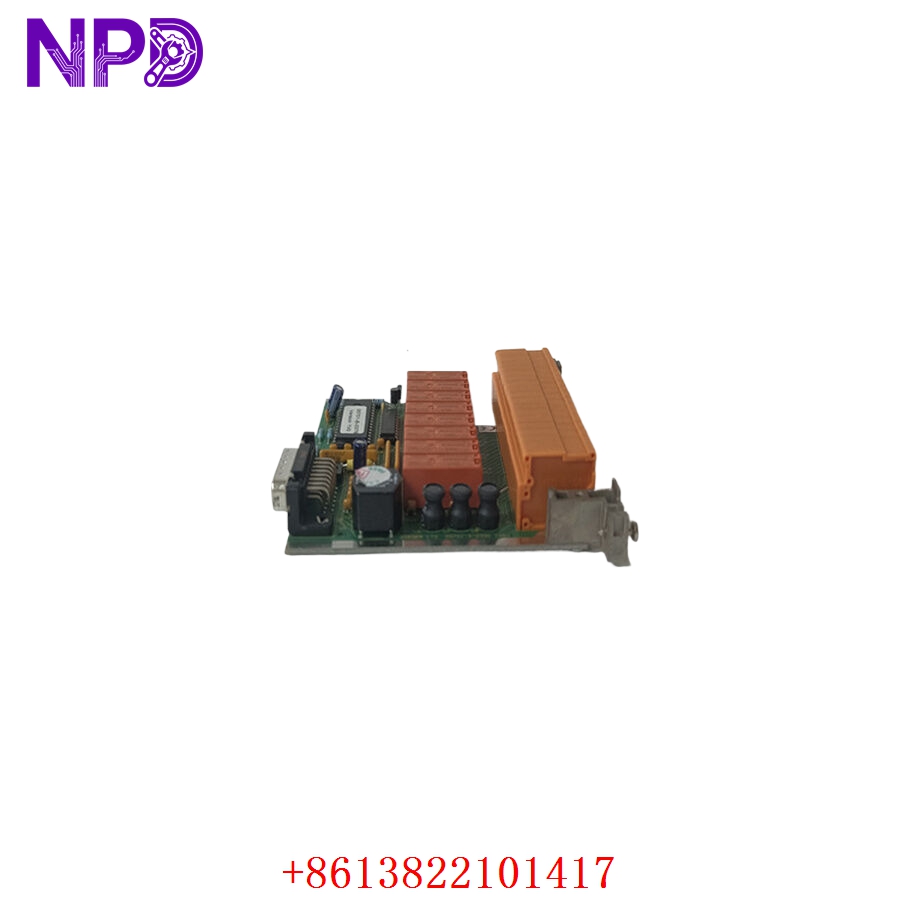
HONEYWELL 05701-B-0376
Application Scenarios & Engineering Pain Points
The 05701-B-0376 Engineering Card is the master key for the entire Honeywell System 57 gas detection rack. Without it plugged into the dedicated engineering slot, the front-facing control cards remain locked in operation mode. This means technicians cannot modify alarm setpoints, adjust sensor calibration curves, reset latching faults, or perform routine sensor zeroing.
A major engineering headache occurs when a plant misplaces this card or the onboard push-buttons fail due to mechanical wear over years of service. If a facility loses or damages its engineering card, they cannot complete the mandatory periodic safety calibrations required by local regulations. If a gas sensor drifts and throws a false positive, the plant cannot clear the alarm or adjust the channel without a functional 05701-B-0376 card on hand, potentially stalling field operations.
Typical Field Deployments:
- Offshore Oil Rigs – Routine Sensor Calibration Loops
Inserted by instrument techs into the main control room rack to calibrate toxic H_2S and combustible gas sensors scattered across production decks.
- Industrial Gas Bottling Plants – Alarm Setpoint Tuning
Used during commissioning or process updates to adjust the high/low alarm trigger thresholds on 5701 control modules.
- Automotive Manufacturing – Paint Booth Gas Rack Maintenance
Unlocks the system backplane to clear latching relay faults after an authorized emergency shutdown system test.
Case Study: The Locked Safety Rack Before an Audit
- The Setup: A large manufacturing facility used a full-width Honeywell System 57 rack to monitor ambient carbon monoxide and oxygen levels. The system was scheduled for a comprehensive, safety-compliance audit.
- The Crisis: The day before the auditors arrived, the lead instrument technician went to perform the mandatory pre-audit sensor calibration checks. When he inserted the facility’s old engineering card into the rack, the front panel configuration buttons failed to respond—the card’s internal trace had cracked from years of rough handling. Without a working card, the rack remained locked out, making calibration adjustments impossible. Failing the audit would mean a mandatory halt to plant production.
- The Fix: The facility’s procurement team contacted our emergency depot at 4:30 PM. We confirmed we had brand-new, factory-sealed 05701-B-0376 modules in stock. We verified the physical card pin mapping and dispatched the replacement unit via a priority overnight courier.
- The Outcome: The card arrived at the facility’s receiving bay by 8:30 AM the next morning. The technician slid the new card into the engineering slot, and the rack instantly recognized it, unlocking the configuration menu. The team completed all sensor calibrations before the audit team walked onto the floor, keeping production running and ensuring full safety compliance.
Standard Operating Procedure (SOP) Quality Transparency
Because life-safety configuration tools must operate reliably every time, our workshop processes every 05701-B-0376 card through a strict five-step quality cycle before authorization:
[Pin & Solder Joint Micro-Audit] ➔ [Chassis Slot Seating Test] ➔ [Bus Communication Verification] ➔ [Keypress Contact Diagnostics] ➔ [ESD Safe Packing] 1. Pin and Solder Joint Micro-Audit
- Contact Verification: We examine the high-density edge pins under high magnification to confirm zero trace degradation, physical deformation, or factory solder voids.
- Component Tracking: Part numbers, suffix variations, and serial tags are checked against genuine Honeywell hardware specifications to ensure authenticity.
2. Chassis Slot Seating Test
- Physical Alignment: The card is guided into an authentic System 57 subrack engineering slot to verify smooth alignment along the chassis guide rails and a perfect mechanical seat with the backplane.
3. Bus Communication Verification
- Rack-Wide Handshake: With the engineering card inserted, we power up a multi-channel test rack. We verify that the card sends the “Unlock” command across the internal system bus and that individual 5701 control modules successfully switch into engineering mode.
4. Keypress Contact Diagnostics
- Button Validation: Every tactile switch (Up, Down, Select, Update) is mechanically pressed and checked on an oscilloscope to ensure a clean signal without contact bounce or erratic menu skipping.
5. ESD Safe Packing and Dispatch
- Shielding: The verified card is packed directly into a heavy-duty, static-shielding bag within an ESD-safe workspace.
- Cushioning: The unit is securely wrapped in multi-layer shock foam and placed in a rigid shipping carton to protect it during transport.
- Certification: A physical “QC Passed” label with the inspection date is affixed to the exterior box.
Technical Pitfall Mitigation Guide
While the 05701-B-0376 is a robust tool, keeping a few practical field habits in mind will protect your hardware and prevent system errors.
1. The Right-Hand Slot Command Rule
- The Risk: System 57 racks have a single dedicated engineering slot located on the far right-hand side of the card cage frame. Trying to force this card into a standard channel slot will not activate engineering mode and can bend the backplane connector pins.
- The Fix: Always confirm that you are inserting the card into the slot marked “Engineering Card”. The card should slide in smoothly without forcing. If you feel resistance, stop immediately and check for pin misalignment or debris inside the slot.
2. Avoid “Hot-Yanking” During Active Write Updates
- The Risk: Pulling the engineering card out of the rack while actively saving a parameter update (pressing the ‘Update’ button) can corrupt the configuration memory on the target control module.
- ❗ Important Note: Always complete your parameter changes, confirm the front-facing control module has returned to its standard monitoring display, and then smoothly remove the engineering card. Store the card in its protective anti-static pouch when not in use to prevent field damage.
3. Keep a Dedicated Spare for Large Sites
- The Risk: Since one engineering card can unlock multiple System 57 racks across a facility, losing this single component will lock down maintenance for the entire plant.
- The Fix: Treat the 05701-B-0376 as a critical infrastructure tool. Keep one dedicated unit in the main tool crib and an emergency backup unit sealed in your spare parts storage to ensure you are never locked out of your safety panels during a critical maintenance window.
Compatible Replacement Models
If you are planning maintenance inventory or system retrofits, note these reference options:
| Original Model | Potential Alternative | Compatibility Level | Key Differences | Necessary Field Action | Cost Impact |
| 05701-B-0376 | Legacy Zellweger 5701 Engineering Card | ✅ Direct Replacement | Older branding text on the front face plate, but uses identical internal circuit paths and component logic. | None. This is a drop-in replacement that functions identically across all System 57 backplanes. | Equivalent pricing on surplus markets. |
| 05701-B-0376 | Touchpoint System Configurator | ❌ Incompatible | Next-generation touchscreen configuration software platform. Completely different physical profile. | Cannot be used on System 57 architectures; requires a full safety system upgrade to the Touchpoint platform. | High capital and project engineering layout (>400%). |
Troubleshooting Quick Reference
If your System 57 rack will not enter configuration mode, use this diagnostic matrix to isolate the issue before replacing parts:
| Diagnostic Symptom | Root Cause Probability | Card Relevance | Field Verification Steps | Recommended Remediation |
| Card inserted, but front modules remain locked in “Operate” mode | Poor edge-pin contact, bent backplane pin, or corrupted card bus logic. | ✅ High | Pull the card out and inspect the rear edge pins. Clean the gold contacts using an electronics-safe cleaning spray. Re-insert firmly. | If the pins are clean and properly seated but the rack still refuses to enter engineering mode, the internal logic or bus driver chip on the card is likely damaged. Swap the card. |
| Onboard push-buttons feel mushy or do not register menu changes | Mechanical wear or internal switch contact degradation. | ✅ High | Insert the card and press each button firmly in the center. Watch if the front module display responds to the command. | If individual buttons fail to change values or select options while others work, the tactile switches have failed. The engineering card needs to be replaced. |
| Individual control card throws a fault when engineering mode activates | Backplane bus communication failure or a single-channel card fault. | ⚠️ Medium | Move the engineering card to a different System 57 rack if available. Observe if the issue follows the card or stays with the rack channel. | If the issue only occurs on one specific channel card, that individual control card has a bus reader issue. If the fault happens across all cards on any rack, replace the engineering card. |
Need immediate engineering backup? If your plant is down and you cannot pinpoint the failure node, drop our technical support desk an email with photos of your current indicator lights and a copy of your panel’s wiring diagram. We will have an integration engineer respond within 2 hours.