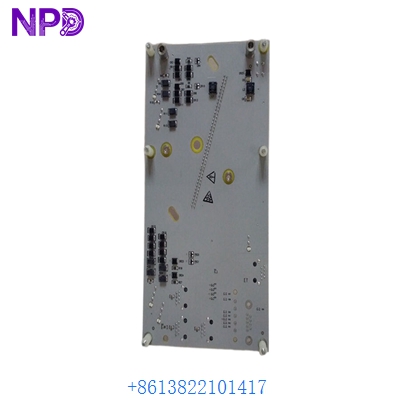
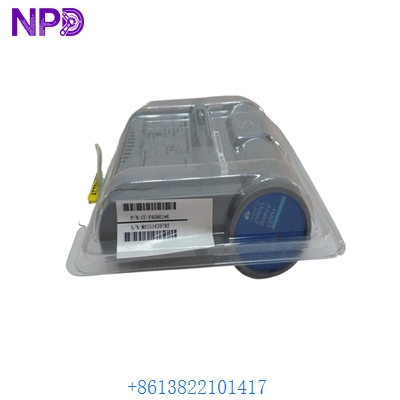
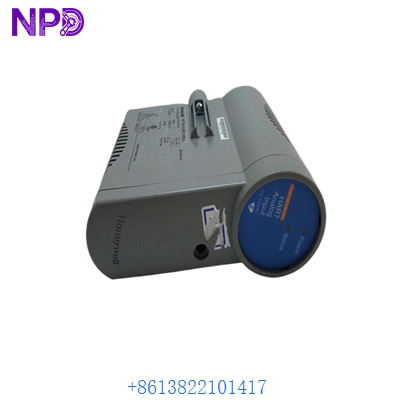
Description
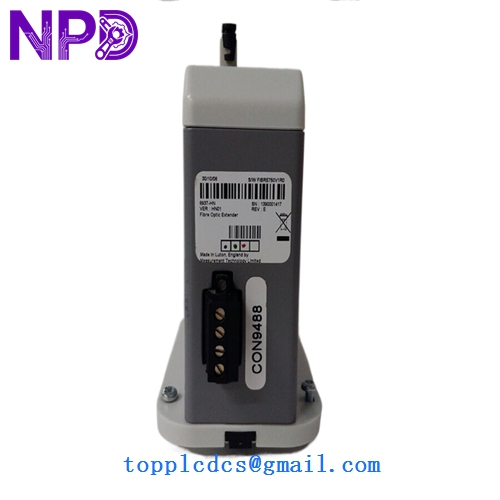
- Model: 8937-HN
- Brand: Honeywell (USA)
- Series: Experion PKS (Process Knowledge System) Series C I/O
- Core Function: High-density interface module for process automation and control logic
- Condition: New Surplus (Original factory stock, clean contacts, non-refurbished)
- Type: Series C I/O Component
- Key Specs: 24 V DC Logic | Series C Form Factor | Plug-and-Play Integration
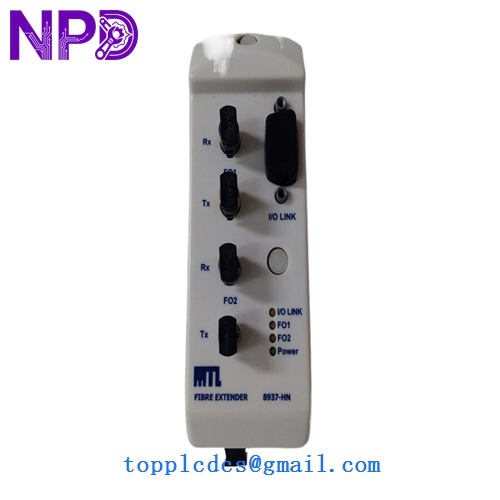
Key Technical Specifications
- Operating Voltage: 24 V DC (Nominal)
- Module Type: Series C High-Performance I/O
- Mounting: I/O Termination Assembly (IOTA) compatible
- Communication: I/O Link (Series C proprietary)
- Power Consumption: Low-power design for heat reduction in cabinets
- Isolation: Galvanic isolation between field and system logic
- Diagnostics: Built-in self-test (BIST) with status LED reporting
- Operating Temperature: 0°C to 60°C (Standard industrial range)
- Humidity: 5% to 95% RH (Non-condensing)
- Coating: G3 Conformal Coating (Standard on most Series C for corrosion resistance)
Installation & Configuration Guide
Phase 1: Pre-Installation (10 Minutes)
⚠️ Safety Protocol:
- Notify the operator that you are performing maintenance on the Series C I/O rack.
- Ensure you are wearing an ESD (Electrostatic Discharge) wrist strap. Honeywell Series C modules are highly sensitive to static.
- Verify the IOTA (I/O Termination Assembly) is clear of debris and that the terminal screws are tight.
Phase 2: Removal of Existing Module (5 Minutes)
- Unlock: Locate the locking tabs on the top and bottom of the module.
- Eject: Press the tabs simultaneously to release the module from the IOTA.
- Inspect: Check the IOTA connector pins. In my experience, if a module has overheated, you may see slight discoloration on the IOTA—if so, the IOTA should be replaced along with the module.
Phase 3: Installing the 8937-HN (10 Minutes)
- Alignment: Align the 8937-HN with the guide rails on the Series C IOTA.
- Seating: Push the module firmly until you hear the locking tabs “click” into place.
- Verification: Ensure the module is flush against the IOTA. A partial connection can cause intermittent “I/O Link Failure” alarms.
Phase 4: Software Loading & Test (20 Minutes)
- Status Check: Observe the module LEDs. The “Power” light should be steady, and the “Status” light should transition from Red/Amber to Green as it initializes.
- Experion Explorer: Open the Honeywell Experion PKS Configuration Studio.
- Load Module: Right-click the module in the I/O tree and select “Load.” This synchronizes the firmware and parameters.
- Channel Verification: Check the “Detail Display” on the HMI to ensure all points associated with the 8937-HN are reporting correctly without “Bad PV” (Process Value) status.
Customer Cases & Industry Applications
Case 1: Chemical Plant Controller Upgrade A specialty chemical plant in Germany was expanding its batch reactor controls. They used 8937-HN modules to bridge the gap between their new field sensors and the existing Experion PKS backbone. By choosing our New Surplus stock, they avoided the 12-week lead time quoted by the factory, allowing the new reactor to go online before the peak production season.
Case 2: Power Plant Outage Emergency During a scheduled “Turnaround” at a gas-fired power plant, a technician accidentally shorted a 24V line, blowing the internal protection of an 8937-HN. The plant was scheduled to synchronize with the grid in 36 hours. We expedited a tested replacement unit via counter-to-counter air freight. The module was installed, loaded, and verified 12 hours before the “Steam to Turbine” command was given.
Frequently Asked Questions (FAQ)
Q: Is the 8937-HN hot-swappable? A: Yes. Series C I/O is designed for hot-swapping. However, I always advise clients to “Inhibit” the module in the software before physical removal to prevent nuisance alarms or unintended logic execution in the controller.
Q: Does this module come with the IOTA (base)? A: No. The 8937-HN is the electronic module only. The IOTA (Termination Assembly) is a separate part number (e.g., CC-TDOB11). If you need the base, please contact us for a package quote.
Q: How do I know if my firmware is compatible? A: Honeywell Series C modules are quite intelligent. When you “Load” the module via Experion PKS, the system will check the firmware version. If the module’s firmware is older or newer than your system’s release, the software will typically perform a “Firmware Download” automatically to ensure compatibility.
Q: What is the difference between “HN” and other suffixes? A: Suffixes in Honeywell part numbers often denote hardware revisions or specific coating options. The “HN” version is a standard high-performance variant. If you are replacing a module with a different suffix, it is usually backward compatible, but we recommend checking your specific System Release Note (SRN).
Q: Why buy “New Surplus” for a critical DCS? A: Honestly? It’s about availability. Honeywell’s current supply chain for legacy Series C components can be unpredictable. Our New Surplus units are original, unused, and stored in anti-static packaging. You get the same reliability as a factory-order unit but with “zero-day” lead time. We’ve sold hundreds of these to critical infrastructure sites with zero failure reports.