Description
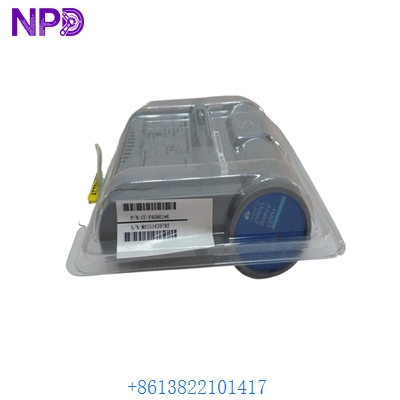
- Model: Honeywell MC-PDIY22 (80363972-150)
- Brand: Honeywell (USA)
- Series: Experion PKS / TDC 3000 Series C
- Core Function: Field Termination Assembly (FTA) for 24V DC Digital Inputs
- Product Type: Digital Input FTA Module
- Key Specs: 32 Channels 24 V DC High-Level Analog/Digital Interface
- Channels: 32 isolated or non-isolated channels (depending on IOP/IOM configuration)
- Input Voltage: 24 V DC (Nominal)
- Interface Type: High-Level Digital Input (HLDI)
- Physical Format: Series C Field Termination Assembly
- Connector Type: 50-pin header for I/O Link cable
- Terminal Blocks: Compression-type or screw-terminal options
- Isolation: Galvanic isolation provided between field and system logic
- Power Dissipation: Low power consumption design for cabinet density
- Operating Temp: 0 °C to +60 °C (32 °F to 140 °F)
- Dimensions: Standard Honeywell FTA footprint for vertical or horizontal mounting
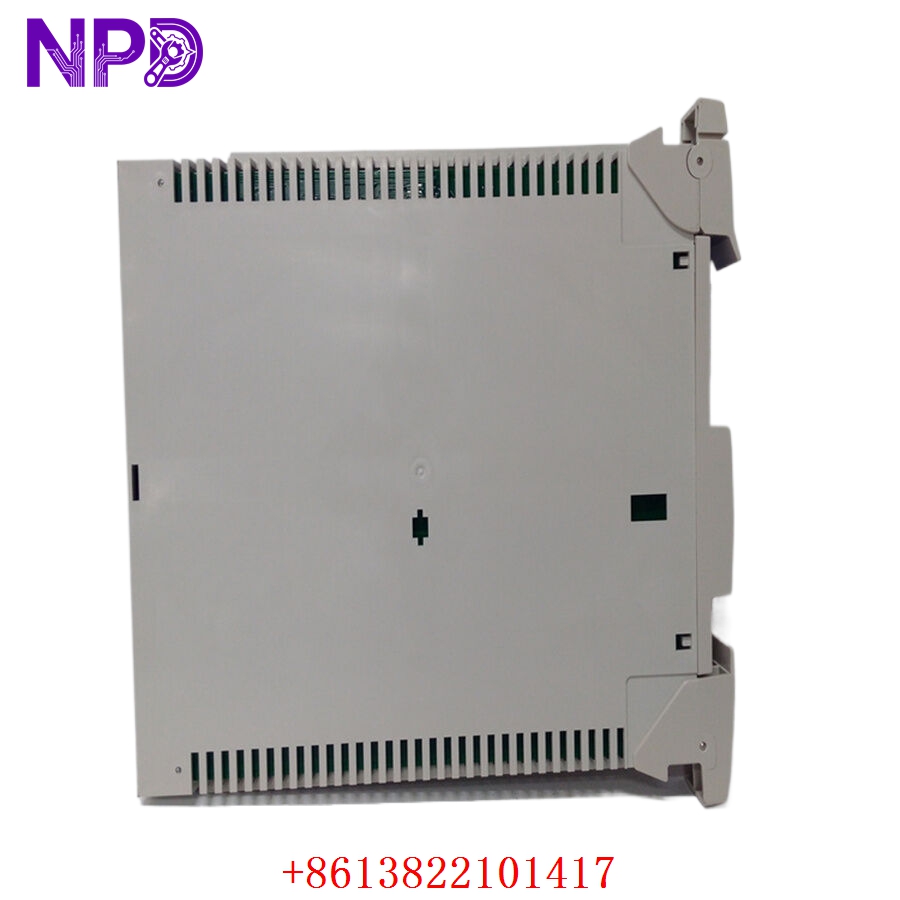
HONEYWELL MC-PDIY22 80363972-150
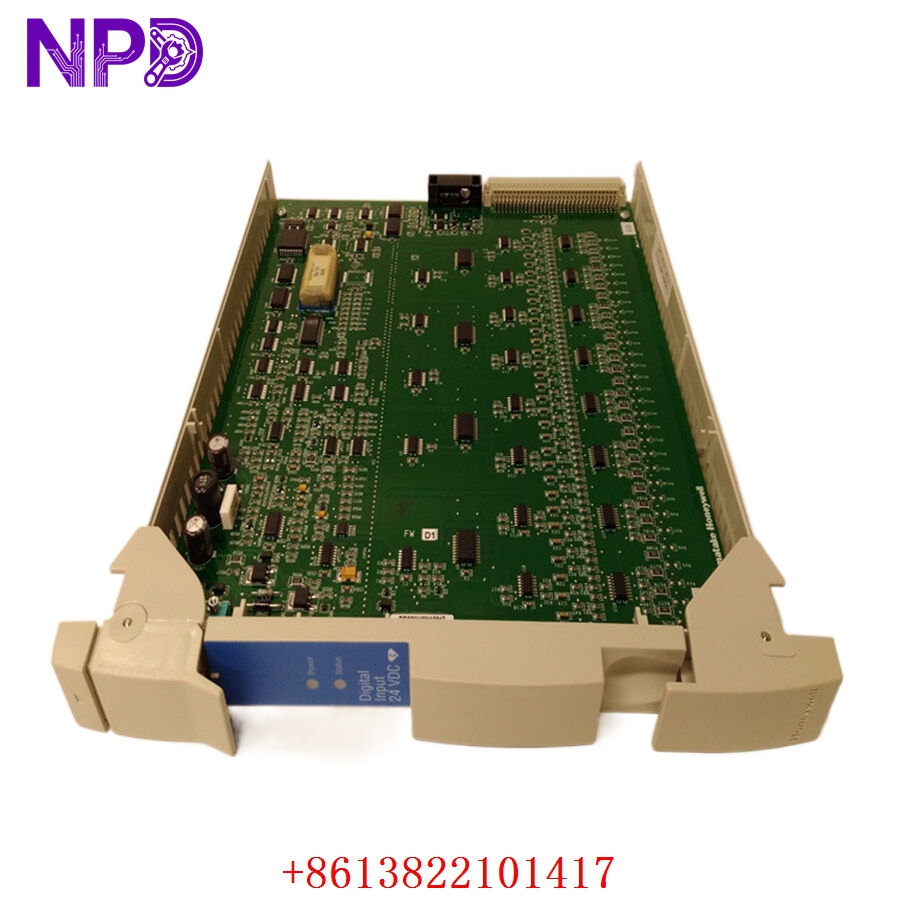
HONEYWELL MC-PDIY22 80363972-150
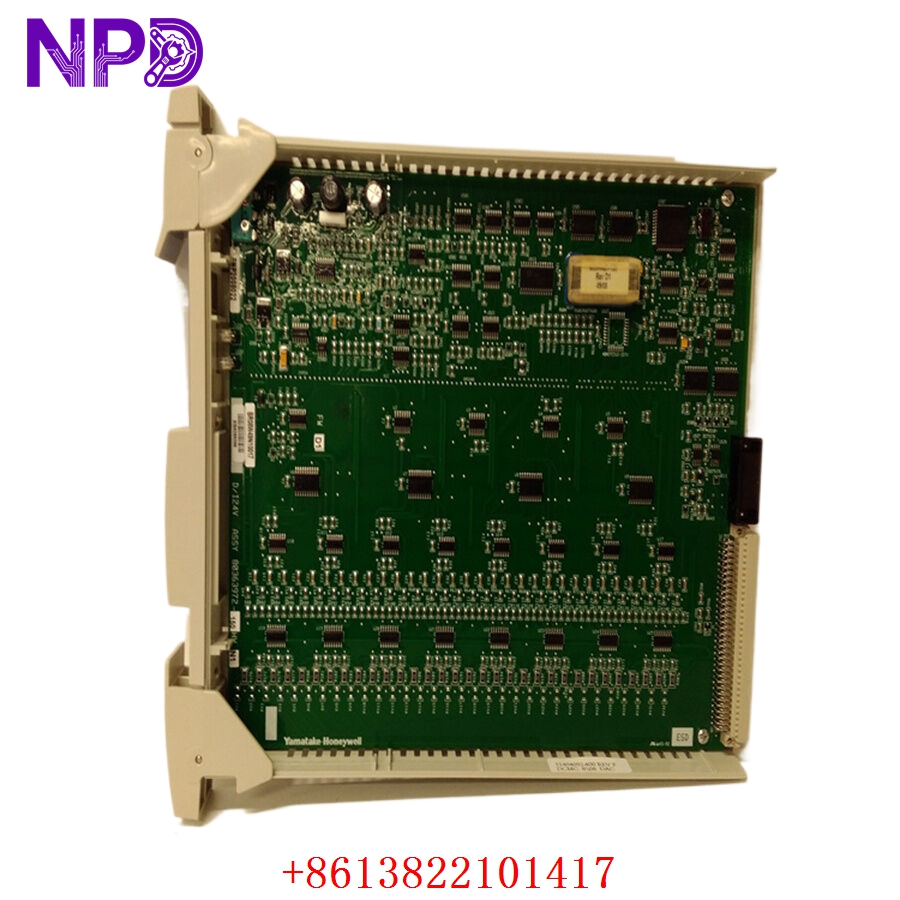
HONEYWELL MC-PDIY22 80363972-150
Application Scenarios & Pain Points
In large-scale process automation—like a continuous catalytic cracker or a gas separation plant—the MC-PDIY22 is the literal frontline. It translates thousands of field switch states (valve limits, motor starters, level switches) into data the Experion PKS system can understand. The primary pain point I see with these FTAs is “channel burnout” caused by field-side surges or loose neutrals. Because this single board handles 32 points, a failure in the common rail can blind an operator to 32 different pieces of equipment at once. In a “TotalPlant” environment, having these FTAs on hand is critical for avoiding extended outages during turnaround.
Typical Application Scenarios:
- Refining & Petrochemical
Monitoring valve position feedback (Open/Closed) and pump status (Run/Stop) across large tank farms.
- Pulp & Paper
Managing interlock signals for conveyor systems and chemical feed pumps.
- Power Generation
Collecting status alarms from auxiliary plant equipment like cooling towers and fuel handling systems.
- Pharmaceuticals
Batch process monitoring where precise timing of digital state changes is required for GMP compliance.
Case Study: The “Blind” Cooling Tower
Background:
A chemical facility in Southeast Asia was running an older Honeywell Experion system. During a monsoon storm, a lightning strike near the cooling tower yard sent a surge back through the DI wiring.
The Problem:
The surge took out the MC-PDIY22 FTA, specifically damaging the input protection circuitry for an entire 32-channel block. The DCS showed all cooling fans as “Stopped,” causing the operators to trigger an emergency manual shutdown of the primary reactor to prevent overheating.
The Solution:
We had the 80363972-150 in stock. We verified the continuity of all 32 channels on our test bench and shipped it via international priority.
The Result:
The onsite team swapped the FTA (which is a passive board, making replacement very fast). The digital signals cleared immediately, and the plant was back to full capacity within 48 hours. The cost of the spare was negligible compared to the $300,000 lost in deferred production.
SOP Quality Transparency
Passive FTAs like the MC-PDIY22 are often overlooked, but a single cracked solder joint can cause intermittent signals that are a nightmare to troubleshoot.
- Visual Audit (The “Master” Check):
We inspect every single one of the 32 terminal blocks for stripped screws or “over-torqued” plastics. We use a microscope to check the 50-pin I/O Link header for bent or oxidized pins.
- Channel-by-Channel Verification:
- Continuity Test: We use a Fluke 115 to verify the path from every field terminal to the system connector.
- Isolation Check: We verify there is no cross-talk between adjacent channels, ensuring that a signal on Channel 1 doesn’t “ghost” onto Channel 2.
- Resistor/Fuse Audit: We check any onboard components (like current-limiting resistors) to ensure they match factory specs.
- Cleaning & Refurbishment:
If the unit is “New Surplus,” we still clean the PCB with specialized electronics cleaner to remove any warehouse dust that could attract moisture once installed in a humid plant environment.
- Packaging:
FTAs have many protruding pins and terminals. We use thick, high-density anti-static foam to “sandwich” the board, preventing terminal damage during rough transit.
Technical “Pitfall” Guide
Replacing a Honeywell FTA is usually “plug and play,” but there are a few things that can trip up even a senior tech.
- The I/O Link Cable Seating ❗
The 50-pin cable that connects the MC-PDIY22 to the IOP/IOM is the lifeblood of the module. If it’s not seated perfectly and the locking clips aren’t snapped in, you will get “I/O Box Failure” or “Comm Error” messages.
The Fix: Use a flashlight to ensure the cable is square to the header. I’ve seen cases where the pins were pushed in rather than making contact.
- Field Power Polarities:
This FTA typically uses 24V DC field power. If your field wiring has a “floating ground” or if the 24V supply is shared with high-inductive loads (like large solenoids), you might see “flickering” inputs.
The Fix: Ensure the 24V return is properly bonded. If you see erratic behavior, check for AC induced voltage on the DI lines.
- Model Suffix Mismatch ❗
The 80363972-150 is a specific hardware revision. While many Honeywell FTAs are backward compatible, certain Series C I/O modules require specific FTA revisions to support advanced diagnostics (like line monitoring).
The Fix: Check your existing board’s part number suffix. If you are replacing a -100 with a -150, it’s usually fine, but always verify in the Honeywell Knowledge Builder or your system’s hardware manual.
- Terminal Block Torque:
These boards are sturdy, but the PCB traces near the terminal blocks are delicate.
The Fix: Do not over-tighten the field wires. Use the recommended torque (usually around 0.5 Nm). Over-tightening can cause “micro-cracks” in the PCB that only show up when the cabinet gets hot.
Troubleshooting Quick Reference
| Symptom | Possible Cause | Relevance | Quick Check | Recommendation |
| Entire Board “Dead” | I/O Link Cable Loose | ✅ High | Check 50-pin connector seating. | Reseat cable and snap clips. |
| Single Channel No Signal | Field Fuse/Wiring | ❌ Low | Check voltage at FTA terminals. | Check field switch/fuse. |
| Intermittent Signal | Loose Terminal / Cold Solder | ✅ High | “Wiggle test” the field wire. | Re-terminate or replace FTA. |
| “Ghosting” Inputs | High Impedance Leakage | ⚠️ Med | Measure voltage on “Off” channels. | Check for moisture in junction boxes. |
| DCS Reports “I/O Box Err” | FTA Address/Cable | ✅ High | Swap I/O Link cable with a known good one. | Replace cable or FTA. |
Pro Tip: If you are replacing this FTA during a hot-swap, make sure you don’t touch the back of the board to the metal cabinet frame. Use the plastic standoffs! I once saw a $2,000 I/O module get fried because someone shorted the FTA pins against the mounting plate. Stay safe!