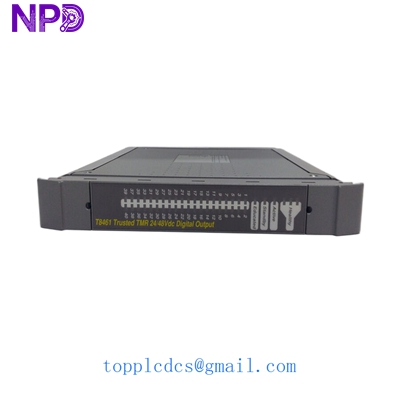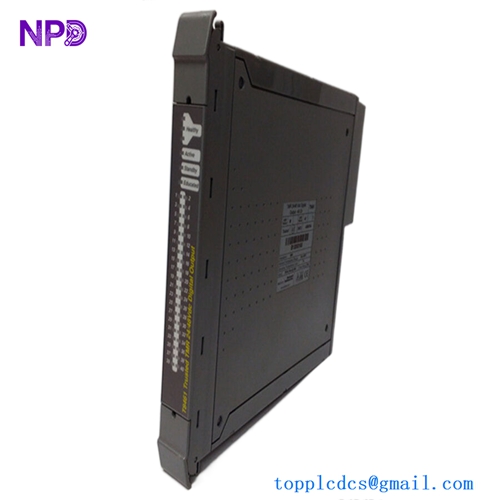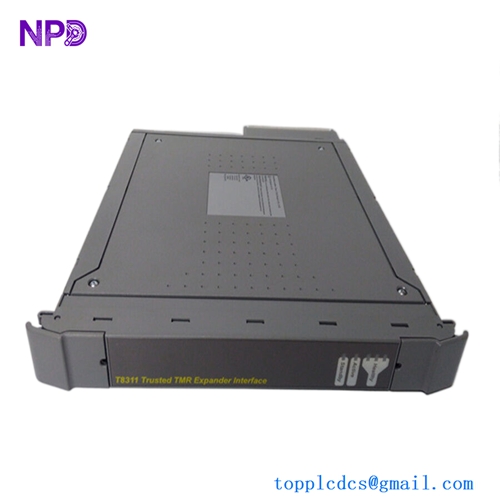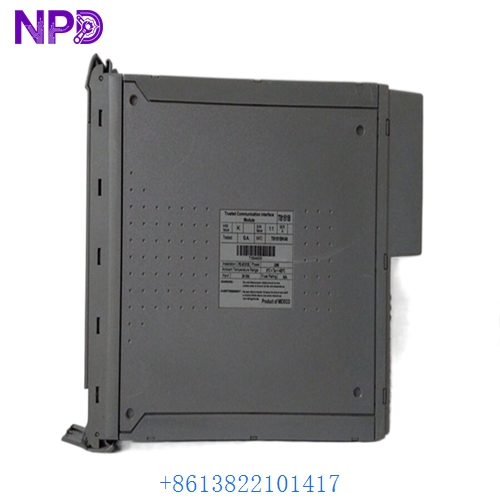

Description
- Model: ICS TRIPLEX T8151B
- Brand: ICS Triplex (A Rockwell Automation Company)
- Series: Trusted™ Triple Modular Redundant (TMR) System
- Core Function: Communications interface for the Trusted Controller
- Product Type: TMR Communication Module (Inter-Module Bus)
- Key Specs: Triple Modular Redundant architecture, SIL 3 Rated, High-speed serial links
- Safety Integrity Level: SIL 3 (IEC 61508)
- System Architecture: Triple Modular Redundant (TMR)
- Fault Tolerance: 3-2-0 Fault Tolerant operation
- Interface Ports: 2x RS422/RS485 Serial Ports (Standard)
- Data Transfer Rate: Up to 10 Mbps (Internal Bus)
- Current Draw: 1.2 A at 24 V DC (Typical)
- Heat Dissipation: 15 Watts (Maximum)
- Operating Temp: -5°C to 60°C (23°F to 140°F)
- Diagnostics: Comprehensive self-test and background monitoring
- Hot Swap: Fully supported in redundant configurations
- Module Width: 1-Slot wide (Standard Trusted Chassis)
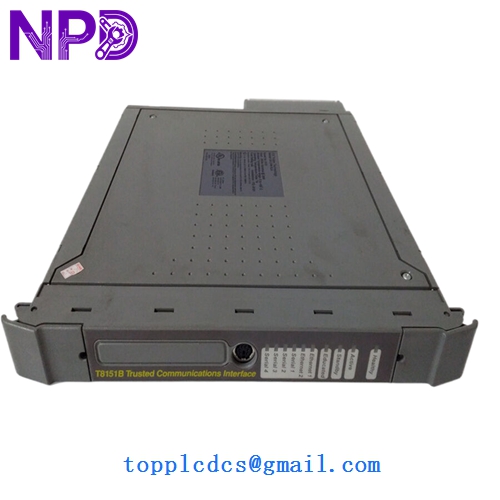
ICS TRIPLEX T8151B
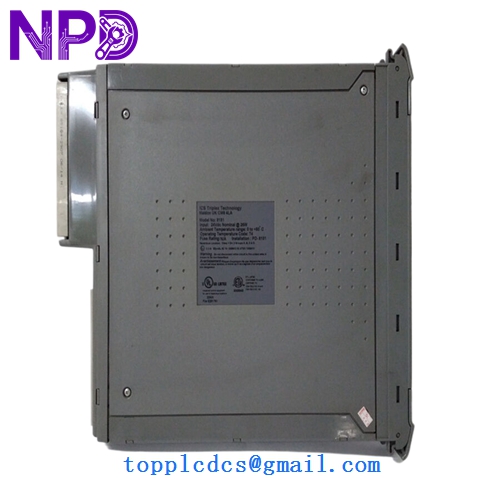
ICS TRIPLEX T8151B
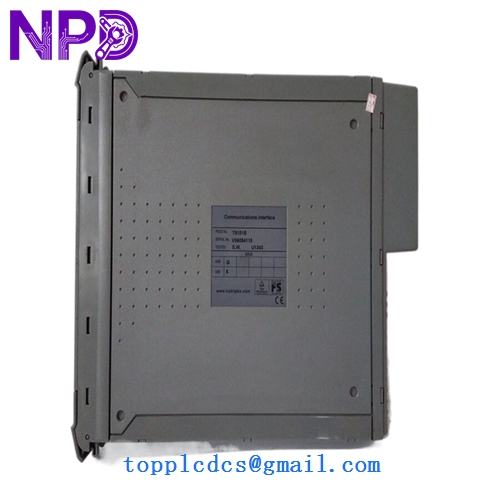
ICS TRIPLEX T8151B
Installation & Configuration Guide
Phase 1: Preparation (Pre-Installation)
Estimated time: 20 minutes
⚠️ Safety First:
- The T8151B is part of a SIL 3 safety system. Ensure all bypasses are active and the safety of the plant is maintained during the swap.
- Verify that the TMR controller is in a healthy state (no existing active faults on other modules).
- Use a Fluke 115 or equivalent to verify the 24 V DC power supply stability before insertion.
Backups Required:
- Perform a full system backup using the Trusted Toolset.
- Record the current LED status of the active communication ports.
Phase 2: Hardware Configuration (DIP Switches)
Estimated time: 10 minutes
Check the DIP Switches: Before sliding the new module into the rack, you must match the settings from the old unit.
- Locate the switch bank on the side or rear of the PCB.
- These switches define the Module Address and Port Configuration.
- Important: If these do not match the software configuration, the module will stay in “OOS” (Out of Service) mode and refuse to join the TMR group.
Phase 3: Module Insertion & Online Synchronization
Estimated time: 15 minutes
- Insertion: Align the T8151B with the guide rails in the Trusted Chassis. Push firmly until the module is fully seated and the ejector levers click into place.
- Initial Boot: The “Active” LED will flash yellow/amber during self-test.
- TMR Synchronization:
- Once self-diagnostics pass, the module will attempt to synchronize with the inter-module bus.
- The “Healthy” LED should turn solid Green.
- The “Active” LED will turn Green once it begins processing live communication traffic.
- Verification: Check the Trusted Toolset diagnostic screen. All three “slices” of the module should report “Healthy.”
Customer Cases & Industry Applications
Case 1: Offshore Platform Emergency Recovery A North Sea oil platform experienced a communication failure on its Fire and Gas (F&G) system. The redundant T8151B had failed months prior, and the primary unit began reporting CRC errors. If both failed, the platform would face an automatic emergency shutdown (ESD). We provided a New Surplus module from our climate-controlled warehouse. It was flown by helicopter to the platform and installed mid-shift. The TMR system synchronized immediately, avoiding a production loss valued at over $1.2 million per day.
Case 2: Chemical Plant System Extension A major chemical processor in Singapore needed to integrate a new third-party SCADA system via Modbus. They required an additional T8151B to handle the increased serial traffic without overloading their existing logic solvers. Since Rockwell had moved this series to “Silver” support status with long lead times, our ability to provide a tested, brand-new unit allowed them to complete their expansion project three months ahead of schedule.
Frequently Asked Questions (FAQ)
Q: What is the difference between T8151B and the older T8151? A: The “B” revision includes updated internal componentry for better heat dissipation and improved resistance to electromagnetic interference. In my experience, the T8151B is fully backward compatible with the T8151, but you should always check that your firmware version in the Trusted Toolset supports the newer hardware revision.
Q: Can I hot-swap this module while the plant is running? A: Yes, the Trusted architecture is designed for this. However, since this is a communication module, any devices connected to the serial ports of that specific module will lose connection during the swap. If your communication is not redundant at the wiring level, expect a brief data interruption.
Q: Does it come with the terminal block? A: Usually, these modules are sold separately from the rear terminal assembly (T8153 or similar). We are selling the T8151B module itself. If you need the field termination assembly, please let us know so we can check our auxiliary stock.
Q: How do I know this isn’t a “pulled” or “used” unit? A: We understand the stakes with SIL 3 systems. You won’t see any “witness marks” on the gold fingers of the backplane connector. We provide a full test report showing the module passed its internal TMR slice diagnostics on our in-house Trusted test rig. Honestly, in this industry, your life and the plant’s safety depend on this part—we don’t take shortcuts with “refurbished” gear.