Description
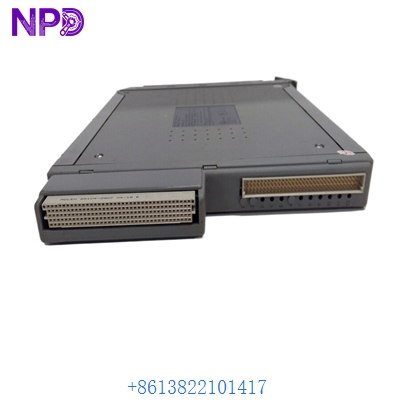
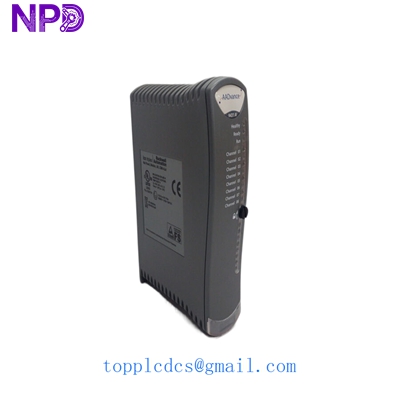
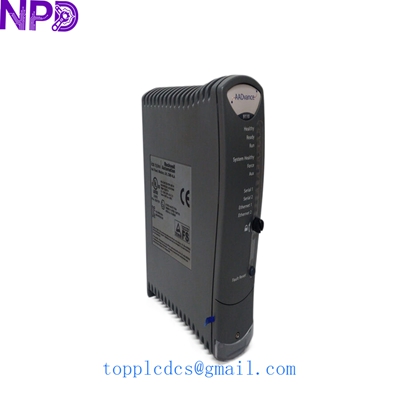
- Model: ICS TRIPLEX T8312-4
- Brand: ICS Triplex (Rockwell Automation)
- Series: Trusted™ Triple Modular Redundant (TMR) System
- Core Function: High-integrity 24V DC Digital Output for Safety/Critical Control
- Product Type: 40-Channel Digital Output Module
- Key Specs: SIL 3 Rated Triple Modular Redundant 24V DC, 0.5A per channel
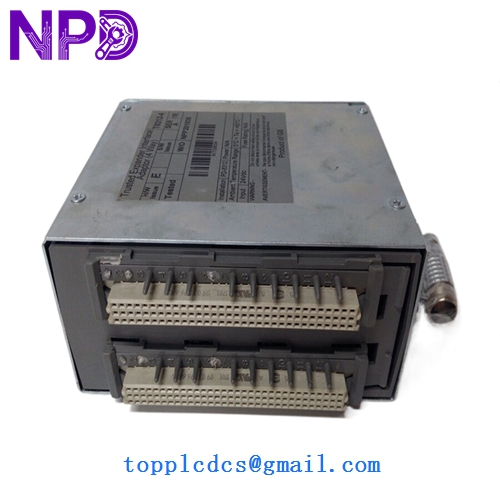
ICS TRIPLEX T8312-4
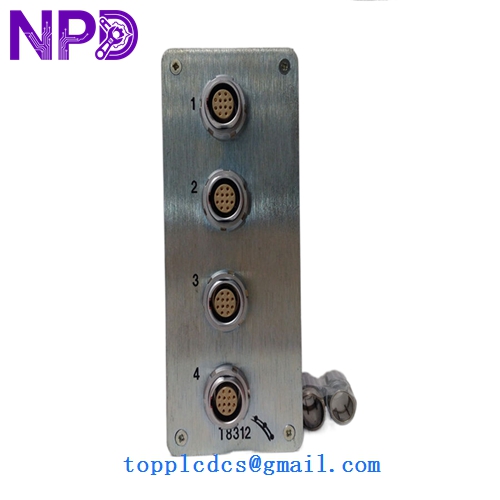
ICS TRIPLEX T8312-4
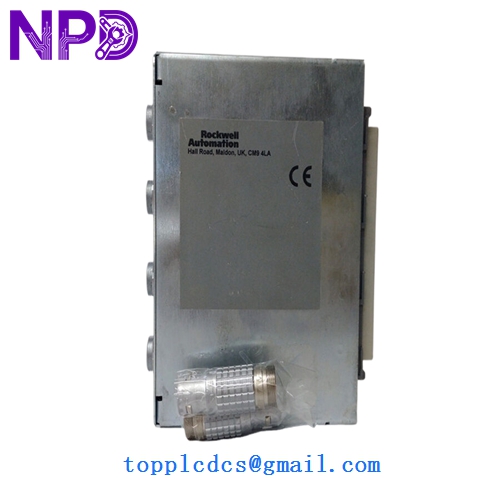
ICS TRIPLEX T8312-4
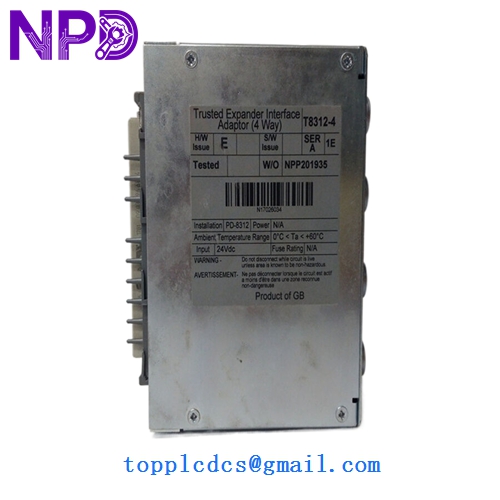
ICS TRIPLEX T8312-4
Key Technical Specifications
- Safety Rating: SIL 3 (IEC 61508)
- Output Channels: 40 Channels (Grouped in 5 groups of 8)
- Nominal Voltage: 24 V DC
- Output Current: 0.5 A per channel (Resistive/Inductive)
- Total Module Current: 20 A (Maximum)
- Isolation: 500 V DC (Output to logic)
- Fault Tolerance: 3-2-0 Fault Tolerant (TMR Architecture)
- Line Monitoring: Short circuit and open circuit detection
- Self-Test: Comprehensive internal diagnostics and output “pulse” testing
- Operating Temperature: -5°C to 60°C (23°F to 140°F)
Installation & Configuration Guide
Phase 1: Preparation (Pre-Installation)
Estimated time: 20 minutes
⚠️ Safety Warning:
- This module controls critical safety elements (valves, pumps, ESD). Ensure the process is in a safe state or the specific loop is bypassed before replacement.
- Confirm the field load does not exceed 0.5 A per channel to prevent tripping internal electronic fuses.
- Check the “TMR Status” in the Trusted Toolset; ensure the chassis backplane is healthy.
Items Needed:
- Trusted Toolset software access.
- ESD wrist strap (mandatory for SIL 3 hardware handling).
- Multimeter to verify 24 V DC field power at the terminal assembly.
Phase 2: Hardware Address Setting
Estimated time: 5 minutes
Step 1: Check DIP Switches On the rear of the T8312-4, verify the DIP switch settings. These must match the address of the slot where the module is being installed.
Step 2: Compare with Old Module I always recommend taking a clear photo of the old module’s switches before setting the new one. If the address is wrong, the controller will reject the module and flag a “Module Type Mismatch” error.
Phase 3: Module Replacement (Hot Swap)
Estimated time: 15 minutes
- Unlocking: Open the ejector levers on the failed module.
- Extraction: Slowly pull the module out of the chassis. Wait 30 seconds for the controller to register the empty slot.
- Insertion: Align the T8312-4 and slide it in. Close the levers firmly to engage the backplane connectors.
- Synchronization:
- The Health LED will flash red/amber during the power-on self-test (POST).
- Once the module synchronizes with its two TMR neighbors, the Healthy LED will turn solid green.
- If the software has “Automatic Re-education” enabled, the module will automatically load its configuration.
Customer Cases & Industry Applications
Case 1: Petrochemical Flare System Recovery A refinery in the Middle East had a T8312-4 module fail, causing several flare ignition solenoids to report “Line Fault” errors. Because the system was SIL 3, the fault degraded the safety integrity of the entire flare stack. The original manufacturer quoted a 20-week lead time for a new unit. We provided a New Surplus T8312-4 within 5 days. After a hot-swap replacement, the internal diagnostics cleared the faults immediately, restoring the plant’s safety certification.
Case 2: Emergency Shutdown (ESD) System Maintenance A North American power plant was undergoing a scheduled turnaround. During testing, one of the Trusted output modules failed its internal pulse test, indicating a degradation in one of the three TMR “slices.” The plant couldn’t restart without a healthy ESD system. We dispatched our last T8312-4 via overnight air. The unit was installed, tested, and commissioned 4 hours before the boiler restart window, preventing a massive delay in power generation.
Frequently Asked Questions (FAQ)
Q: What is the “pulse test” and will it trigger my valves? A: The T8312-4 performs a sub-millisecond pulse test to verify the integrity of the output switches. These pulses are too fast for mechanical relays or solenoids to react to, so your valves won’t move. However, if you have ultra-high-speed electronic interfaces connected, you should verify their sensitivity.
Q: Can I use T8312-4 to replace a T8312 (without the -4)? A: Generally, yes. The “-4” represents a later hardware revision with improved component reliability. In most cases, they are drop-in compatible, but I always recommend checking your Trusted Toolset version to ensure the firmware supports the newer hardware revision.
Q: My module shows a “Healthy” green light but the “Active” light is off. Why? A: This usually means the module is healthy and recognized by the system, but the logic hasn’t “taken ownership” of the outputs yet. This happens if the module isn’t assigned to the running application or if the controller is in a state that prevents output activation.
Q: Is this module truly “New”? A: Absolutely. In the world of safety systems, “Refurbished” is a dirty word. This is New Surplus—never installed, never energized in a production rack. It has spent its life in a controlled warehouse as a spare. We provide the serial number so you can track its batch history if required for your safety audit.