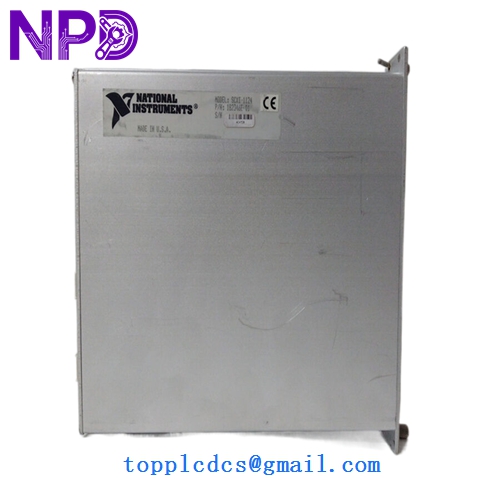

Description
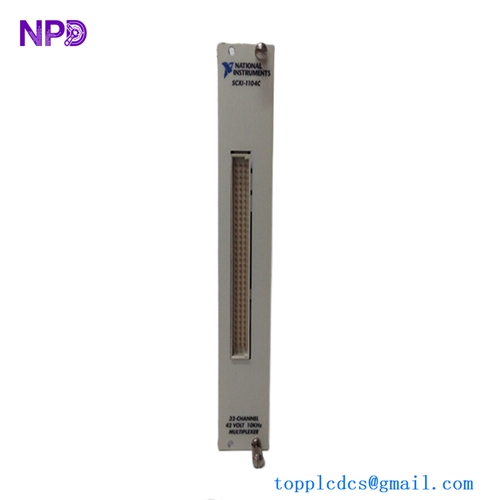
- Model: SCXI-1124
- Part Number: 776572-24
- Brand: National Instruments (NI)
- Function: Isolated Analog Output (Voltage/Current)
- Channels: 6 Independent Channels
- Resolution: 12-Bit
- Isolation: 250 Vrms working isolation (channel-to-channel and channel-to-ground). This prevents ground loops and protects the PC from high-voltage transients.
- Output Ranges:
- Voltage: ±10V, 0 to 10V
- Current: 0 to 20mA, 4 to 20mA (Ideal for driving industrial actuators and valves).
- DAC Type: Double-buffered 12-bit DACs, allowing all 6 channels to be updated simultaneously.
- Connectivity: Interfaces with a DAQ card (such as an E-Series or M-Series) via the SCXI chassis backplane.
- Onboard Calibration: Includes onboard reference for software-controlled calibration to maintain accuracy over time.
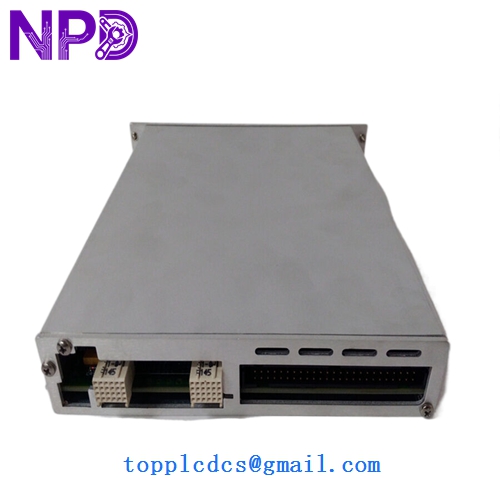
NI SCXI-1124
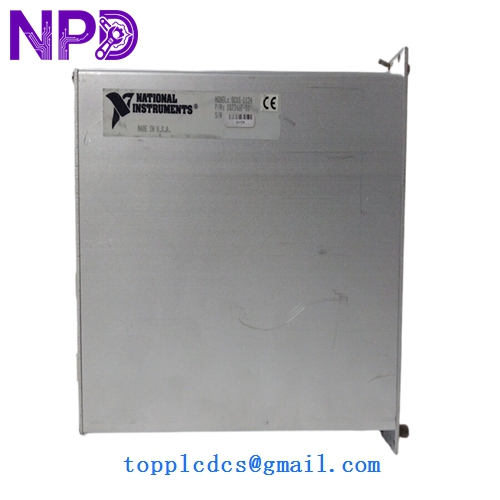
NI SCXI-1124
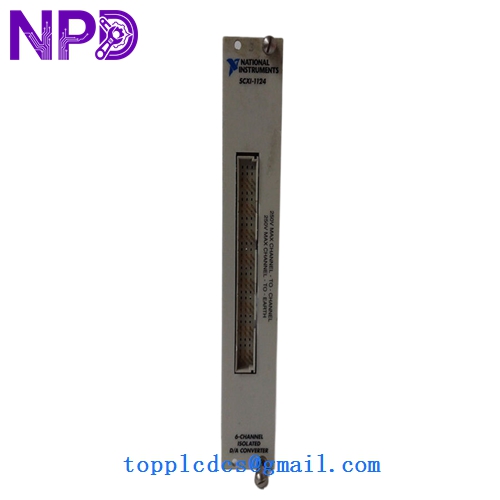
NI SCXI-1124
Installation & Configuration Guide
Phase 1: Pre-Installation (Preparation)
- Chassis Compatibility: Ensure your SCXI-1000 or SCXI-1001 chassis is powered off before inserting the module.
- Software: Install the correct version of NI-DAQmx. The SCXI-1124 is a legacy device, so ensure your version of DAQmx still supports the SCXI series (typically version 15.0 or earlier for full legacy support).
- Address Jumpers: Verify the jumpers on the module for “Chassis Address” match your system configuration.
Phase 2: Hardware Installation
- Slot Insertion: Slide the module into the SCXI chassis. Ensure the 96-pin backplane connector is fully seated.
- Terminal Block: Attach the appropriate terminal block (e.g., SCXI-1325). Use shielded cables for all output signals to minimize noise.
- External Power: For current loop (4-20mA) applications, an external power supply may be required depending on the load resistance.
Phase 3: Software Configuration
- Measurement & Automation Explorer (MAX):
- Open NI MAX.
- Right-click “Devices and Interfaces” and add the SCXI Chassis.
- Add the SCXI-1124 to the correct slot.
- Self-Test: Run the “Self-Test” utility in NI MAX to verify communication with the DAQ card.
- Test Panels: Use the Test Panels to output a small voltage (e.g., 5V) and verify it with a digital multimeter (DMM) at the terminal block.
Customer Cases & Industry Applications
Case 1: Upgrading a Jet Engine Test Cell A dynamic test cell was using an old SCXI system to control fuel valves. One of the SCXI-1124 modules failed, causing the valve to stay stuck open. Because the facility’s software was built on legacy LabVIEW, they could not easily switch to a new PXI system. We provided a New Surplus SCXI-1124, allowing them to resume testing in less than 48 hours without any software changes.
Case 2: Industrial Process Simulation A university lab used the SCXI-1124 to simulate 4-20mA sensor inputs for a large PLC-based control system. The isolation feature of the 1124 was critical to prevent noise from the PLC’s high-power motors from feeding back into the sensitive simulation PC. The module’s 12-bit resolution provided the necessary precision for accurate PID loop modeling.
Frequently Asked Questions (FAQ)
Q: Can I use the SCXI-1124 without a DAQ card? A: No. The SCXI-1124 is a “slave” module. It requires a master DAQ card (connected via cable or a master SCXI module) to communicate with the computer.
Q: Does the SCXI-1124 support 4-20mA current loops? A: Yes. It is specifically designed for industrial current loops. You must configure the output range in your software (NI-DAQmx or traditional NI-DAQ).
Q: Why choose “New Surplus” over “Used”? A: DAC modules like the SCXI-1124 have precision analog components that can drift or fail due to heat inside a crowded chassis. Used modules may have “dead” channels or out-of-spec calibration. New Surplus ensures all 6 channels meet original factory specs and provides a full service life.
Q: What is the standard terminal block for this module? A: The most common terminal block for the SCXI-1124 is the SCXI-1325, which provides easy screw-terminal access to the 6 isolated channels.