Description
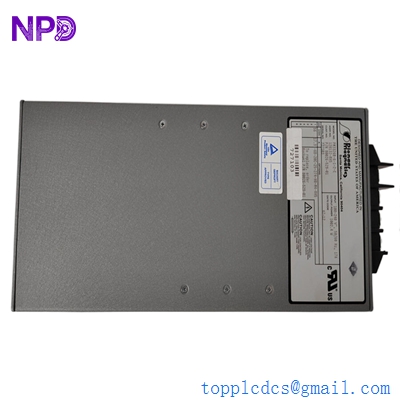
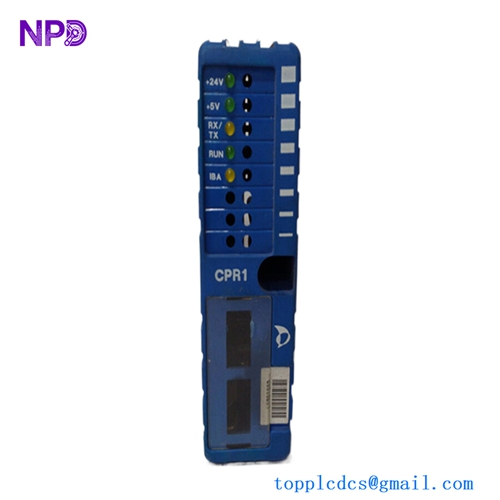
- Model: PARKER 6K8-1037302
- Brand: Parker Hannifin (USA)
- Series: 6K Series Motion Controllers
- Core Function: Multi-axis motion control and logic processing
- Type: Controller / Processor Module
- Key Specs: High-speed processing Ethernet connectivity Expandable I/O
Key Technical Specifications
- Input Voltage: 24 V DC (± 15%)
- Processor Type: 32-bit RISC high-speed processor
- Communication Interface: RS-232, RS-485, and 10Base-T Ethernet
- Axis Control Capacity: Up to 8 axes of synchronized motion
- Memory Configuration: 300 KB non-volatile memory for program storage
- Operating Temperature: 0°C to 50°C (32°F to 122°F)
- Humidity Range: 0-95% non-condensing
- Protection Rating: IP20 standard enclosure
- Programming Language: 6K Language / Multi-tasking support
- I/O Capability: Onboard digital I/O expandable via expansion modules
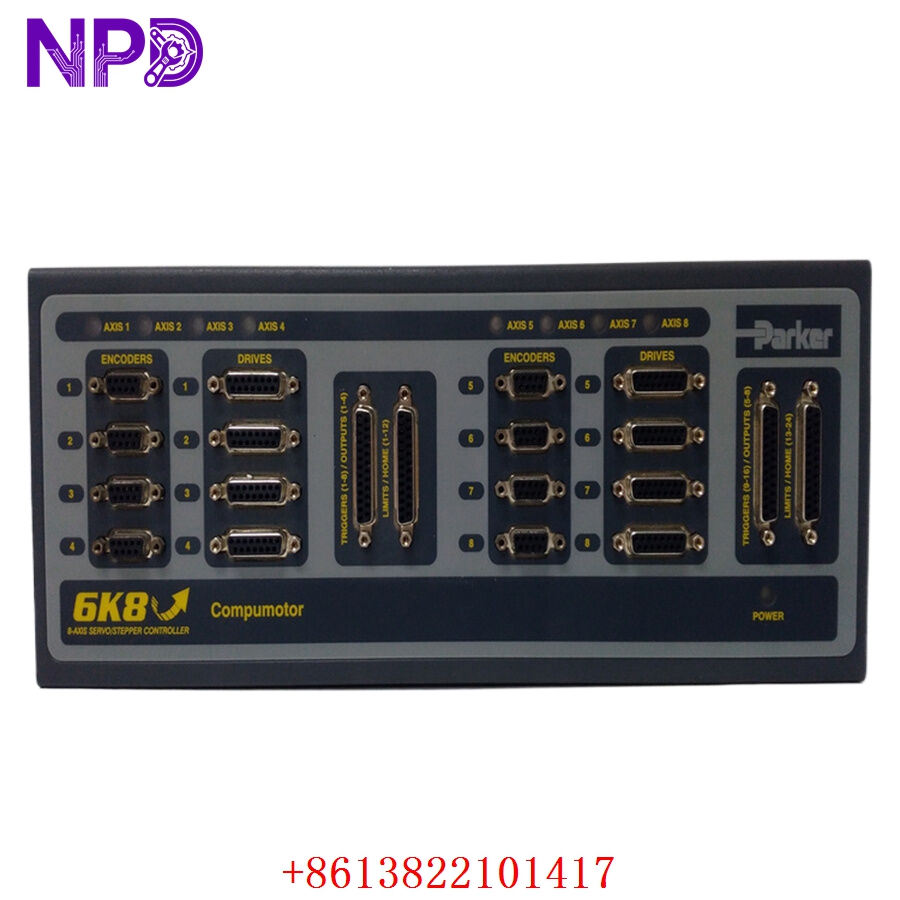
Parker 6K8-1037302
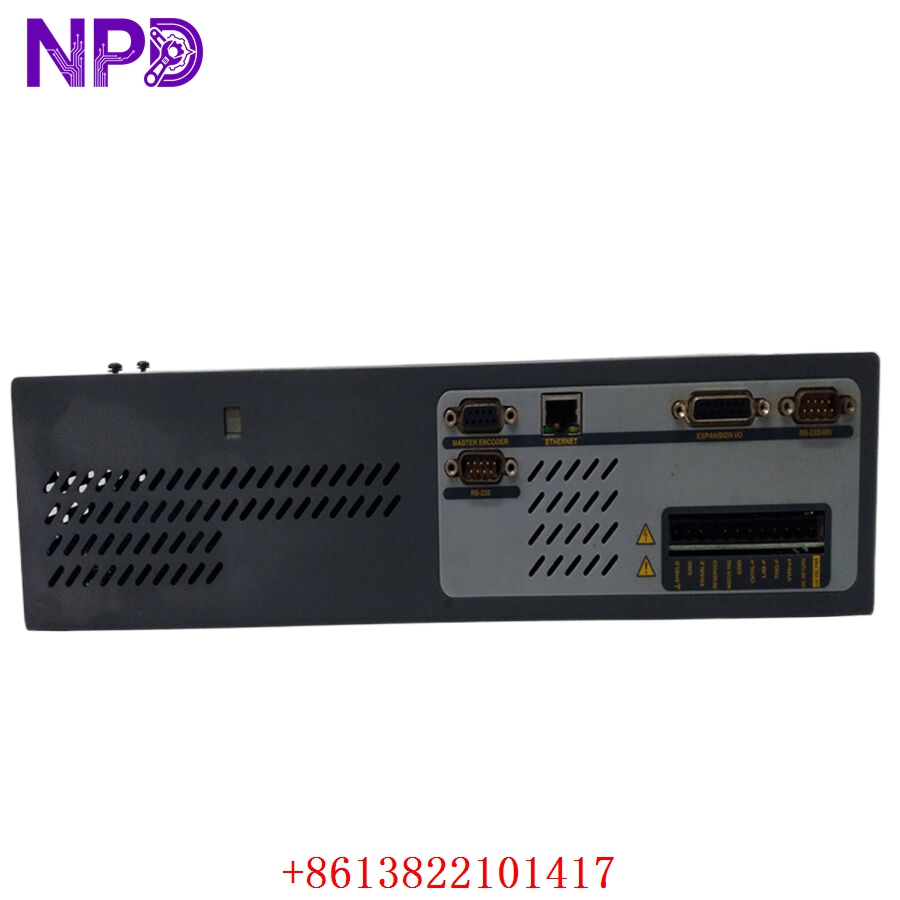
Parker 6K8-1037302
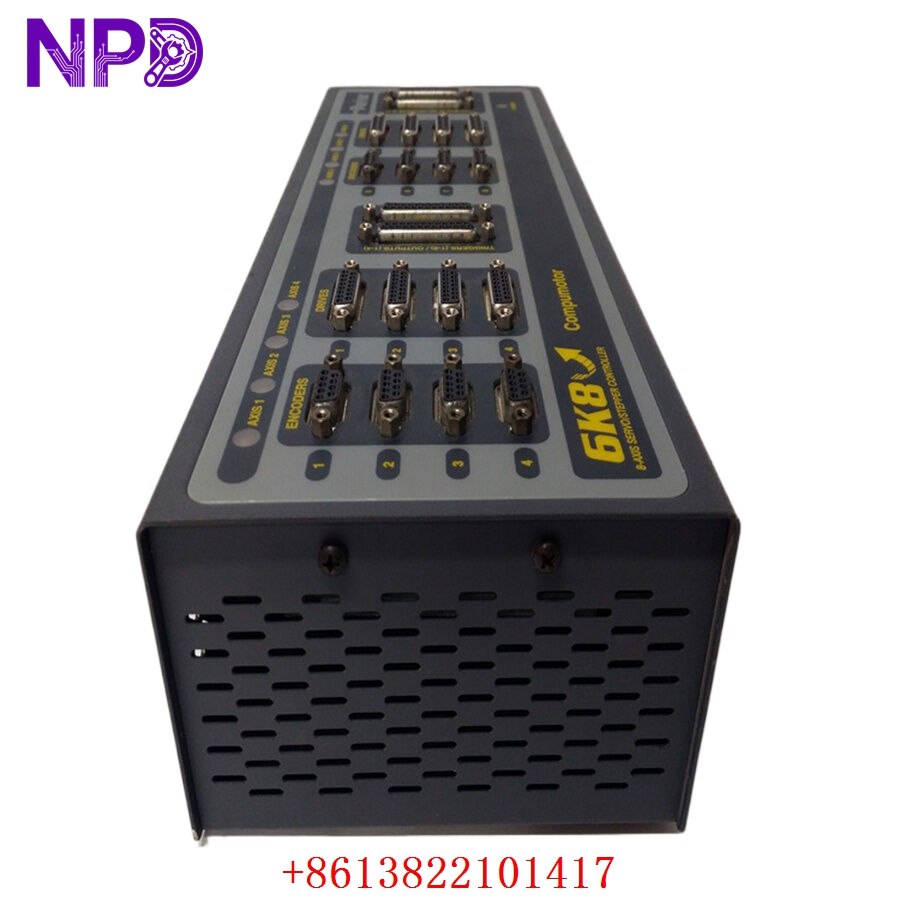
Parker 6K8-1037302
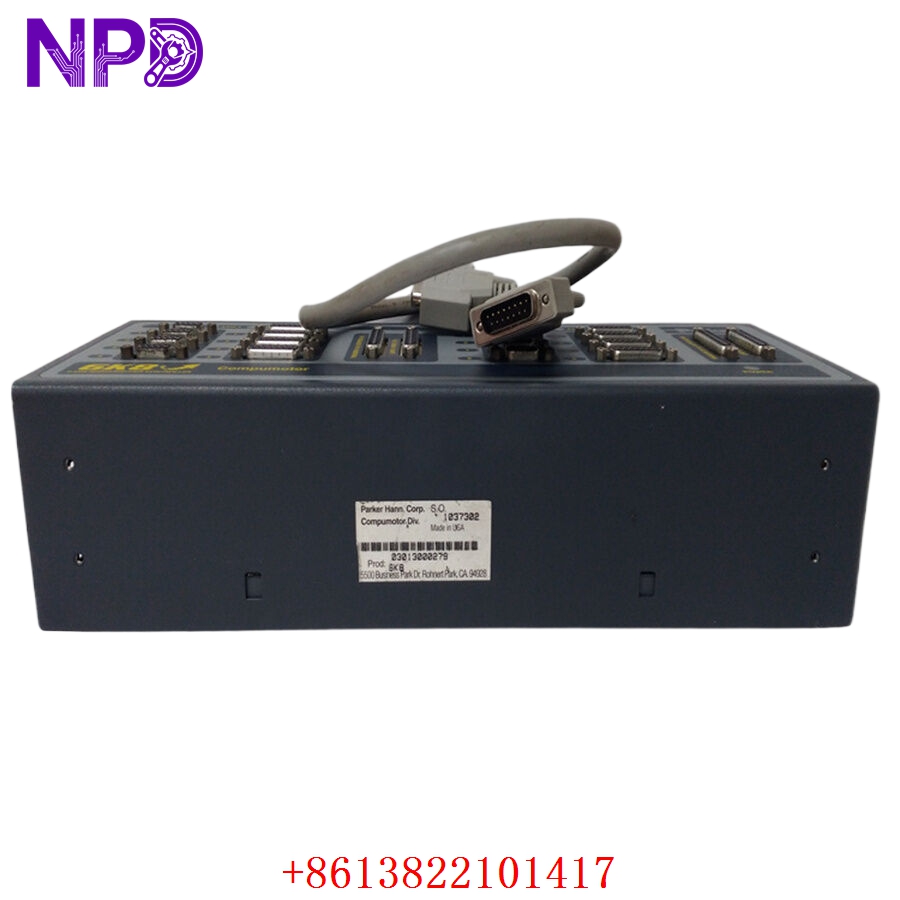
Parker 6K8-1037302
Installation & Configuration Guide
Phase 1: Pre-Installation (Estimated time: 15 minutes)
⚠️ Safety First:
- Coordinate with the production supervisor to schedule a complete machine shutdown.
- Ensure all mechanical loads are physically locked or supported to prevent gravity-induced drops.
- Disconnect main power and verify the DC bus voltage has dissipated using a Fluke 115 multimeter.
Tools & Preparation:
- Anti-static wrist strap and mat (Mandatory for handling 6K series boards).
- Fine-point permanent marker for wire labeling.
- Backup of the current
.6kproject file from the existing controller.
Phase 2: Removal (Estimated time: 10 minutes)
- Document Connections: Take clear photos of all terminal blocks. The 6K series often uses high-density connectors; ensure labels are visible.
- Disconnect Communication: Unplug the Ethernet and RS-232 cables first to avoid snagging.
- Module Extraction: Loosen the mounting screws. If DIN-rail mounted, use a flat-head screwdriver to release the bottom tension clip. Pull the unit straight out to avoid bending the backplane pins if an expansion rack is used.
Phase 3: Installation (Estimated time: 20 minutes)
- Address Configuration: Check the DIP switches on the side of the 6K8-1037302. In my experience, forgetting to match the hardware address to the software configuration is the #1 cause of “Node Not Found” errors.
- Mounting: Slide the module onto the rail until you hear a distinct “click.”
- Wiring: Reconnect the I/O and power terminals. Tighten screws to approximately 0.5 N·m. Over-tightening can crack the internal plastic header.
Phase 4: Power-On & Testing (Estimated time: 25 minutes)
- Initial Power-Up: Turn on the 24 V DC supply. Watch the LED sequence. A steady green “Power” LED and a flashing “Ready” LED are what we want to see.
- Software Link: Connect via Motion Planner software. Ping the IP address to confirm Ethernet handshake.
- Program Download: Upload the backup program. If the new module has a newer firmware version than the old one, you may need to re-compile the project.
- Dry Run: Execute a “Kill” command followed by a “Drive Enable” to test the interlocks before running a full cycle.
Customer Cases & Industry Applications
Case 1: Emergency Repair for an Automotive Packaging Line
Situation: A Tier-1 automotive supplier in Ohio experienced a catastrophic failure of a 6K8 series controller on a high-speed palletizing robot. The unit was over 12 years old. Task: Every hour of downtime cost the plant $12,000 in missed shipping windows. The OEM quoted a 14-week lead time because the part was officially discontinued. Action: The customer contacted us on a Tuesday afternoon. We pulled a 6K8-1037302 from our “New Surplus” inventory, performed a 24-hour load test on our Parker-specific test rig, and overnighted it via FedEx. Result: The part arrived by 9:00 AM Thursday. The plant was back at full capacity by noon. Total cost saved compared to the OEM’s “upgrade” path: roughly $2.4 million in avoided downtime.
Case 2: Strategic Inventory for a Textile Manufacturer
Situation: A large textile mill in Vietnam operates thirty looms synchronized via Parker 6K controllers. They were worried about the increasing scarcity of these modules. Task: The management had to choose between a $400,000 system-wide upgrade or securing a bridge-stock of legacy parts. Action: We supplied them with three 6K8-1037302 units in original anti-static packaging. I advised them to store these in a climate-controlled environment to prevent electrolytic capacitor degradation. Result: Six months later, one of their main controllers failed due to a power surge. They swapped it within 45 minutes using their on-site stock. The “insurance policy” paid for itself in a single afternoon.
Frequently Asked Questions (FAQ)
Q: Is this 6K8-1037302 really brand new? Parker hasn’t made these in years. A: Let me clarify. This is “New Surplus.” It has never been installed in a machine or used in production. It comes from a cancelled project or a distributor’s shelf-stock. While the factory date might be a few years old, the internal components have zero “flight hours.” We verify this by inspecting the terminal screws for tool marks and checking the board for heat-related discoloration.
Q: Can I use this to replace a 6K4 or 6K2 model? A: Physically, yes, the footprint is similar, but functionally, the 6K8 is the 8-axis version. You can usually move a 6K4 program to a 6K8, but you cannot go the other way around if the program utilizes more than 4 axes. Honestly, if you’re just replacing a 6K8 with another 6K8, it’s a direct swap.
Q: What happens if the firmware version on your stock unit is different from my old one? A: This is a common hurdle. If the firmware is different, the Motion Planner software might prompt for an update. We can check the firmware version for you before shipping. If you need a specific version (e.g., V5.2), just let us know and we can flash it for you on our test bench.
Q: Do you offer a warranty since Parker no longer supports this? A: Absolutely. We provide a 1-year in-house warranty. If the module fails under normal operating conditions, we will replace it with another unit from our stock. If we are out of stock, we provide a full refund. We don’t play games with “repair only” warranties that take months.
Q: Why is your price higher than some units on eBay? A: To put it bluntly: you get what you pay for. Most units on auction sites are “pulled from a working environment,” which is code for “it’s 15 years old and the capacitors are about to pop.” We invest in professional testing and guarantee the “New Surplus” status. For a critical production line, saving 500 on a used part isn’t worth a 50,000 failure next week.