Description
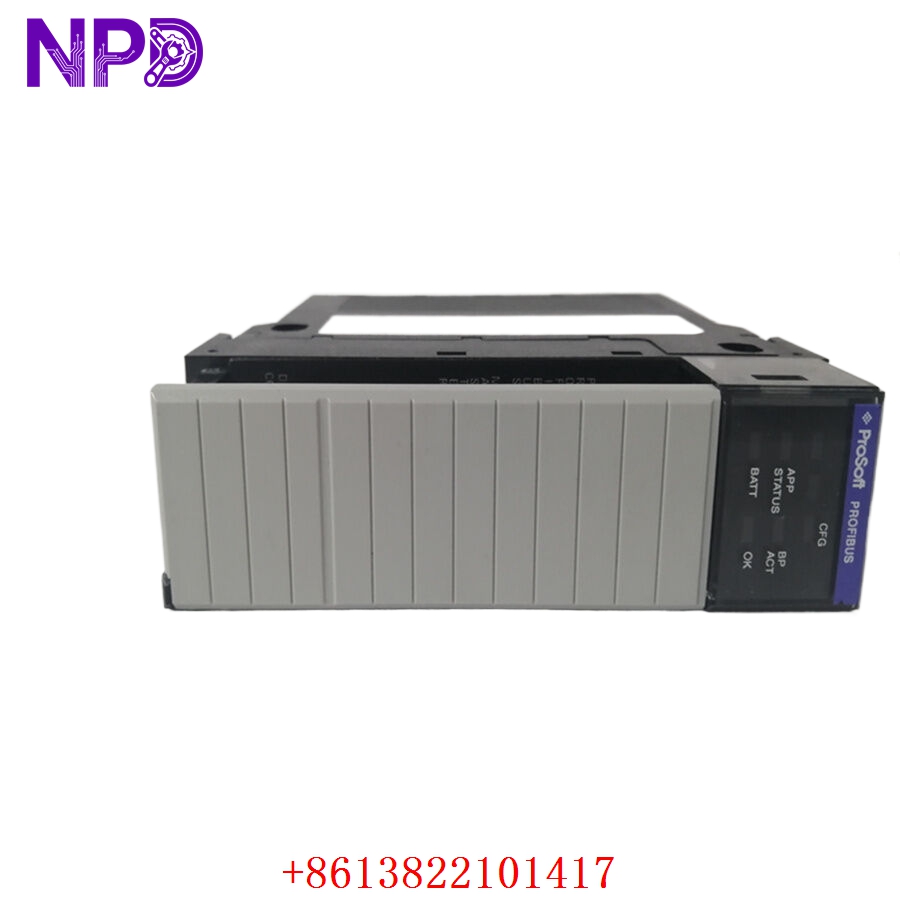
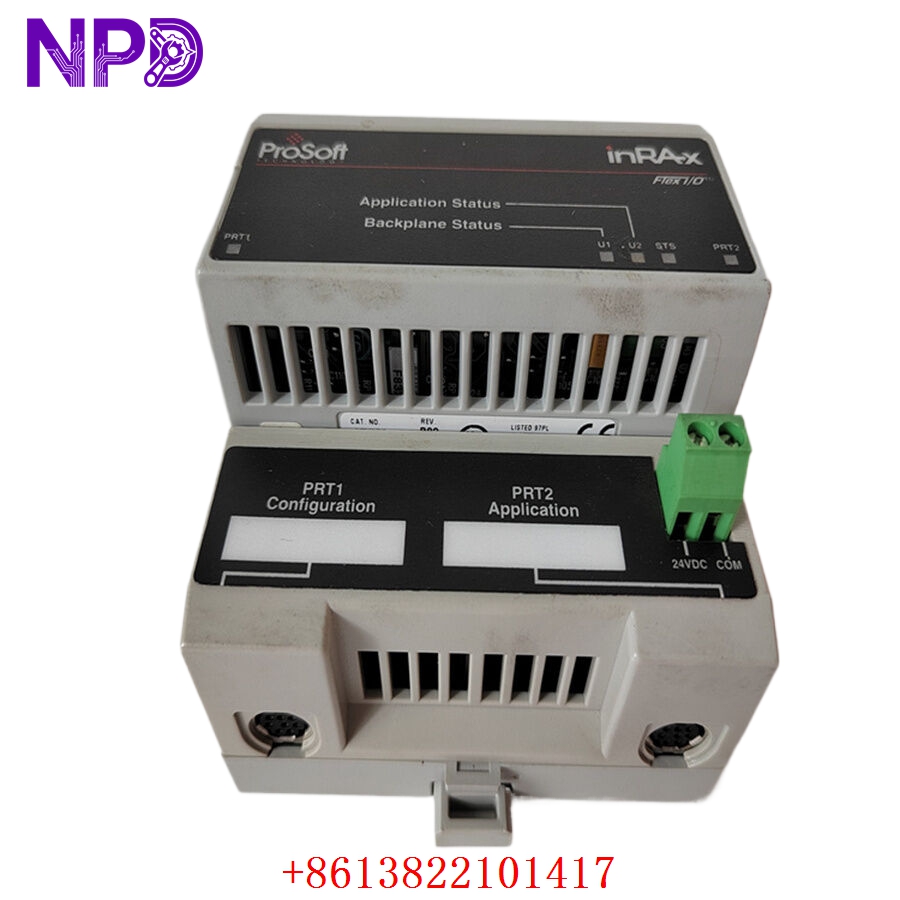
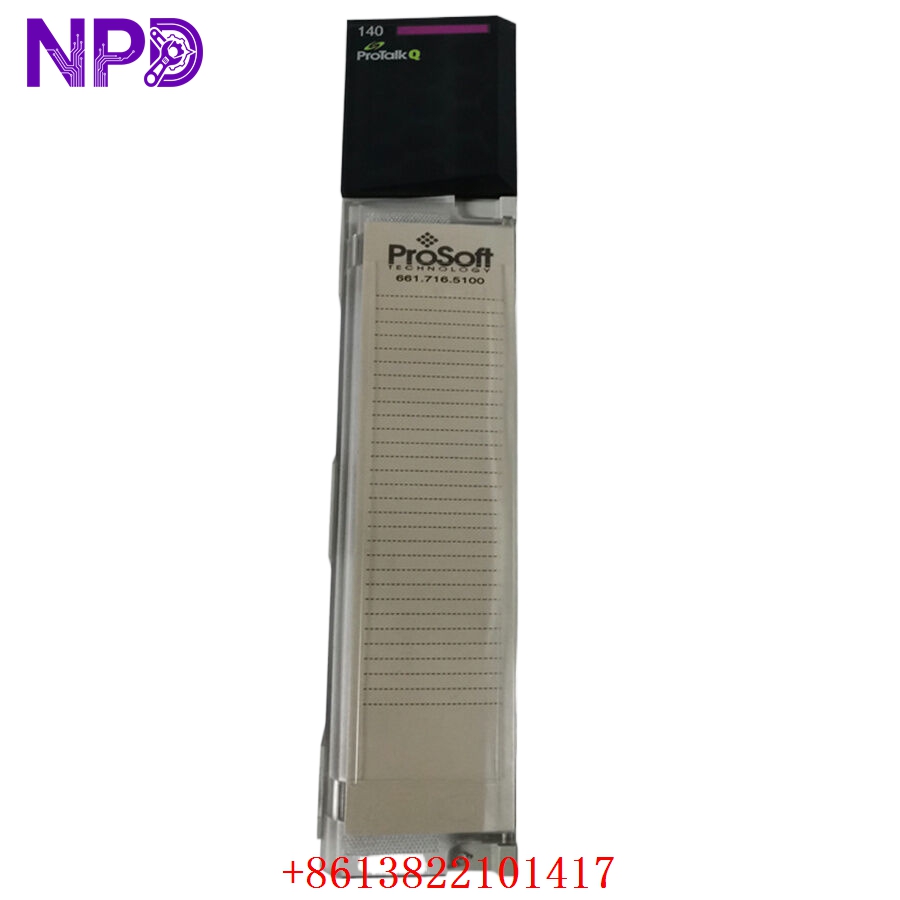
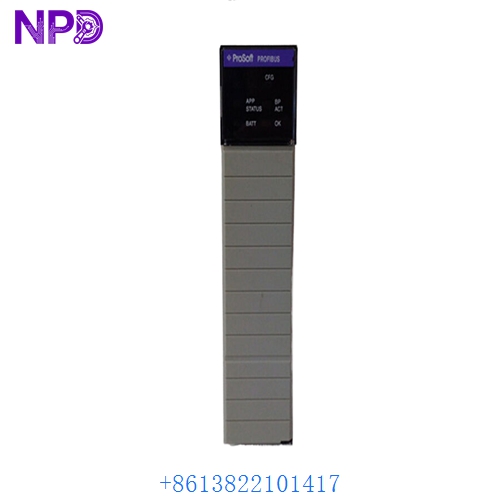
- Model: ProSoft Technology MVI56-MNETR
- Series: In-Rack Communication Solutions for Rockwell Automation
- Core Function: Provides high-performance Modbus TCP/IP (client/server) communication for the ControlLogix platform, acting as a gateway between the backplane and external Ethernet devices.
- Type: In-Rack Communication Module
- Key Specs: 10/100 Mbps Ethernet port | Supports multiple client/server connections | Data transfer via backplane (no ladder logic required for data movement)
- Backplane Interface: ControlLogix (1756) I/O module footprint.
- Communication: Modbus TCP/IP (Client and Server functionality).
- Ethernet Port: 10/100 Mbps, RJ45 connector, auto-crossover cable detection.
- Connections: Supports up to 10 clients and 10 servers simultaneously.
- Data Capacity: 5,000 words of data transfer (read and write).
- Diagnostic Features: Front-panel LED display for status/error codes, and web-based diagnostics.
- Operating Temperature: 0 °C to 60 °C (32 °F to 140 °F).
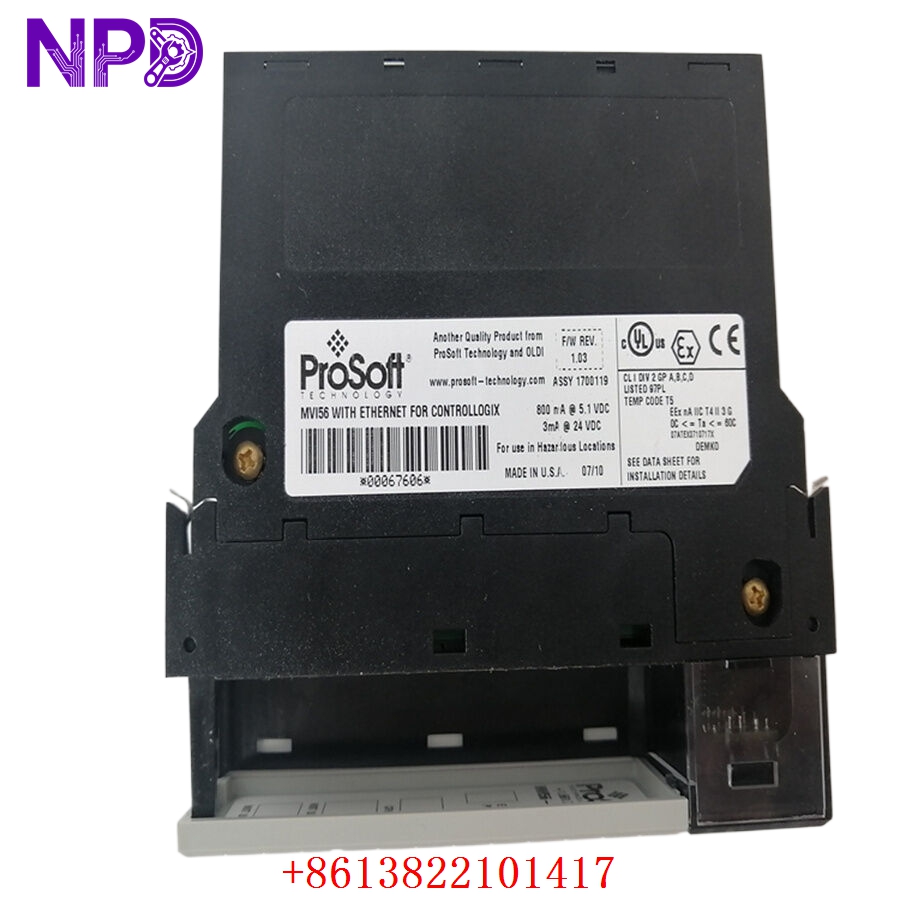
PROSOFT MVI56-MNETR
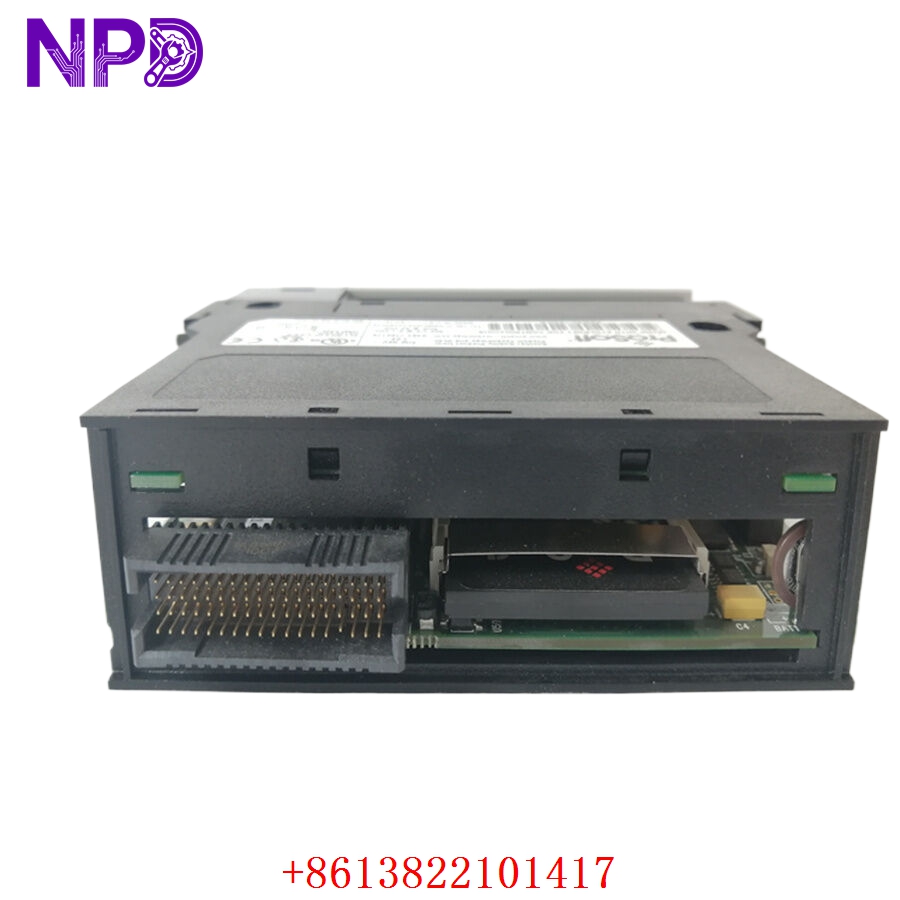
PROSOFT MVI56-MNETR
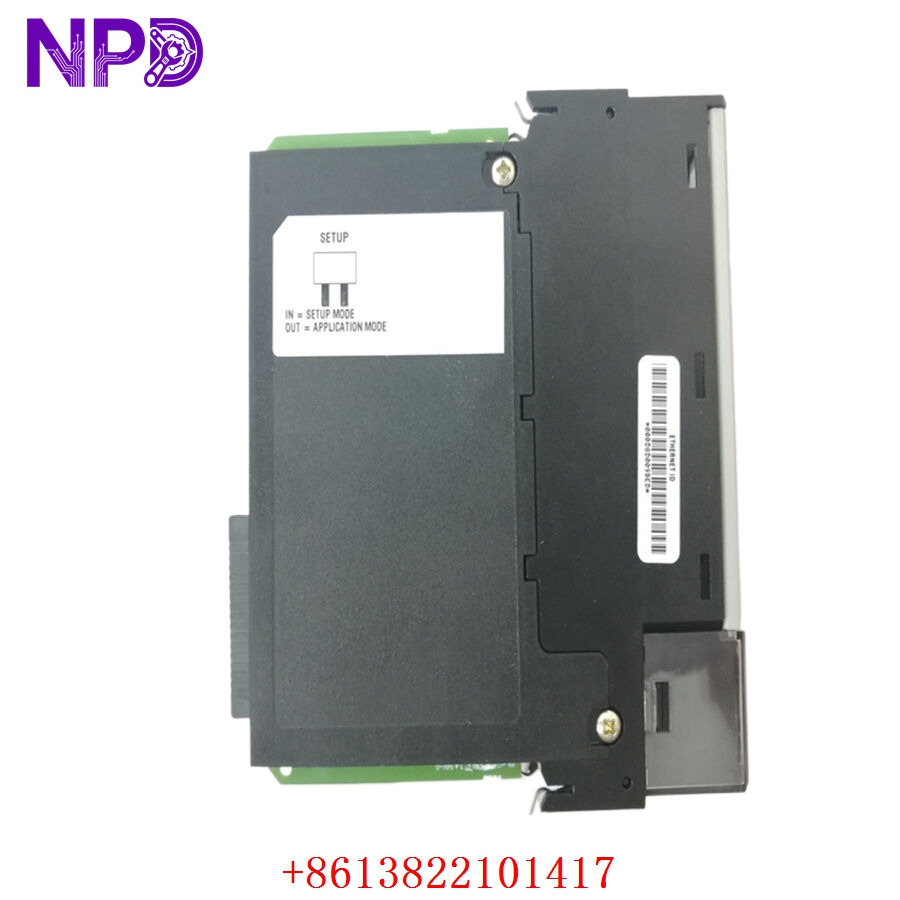
PROSOFT MVI56-MNETR
Part 4: Installation & Configuration Guide
Phase 1: Physical Installation (Estimated Time: 15 minutes)
- Safety: Ensure the ControlLogix rack power is off.
- Mounting: Insert the MVI56-MNETR into any available slot in the ControlLogix rack. The module receives power from the rack backplane.
- Cabling: Connect the Ethernet cable to the front port and the chassis to a reliable earth ground.
Phase 2: Configuration (Estimated Time: 30 minutes)
- Software: Download the ProSoft Configuration Builder (PCB) software.
- Project Setup: Create a new project, add the MVI56-MNETR module, and define your IP address, subnet mask, and gateway.
- Modbus Mapping: Define your “Client” commands (if reading from another device) or “Server” configuration (if providing data to a SCADA system).
- Download: Save the configuration file and download it to the module via the Ethernet port.
Phase 3: PLC Integration (Estimated Time: 20 minutes)
- Add Module: Open RSLogix 5000 / Studio 5000 and add the module as a generic Ethernet module or import the Add-On Profile (AOP) if available.
- Tag Setup: Map the backplane data blocks to your controller tags in the PLC.
- Verification: Confirm the module status LED shows steady green, indicating successful communication.
Part 5: Industry Applications
Case 1: SCADA Integration
A manufacturing plant needed to pull data from a legacy Modbus TCP power meter into their newer Rockwell ControlLogix PLC. The MVI56-MNETR acted as a high-speed gateway, allowing the PLC to read the power consumption values without taxing the main processor with complex TCP/IP stack management.
Case 2: Multi-Device Control
In a chemical processing plant, the MVI56-MNETR was used to manage communication with various third-party variable frequency drives (VFDs). The module’s ability to handle up to 10 clients simultaneously allowed for the consolidation of multiple data streams into a single ControlLogix rack slot.
Part 6: Frequently Asked Questions (FAQ)
Q1: What is the main difference between MNET and MNETR?
A: The MNETR is an “Enhanced” module. It features faster data throughput, more advanced diagnostic capabilities, and improved memory handling compared to the original MNET model. It is generally the preferred choice for new installations.
Q2: Do I need ladder logic to transfer data?
A: No. The MVI56-MNETR is designed to automatically move data between the Modbus TCP/IP network and the ControlLogix backplane registers without requiring complex ladder logic programming for data moves.
Q3: How do I troubleshoot communication failures?
A: Check the front panel LED screen on the module. It displays specific error codes (e.g., error codes for connection timeouts or invalid Modbus packets). You can also use the web-based diagnostic interface by typing the module’s IP address into a standard web browser.