Description
The ProSoft MVI94-GSC is a high-performance, single-slot Generic Serial Communication Module designed specifically for the Rockwell Automation CompactLogix and MicroLogix 1500 platforms. Acting as an intelligent gateway, this module provides two independent serial ports capable of supporting a wide range of custom serial protocols. By handling the complex serial communication overhead independently, the MVI94-GSC allows the PLC processor to focus on core control logic. It is an ideal solution for integrating legacy serial devices—such as barcode scanners, weigh scales, printers, or proprietary data collection hardware—into modern Ethernet-based control systems.
Product Specifications
- Model Number: MVI94-GSC
- Manufacturer: ProSoft Technology
- Platform Compatibility: Rockwell Automation CompactLogix / MicroLogix 1500
- Function: Generic ASCII/Serial Communication Interface
- Dimensions: 105 mm x 50 mm x 115 mm (Compact I/O form factor)
- Weight: 0.35 kg (0.77 lbs)
- Country of Origin: United States (USA)
- Ports: 2 independent serial ports (configurable as RS-232, RS-422, or RS-485)
- Baud Rates: 110 to 115,200 baud
- Protocol Support: User-configurable Generic ASCII and custom serial strings
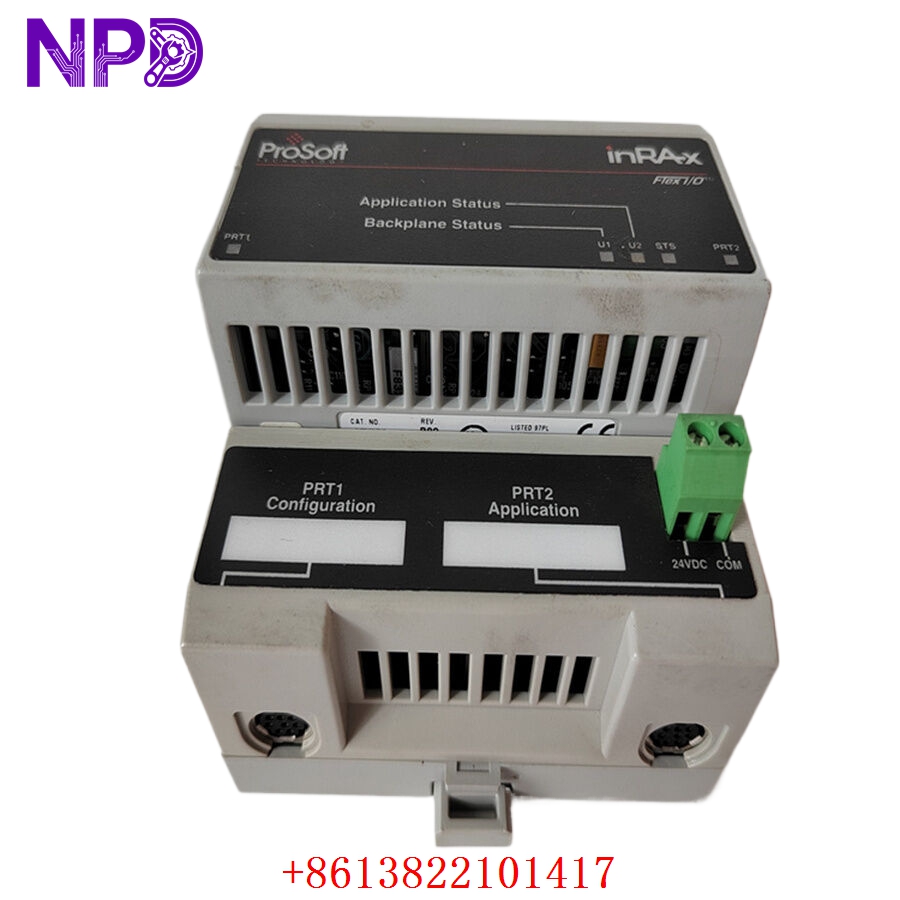
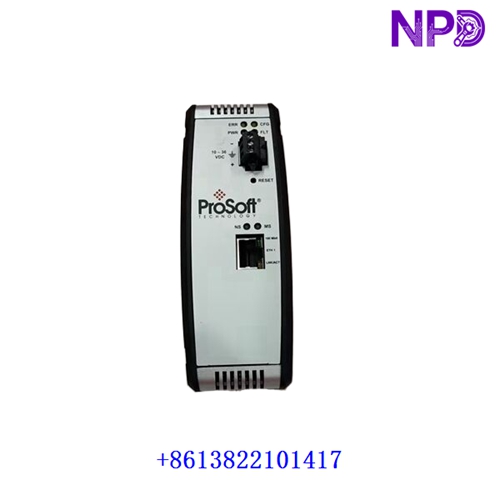
PROSOFT MVI94-GSC
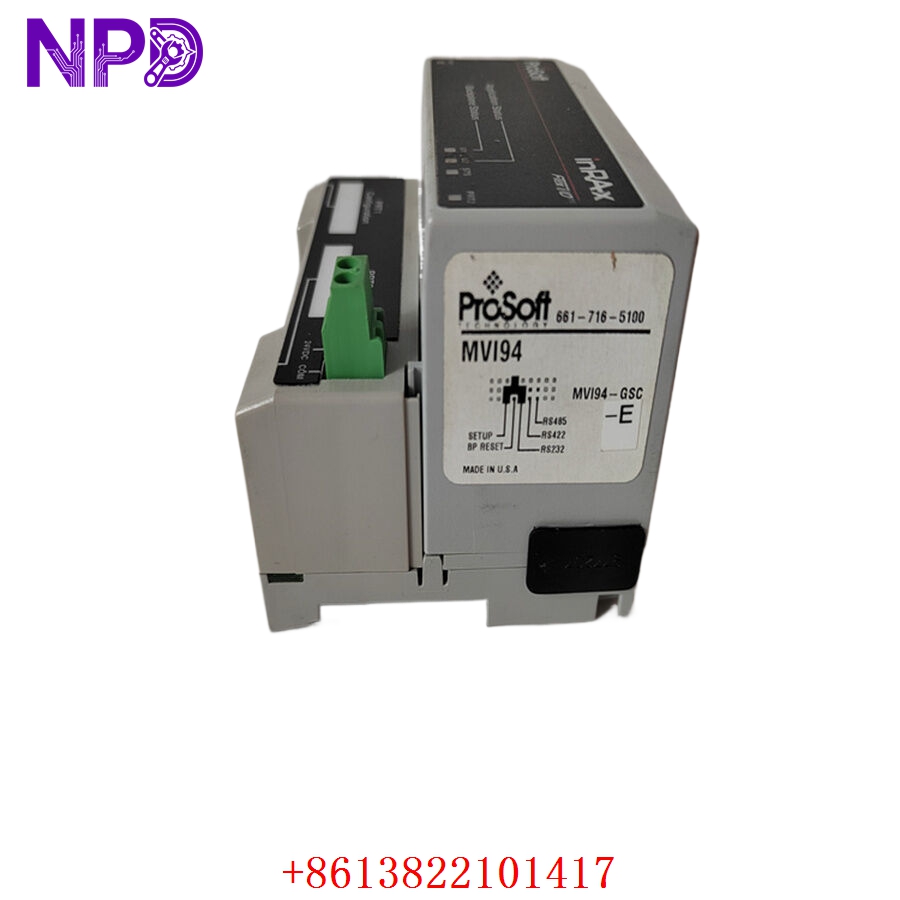
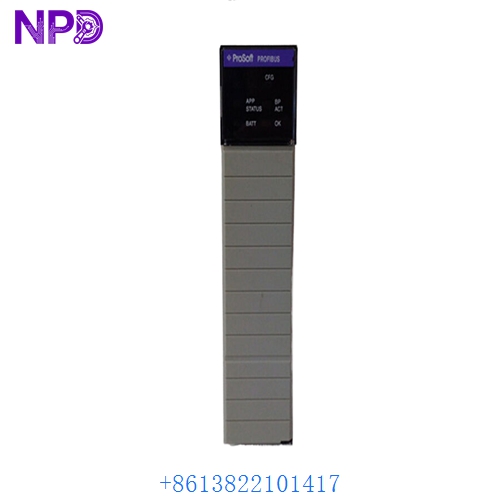
PROSOFT MVI94-GSC
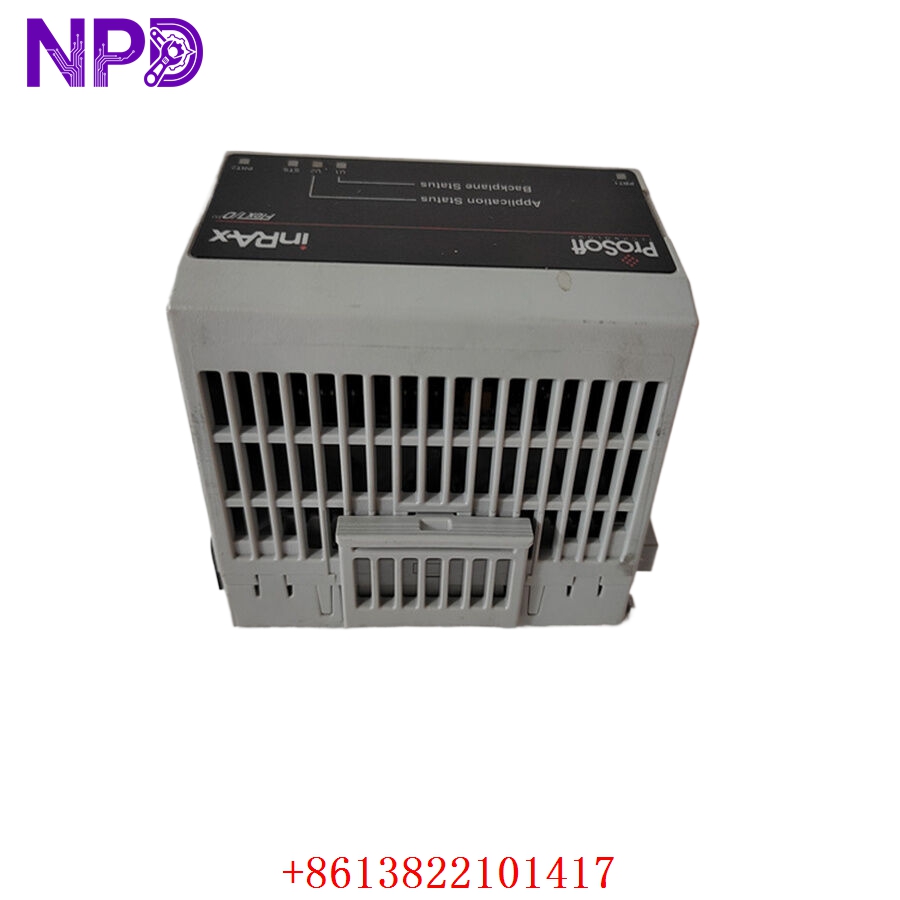
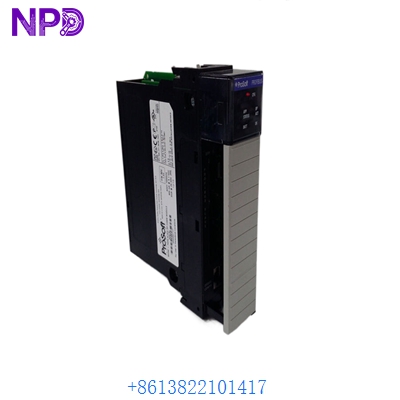
PROSOFT MVI94-GSC
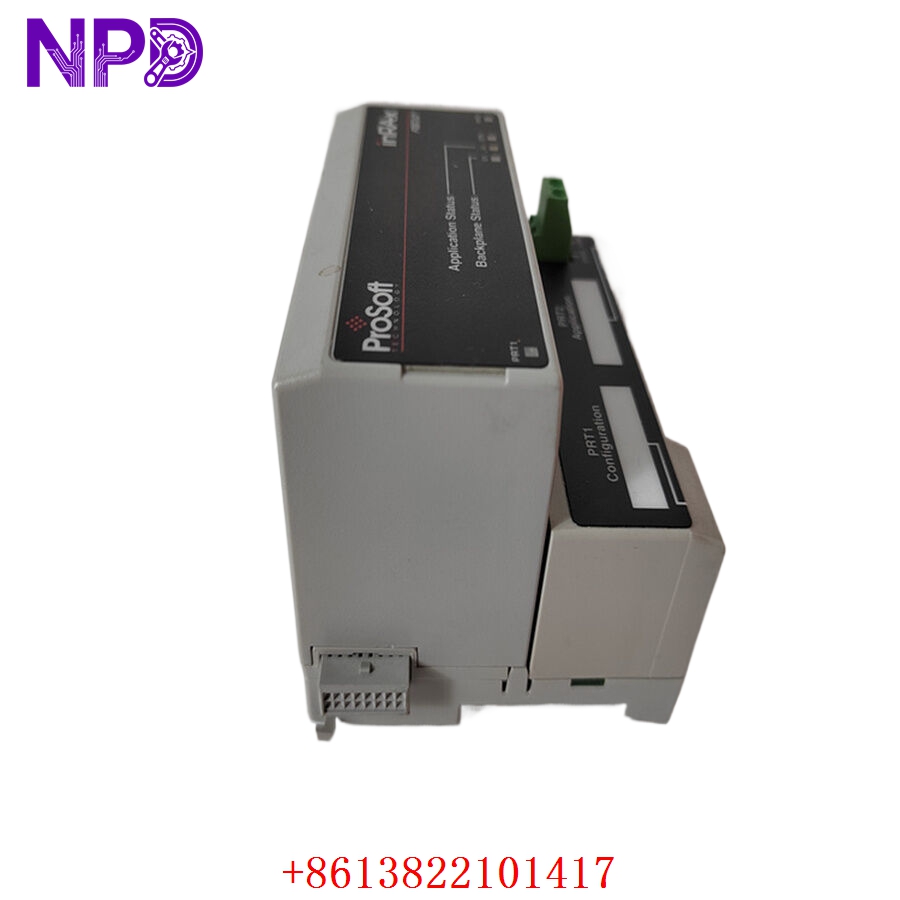
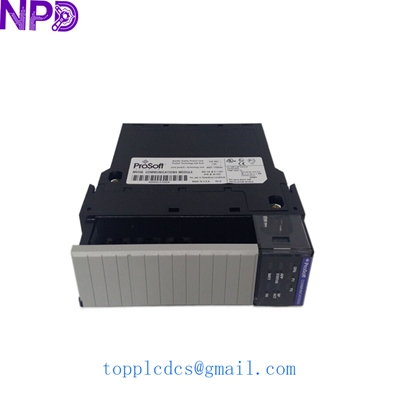
PROSOFT MVI94-GSC
Applications
- Barcode Scanning: Integrates handheld or fixed-position barcode readers directly into PLC logic for inventory and material tracking.
- Weighing and Batching: Captures precise weight data from serial-enabled industrial scales in food, chemical, and pharmaceutical batching processes.
- Legacy System Integration: Bridges modern PLC hardware with older machine controllers, serial printers, or legacy HMI terminals.
- Data Logging: Sends formatted ASCII strings to external data logging devices or specialized industrial displays for real-time production monitoring.
Product Usage Instructions
- Hardware Installation: Power down the CompactLogix/MicroLogix chassis. Slide the MVI94-GSC module into the required I/O slot until the backplane connectors fully engage. Secure the module using the built-in locking mechanism to ensure a stable electrical connection.
- Wiring Configurations: Connect your serial cables to the DB-9 male connectors on the front of the module. Ensure you have the correct pinouts for your specific communication standard (RS-232, RS-422, or RS-485) as detailed in the technical manual.
- Software Configuration: Open the ProSoft Configuration Builder (PCB) software. Create a new project for the MVI94-GSC, configure the serial port parameters (baud rate, parity, data bits, stop bits), and define the transmission/reception buffers for your custom ASCII strings.
- Data Mapping: Download the configuration file to the module. Use the PLC programming environment (e.g., Studio 5000) to map the module’s I/O data to your Controller Tags, enabling the PLC to read received serial data or send strings out through the serial ports.
Frequently Asked Questions (Q&A)
- Q: Can the MVI94-GSC support two different protocols at the same time? A: Yes. Because each serial port on the MVI94-GSC is configured independently, you can have Port 1 communicating via RS-232 with a printer while Port 2 communicates via RS-485 with a barcode scanner simultaneously.
- Q: Does this module require special PLC ladder logic to function? A: While the module handles the heavy lifting of the serial protocol, you will need to implement basic ladder logic in your PLC to initiate data transmission and to parse or process the received serial data buffers stored in the module’s memory.
- Q: What is the benefit of the “Generic” nature of this module? A: Unlike protocol-specific modules (like Modbus or EtherNet/IP), the “Generic” designation means the MVI94-GSC does not force a specific protocol structure. It allows you to create custom-tailored string commands that match the specific requirements of almost any serial device.
- Q: How do I troubleshoot communication errors with this module? A: ProSoft provides a built-in diagnostic port and status registers. You can use the serial diagnostic port to monitor the raw data traffic in real-time or check the PLC controller tags for status bits that indicate buffer overflows, parity errors, or framing errors.