Description
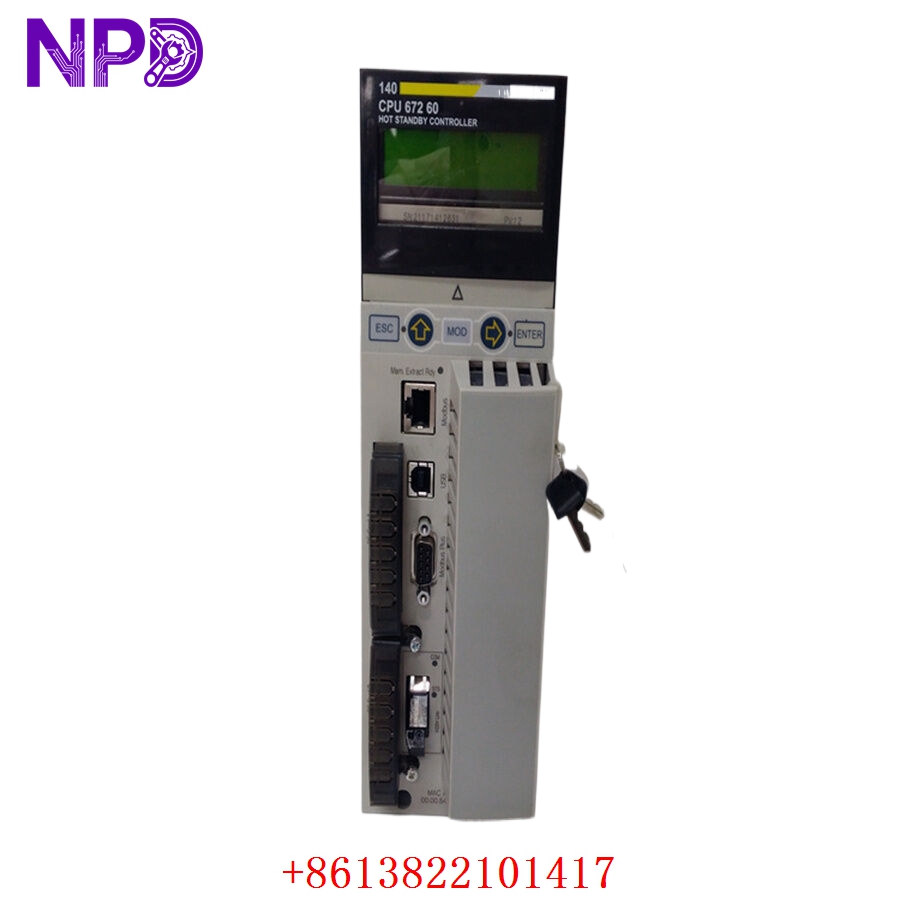
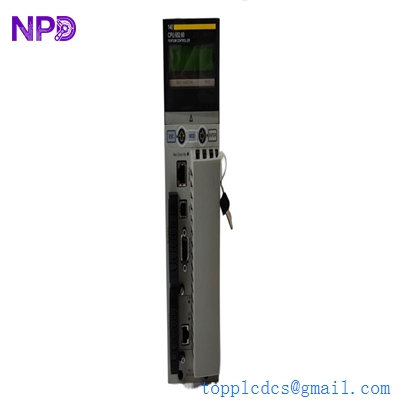
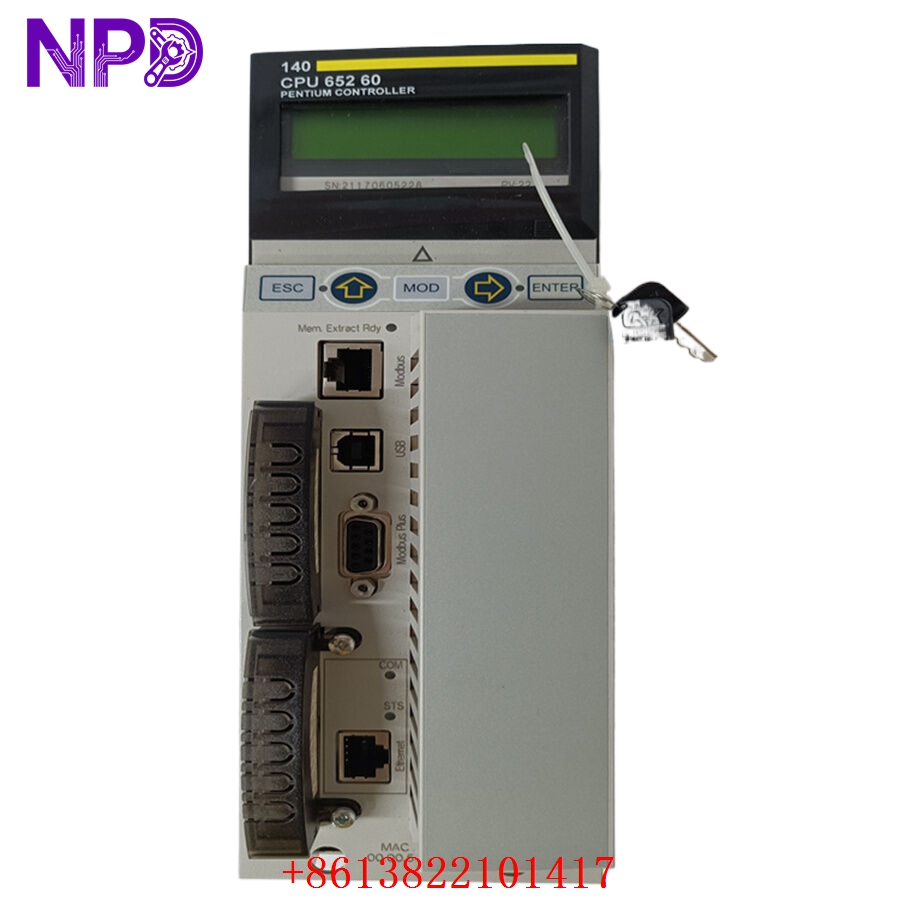
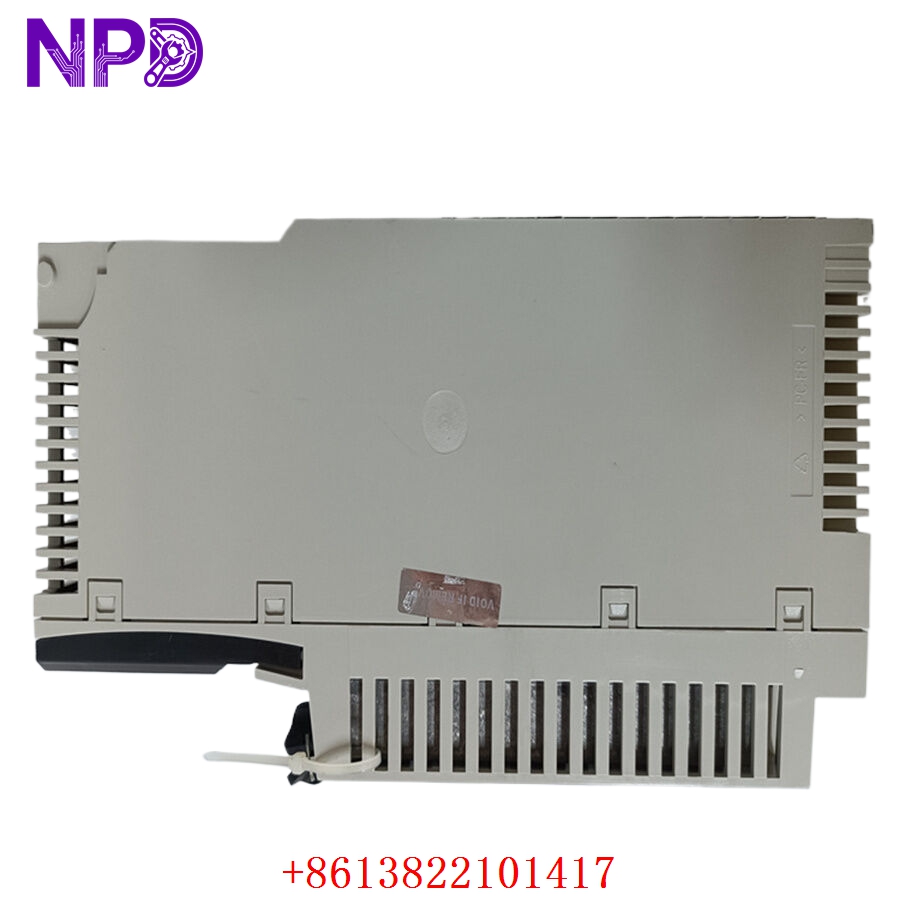
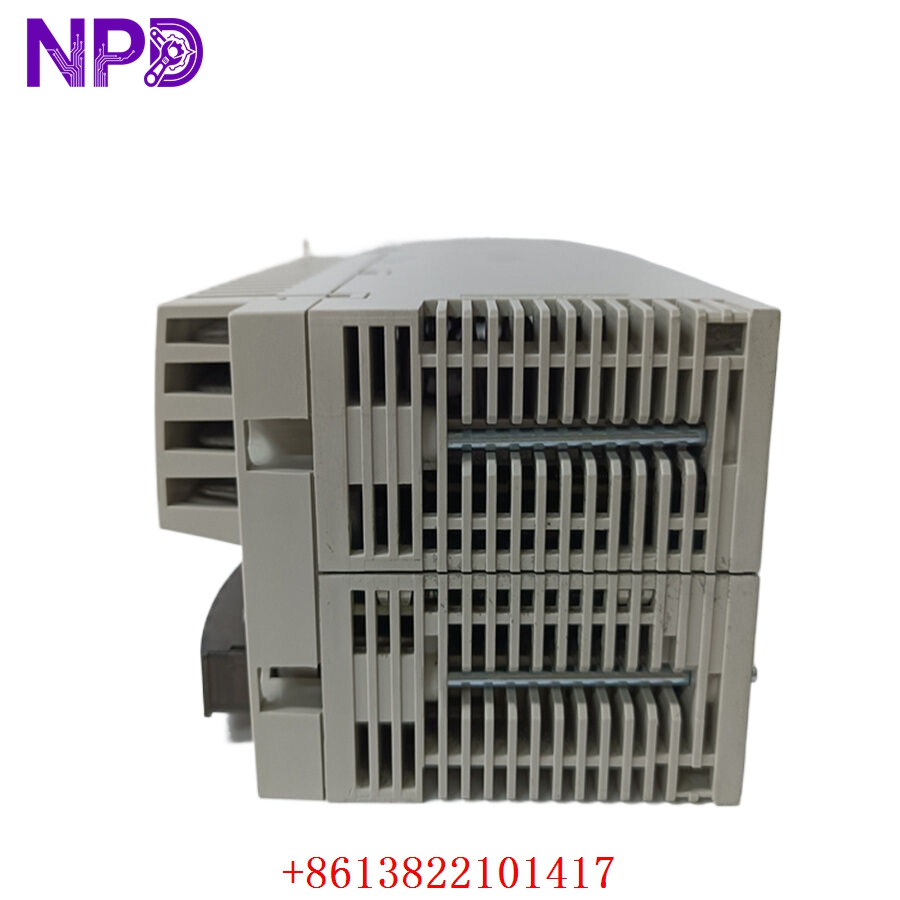
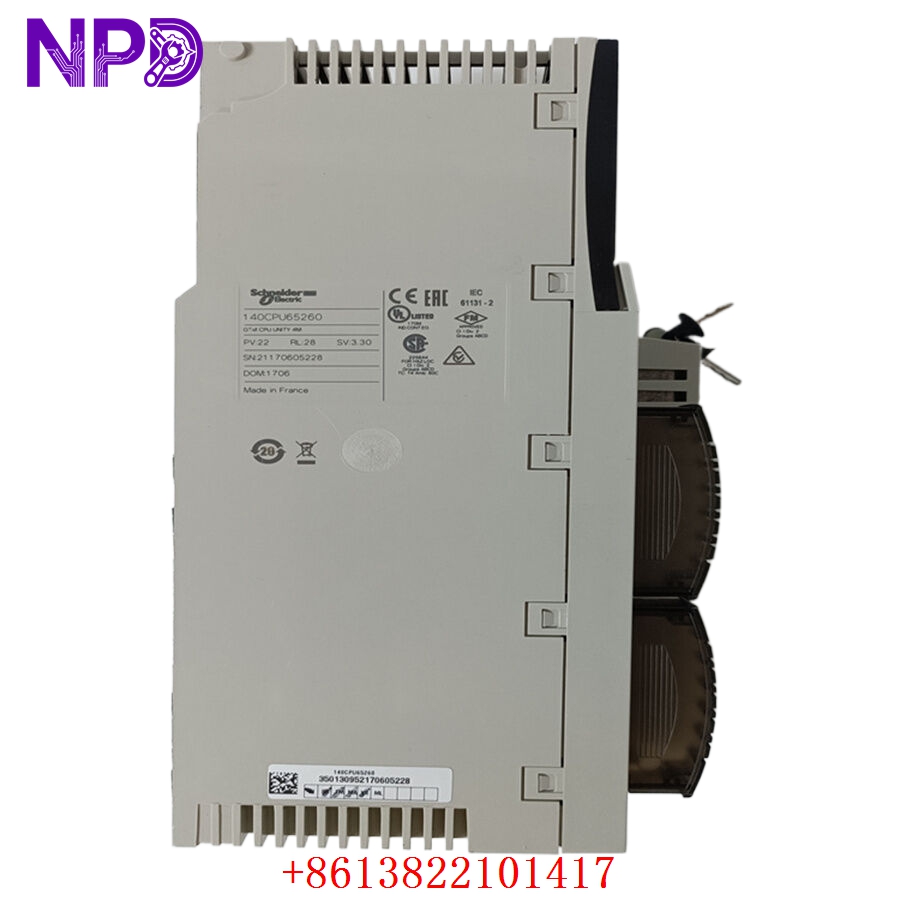
- 🔢 Model: 140CPU65260
- 🏢 Brand: Schneider Electric (Modicon)
- ⛓️ Series: Modicon Quantum Automation Series
- 💡 Core Function: High-performance processor for complex process control applications
- 🛠️ Type: CPU (Central Processing Unit)
- ⚡ Key Specs: 266 MHz clock speed, 3072 kB memory, Integrated Ethernet/Modbus Plus
Key Technical Specifications
- 🧠 Memory Capacity: 3072 kB
- ⏱️ Processor Speed: 266 MHz
- 🌐 Communication Ports: 1x Ethernet (RJ45), 1x Modbus Plus, 1x Modbus Serial
- 🔋 Input Voltage: 5 V DC (Backplane supplied)
- 🌡️ Operating Temp: 0°C to 60°C
- 🔩 Mounting Type: Quantum Backplane
- 🛡️ Protection Rating: IP20
- 💡 Status Indicators: RUN, READY, BATTERY, I/O, COMM LEDs
- 🛠️ Configuration: Unity Pro software compatible
Installation & Configuration Guide
Phase 1: Preparation (15 mins)
⚠️ Safety First:
- Backup your current application file using Unity Pro via the Ethernet port.
- Ensure the rack is powered down before removing the CPU.
- 🧤 Utilize an ESD-safe workspace to prevent static damage to the internal logic components.
Phase 2: Removal & Installation (20 mins)
- 📸 Record Settings: Take clear photos of the rotary switches on the CPU front panel and any cable positions.
- 🔩 Detachment: Open the locking levers at the top and bottom of the module. Pull the unit straight out to avoid bending the backplane pins.
- 📥 Insertion: Align the module with the guide rails. Slide it into the backplane until the connectors seat firmly. Secure by closing the locking levers.
- 🔌 Cable Setup: Re-attach the RJ45 Ethernet and Modbus cables according to your pre-removal documentation.
Phase 3: Testing & Commissioning (10 mins)
- 🟢 Power-Up: Observe the LEDs. The RUN light should transition from flashing to solid.
- 💻 Unity Pro Sync: Connect your programming laptop to the Ethernet port. Ensure the IP address matches your system architecture.
- 📥 Program Download: If the unit is a fresh replacement, download your archived application.
- 🔄 I/O Check: Verify all remote I/O drops are communicating correctly by checking the I/O LED status on the CPU.
Customer Cases & Industry Applications
Case: Power Generation Grid Controller Replacement
- Situation: A regional power utility company was running a legacy Quantum system controlling turbine cooling sequences.
- Task: The primary 140CPU65260 experienced a hardware failure due to a localized surge, risking a major grid instability.
- Action: They reached out to our inventory. We verified the firmware compatibility with their existing I/O cards, performed a 48-hour burn-in test, and overnighted the unit.
- Result: The engineering team swapped the CPU during a maintenance window. The system resumed full operation within 6 hours, preventing a forced plant shutdown. The customer immediately ordered two more units as “insurance” for their critical infrastructure.
Frequently Asked Questions (FAQ)
Q: Can I use this CPU for hot-standby redundancy? A: Yes, the 140CPU65260 supports the Unity Hot Standby configuration. However, ensure the firmware versions of both the primary and standby CPUs match exactly to avoid synchronization errors.
Q: Is this module truly new? A: We provide New Surplus units. These are genuine Schneider factory parts. We avoid “refurbished” items because the risk of latent hardware failure in mission-critical CPUs is too high. You will receive a unit with original seal/labels, fully tested for logic and communication integrity.
Q: My current project uses Unity Pro. Is this CPU compatible? A: Yes, the 140CPU65260 is specifically designed for the Unity platform. If you are migrating from an older Modsoft or Concept system, you will need to perform a project conversion using Unity Pro, which this CPU handles natively.
Q: What should I do if the “BATTERY” LED turns on? A: The battery is used to maintain the RAM during power-off periods. If the LED is lit, replace the battery immediately (Model: 140BAT). The system will continue to run, but you risk losing your program if the power is cut before the battery is replaced.