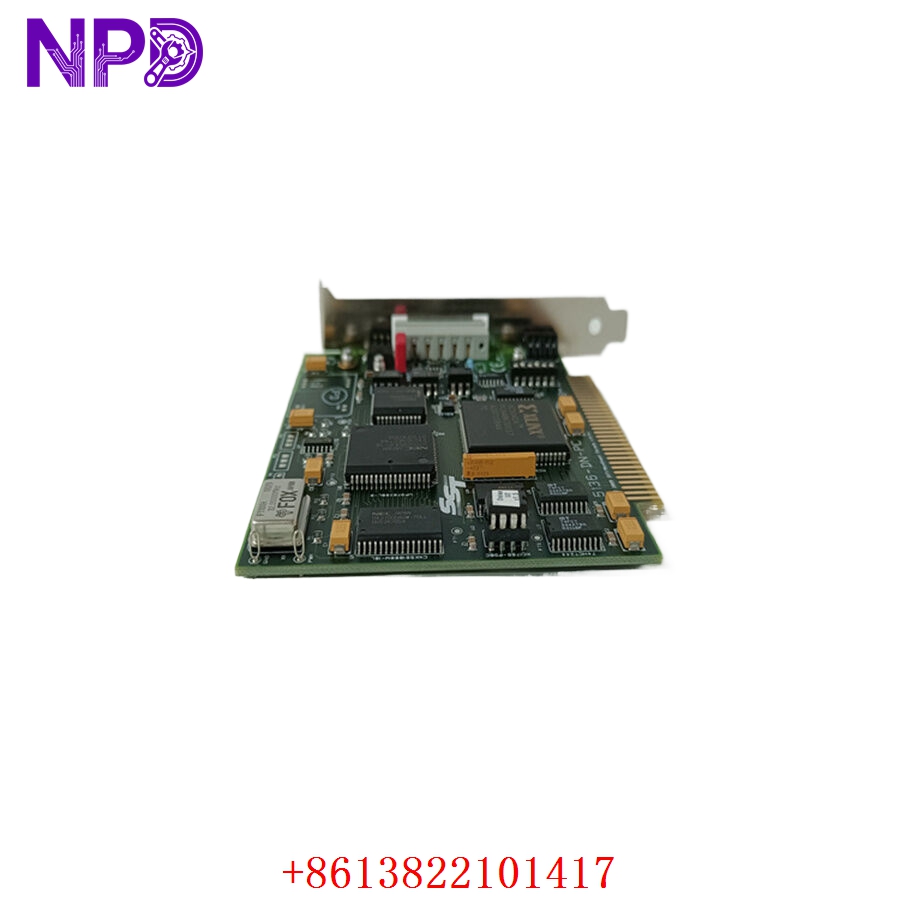

Description
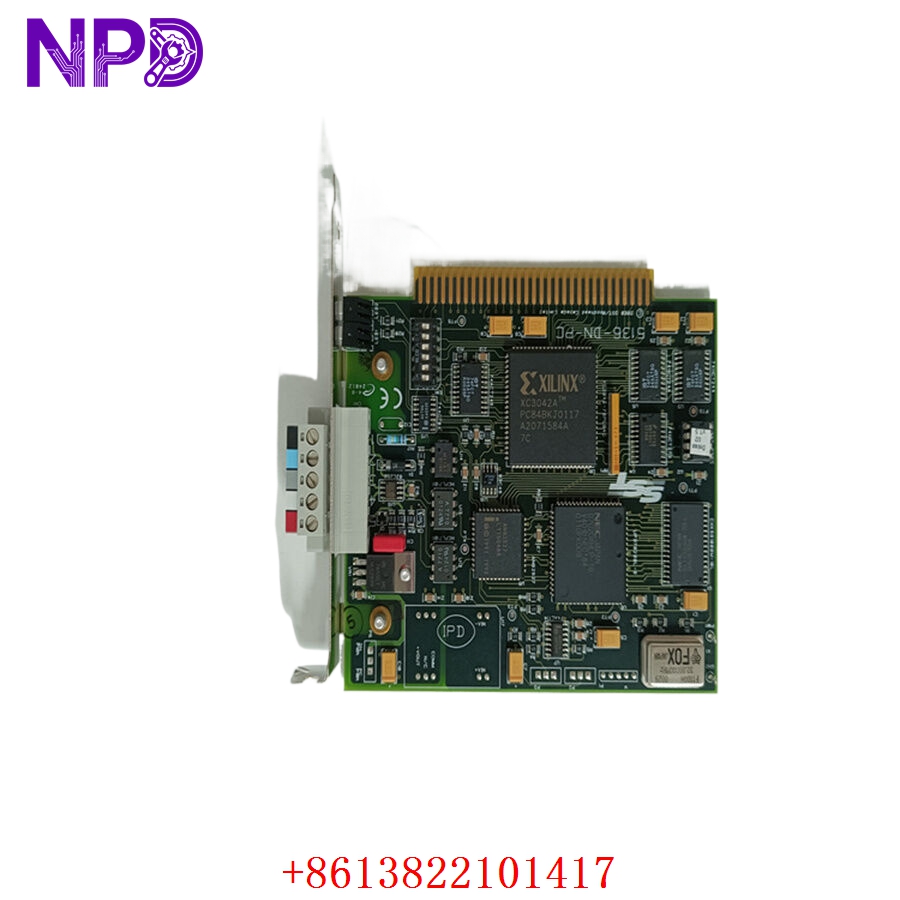
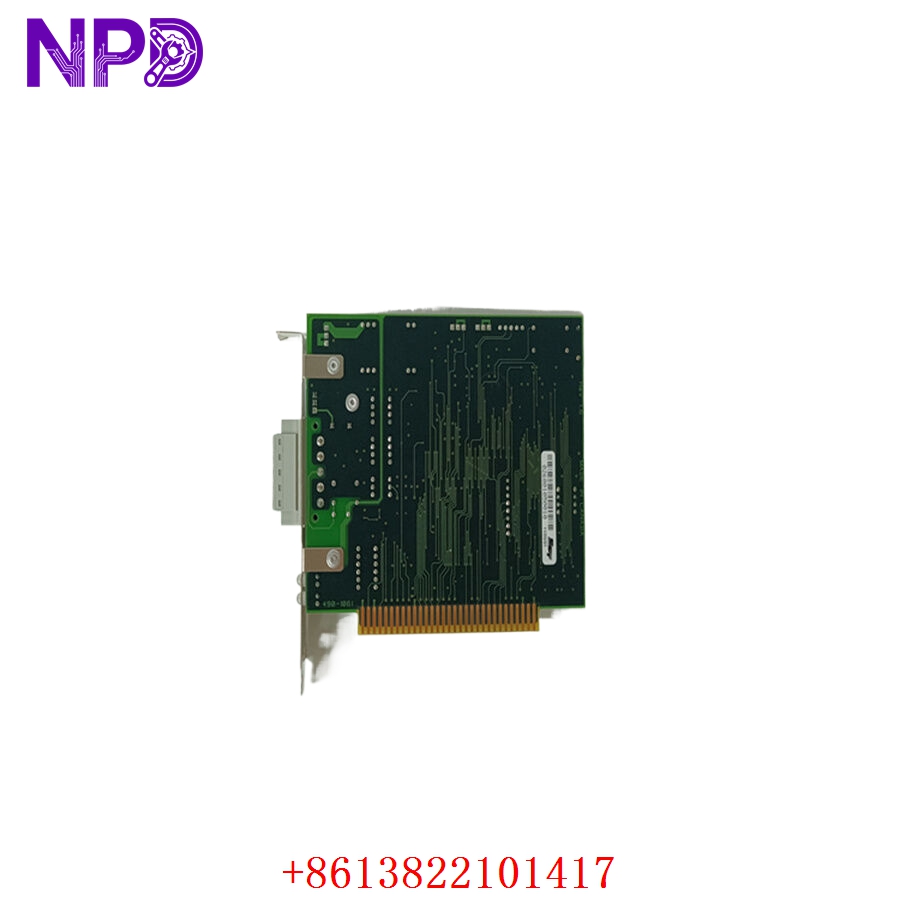
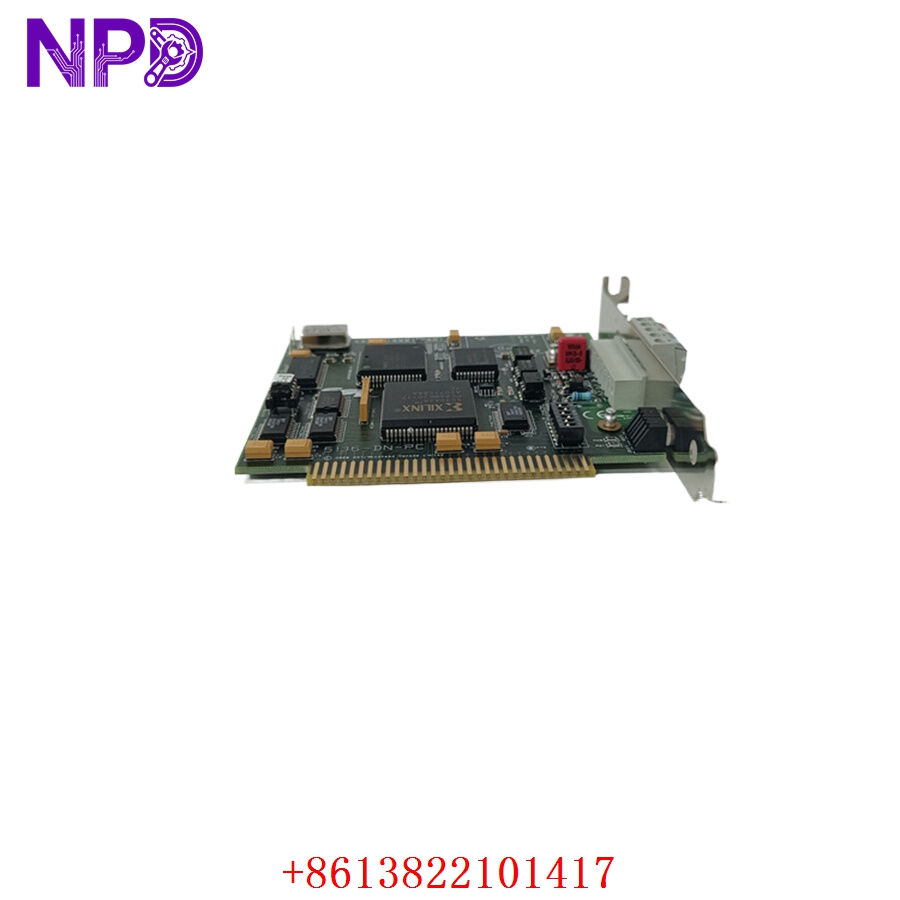
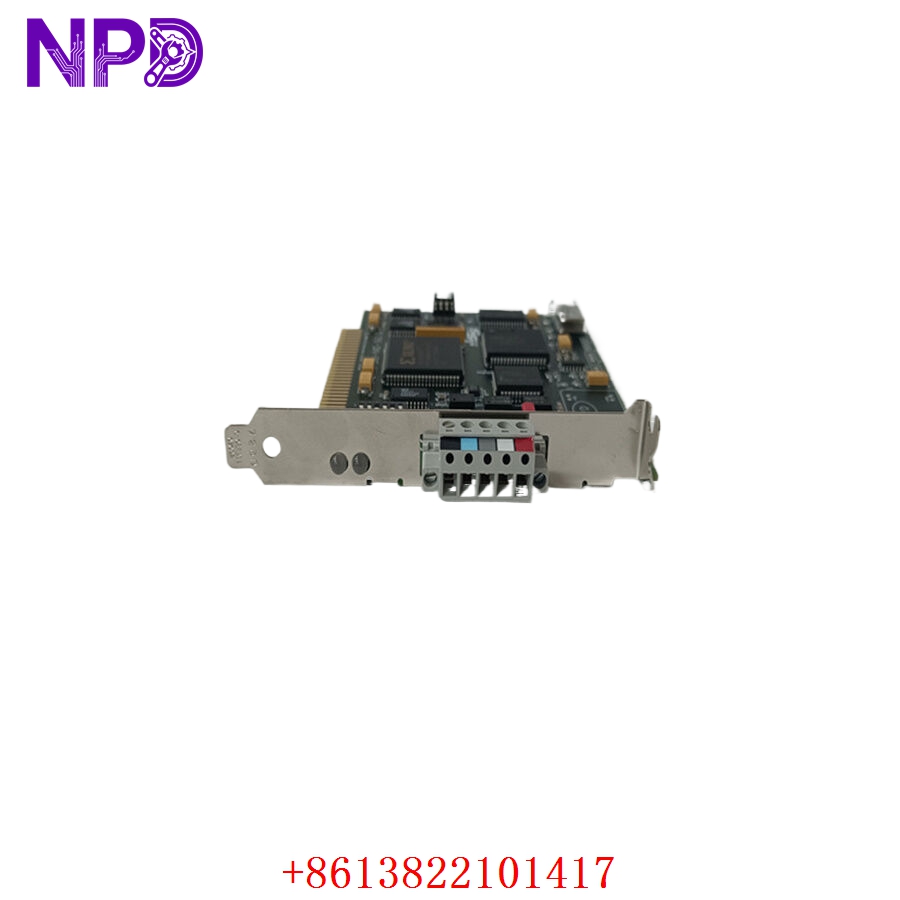
The SST-5136-DN-PC is a high-performance DeviceNet interface card designed to connect PCI-bus compatible computers directly to DeviceNet networks. It acts as a powerful co-processor, handling real-time industrial communication tasks and offloading critical network management from the host PC. This interface card is widely recognized for its reliability in high-speed data transmission, seamless system integration, and robust diagnostic capabilities, making it an ideal choice for demanding factory automation and process control environments.
Product Specifications
- Model Number: SST-5136-DN-PC
- Dimensions: 168 mm x 107 mm (Standard PCI short card dimensions)
- Weight: 0.15 kg (Approx. 0.33 lbs)
- Country of Origin: Canada / USA
- Interface Type: PCI Bus (32-bit)
- Network Protocol: DeviceNet (Master/Scanner and Slave modes)
- Baud Rates: 125 Kbps, 250 Kbps, 500 Kbps
- Isolation: 500V DC optical isolation from the DeviceNet network
Applications
- Factory Automation: Connecting host computers to industrial machinery, assembly lines, and conveyor systems.
- SCADA and HMI Systems: Serving as the hardware gateway for Supervisory Control and Data Acquisition software to monitor real-time plant data.
- Robotics Integration: Linking robotic controllers with master PLC systems over DeviceNet networks.
- Process Control: Managing field devices such as sensors, actuators, motor drives, and I/O blocks in manufacturing plants.
Product Usage Instructions
- Hardware Installation: Ensure the host PC is powered off and unplugged. Insert the SST-5136-DN-PC card firmly into an available PCI slot and secure it with the bracket screw. Connect the 5-pin DeviceNet network connector to the card’s port.
- Driver Configuration: Power on the PC and install the dedicated SST configuration software and drivers. Assign the appropriate resources (I/O address and interrupts) if required by your operating system.
- Network Setup: Use the software utility to set the Mac ID (Node Address) and the correct baud rate corresponding to your existing DeviceNet network.
- Operation & Monitoring: Start your industrial control application. Monitor the onboard LED indicators (Module Status and Network Status) to verify successful communication and initialization.
Frequently Asked Questions (Q&A)
- Q: What do the LED indicators on the bracket mean? A: The card features Module Status (MS) and Network Status (NS) LEDs. A solid green light typically indicates normal operation and active communication, while flashing or red lights signal configuration errors, duplicate Mac IDs, or physical network disconnects.
- Q: Does the SST-5136-DN-PC support both Master and Slave modes simultaneously? A: Yes, the card can look like a Master to some devices on the network while simultaneously acting as a Slave to another master controller, depending on how it is configured in the software.
- Q: Is external power required for the DeviceNet side of the card? A: Yes, the DeviceNet network itself must provide the standard 24V DC power to the network connector to power the transceiver and optical isolation circuits.
- Q: Can I use this card in a standard PCI Express (PCIe) slot? A: No, this is a legacy 32-bit PCI card and is only compatible with standard PCI slots. It will not physically fit or function in a PCI Express slot.