Description
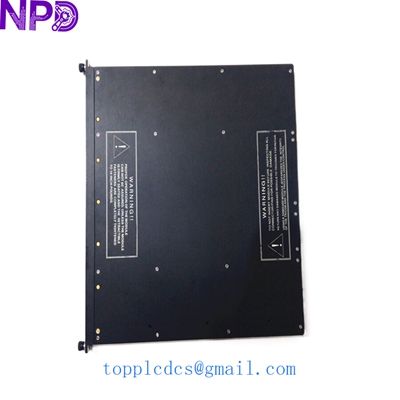
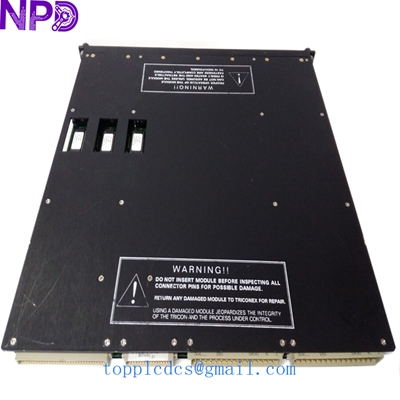
- 🔢 Model: 8312
- 🏢 Brand: Triconex (Schneider Electric/Invensys)
- ⛓️ Series: Tricon Safety Instrumented System (SIS)
- 💡 Core Function: High-density digital input acquisition for safety-critical applications
- 🛠️ Type: Digital Input Module (DI)
- ⚡ Key Specs: 32-point input, 24 V DC, high-reliability safety-rated
- 🔢 Channel Count: 32 digital inputs
- ⚡ Input Voltage: 24 V DC nominal
- 🛡️ Safety Rating: TMR (Triple Modular Redundant) compatible; meets SIL 3 requirements
- 🌡️ Operating Temp: 0°C to 60°C
- 🔩 Mounting Type: Triconex Chassis Mount
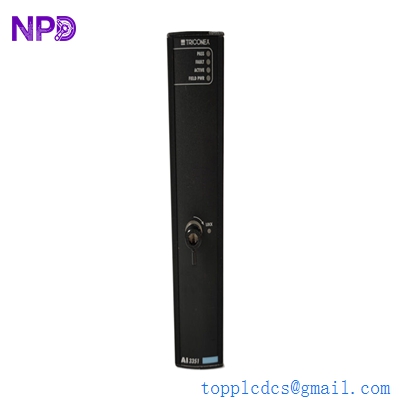
- 💡 Status Indicators: Per-channel input status LEDs
- 🛠️ Diagnostics: On-board diagnostics for fault detection and self-testing
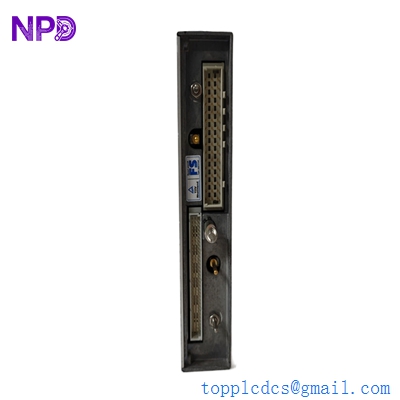
- 🔌 Connection: Interface via standard Triconex field terminal assemblies (FTAs)
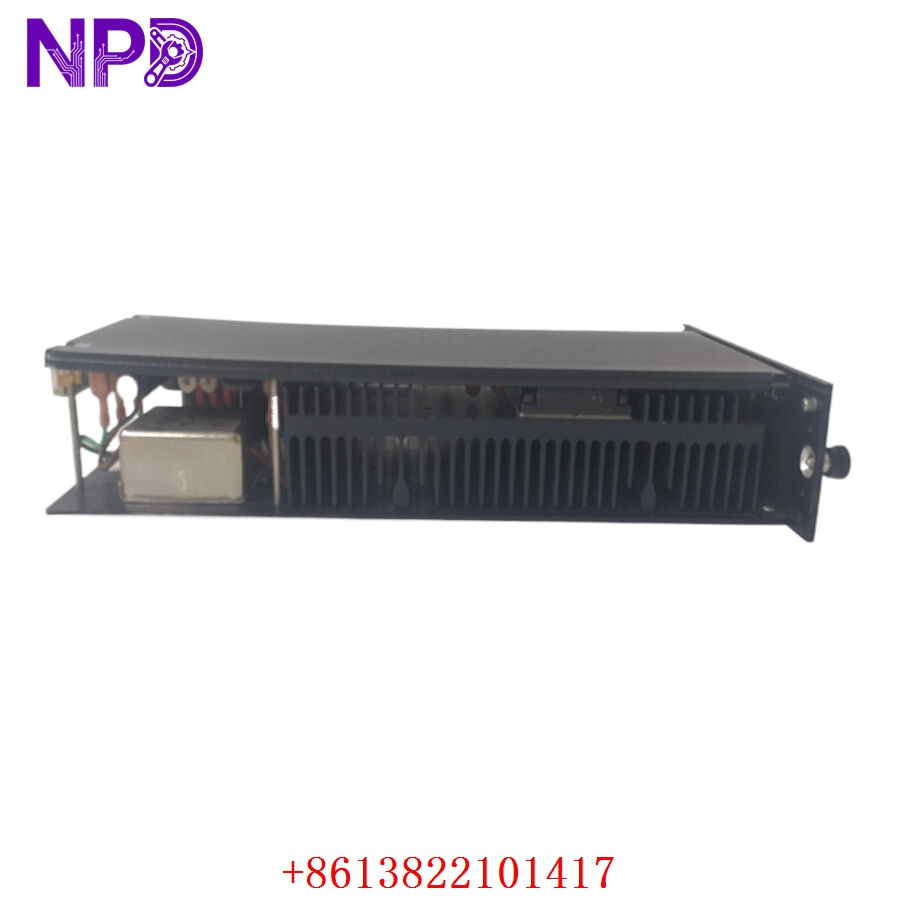
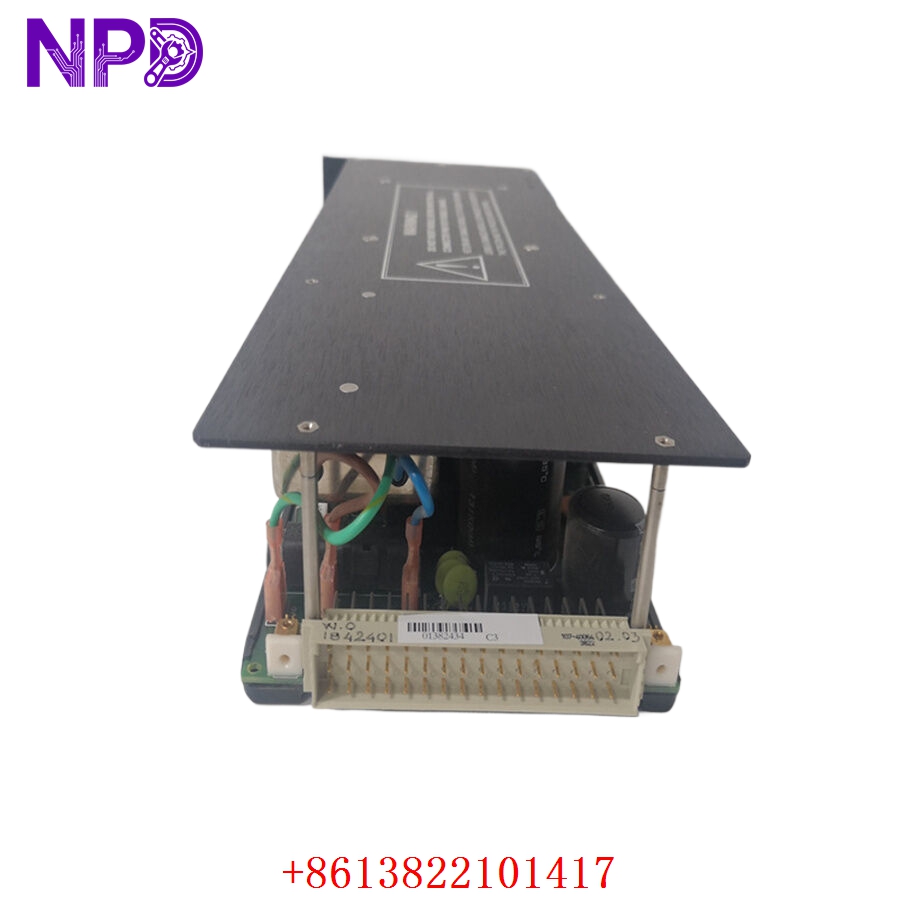
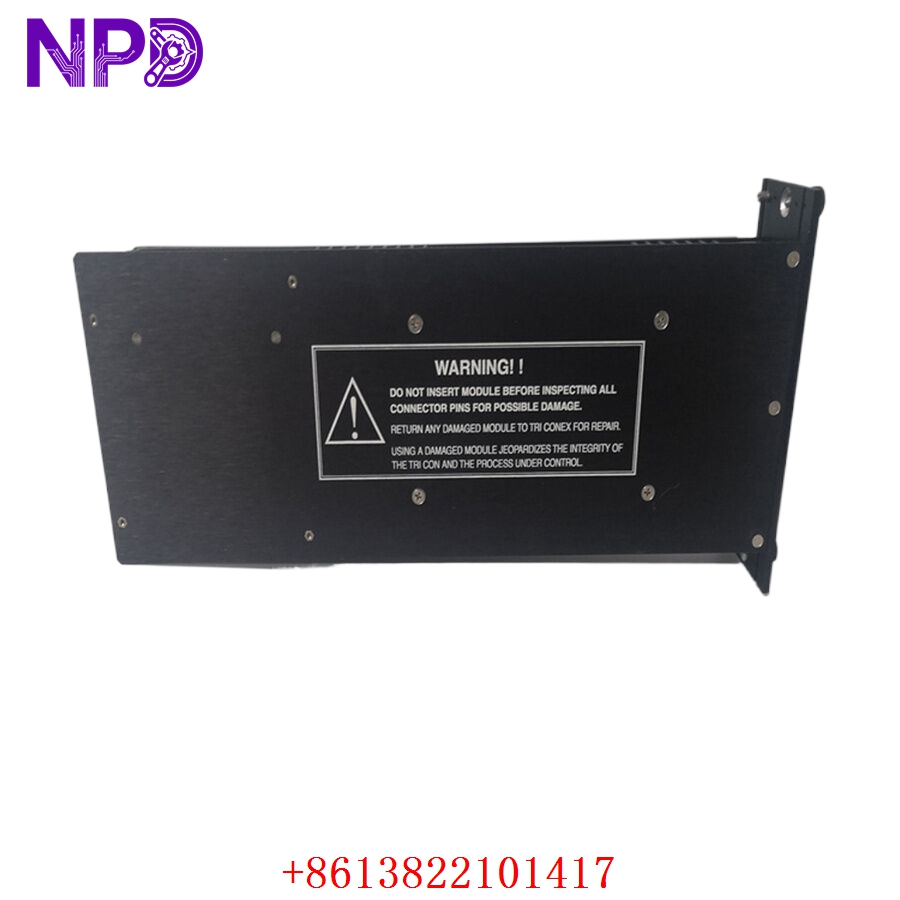
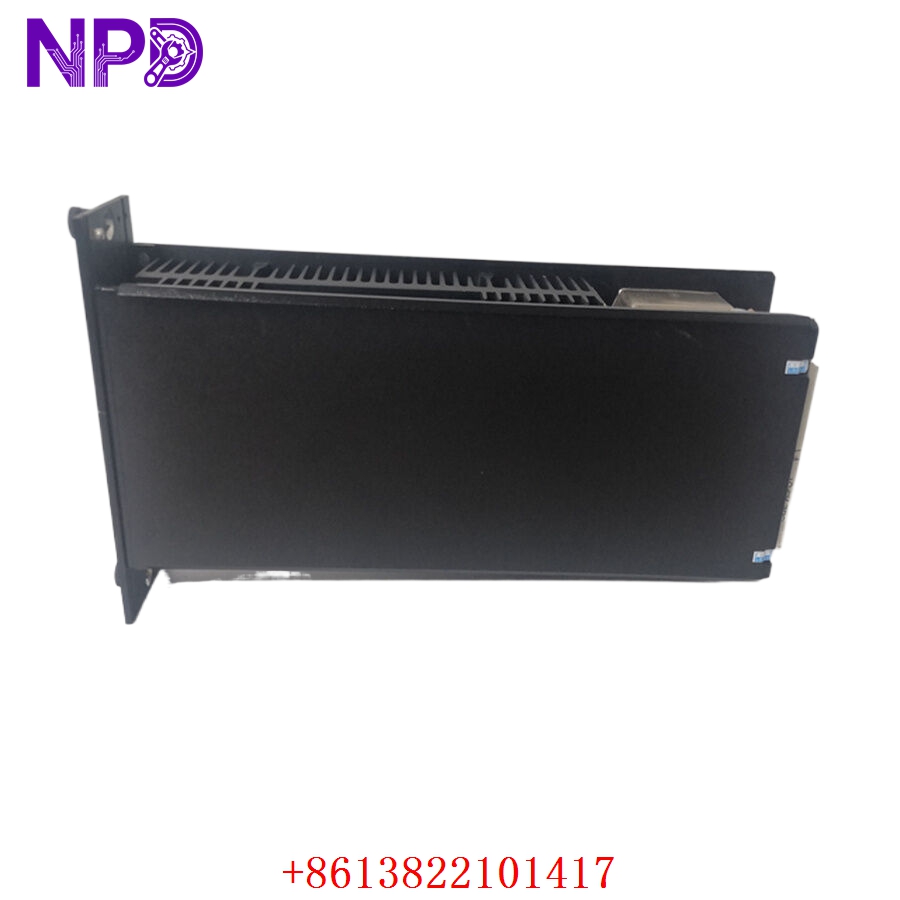
Installation & Configuration Guide
Phase 1: Preparation (20 mins)
⚠️ Safety First:
- Critical Warning: As this is part of a Safety Instrumented System (SIS), ensure that bypass procedures are followed according to your site’s safety protocol before initiating any work on the Tricon rack.
- 🧤 Use a static-dissipative wrist strap. Triconex modules are highly sensitive to ESD.
- Verify the field voltage levels match the module’s rated input range (24 V DC).
Phase 2: Removal & Installation (20 mins)
- 📸 Record Settings: Document the current module slot address (e.g., Slot 1-16) and field wiring.
- 🔩 Detachment: Unlock the module by pressing the release latches on the top and bottom. Pull the module straight out.
- 📥 Insertion: Align the module with the chassis guides. Push firmly until the backplane connectors seat completely. Latch the module in place.
- 🔌 Wiring: Ensure the Field Terminal Assembly (FTA) cable is properly connected. Verify no loose connections, as signal intermittent noise can cause “Bad Quality” flags in the safety system.
Phase 3: Testing & Commissioning (30 mins)
- 🟢 Power-Up: The module will perform an automated self-test. The “Ready” LED should turn green.
- 💻 System Sync: Check the Tricon Station (or workstation) diagnostic logs. The module should be reported as “Active” in the TMR triad.
- 🔄 Loop Verification: Toggle field switches to confirm the logic state transitions correctly in the application software.
- 🩺 Fault Detection: Use the diagnostic viewer to ensure the module reports no “point faults” or “communication errors.”
Customer Cases & Industry Applications
Case: Safety Controller Input Restoration
- Situation: A major refinery relied on the Triconex system for emergency shutdown (ESD) logic.
- Task: A channel fault on the 8312 module caused the safety system to register a “bad input” status, which tripped the system to a safe state as designed.
- Action: We provided a New Surplus 8312 module to replace the faulted unit. Prior to shipment, the module was verified for TMR synchronization integrity.
- Result: Following a controlled swap, the input module rejoined the triad without errors. The plant was able to return to full production, maintaining compliance with their safety standards.
Frequently Asked Questions (FAQ)
Q: Is the 8312 compatible with all Tricon systems? A: The 8312 is specifically designed for use in the Tricon (v9.x – v11.x) platforms. Always check your Triconex hardware revision matrix if you are using older firmware versions.
Q: Is the unit new? A: We provide New Surplus modules. These are original Triconex hardware, never used in active production. In safety-critical SIS environments, we highly discourage using repaired or refurbished components due to the risk of degradation in component reliability.
Q: My module shows a “Fault” LED—what now? A: A “Fault” LED indicates that the module has failed its self-test or that it has been “voted out” of the TMR triad. Try re-seating the module. If it continues to report faults, verify that the field wiring is not providing an unexpected voltage back-feed. If the fault persists, the module hardware itself may have failed.
Q: Can I replace this “Hot”? A: The Tricon system is designed for high availability and supports hot-swapping under normal conditions. However, always follow your site’s specific safety policy before pulling a module in an active safety system.