Description
- Model: ABB DT680E (GJR2923100R1)
- Brand: ABB (Asea Brown Boveri)
- Series: Procontic T200 / Advant Controller Series
- Core Function: Bus expansion and remote I/O interface module
- Product Type: Expansion Module (DT680B-E)
- Key Specs: Proprietary ABB Bus protocol LED Status Indicators Backplane Powered
- Module ID: DT680B-E / DT680E
- Part Number: GJR2923100R1
- System Compatibility: ABB Procontic T200 Rack Systems
- Interface: System Bus connection for rack-to-rack communication
- Isolation: Galvanic isolation between internal logic and expansion bus
- Diagnostic Display: Front-panel LEDs for Power, Run, and Error status
- Mounting: Dedicated I/O slot in T200 subrack
- Power Consumption: Approx. 1.5 W from internal 5 V DC backplane
- Connection Type: Multi-pin backplane connector / Front cable header (model dependent)
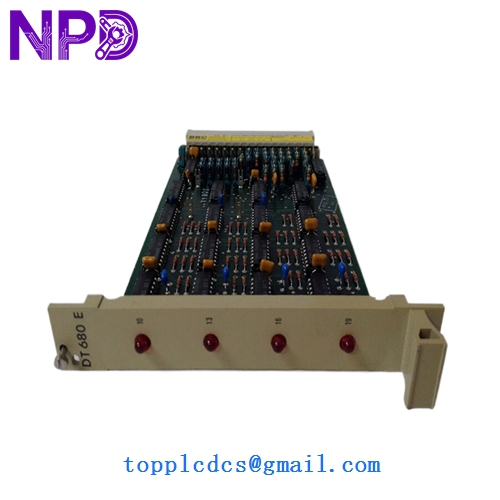
ABB DT680E GJR2923100R1 DT680B-E
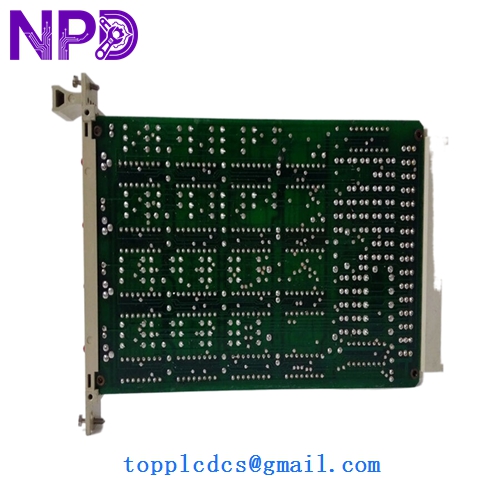
ABB DT680E GJR2923100R1 DT680B-E
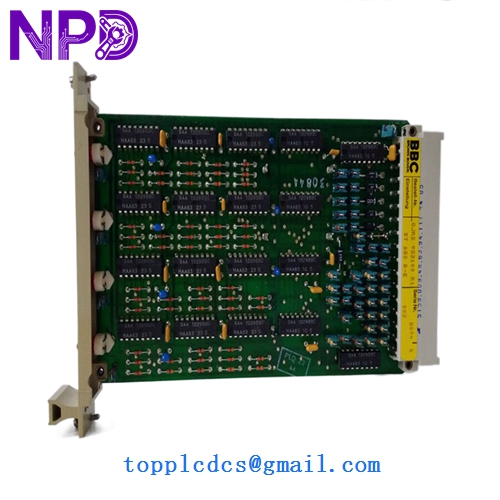
ABB DT680E GJR2923100R1 DT680B-E
Application Scenarios & Pain Points
The DT680E is a cornerstone of the aging but reliable ABB Procontic T200 system. In these architectures, this module acts as the “bridge” that allows the central processor to talk to additional I/O racks. When a DT680E fails, it doesn’t just take out one sensor; it typically drops an entire expansion rack, leading to a cascade of “I/O Not Found” errors in the PLC logic. Since the T200 series is largely discontinued, finding a unit with a clean GJR2923100R1 board revision is the biggest hurdle for plant maintenance teams.
Typical Application Scenarios:
- Legacy Power Plant Control Managing secondary steam loop I/O or auxiliary water treatment racks in older coal/gas facilities.
- Manufacturing Assembly Lines Used in large-scale automotive or textile plants where T200 racks are distributed across long distances.
- Food & Beverage Processing Handling multi-rack digital I/O for bottling lines and palletizing systems.
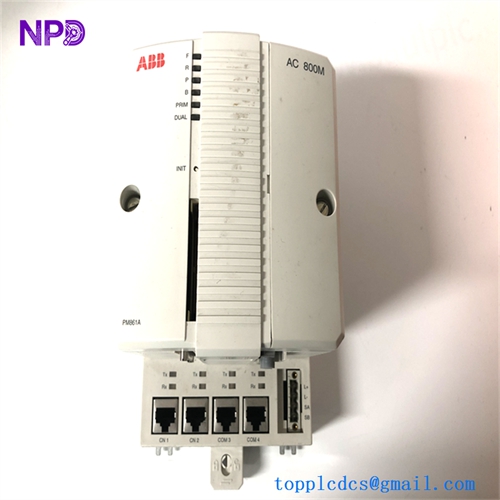
- Retrofit Bridge Support Acting as the communication link while plants slowly migrate from Procontic T200 to AC800M systems.
Case Study: The “Blind” Expansion Rack
Background: A chemical processing plant in Europe relied on a Procontic T200 for their tank farm monitoring. The system utilized three expansion racks located in different marshalling cabinets.
Problem: Rack #3 suddenly went “dark.” The main CPU was running, but all inputs from the tank farm showed zero. The on-site tech noticed the “Error” LED on the DT680E interface module was solid red. They attempted a power cycle, but the module failed to initialize.
Solution: Because this is a legacy part with zero lead-time support from the OEM, we provided a fully tested “New Surplus” DT680E (GJR2923100R1) from our emergency stock.
Result: – Restoration: The expansion bus was restored within 24 hours of the part arriving.
- Data Integrity: No program changes were needed; the replacement was a transparent swap.
- Maintenance Strategy: The client subsequently ordered a second unit as a “cold spare” to prevent another 48-hour outage.
Compatible Replacement Models
The Procontic T200 series has several “DT” series modules. You must be precise with the suffix (B-E) and the GJR number to ensure the bus timing matches your backplane.
| Original Model | Replacement Model | Compatibility | Note |
|---|---|---|---|
| DT680E | GJR2923100R1 | ✅ Exact Match | The standard replacement for this P/N. |
| DT680B-E | DT680E | ✅ Direct | Often used interchangeably in ABB documentation. |
| DT681 | None | ❌ Incompatible | Different bus protocol/speed. |
Technical Note: If your current module has a different “R” suffix (e.g., R001 vs R1), contact us. Usually, a higher “R” value is backward compatible, but timing sensitive bus modules can be finicky.
Troubleshooting Quick Reference
| Symptom | Possible Cause | Relation | Quick Check | Action |
|---|---|---|---|---|
| “Error” LED Solid Red | Internal Logic Fault | ✅ High | Remove module and inspect backplane pins for debris. | If error persists on a clean rack, replace DT680E. |
| All Expansion I/O Frozen | Bus Cable Failure | ⚠️ Med | Check the continuity of the cable connecting the racks. | Replace expansion cable before the module. |
| “Power” LED Off | Backplane Power Issue | ❌ Low | Check if other modules in the same rack are powered. | Check the Rack Power Supply module. |
| Intermittent I/O Drops | Terminal Corrosion | ⚠️ Med | Inspect front-end connectors for oxidation. |