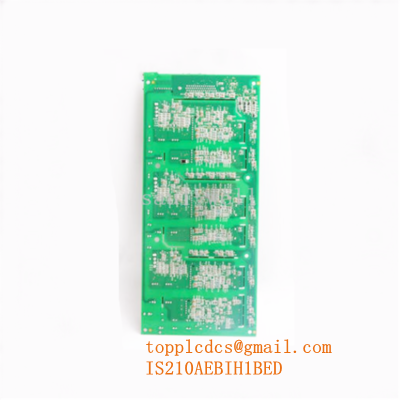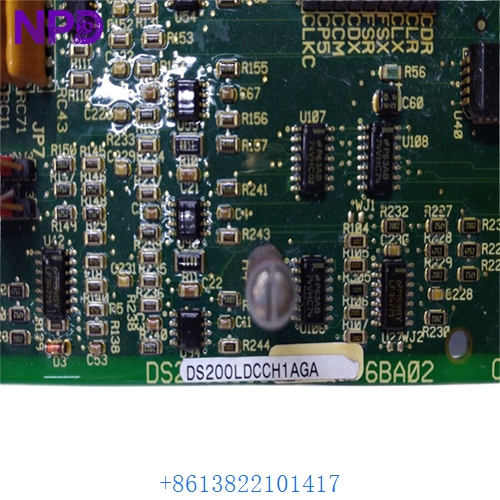

Description
- Model: GE DS200LDCCH1AGA
- Brand: General Electric (GE)
- Series: Mark V / DirectConnect / Speed Variator Series
- Core Function: Primary drive control and LAN communications interface
- Product Type: Drive Control Board (LDCCH1)
- Key Specs: Dual microprocessor design Supports ARCNET/DLAN protocols Isolated I/O
- Microprocessors: 80196 (Motor Control) and 80C186 (LAN/Application)
- Communication Protocols: ARCNET, DLAN (Drive Local Area Network)
- Onboard RAM: 128 KB (Static)
- Flash EPROM: Supports firmware updates via chip swap
- Input Power: Supplied via backplane/adjacent power board
- Digital Inputs: Optically isolated for noise immunity
- Status Display: 7-segment LED for diagnostic error codes
- Dimensions: Standard GE Mark V Large Format Board
- Operating Temperature: 0 to 55 °C (32 to 131 °F)
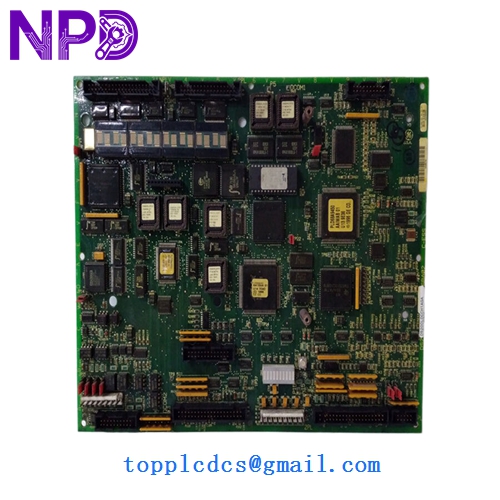
GE DS200LDCCH1AGA
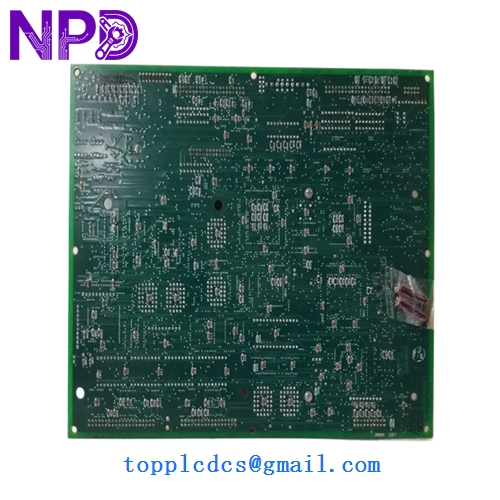
GE DS200LDCCH1AGA
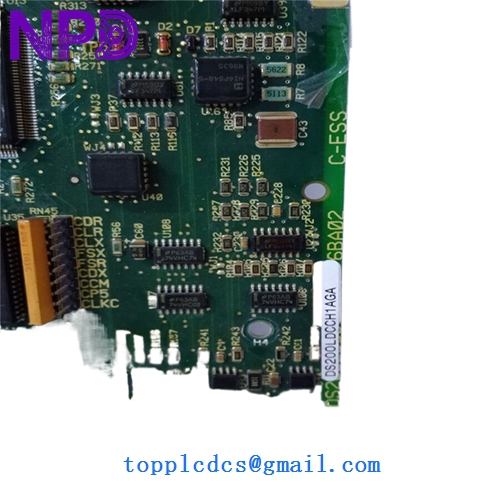
GE DS200LDCCH1AGA
Application Scenarios & Pain Points
In large-scale industrial drives, specifically within the GE Mark V or DirectConnect ecosystems, the drive control board is the “brain.” When an DS200LDCCH1AGA fails, the drive loses its ability to communicate with the rest of the control network. I’ve seen cases where a simple communication timeout on this board leads to a complete turbine trip or a rolling mill shutdown. Finding a replacement with the exact “AGA” revision is often the bottleneck that keeps a plant offline for weeks.
Typical Application Scenarios:
- Gas & Steam Turbine Control (Mark V) Acts as the interface between the control system and the motor drive, ensuring precise speed and torque regulation.
- Metals & Mining – Heavy Duty Drives Used in large DC motor drives for rolling mills or conveyors where synchronized communication is critical.
- Paper & Pulp – Sectional Drives Manages the complex speed-matching protocols between different sections of the paper machine.
- Oil & Gas – Compressor Drives Ensures reliable operation in harsh electrical environments with high EMI (Electromagnetic Interference).
Case Study: The “Communication Ghost” at a Steel Mill
Background: A major steel manufacturer in the Midwest reported intermittent “LAN Loss” alarms on their main DC drive lineup. The system would run fine for hours, then suddenly drop the entire ARCNET segment.
Problem: The on-site team swapped cables and terminators, but the issue persisted. They suspected the DS200LDCCH1AGA board, but the manufacturer cited a 12-week lead time for a new unit. Meanwhile, every hour of downtime cost them roughly $15,000 in lost production.
Solution: We provided a tested “New Surplus” board with the exact AGA revision. Before shipping, we verified the firmware version matched their existing system. The board arrived in 48 hours.
Result: – Downtime avoided: Saved over 10 weeks of waiting.
- Root Cause: The old board had a failing LAN transceiver chip that only glitched when it reached a specific thermal threshold.
- Client Insight: “We now keep at least one LDCCH board on the shelf for every five drives in operation.”
Compatible Replacement Models
When sourcing these, you have to be careful with the revision suffixes (the “AGA” part). GE boards use a “backward compatible” logic, but it’s not always seamless.
| Original Model | Replacement Model | Compatibility | Main Difference | Change Required | Cost Impact |
|---|---|---|---|---|---|
| DS200LDCCH1A | DS200LDCCH1AGA | ✅ Drop-in | AGA is the later, more stable revision. | None (check jumpers) | Base |
| DS200LDCCH1AGA | DS200LDCCH1BAA | ⚠️ Software | BAA revision often requires firmware chip swap. | Swap EPROMs from old board | +10% |
| DS200LDCCH1AGA | DS215LDCCH1… | ❌ Incompatible | Next-gen board for Mark VI systems. | Different form factor/wiring | +200% |
Pro Tip: If you can’t find an “AGA,” you can often use an “A” version, but you must move the BIOS/Firmware chips (U1, U2, etc.) from your failed board to the new one to ensure the drive parameters remain intact.
Troubleshooting Quick Reference
| Symptom | Possible Cause | Relation | Quick Check | Action |
|---|---|---|---|---|
| 7-Segment Display is Dark | Power Supply failure | ❌ Low | Check 5V/15V test points on the board. | Check the power distribution board first. |
| “LAN Link Lost” Alarm | Faulty LAN Transceiver | ✅ High | Swap ARCNET cables with a known working drive. | If fault stays with the drive, replace the LDCCH board. |
| CPU Red LED Steady | Watchdog Timeout | ✅ High | Cycle power; if it remains red, the board is bricked. | Replace board immediately. |
| Drive Intermittent Trip | Jumper Mismatch | ⚠️ Med | Compare Jumper (JP) settings with the old board. | Photograph old board! Copy JP positions exactly. |
Common Pitfall: The “Jumper Trap”
I can’t tell you how many times I’ve been called to a site because a “new” board didn’t work, only to find the engineer forgot to move the jumpers. These boards have dozens of JP headers (JP1, JP2, etc.) that define hardware addresses and signal levels. Take a high-res photo of your old board before you pull it out. If those jumpers aren’t identical on the new board, the drive won’t talk to the PLC.
Handling & ESD
These Mark V boards are notoriously sensitive to static. I’ve seen a $2,500 board ruined just because someone touched the connector pins in a dry room without a strap. ❗ Always use an ESD wrist strap when swapping the EPROM chips.